Tuesday, August 11GNOME IT SOLUTIONS LLC

Tag: file sync

How to Use rsync for Backups on Linux Servers

How to Use rsync for Backups on Linux Servers

Linux
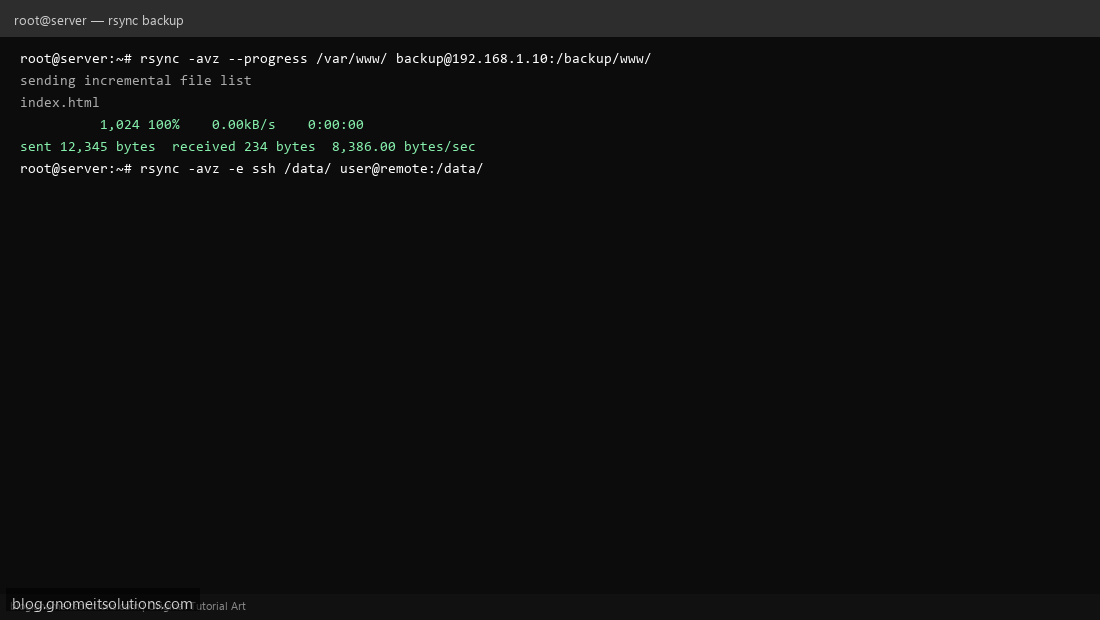
Use rsync on Linux for fast, incremental backups and file synchronization. Step 1: Basic Local Sync Sync a directory locally: rsync -av /source/ /destination/ Step 1: Basic Local Sync Step 2: Remote Backup over SSH Backup to remote server: rsync -avz -e ssh /data/ user@remote:/backup/ Step 2: Remote Backup over SSH Step 3: Automate with Cron Add rsync to crontab for scheduled daily backups. Step 3: Automate with Cron rsync -avz --delete --progress /var/www/ backup:/var/backups/www/ Terminal screenshots are original illustrations created for Gnome IT Solutions (blog.gnomeitsolutions.com).