Install Proxmox VE from Scratch on Bare Metal (Complete Guide)
This complete guide shows how to install Proxmox VE from scratch on bare metal hardware. Follow each step below with the official Proxmox installer screens.
What You Need Before Starting
64-bit server with Intel VT-x or AMD-V enabled
8 GB+ RAM (16 GB+ recommended)
Proxmox VE ISO from proxmox.com/downloads
USB flash drive (8 GB+) — create boot media with Rufus or balenaEtcher
Network cable connected to your management LAN
Prepare Bootable USB Media
Download the latest Proxmox VE ISO, flash it to USB, and boot your server from the USB drive. Enable USB boot in BIOS/UEFI if needed.
# Linux example
sudo dd if=proxmox-ve_*.iso of=/dev/sdX bs=1M status=progress
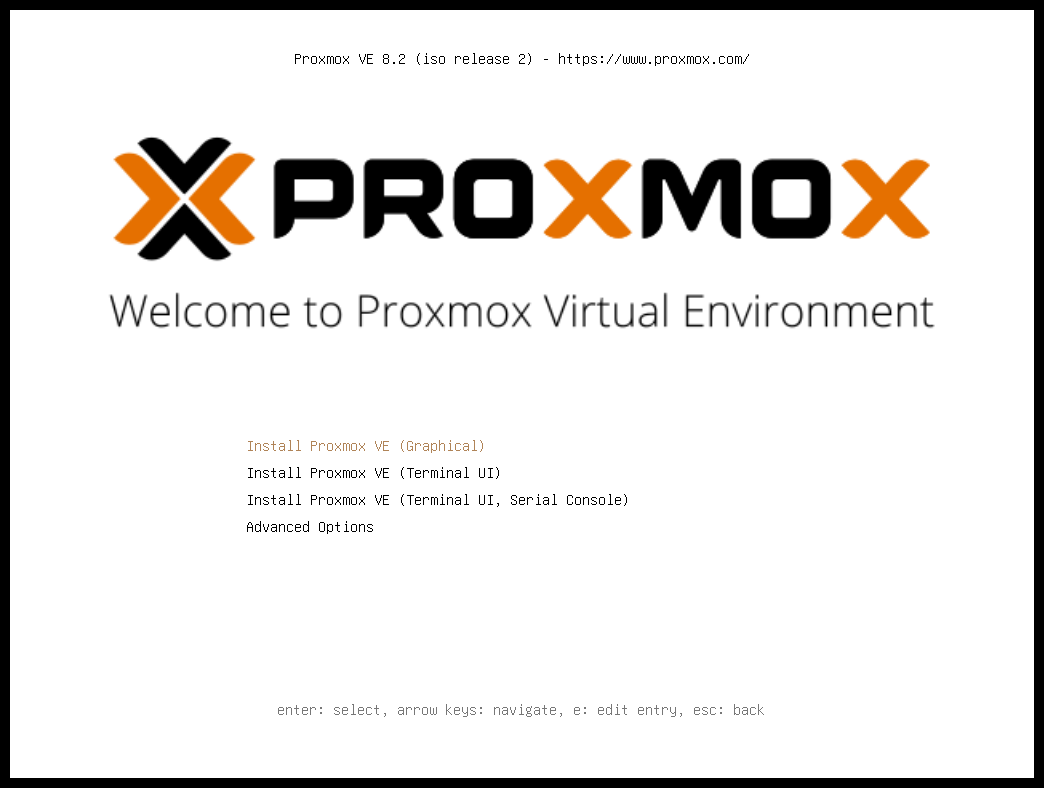
Step 1: Boot from USB and Select Graphical Install
Insert your Proxmox VE USB installer and boot the server. Select Inst...