Tuesday, August 11GNOME IT SOLUTIONS LLC

Tag: scheduled tasks

Cron Jobs in Linux: Schedule Tasks with crontab

Cron Jobs in Linux: Schedule Tasks with crontab

Linux
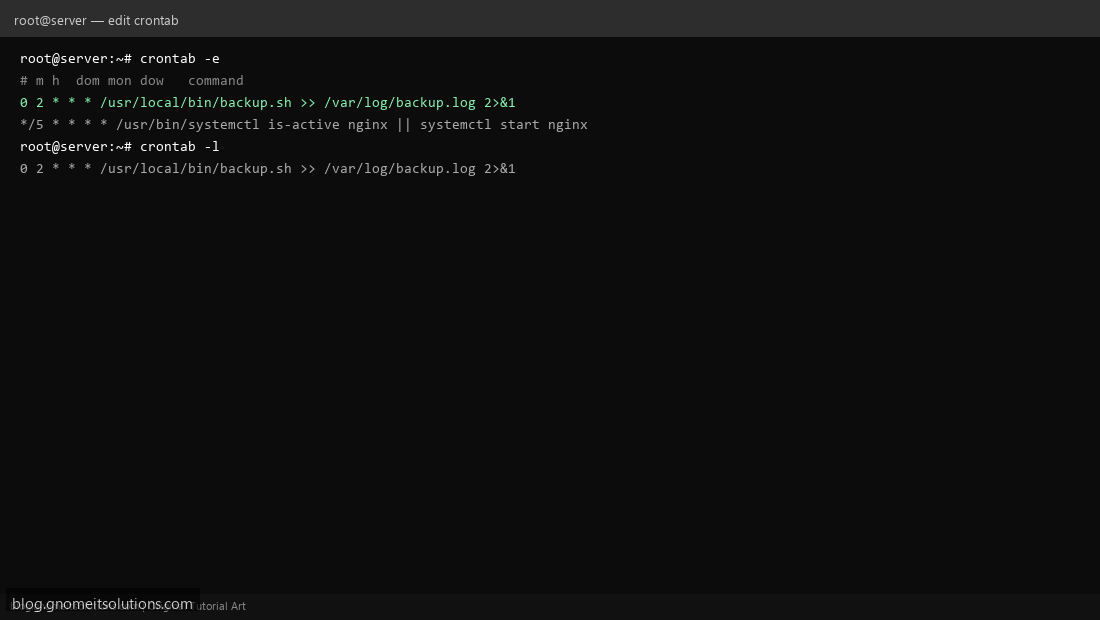
Automate repetitive tasks with crontab on Linux — backups, monitoring, and maintenance scripts. Step 1: Edit Crontab Run crontab -e to open the cron editor for the current user. Step 1: Edit Crontab Step 2: Understand Cron Syntax Format: minute hour day month weekday command. Example: 0 2 * * * = daily at 2 AM. Step 2: Understand Cron Syntax Step 3: List and Verify Cron Jobs Use crontab -l to list active jobs. Check logs at /var/log/syslog. Step 3: List and Verify Cron Jobs # Every 5 minutes */5 * * * * /path/to/script.sh Terminal screenshots are original illustrations created for Gnome IT Solutions (blog.gnomeitsolutions.com).