Tuesday, August 11GNOME IT SOLUTIONS LLC

Tag: server hardening

Install and Configure Fail2ban on Linux (SSH Protection)

Install and Configure Fail2ban on Linux (SSH Protection)

Linux
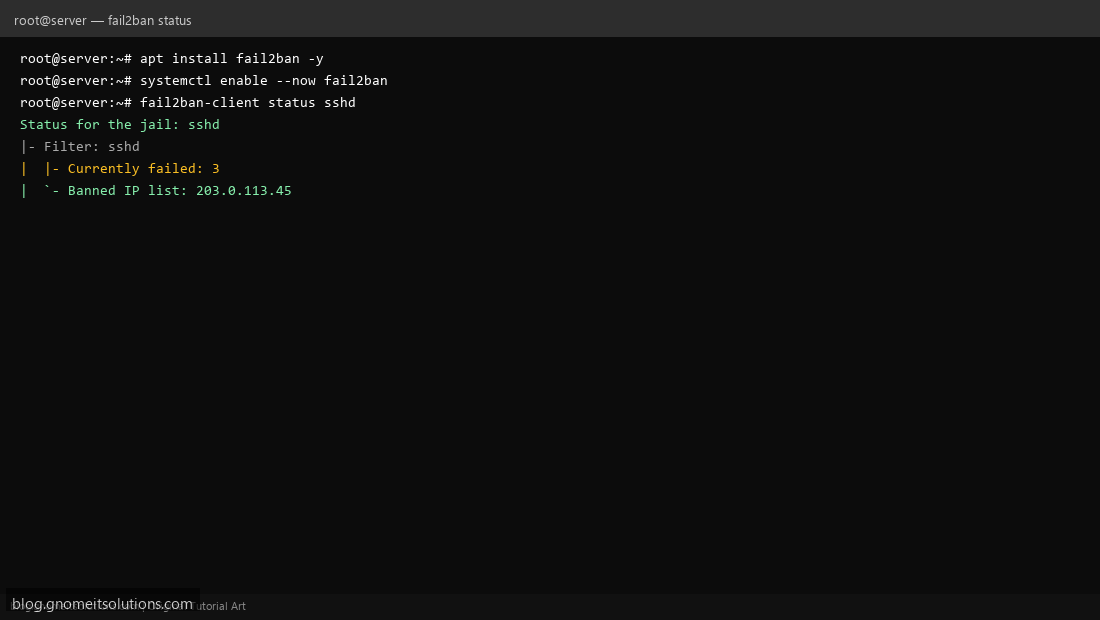
Protect your Linux server with Fail2ban — automatically ban IPs after failed login attempts. Step 1: Install Fail2ban Install with apt install fail2ban (Debian/Ubuntu) or dnf install fail2ban (RHEL/AlmaLinux). Step 1: Install Fail2ban Step 2: Enable and Start the Service Run systemctl enable --now fail2ban to start Fail2ban on boot. Step 2: Enable and Start the Service Step 3: Check Banned IPs Use fail2ban-client status sshd to view the SSH jail and banned IP addresses. Step 3: Check Banned IPs # /etc/fail2ban/jail.local [sshd] enabled = true maxretry = 3 bantime = 3600 Terminal screenshots are original illustrations created for Gnome IT Solutions (blog.gnomeitsolutions.com).