Monday, August 10GNOME IT SOLUTIONS LLC

Tag: vm backup

Proxmox VM Snapshots: How to Create, Restore, and Rollback

Proxmox VM Snapshots: How to Create, Restore, and Rollback

Proxmox
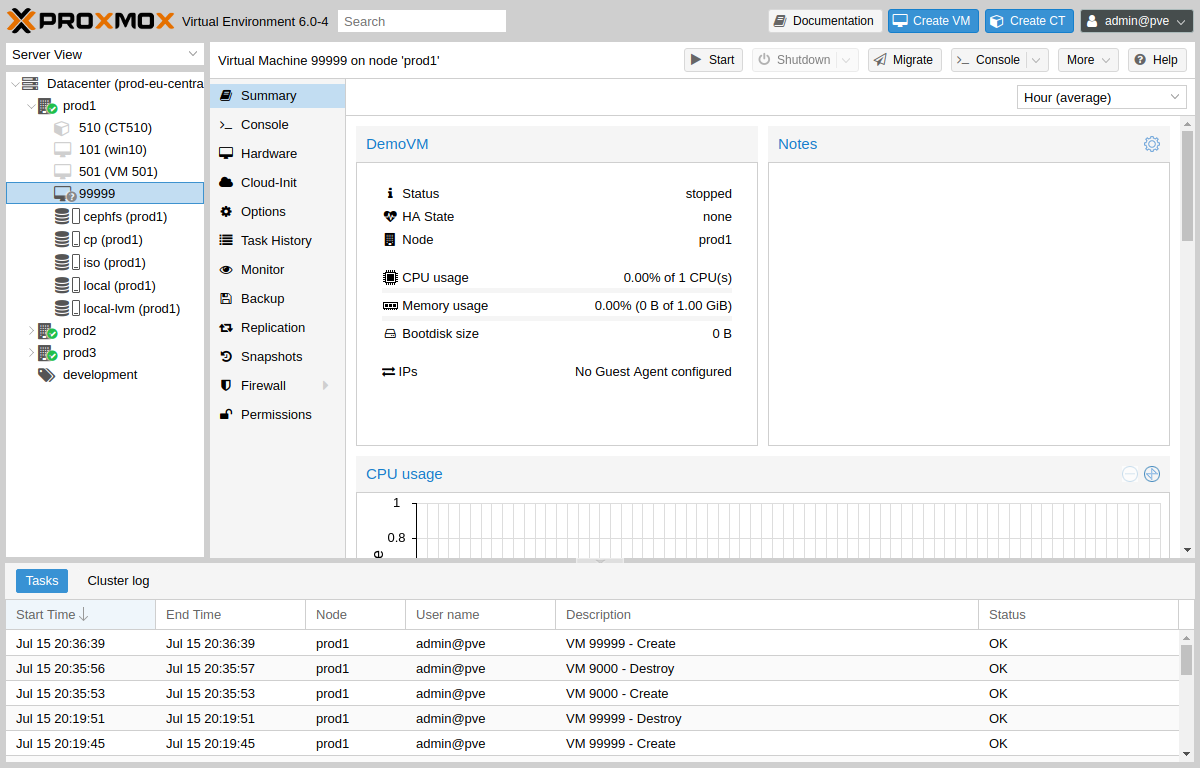
Proxmox snapshots capture VM state for quick rollback. This Proxmox snapshot tutorial covers the GUI workflow and CLI commands. When to Use Snapshots Before OS or package updatesBefore risky configuration changesDuring lab testing (not long-term on production) Step 1: Select Your Virtual Machine In the Proxmox tree, click your VM. Use the Snapshots tab (next to Summary, Console, Hardware). Select VM in Proxmox GUI Step 2: Review VM Hardware Before Snapshot Confirm disk and network settings in the Hardware tab before taking a snapshot. VM Hardware configuration Step 3: Use Backup for Full Protection For disaster recovery, combine snapshots with scheduled backups configured in Datacenter → Backup. Scheduled backup jobs (recommended with snapshots) Take and Rollback Snapshots (GUI) VM ...