
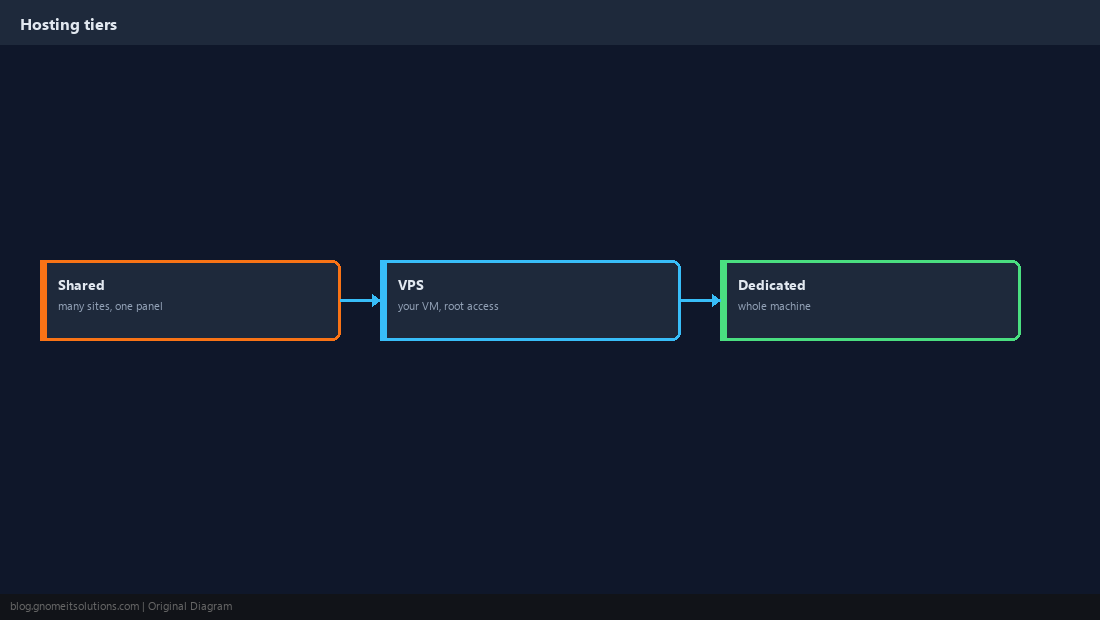
Marketing pages blur these terms. In practice: shared hosting packs many customers on one managed server;
a VPS is your own virtual machine with root; a dedicated server is hardware (or single-tenant metal) reserved for you.
Panel economics matter — read cPanel vs Plesk and
why two apps often cannot share one cheap plan.
Three Tiers, Three Trust Boundaries
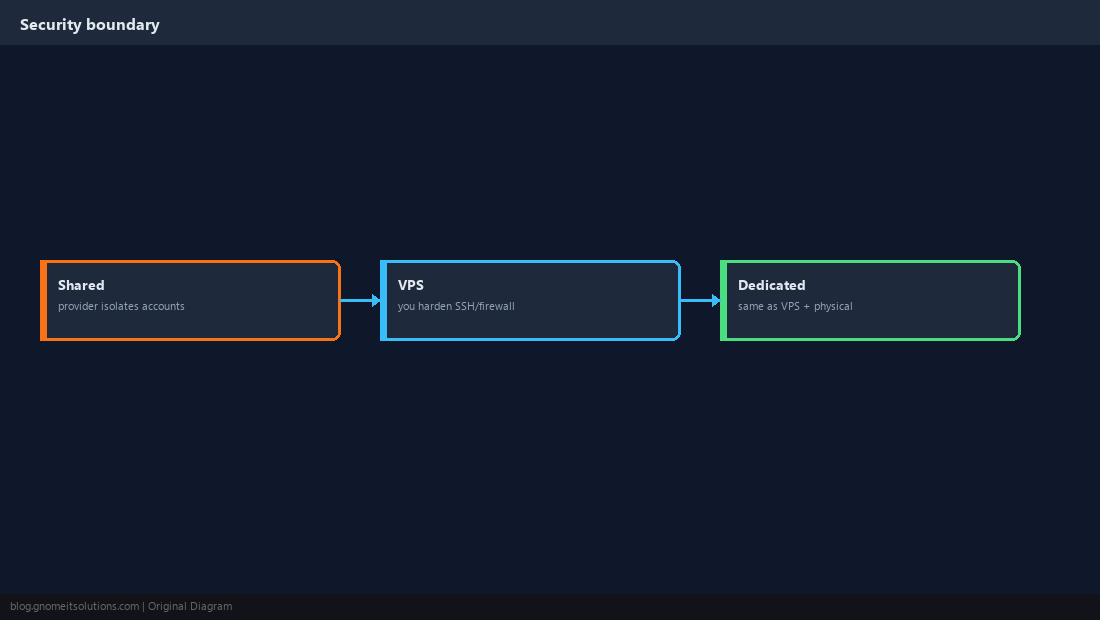
On shared hosting the provider isolates accounts. On VPS/dedicated, you are responsible for OS patching, SSH hardening, and firewall rules unless you buy managed services.
Shared Hosting
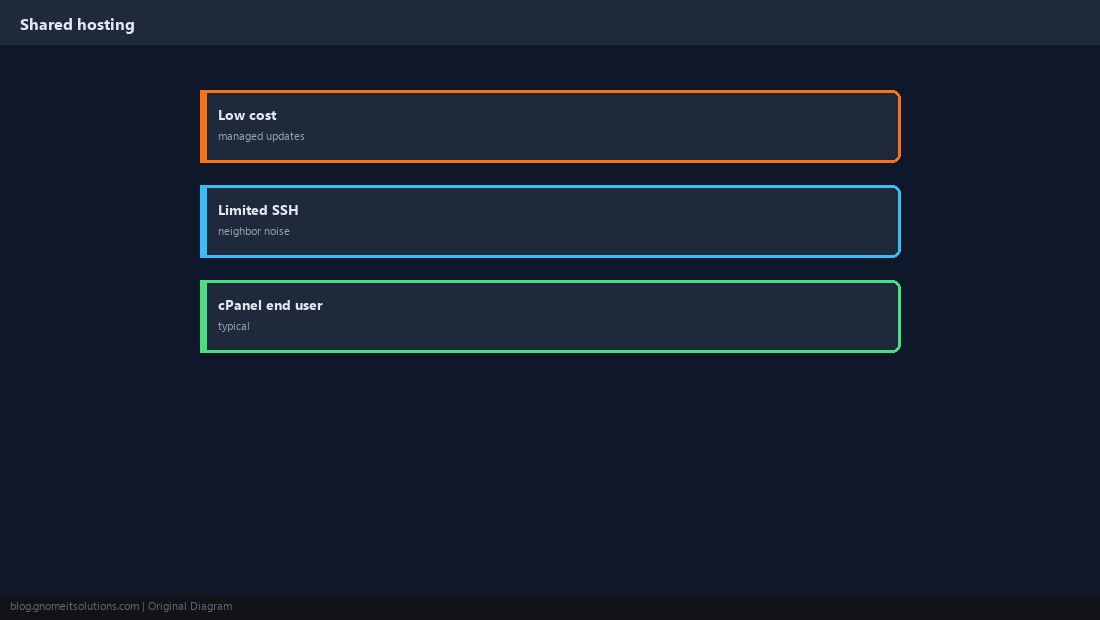
Lowest cost, cPanel-style UX, email and DNS bundled. Limited or no root SSH. Best for small WordPress blogs and brochures when traffic is modest.
VPS (Virtual Private Server)
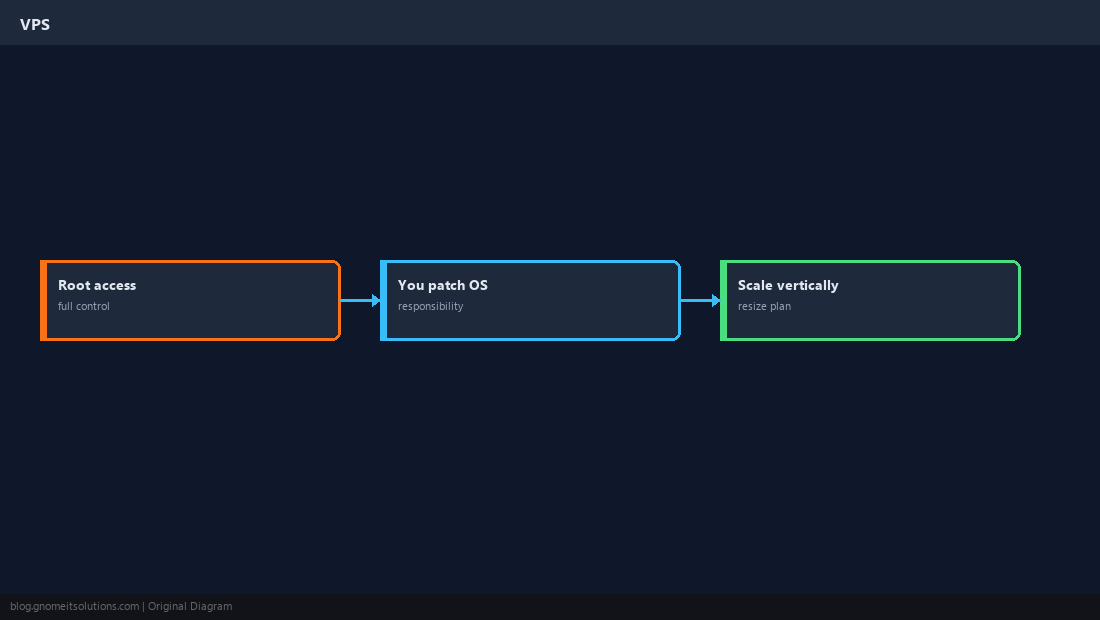
Root access, your choice of OS stack (Nginx, Docker, panels). You patch kernels and open ports. Scale CPU/RAM by resizing the plan.
Dedicated Server
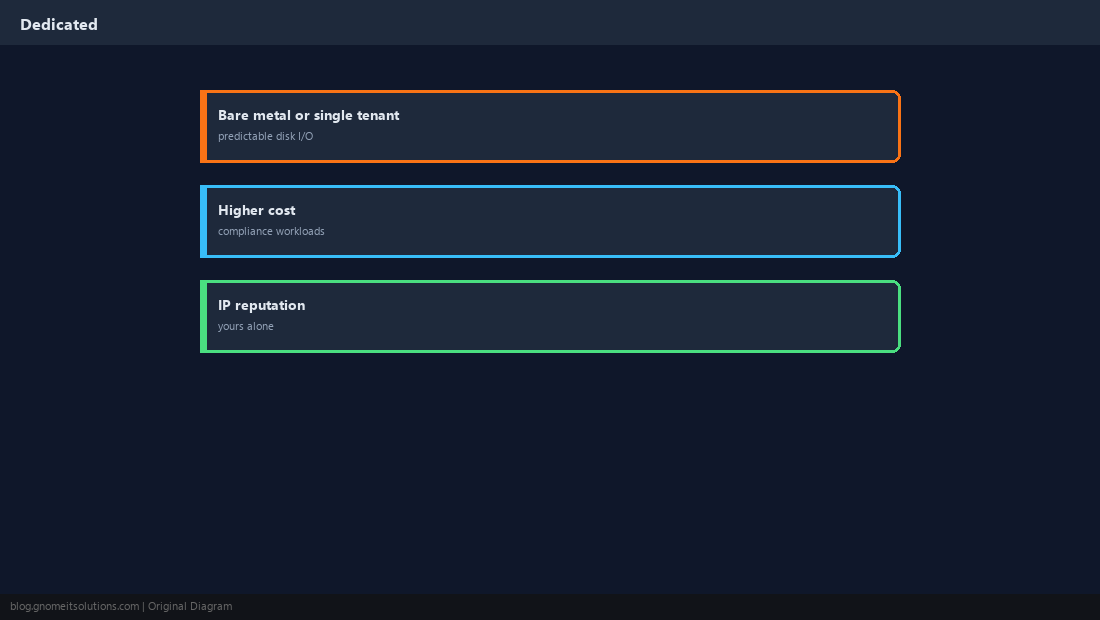
Predictable disk I/O, your IPs, compliance-friendly. Higher monthly cost. Still your job to secure unless managed.
True Cost
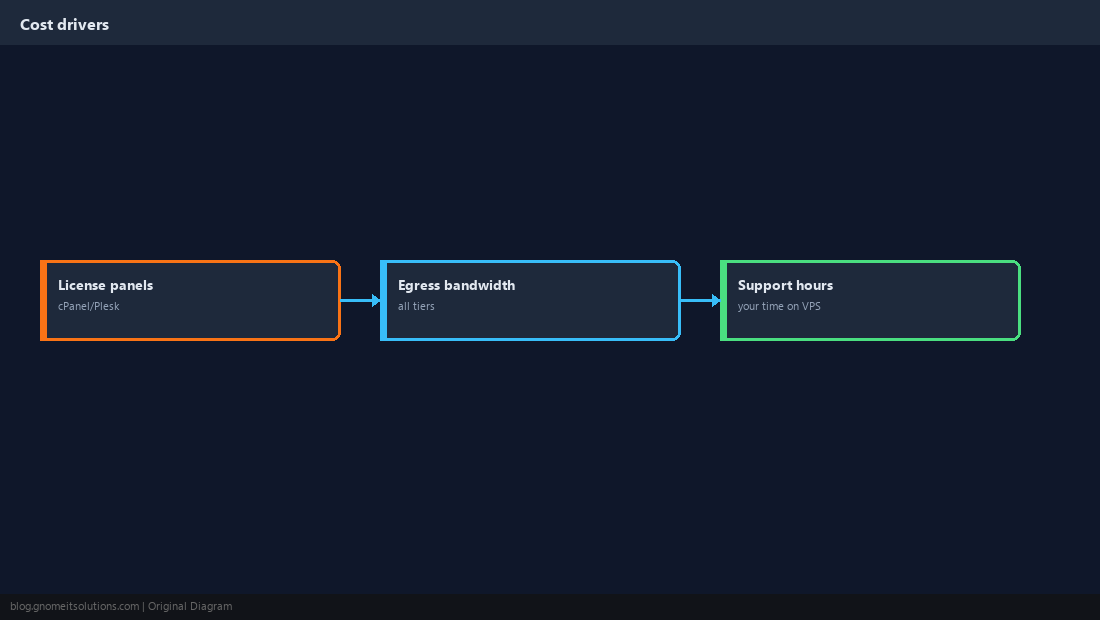
Include panel licenses, backup storage, egress bandwidth, and your admin time. A cheap VPS plus unpaid labor is not cheap.
Security Expectations
Shared: trust provider isolation. VPS/dedicated: follow SSH keys, firewall, and updates.
Who Should Buy What
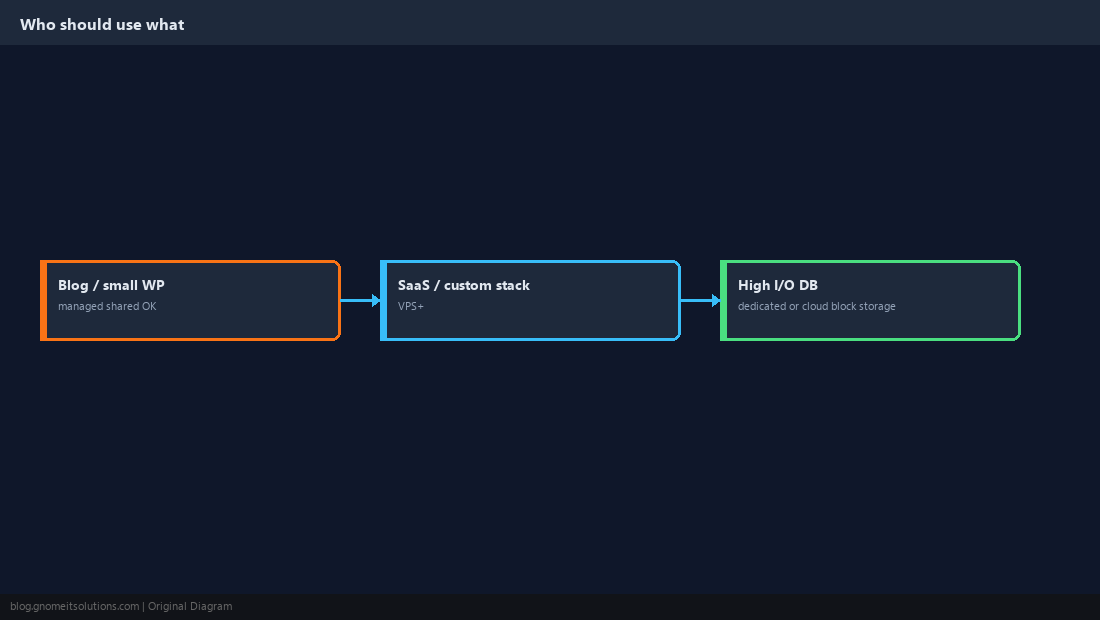
Personal blog → managed shared. Custom API, telephony, or Docker → VPS+. Heavy database I/O or compliance → dedicated or cloud with provisioned IOPS.
Quick Reference
| Shared | VPS | Dedicated | |
|---|---|---|---|
| Root access | Rarely | Yes | Yes |
| Cost entry | Lowest | Medium | Highest |
| Noisy neighbor risk | Higher | Medium (hypervisor) | Lower |
| Best for | Small sites, email included | Custom stacks, SaaS, learning | High I/O, compliance, many cores |
Related tutorials
Diagrams are original illustrations by Gnome IT Solutions. Tutorial text © Gnome IT Solutions.