The at command on Linux runs a job once at a future time — ideal for delayed reboots, certificate rotations, or migration cutovers. Use cron when the task repeats.
Install and enable atd
Debian/Ubuntu: at; ensure atd is running.
bashinstall
sudo apt install -y at
sudo systemctl enable --now atd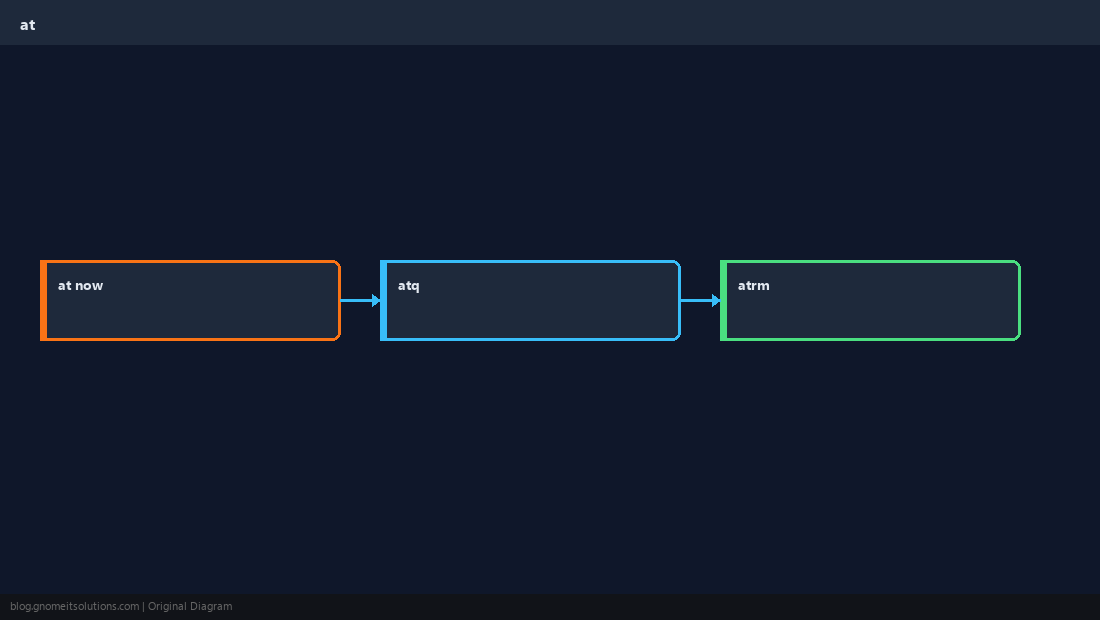
Schedule a job
Pipe a script or heredoc into at with a time expression.
bashschedule
echo '/usr/local/bin/backup.sh' | at 02:30 tomorrow
atqList and remove
atq shows queue IDs; atrm cancels before run time.
bashcancel
atq
sudo atrm 3vs cron
at = one shot; cron = recurrence. Document timezone (system local time).
TipCombine with
tee logging: script.sh 2>&1 | tee /var/log/job.log.Quick Reference
- Queue:
at TIME - List:
atq - Cancel:
atrm ID
Related tutorials
Diagrams are original illustrations by Gnome IT Solutions. Tutorial text © Gnome IT Solutions.