GSC shows mount ext4 fstab — usually a new disk or cloud volume that must survive reboot. Pair with mount disk fstab guide and fsck ext4.
UUID lines
Use blkid output — avoid /dev/sdX drift on cloud VMs.
bashblkid
sudo blkid /dev/sdb1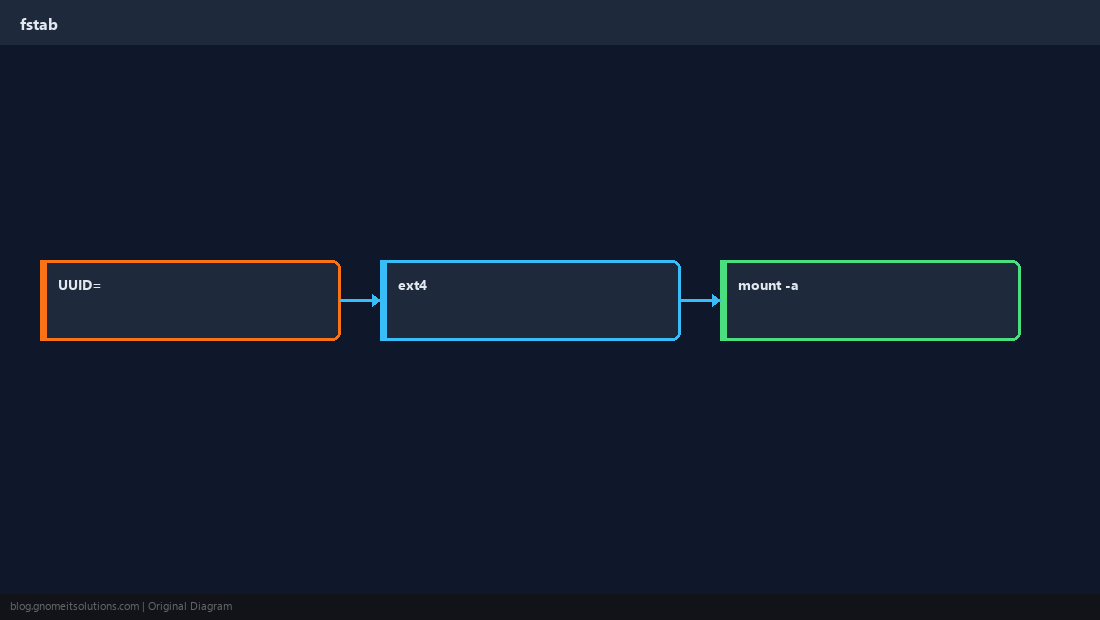
Example ext4 entry
defaults plus nofail for optional data volumes on boot.
bashfstab line
UUID=abc-123 /data ext4 defaults,nofail 0 2Test before reboot
mount -a catches typos immediately.
bashtest
sudo mount -a
findmnt /dataOptions
noatime reduces writes; understand nofail vs required root mounts.
WarningPass column
0 0 on btrfs/xfs may differ — match distro docs for root vs data.Quick Reference
- Get UUID:
blkid - Validate:
sudo mount -a - Logs:
journalctl -b | grep mount
Related tutorials
Diagrams are original illustrations by Gnome IT Solutions. Tutorial text © Gnome IT Solutions.