
comm on Linux compares two already-sorted files column by column — faster mental model than diff when you only need “in A only / in B only / in both” for account or package lists.
Three columns
Column 1 = unique to file1, 2 = unique to file2, 3 = common lines.
bashcomm
sort a.txt > A; sort b.txt > B; comm A B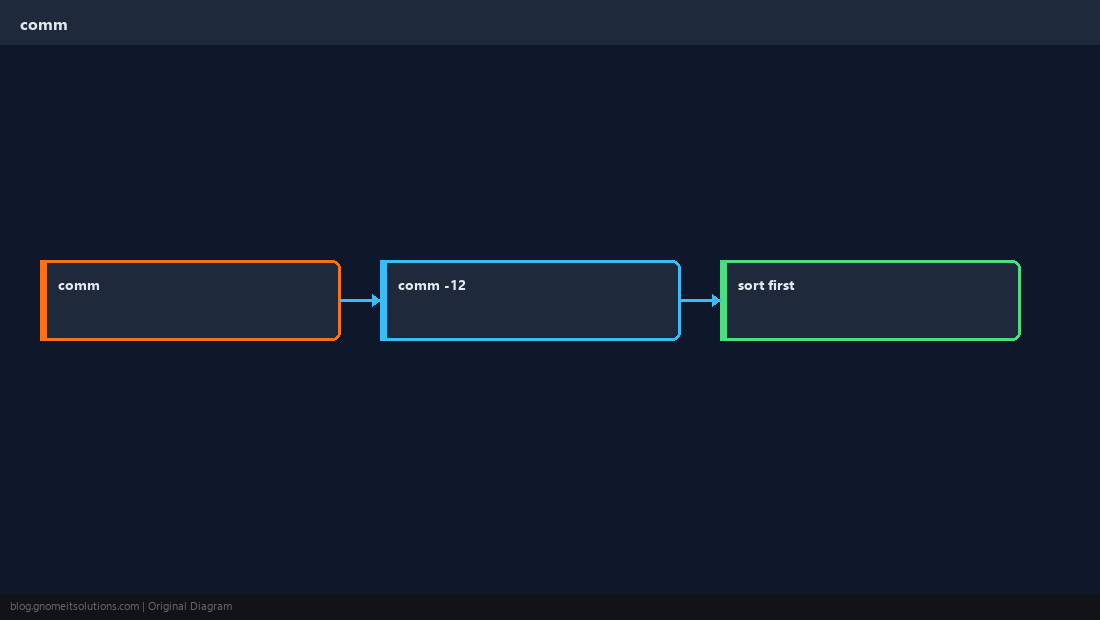
Suppress columns
-1 -2 -3 hide columns you do not need.
bashcommon only
comm -12 A BUnique to first file
comm -23 drops column 2 and 3 — lines only in file1.
bashonly in A
comm -23 A BMust sort first
Unsorted input gives nonsense — always sort or sort -u beforehand.
TipFor unsorted keys with fields, use
join after sorting on the key column instead.Quick Reference
- All:
comm file1 file2(sorted) - Common:
comm -12 f1 f2 - Only file1:
comm -23 f1 f2
Related tutorials
Diagrams are original illustrations by Gnome IT Solutions. Tutorial text © Gnome IT Solutions.