
uniq on Linux only removes adjacent duplicate lines — so nearly every guide pairs it with sort first. The -c prefix count is the classic “top IP addresses” pattern for web logs.
See: sort,
cut,
nginx log analyzer.
Requires sorted input
Duplicate lines must be consecutive — run sort before uniq.
bashcount
sort access.log | uniq -c | sort -nr | head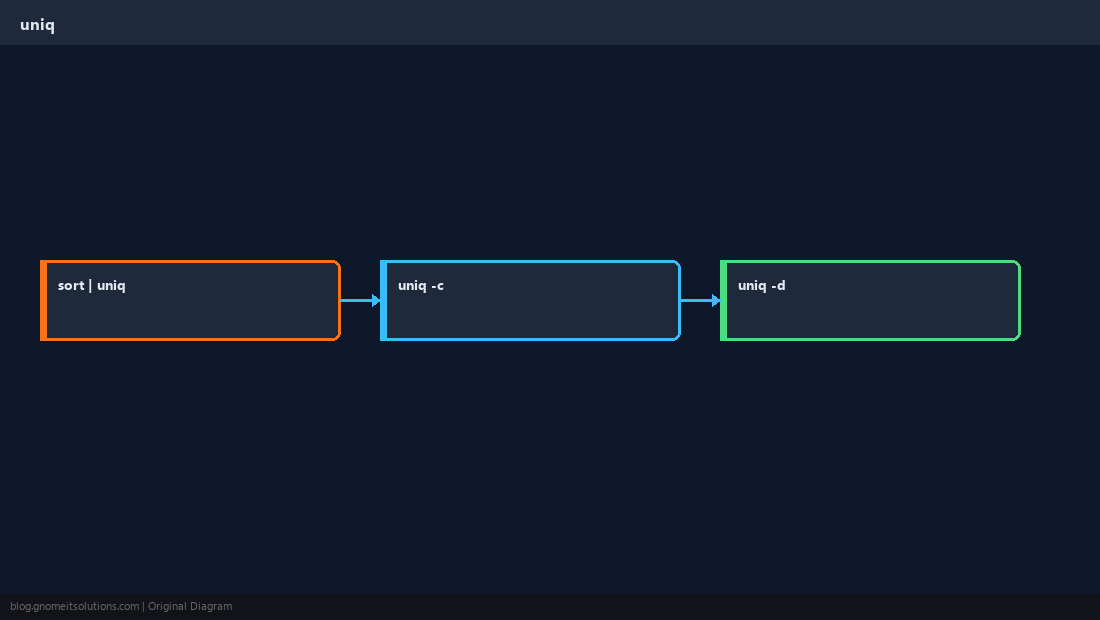
Count occurrences
-c prefixes each line with a right-justified count.
baships
cut -d' ' -f1 access.log | sort | uniq -c | sort -nr | head -20Duplicates only
-d prints one line per duplicated value (after sort).
bashdups
sort users.txt | uniq -dSkip fields
-f N ignores the first N fields when comparing — advanced log keys.
WarningFor case-insensitive uniq, normalize case in
awk or tr before sort.Quick Reference
- Count:
sort f | uniq -c - Top N: add
| sort -nr | head - Always
sortfirst
Related tutorials
Diagrams are original illustrations by Gnome IT Solutions. Tutorial text © Gnome IT Solutions.