
head and tail on Linux: Show First and Last Lines of Files
Use head and tail on Linux: head -n 20 start of logs, tail -n 50 end, head for…
Read tutorial →Browse step-by-step tutorials in this topic.
Use head and tail on Linux: head -n 20 start of logs, tail -n 50 end, head for…
Read tutorial →
Use uniq on Linux after sort: uniq -c count repeats, -d show duplicates only, -u unique lines, skip…
Read tutorial →
Use sort on Linux for text and numbers: sort -n numeric, -k key fields, -r reverse, -u unique,…
Read tutorial →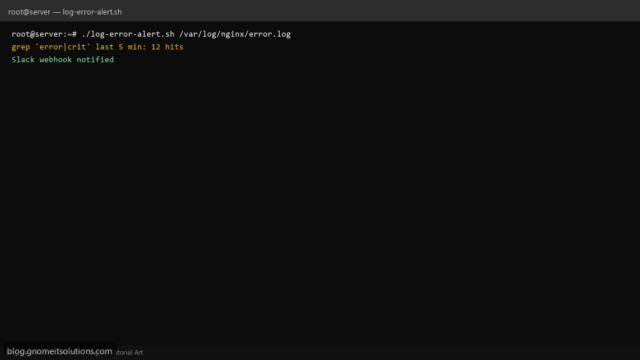
Scan Linux log files for ERROR or CRIT lines with a Bash script: tail window, grep patterns, webhook…
Read tutorial →
Configure logrotate on Linux: /etc/logrotate.conf, per-app files in logrotate.d, daily/weekly rotation, compress, copytruncate, and test with logrotate -d.
Read tutorial →
Use tail -f on Linux to follow log files in real time: -n line count, grep while tailing,…
Read tutorial →
Debug Docker on Linux: docker logs --tail and -f, docker ps -a exit codes, docker exec into containers,…
Read tutorial →
Use awk and sed on Linux to extract columns, filter lines, substitute text, edit files safely, and chain…
Read tutorial →
Use grep on Linux to search files and command output: -i, -r, -n, context lines, extended regex, include/exclude…
Read tutorial →