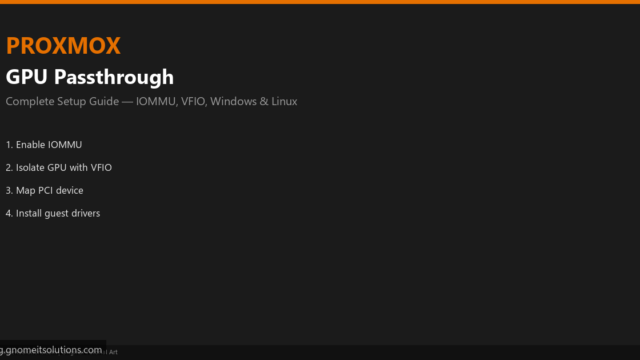
GPU Passthrough on Proxmox: Complete Setup Guide
Complete Proxmox GPU passthrough guide: enable IOMMU, bind vfio-pci, map PCI devices, configure OVMF Windows or Linux VMs,…
Read tutorial →Browse step-by-step tutorials in this topic.
Complete Proxmox GPU passthrough guide: enable IOMMU, bind vfio-pci, map PCI devices, configure OVMF Windows or Linux VMs,…
Read tutorial →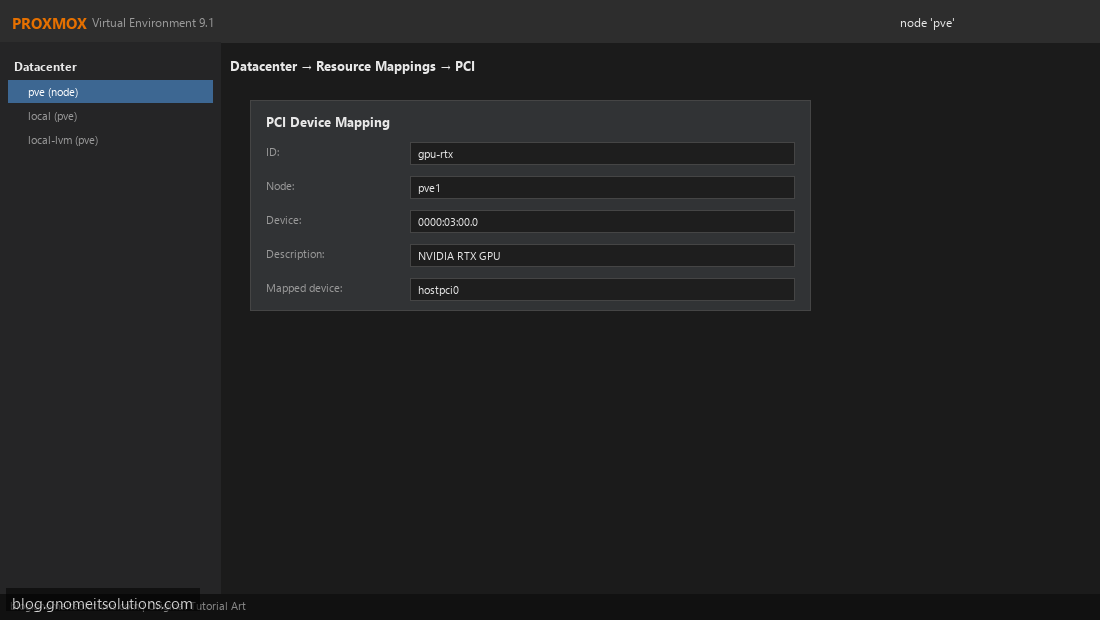
Configure PCI passthrough on Proxmox VE to pass GPU, USB, or other PCIe devices directly to VMs.
Read tutorial →