Monday, August 10GNOME IT SOLUTIONS LLC

Tag: restore backup

How to Restore a Proxmox VM from Backup (NAS / Local Storage)

How to Restore a Proxmox VM from Backup (NAS / Local Storage)

Proxmox
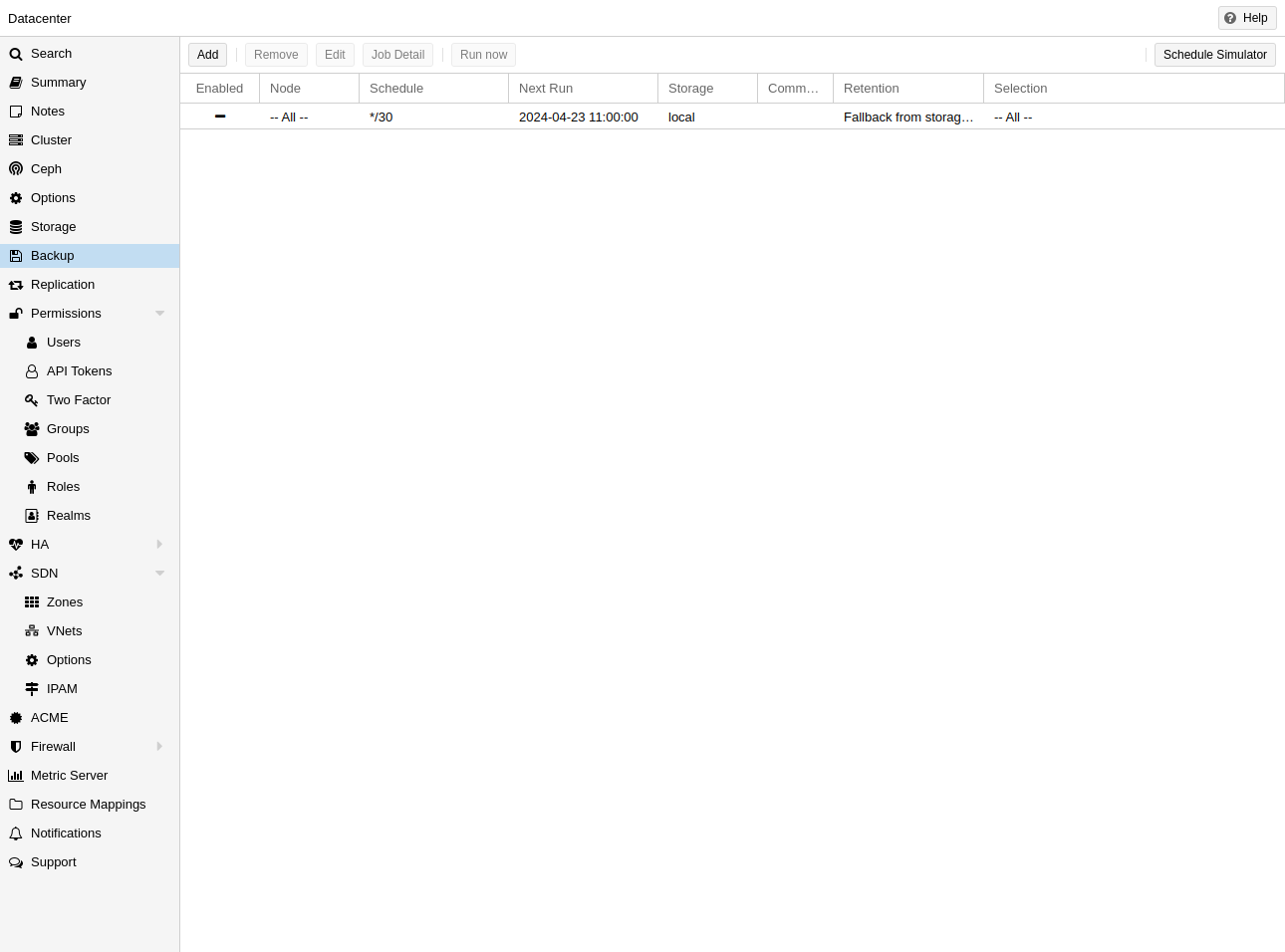
Learn how to restore a Proxmox backup from NAS or local storage using the official Proxmox backup interface. Prerequisites Valid vzdump backup on configured storageFree space on target storage poolSys.Modify permission on Proxmox Step 1: Open Backup Storage Go to Datacenter → Storage or node storage. Select backup storage (NAS, local, PBS). Storage with backup files Step 2: View Scheduled Backup Jobs Review existing backup jobs that created your vzdump files. Backup job overview Step 3: Configure Backup Job Settings Understand backup job options (mode, retention, storage) used for your restore files. Backup job configuration Restore a Backup (GUI) Select backup storage → Backups content Select vzdump file → click Restore Choose target VM ID and storage → confirm CLI Restore qmr...