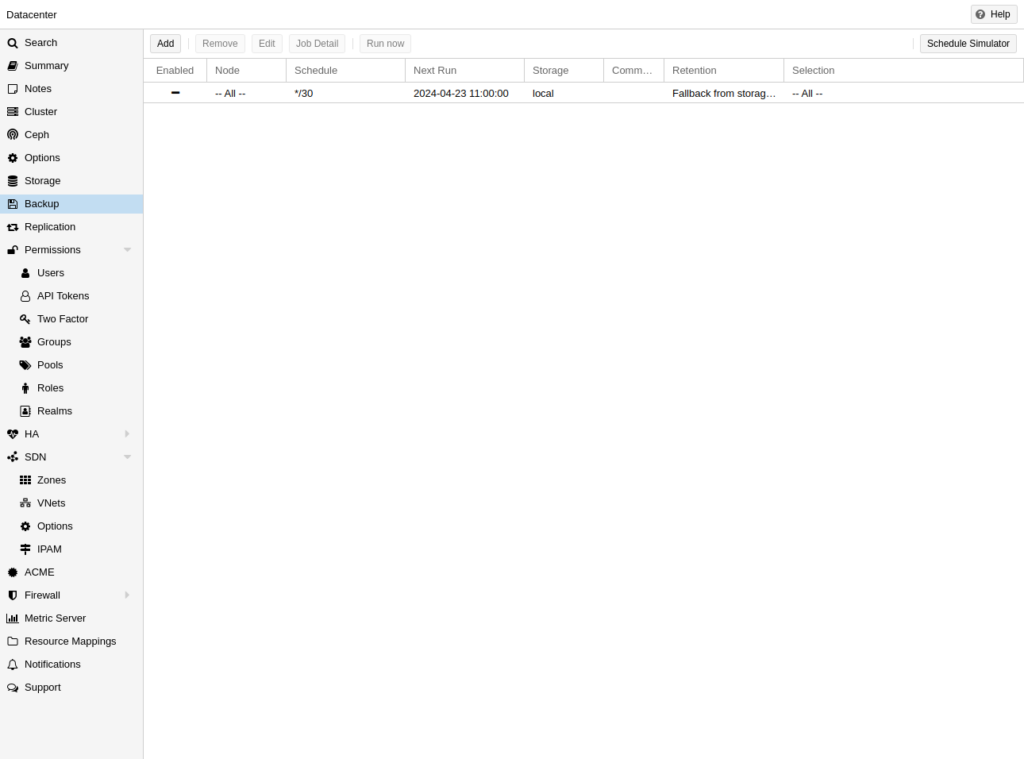
Learn how to restore a Proxmox backup from NAS or local storage using the official Proxmox backup interface.
Prerequisites
- Valid vzdump backup on configured storage
- Free space on target storage pool
- Sys.Modify permission on Proxmox
Step 1: Open Backup Storage
Go to Datacenter → Storage or node storage. Select backup storage (NAS, local, PBS).
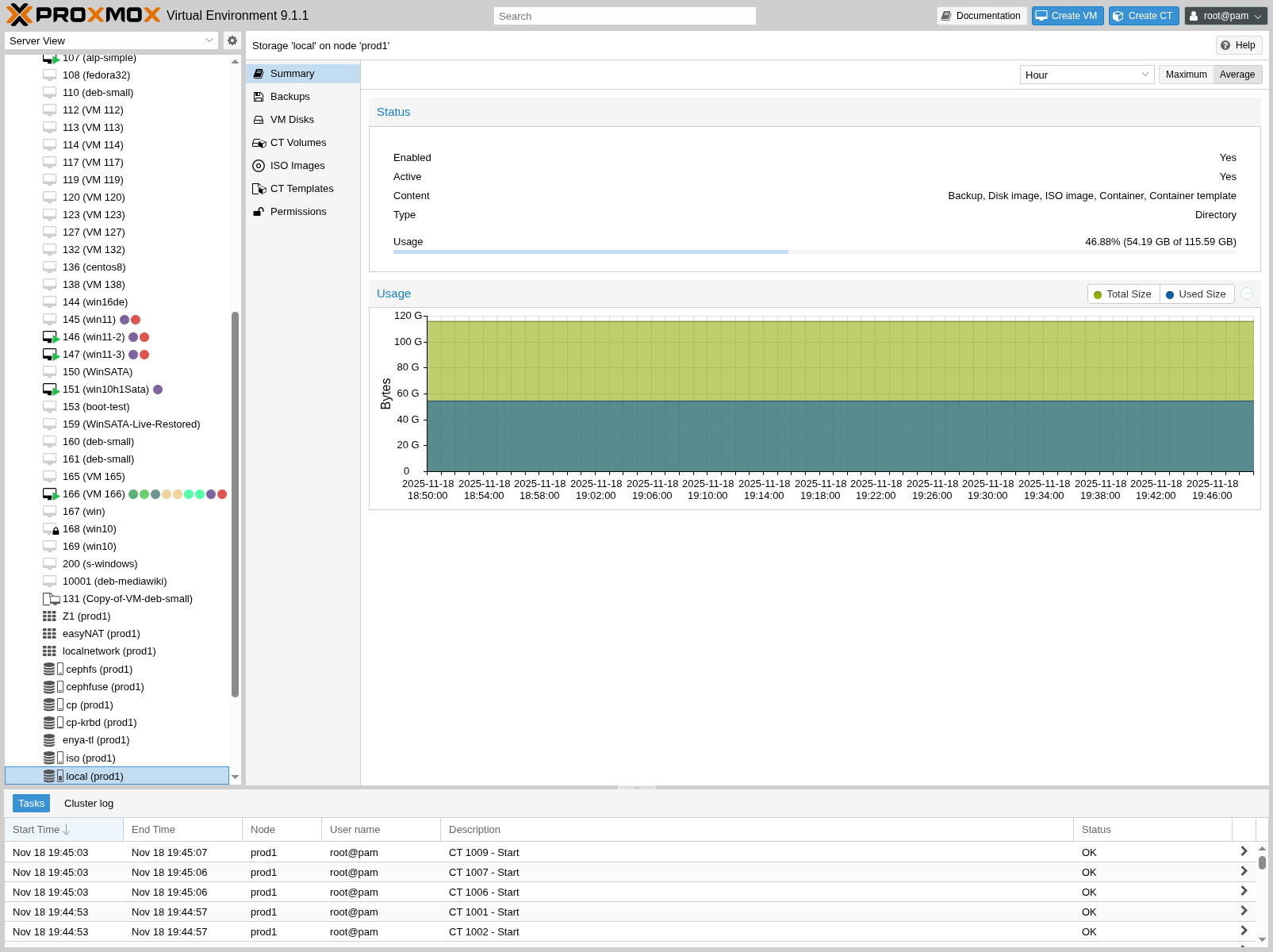
Step 2: View Scheduled Backup Jobs
Review existing backup jobs that created your vzdump files.
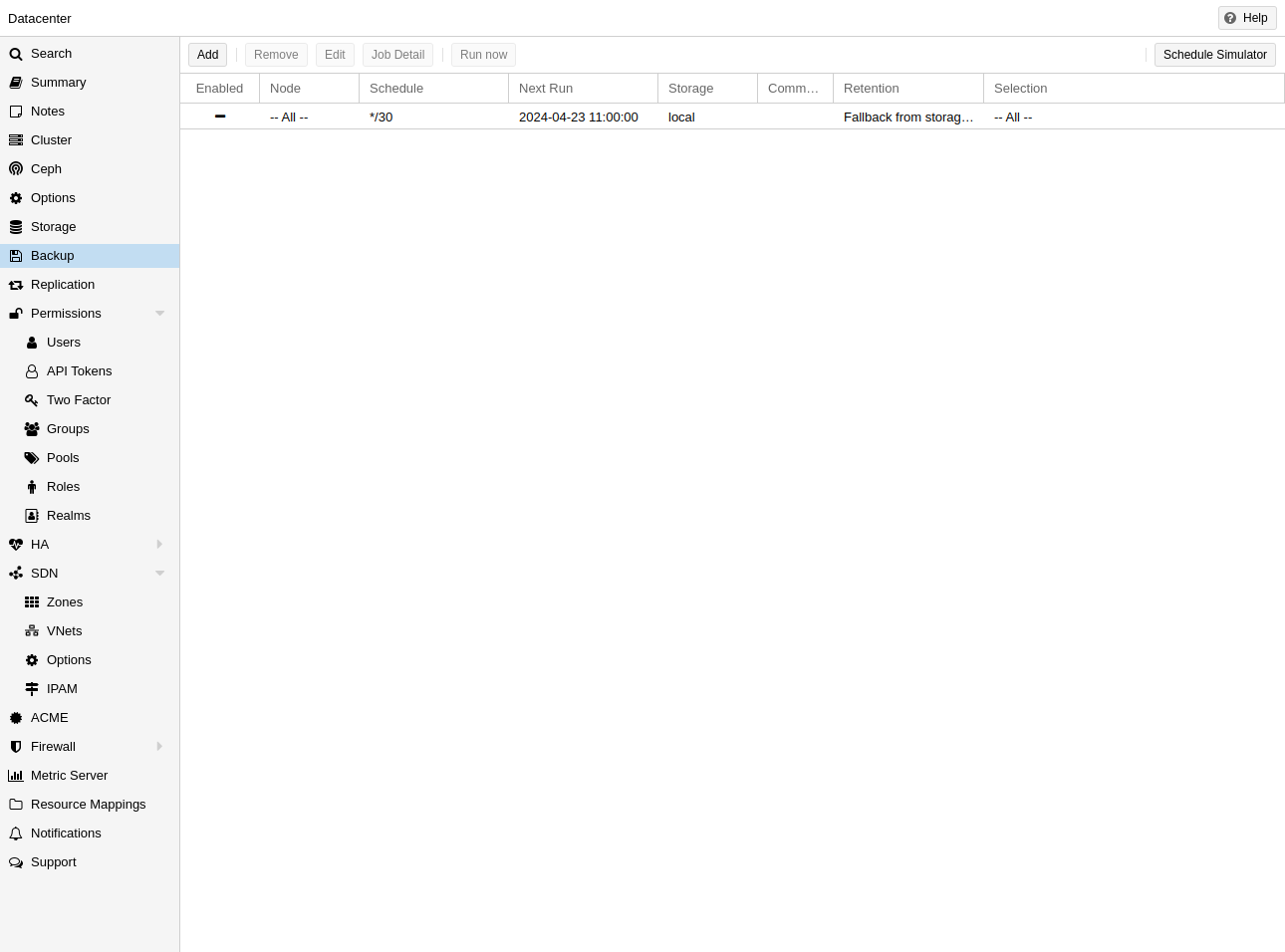
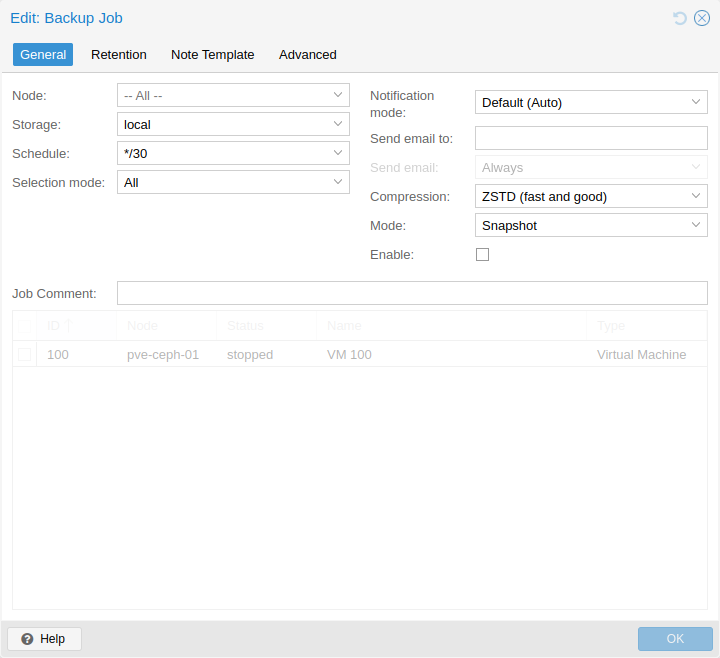
Step 3: Configure Backup Job Settings
Understand backup job options (mode, retention, storage) used for your restore files.
Restore a Backup (GUI)
- Select backup storage → Backups content
- Select vzdump file → click Restore
- Choose target VM ID and storage → confirm
CLI Restore
qmrestore /mnt/pve/nas/dump/vzdump-qemu-101-*.vma.zst 103 --storage local-lvm
qm start 103
Image credits: Screenshots are from the official
Proxmox VE documentation
(Proxmox GmbH), used for educational purposes.