Add ZFS Storage Pool on Proxmox VE (Complete Guide)
ZFS on Proxmox provides checksumming, snapshots, and software RAID.
Step 1: Select ZFS During Install
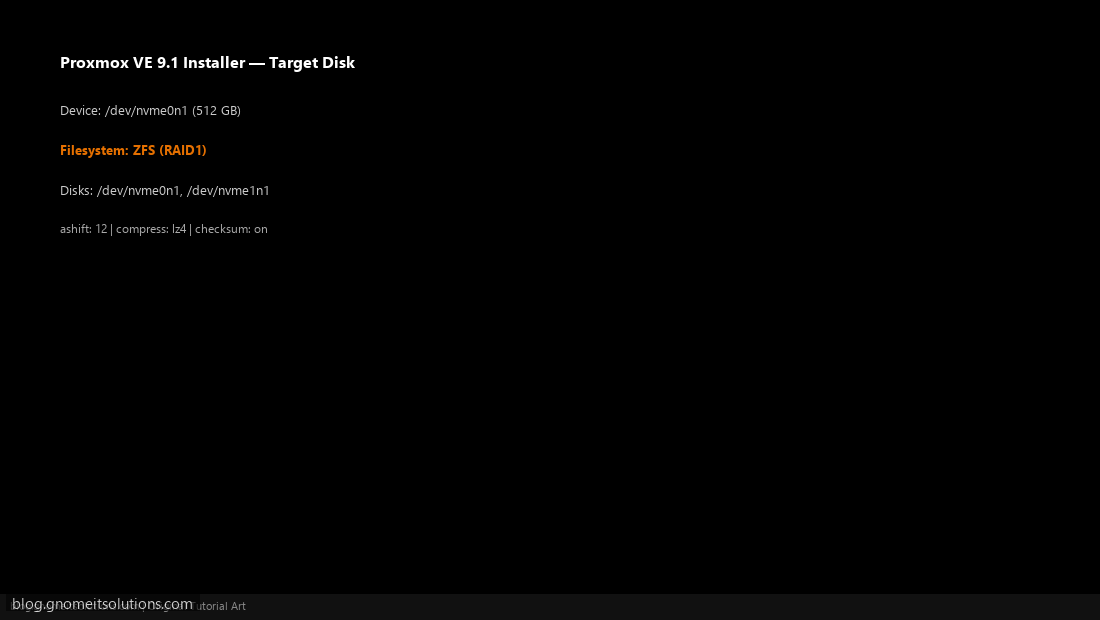
In installer Options, choose filesystem ZFS (RAID1) and select disks.
Installer — select ZFS
Step 2: Review ZFS Pool After Install
Node → Storage shows local-zfs backed by rpool.
ZFS rpool in storage
Step 3: Create VM Disk on ZFS
Create VM → Hard Disk → select local-zfs storage.
VM disk on ZFS
zpool status && zfs list
Image credits: All screenshots are original Proxmox VE 9.1-style illustrations
created for Gnome IT Solutions. Each image matches its tutorial step. Not copied from third-party sources.
Image credits: Screenshots are from the official
Proxmox VE documentation
(Proxmox GmbH), used under open documentation terms for educational purposes.
Tutorial text and layout © Gnome IT...