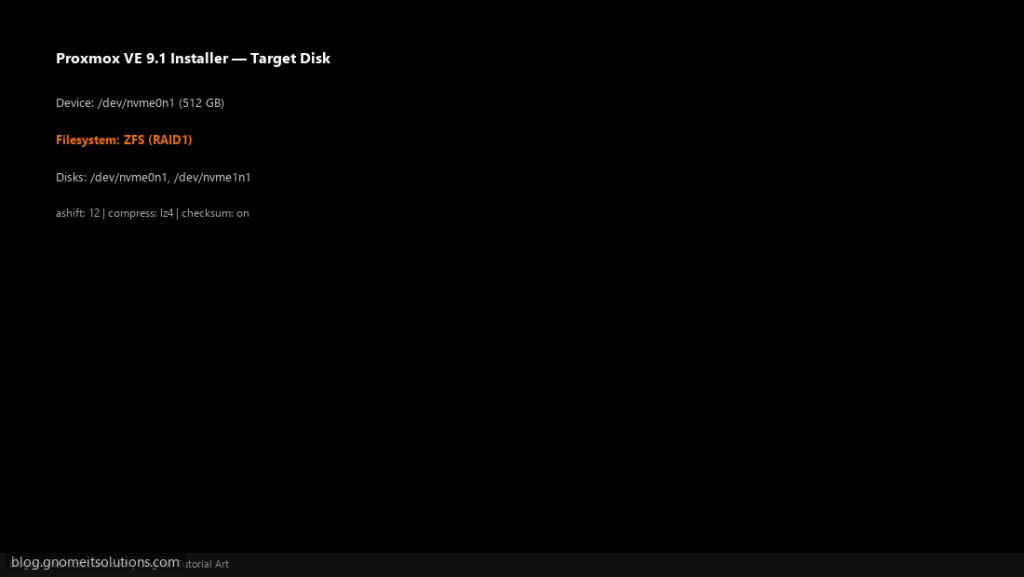
ZFS combines a filesystem and a volume manager with checksums on every block, cheap snapshots and built-in replication, which is why it is the most popular local
storage choice on Proxmox VE. It also has opinions: it wants whole disks, it uses a lot of RAM as cache unless told otherwise, and its layout cannot be changed freely later.
This guide picks a layout, creates the pool on stable disk IDs, adds it as Proxmox storage, sets sensible properties, caps memory use, and covers scrubs and disk
replacement. For replication between two nodes, see ZFS replication.
Quick answer: Node → Disks → ZFS → Create, choose mirror or RAIDZ, keep Add Storage ticked.
How ZFS Fits Into Proxmox
Disks form a pool; Proxmox stores each VM disk as a ZFS volume (zvol) and each container as a dataset inside it. Snapshots and replication work at that level.
disks (by-id) --> zpool (mirror/raidz) --> zvols for VMs, datasets for CTs --> Proxmox storage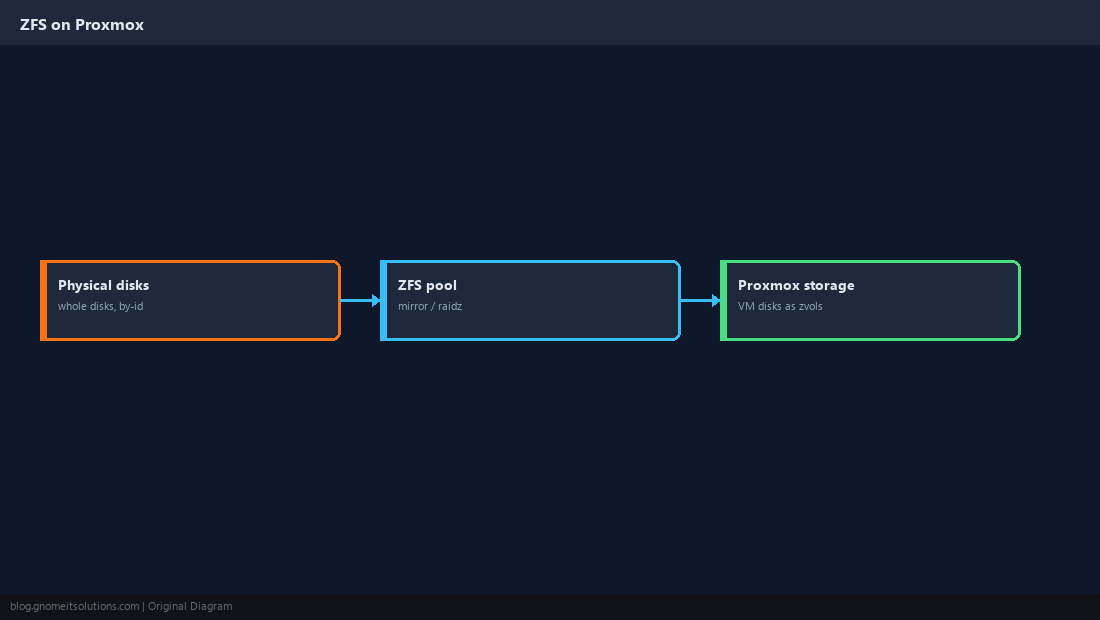
Choose the Pool Layout
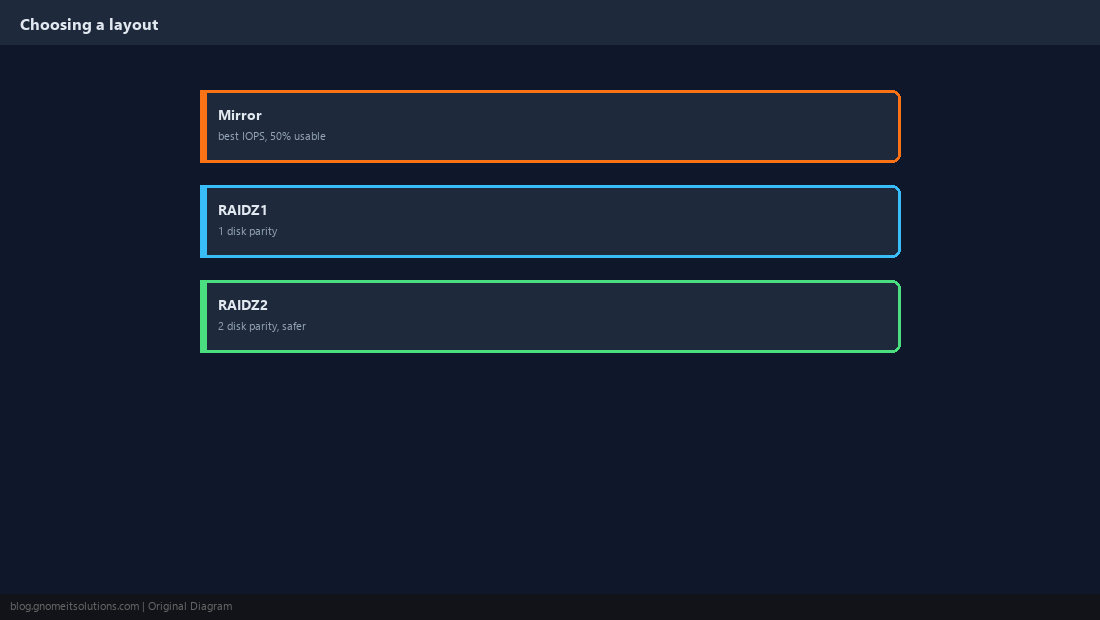
Mirror gives the best random I/O, which suits VMs, at 50% usable capacity. RAIDZ1 survives one disk failure with more usable space; RAIDZ2 survives two and is the safer choice for large disks. Layout is hard to change later, so decide now.
Identify Disks by Stable ID
Device names like /dev/sdb can change between boots. Use /dev/disk/by-id/ names so the pool always finds the right disks. Make sure the disks are empty; creating a pool destroys their contents.
lsblk -o NAME,SIZE,MODEL,SERIAL
ls -l /dev/disk/by-id/ | grep -v part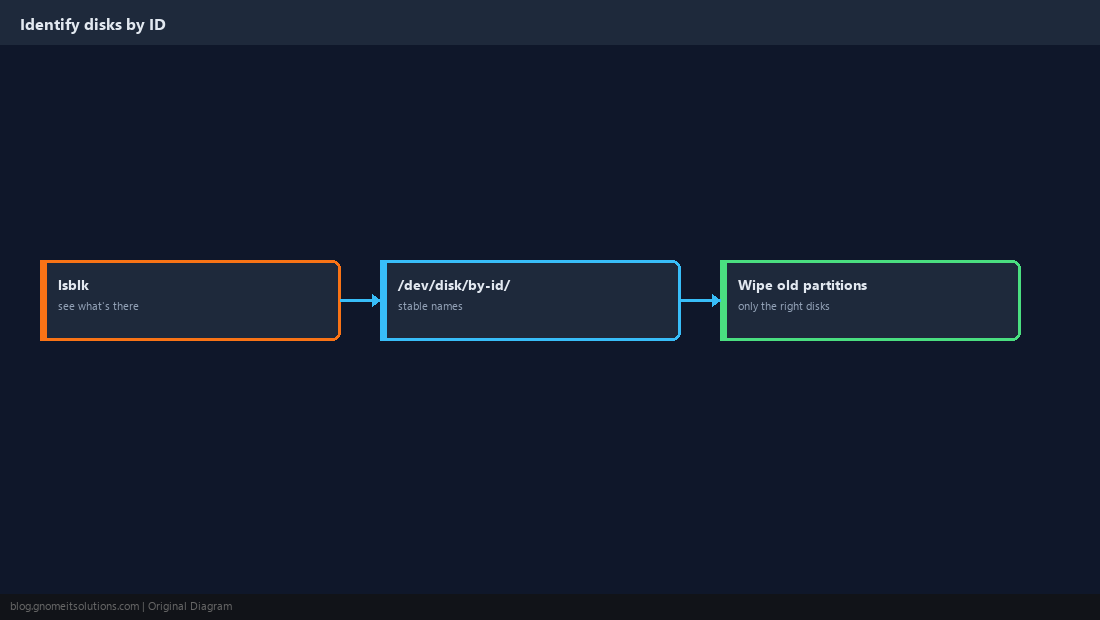
Create the Pool and Add It as Storage
The web UI handles it in one step under Node → Disks → ZFS → Create. From the shell, create the pool with ashift=12 (4K sectors) and register it with Proxmox.
zpool create -o ashift=12 tank mirror \
  /dev/disk/by-id/ata-DISK_SERIAL_1 /dev/disk/by-id/ata-DISK_SERIAL_2
pvesm add zfspool tank-vm -pool tank -content images,rootdir
zpool status tank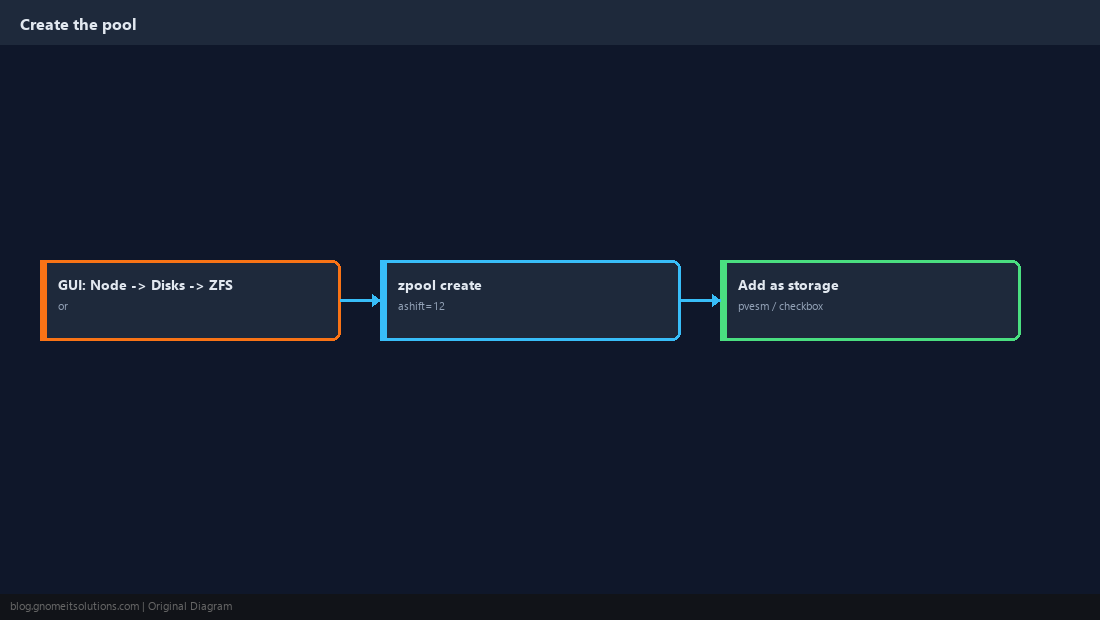
Set Useful Properties
LZ4 compression is nearly free on CPU and usually saves space and I/O. Turning off atime avoids a write every time a file is read.
zfs set compression=lz4 tank
zfs set atime=off tank
zfs get compression,compressratio tank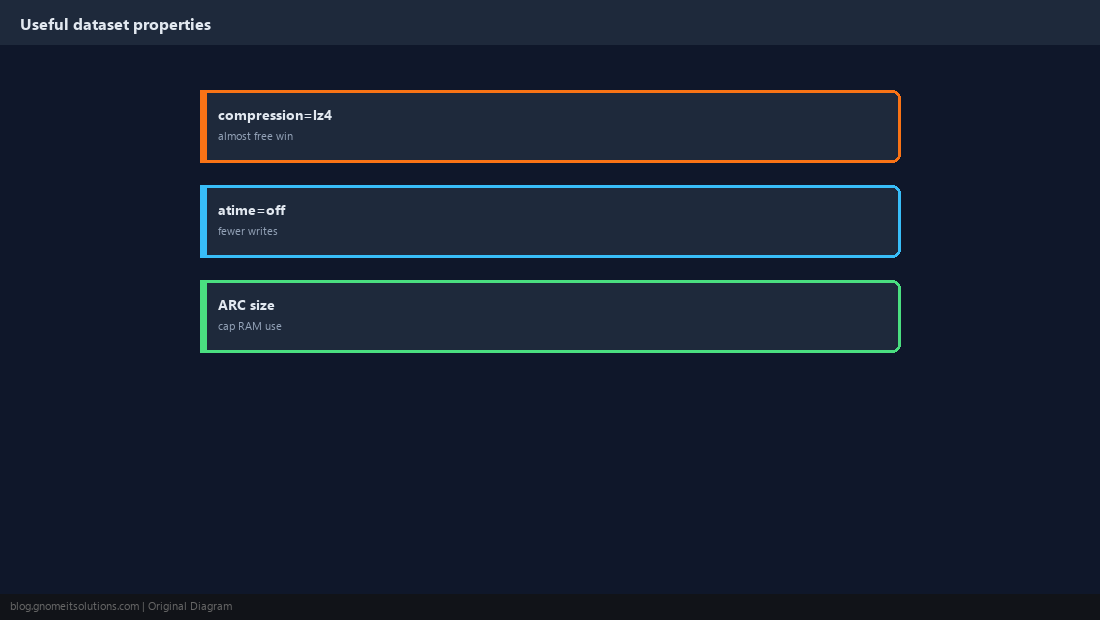
Cap the ARC So VMs Keep Their RAM
ZFS uses free RAM as a read cache (the ARC). On a host that also runs VMs, cap it so guests are not squeezed. Recent Proxmox installers set a default cap; check it and adjust to your workload.
options zfs zfs_arc_max=8589934592update-initramfs -u -k all
arc_summary | head -30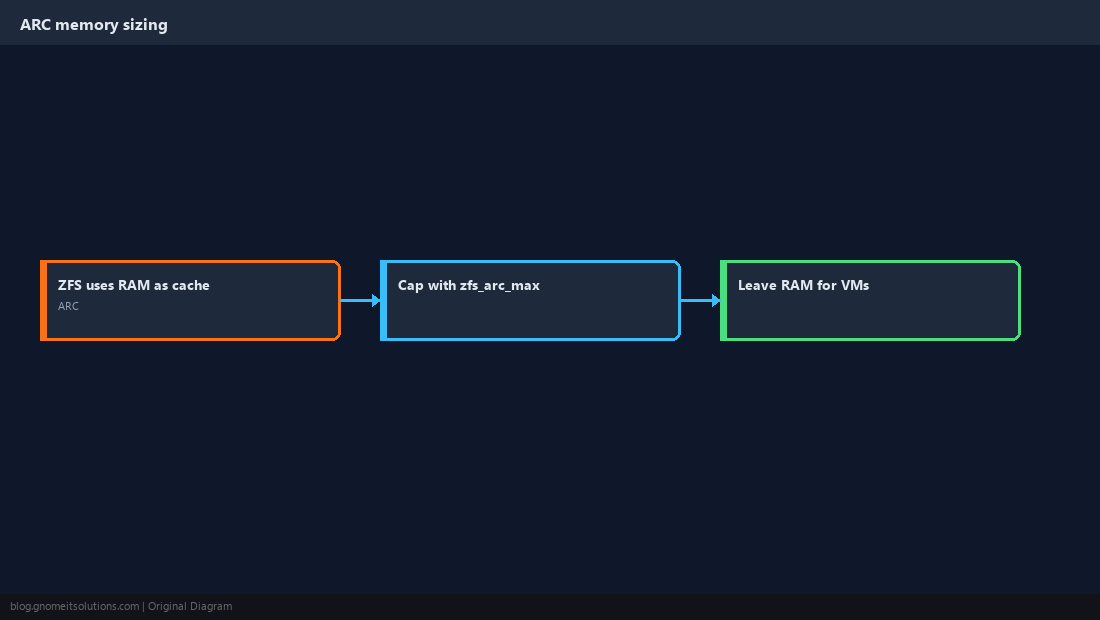
Scrub Regularly and Watch Health
A scrub reads every block and repairs any that fail their checksum from the redundant copy. Debian’s ZFS packages schedule a monthly scrub by default; confirm it and alert on anything other than ONLINE.
zpool status -x
zpool scrub tank
zpool status tank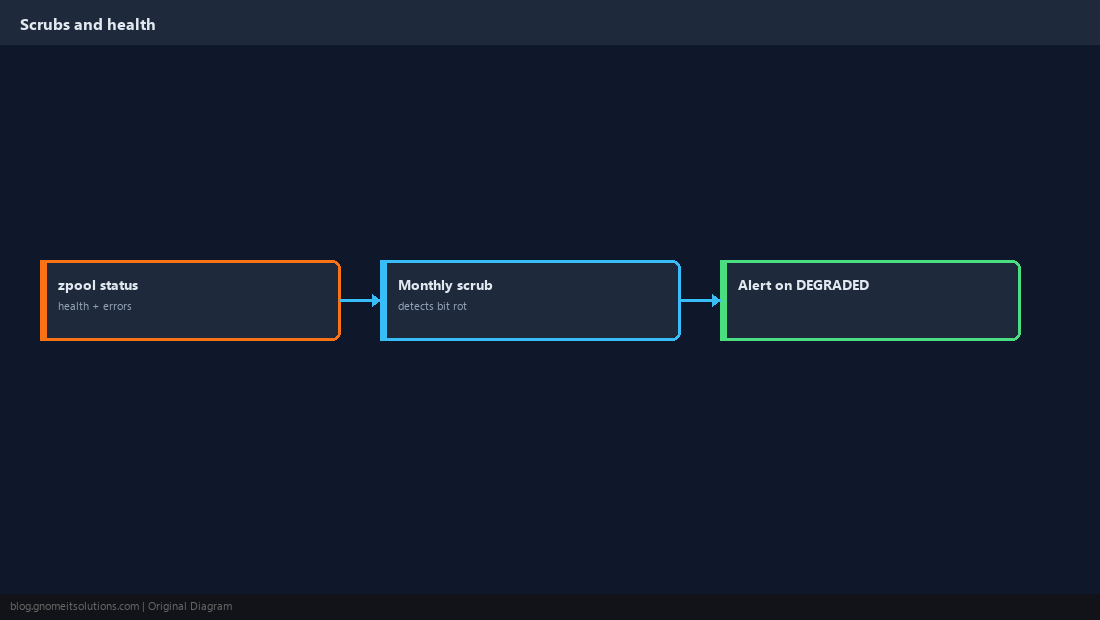
Replace a Failed Disk
When zpool status shows a disk as FAULTED or the pool as DEGRADED, swap in a new disk and tell ZFS to rebuild onto it. Wait for the resilver to finish before touching anything else.
zpool status tank
zpool replace tank /dev/disk/by-id/ata-OLD_SERIAL /dev/disk/by-id/ata-NEW_SERIAL
zpool status tank    # watch resilver progress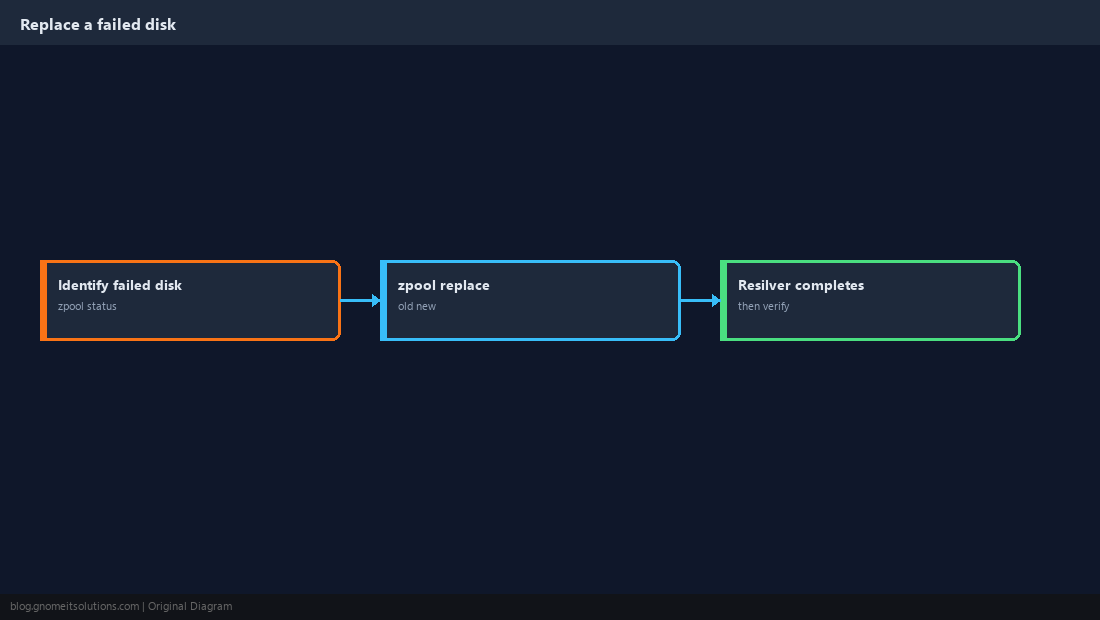
Should I use mirror or RAIDZ for Proxmox VMs?
Mirrors (or striped mirrors) give better random I/O for VM workloads. RAIDZ gives more usable capacity and suits bulk storage and backups better.
How much RAM does ZFS need on Proxmox?
ZFS uses spare RAM as cache and releases it under pressure, but on a VM host it is wise to cap the ARC with zfs_arc_max so guests keep predictable memory.
What does ashift=12 mean?
It tells ZFS to use 4 KiB blocks, matching modern disks’ physical sector size. It cannot be changed after the pool is created.
Should I enable ZFS compression?
Yes, compression=lz4 is almost always a net win: it costs very little CPU and reduces both space used and disk I/O.
How do I know if a ZFS disk is failing?
Run zpool status. Any state other than ONLINE, or non-zero READ/WRITE/CKSUM error counts, needs attention.
Cheat Sheet
- Disks by
/dev/disk/by-id;ashift=12; mirrors for VMs compression=lz4, cap ARC, monthly scrub,zpool replaceon failure
Related tutorials
Diagrams are original illustrations by Gnome IT Solutions. Tutorial text © Gnome IT Solutions.