Monday, August 10GNOME IT SOLUTIONS LLC

Tag: storage pool

Add ZFS Storage Pool on Proxmox VE (Complete Guide)

Add ZFS Storage Pool on Proxmox VE (Complete Guide)

Proxmox
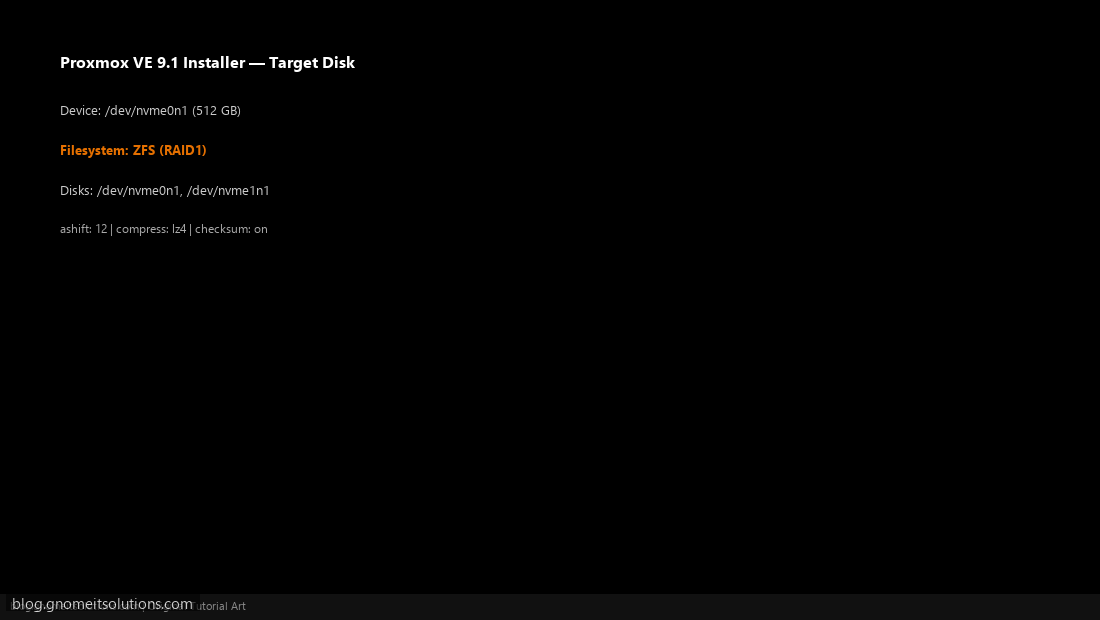
ZFS on Proxmox provides checksumming, snapshots, and software RAID. Step 1: Select ZFS During Install In installer Options, choose filesystem ZFS (RAID1) and select disks. Installer — select ZFS Step 2: Review ZFS Pool After Install Node → Storage shows local-zfs backed by rpool. ZFS rpool in storage Step 3: Create VM Disk on ZFS Create VM → Hard Disk → select local-zfs storage. VM disk on ZFS zpool status && zfs list Image credits: All screenshots are original Proxmox VE 9.1-style illustrations created for Gnome IT Solutions. Each image matches its tutorial step. Not copied from third-party sources. Image credits: Screenshots are from the official Proxmox VE documentation (Proxmox GmbH), used under open documentation terms for educational purposes. Tutorial text and layout © Gnome IT...