Tuesday, August 11GNOME IT SOLUTIONS LLC

Tag: syslog

How to Use journalctl to Read Linux System Logs

How to Use journalctl to Read Linux System Logs

Linux
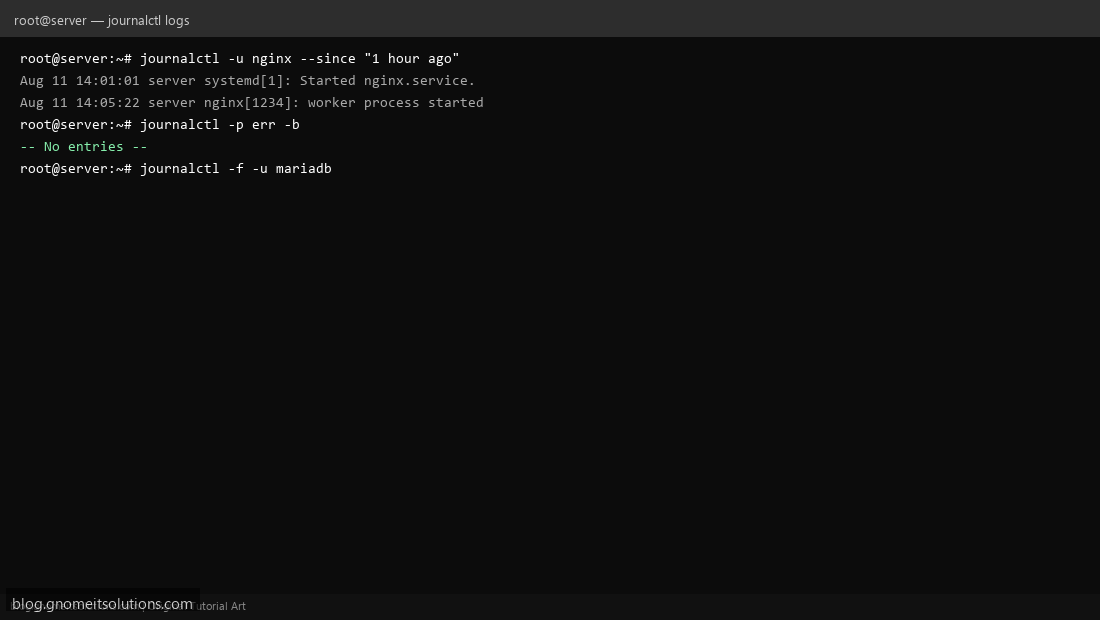
Troubleshoot Linux servers with journalctl — the systemd journal log viewer. Step 1: View Service Logs Run journalctl -u nginx to see logs for a specific service. Step 1: View Service Logs Step 2: Filter by Time and Priority Use --since "1 hour ago" and -p err to filter errors from the last hour. Step 2: Filter by Time and Priority Step 3: Follow Live Logs Run journalctl -f -u servicename to tail logs in real time. Step 3: Follow Live Logs journalctl -b -1 # previous boot logs journalctl --disk-usage Terminal screenshots are original illustrations created for Gnome IT Solutions (blog.gnomeitsolutions.com).