Symbolic links are tiny pointers to another path — perfect for atomic deploys (current → release-2026-10-06) and sharing config without copy-paste. They are one of the most searched beginner Linux topics after chmod.
See chmod and chown and
find to locate broken links across a tree.
Symlink vs Hard Link
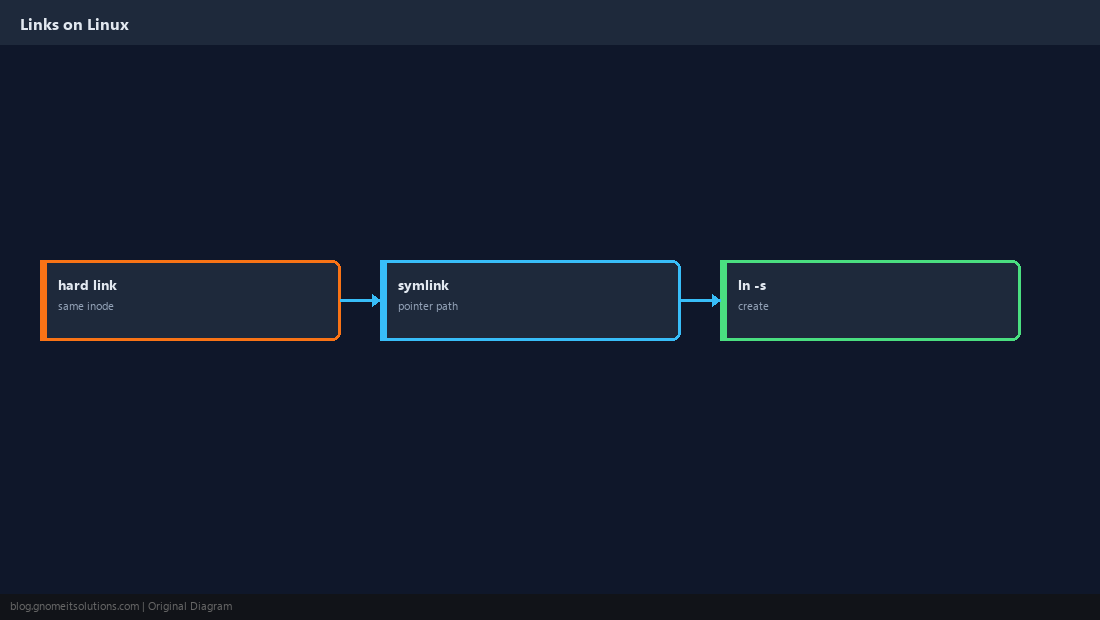
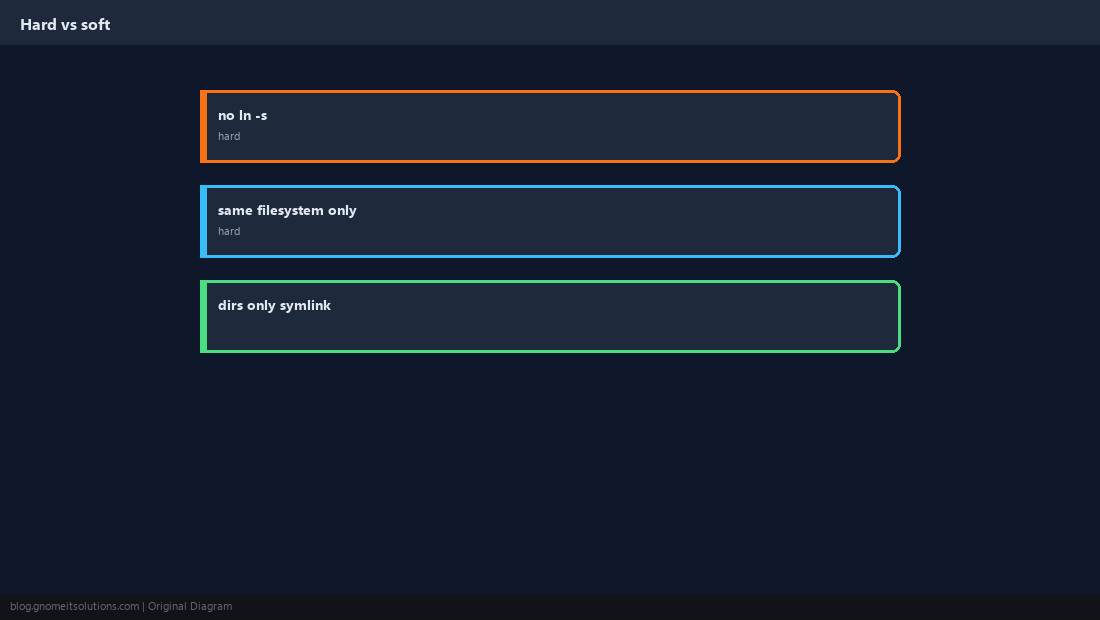
Symlinks can cross filesystems and point to directories; hard links share the same inode and cannot point to dirs.
Create With ln -s
Order is ln -s TARGET LINK_NAME.
ln -s /var/www/releases/v42 /var/www/current
ls -l /var/www/current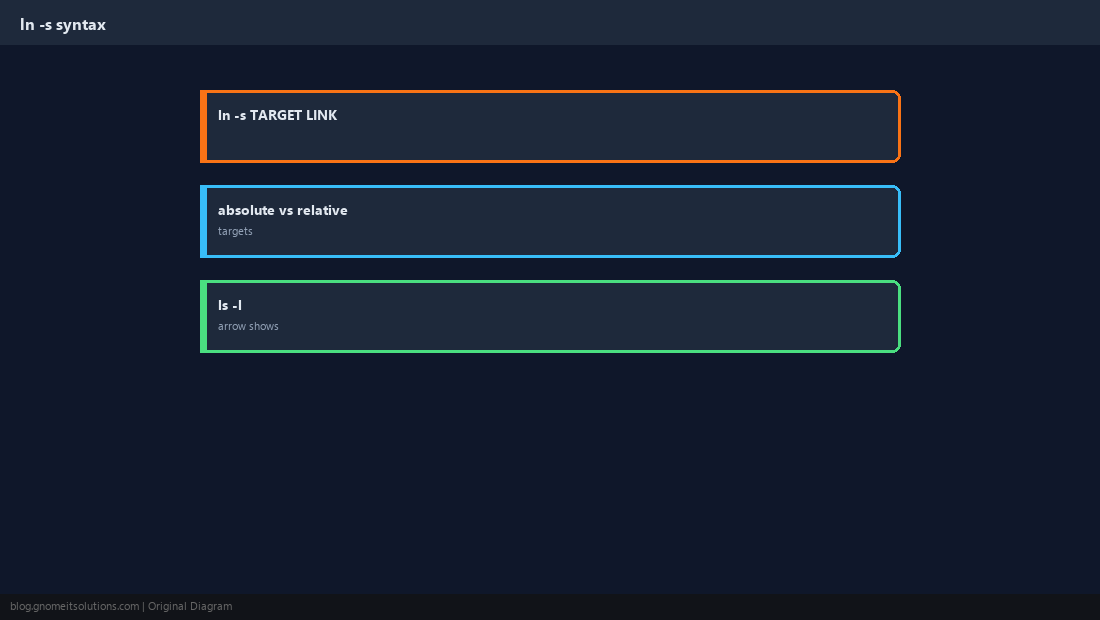
Deploy Pattern: current → release
Switch traffic by repointing one symlink — no mass file moves.
ln -sfn /var/www/releases/v43 /var/www/current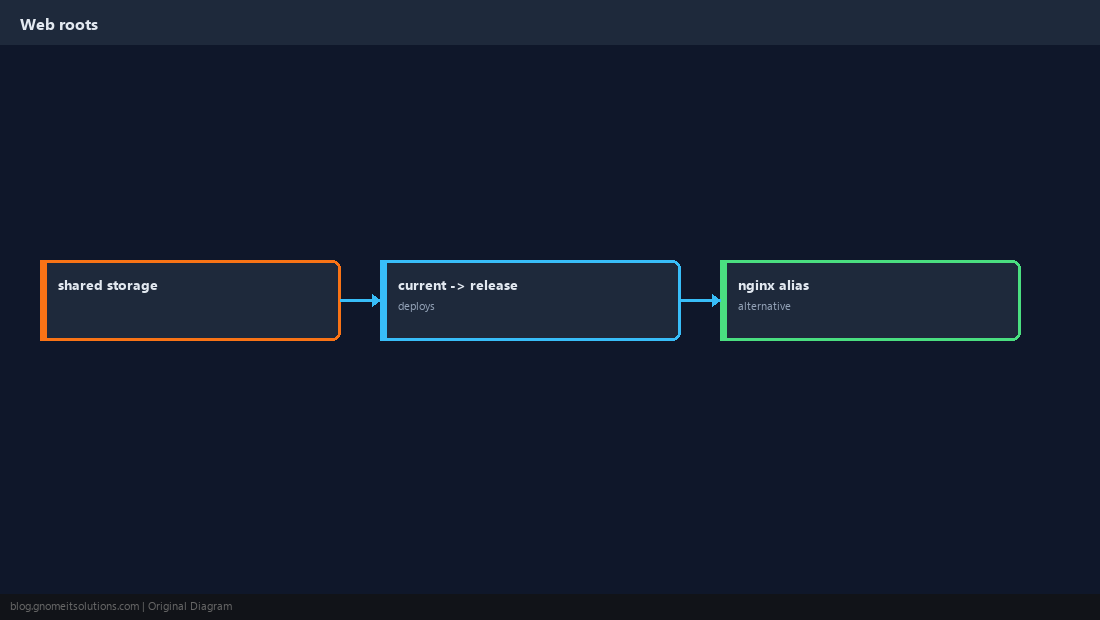
Broken Symlinks
Moving the target without updating the link leaves a dangling pointer.
find /var/www -xtype l -ls 2>/dev/null | head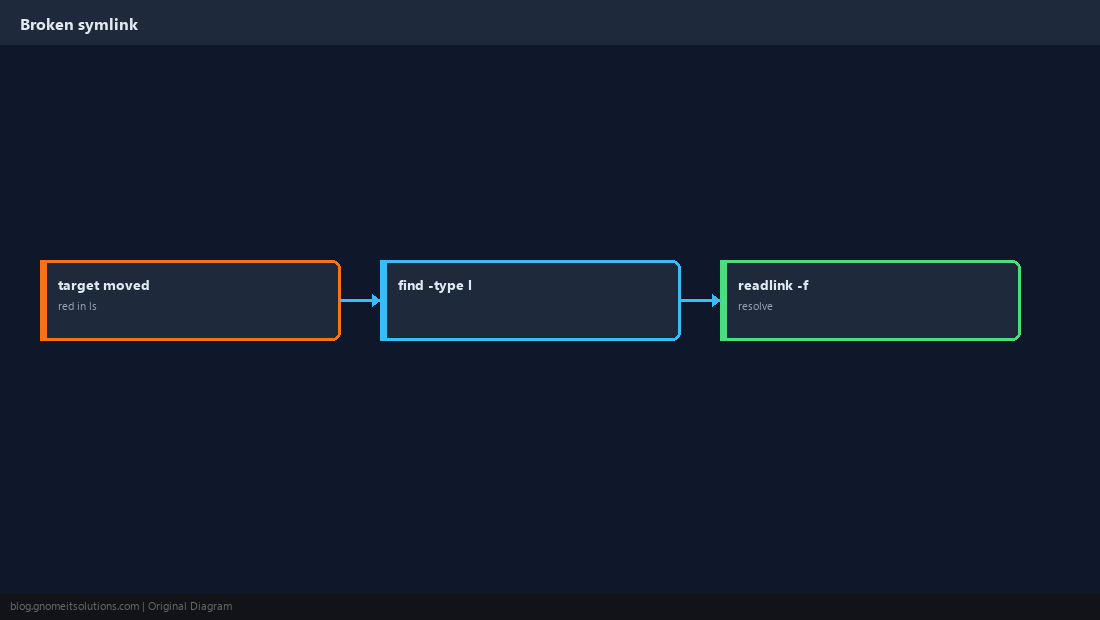
Permissions Follow the Target
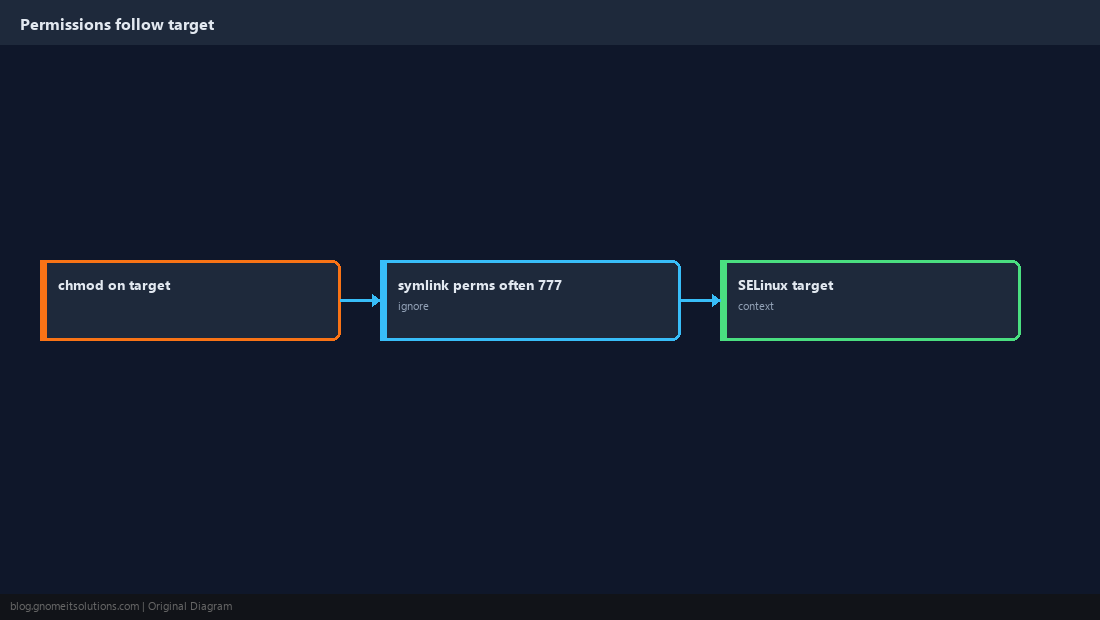
chmod the real file or directory — the link itself is mostly metadata.
When to Use Hard Links
Rare on modern ops; symlinks cover most admin tasks.
Remove Links Safely
Use unlink linkname or rm linkname — do not delete the target by mistake.
unlink /var/www/current # removes symlink, not target dir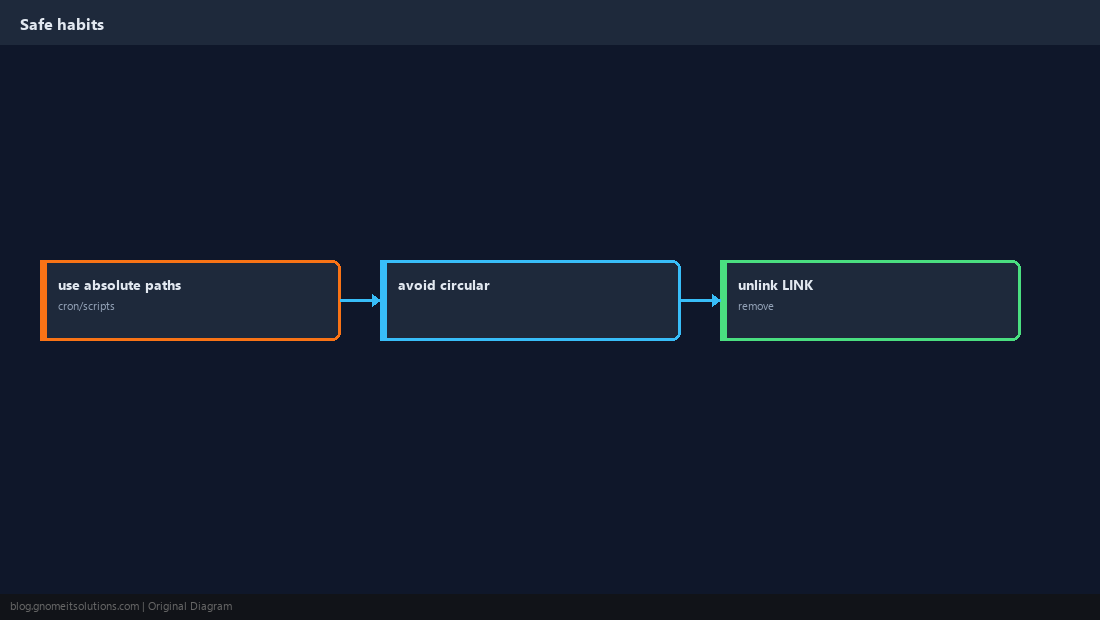
Quick Reference
ln -s TARGET LINK- Deploys:
ln -sfn NEW current find -xtype lfor broken links
Related tutorials
Diagrams are original illustrations by Gnome IT Solutions. Tutorial text © Gnome IT Solutions.