
GSC shows heavy volume for smartctl linux and smartctl linux check disk — this is the hands-on checklist before RAID alerts fire. Deep dive: smartctl -x and SMART overview.
Pick the device
Use lsblk — never scan the wrong spindle on a hypervisor.
bashlist
lsblk -o NAME,SIZE,TYPE,MODEL
sudo smartctl -i /dev/sda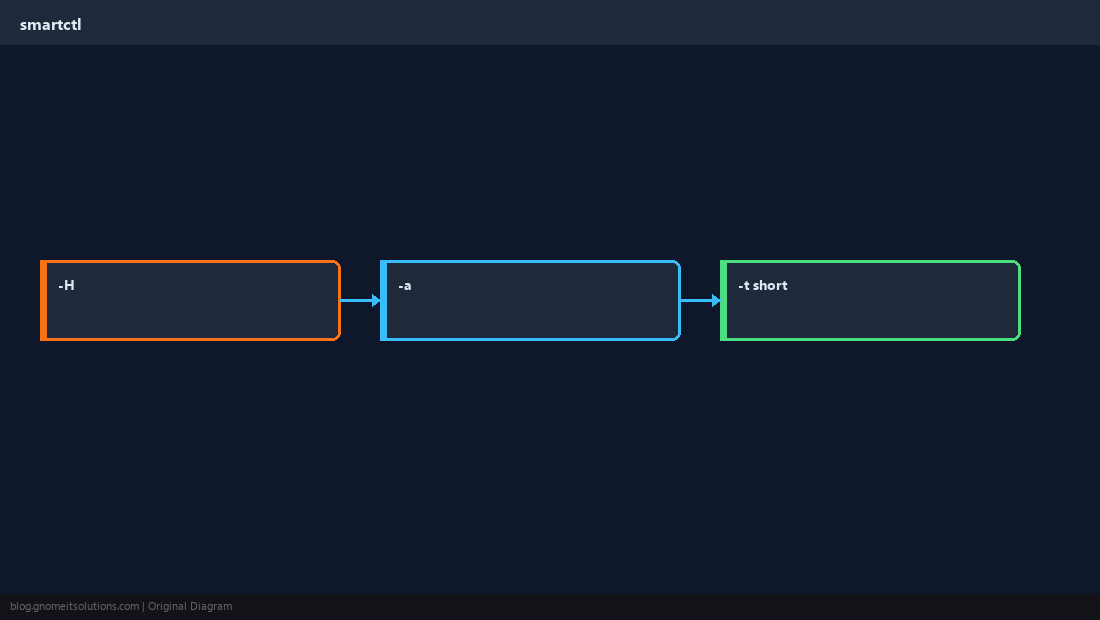
Quick health
smartctl -H returns PASSED or FAILED.
bashhealth
sudo smartctl -H /dev/sdaAttribute snapshot
-a for counters before/after stress.
bashattrs
sudo smartctl -A /dev/sda | egrep 'Realloc|Pending|Uncorrect'Short test
Schedule -t short in maintenance; read results with -l selftest.
bashtest
sudo smartctl -t short /dev/sda
sudo smartctl -l selftest /dev/sdaQuick Reference
smartctl -H /dev/DISK- Details:
smartctl -a - Test:
smartctl -t short
Related tutorials
Diagrams are original illustrations by Gnome IT Solutions. Tutorial text © Gnome IT Solutions.