column on Linux turns messy whitespace-separated output into aligned tables — a frequent search after df -h, mount, or custom status scripts that otherwise look ragged in SSH sessions.
Table from stdin
-t guesses columns from whitespace runs.
bashtable
printf 'name\tcpu\tram\ndb01\t4\t8G\nweb01\t2\t4G\n' | column -t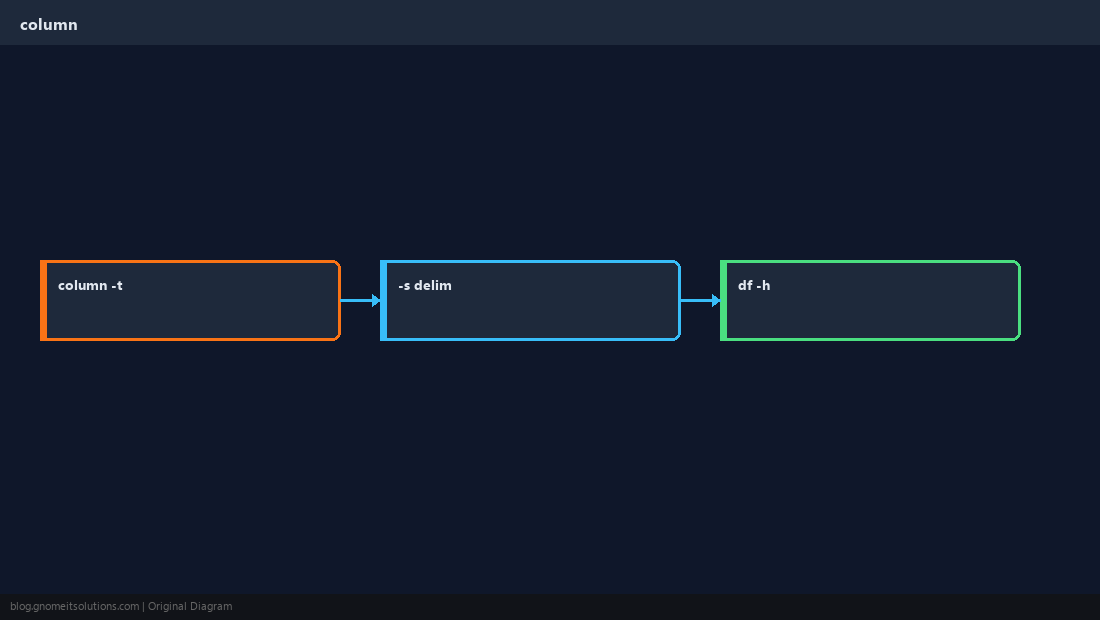
Custom separator
-s defines delimiter — often colon for /etc/passwd style (demo only).
bashdelim
column -t -s: /etc/group | head -3With df or mount
Pipe system commands into column before alerting.
bashdf
df -hP | column -tLimits
Very wide output may still wrap — combine with terminal width or export to CSV.
NoteDo not expose sensitive columns from
/etc files in public posts — use sanitized examples in docs.Quick Reference
- Align:
cmd | column -t - Delimiter:
column -t -s: - Great for
df -hreports
Related tutorials
Diagrams are original illustrations by Gnome IT Solutions. Tutorial text © Gnome IT Solutions.