
base64 on Linux encodes binary as ASCII — searched for Kubernetes secrets, JSON payloads, quick Basic-auth headers, and copying short blobs through chat without corruption.
See: curl POST JSON,
jq,
tee.
Encode stdin
Default wraps lines — use -w0 on GNU for one-line output.
bashencode
echo -n 'hello' | base64
printf 'user:pass' | base64 -w0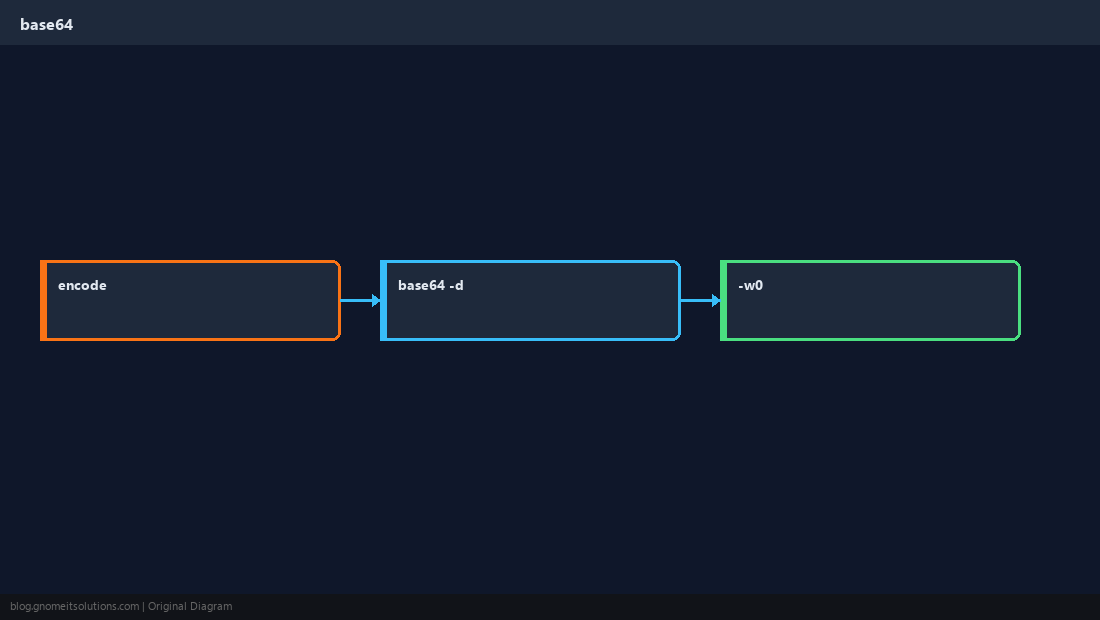
Decode
-d (or --decode) returns original bytes.
bashdecode
echo 'aGVsbG8=' | base64 -dFiles
Encode certificates or small binaries for transfer.
bashfile
base64 -w0 image.png > image.b64Not encryption
Anyone can decode base64 — treat as encoding only.
WarningFor real secrets use vault tools or sealed secrets — never rely on base64 alone.
Quick Reference
- Encode:
base64 - One line:
base64 -w0 - Decode:
base64 -d
Related tutorials
Diagrams are original illustrations by Gnome IT Solutions. Tutorial text © Gnome IT Solutions.