Every file and directory on Linux carries permissions for three parties — the owner, the group, and everyone else — and three abilities: read, write and
execute. Getting this right is the difference between “the web server can serve this file” and either a broken site or an exposed one.
This guide covers reading ls -l output, both numeric and symbolic chmod, chown, why directories need execute permission to be
usable at all, umask, and the three special bits people rarely explain clearly.
Quick answer: chmod 644 file for a normal file, chmod 755 dir for a directory, chown user:group path to change ownership.
Three Permissions, Three Owners
Every file has an owning user and an owning group. Permissions are checked in order: owner rules apply if you are the owner, otherwise group rules if you are in the group, otherwise the “others” rules.
  owner:  rwx    (you, if you own the file)
  group:  rwx    (members of the owning group)
  others: rwx    (everyone else)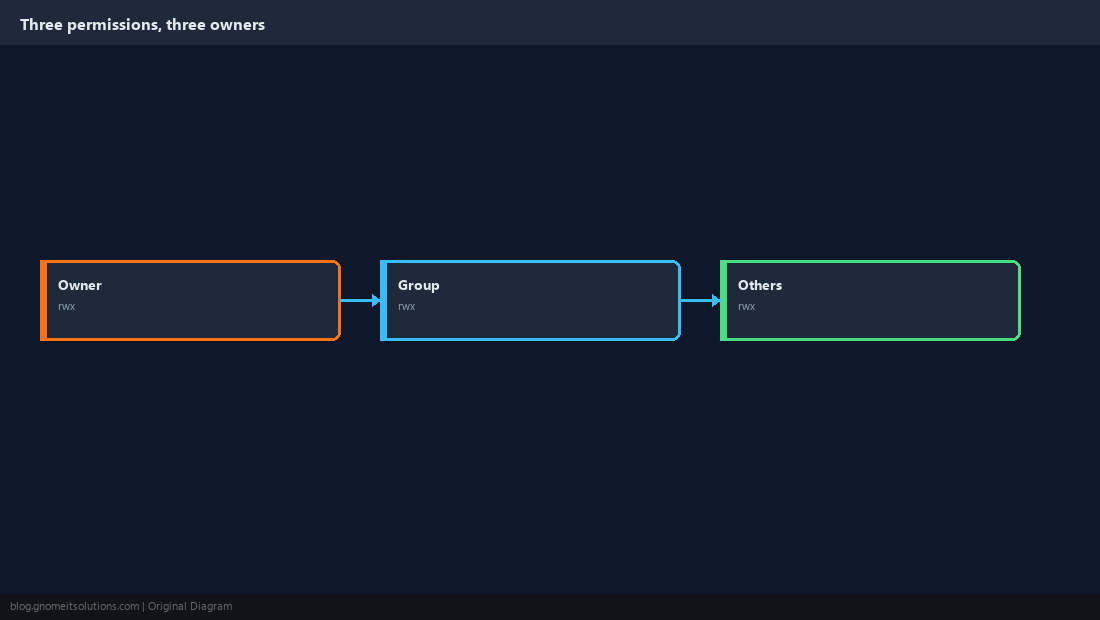
Read ls -l Output
The first character is the file type (- for a regular file, d for a directory, l for a symlink). The next nine characters are three permission triads: owner, group, others.
ls -l /etc/hosts
# -rw-r--r-- 1 root root 2847 Jan 10 09:15 /etc/hosts-rw-r--r-- means: owner can read+write, group can read, others can read. Nobody can execute it, which is correct for a text file.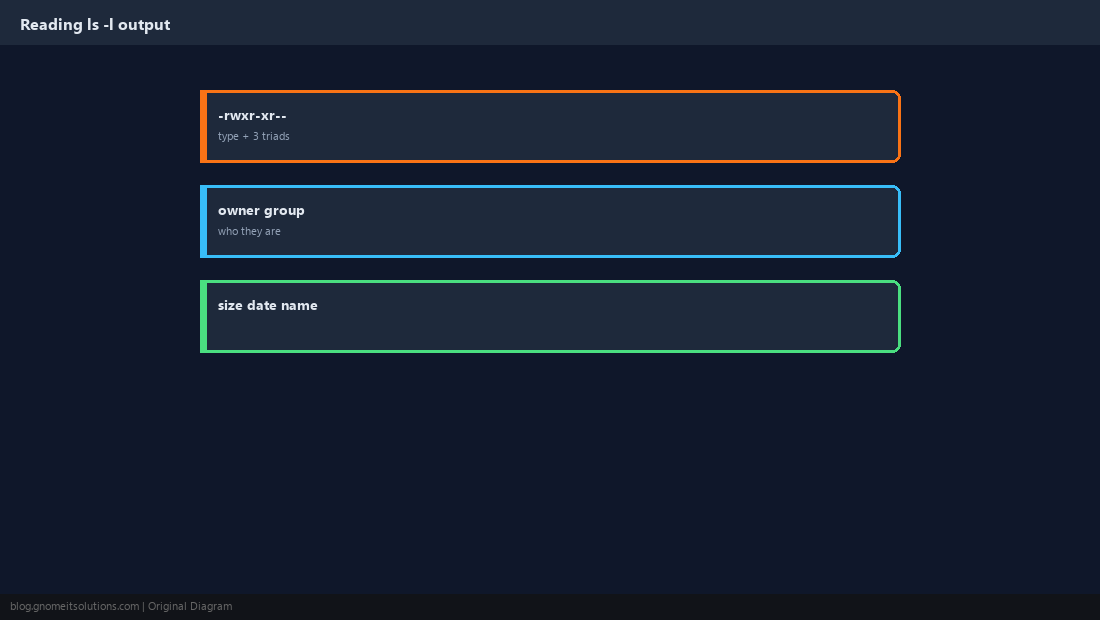
Numeric (Octal) Mode
Each permission has a value: read=4, write=2, execute=1. Add them per triad to get one digit per owner/group/others.
chmod 644 file.txt   # owner rw, group r, others r
chmod 755 script.sh  # owner rwx, group rx, others rx
chmod 600 id_rsa     # owner rw only, nobody else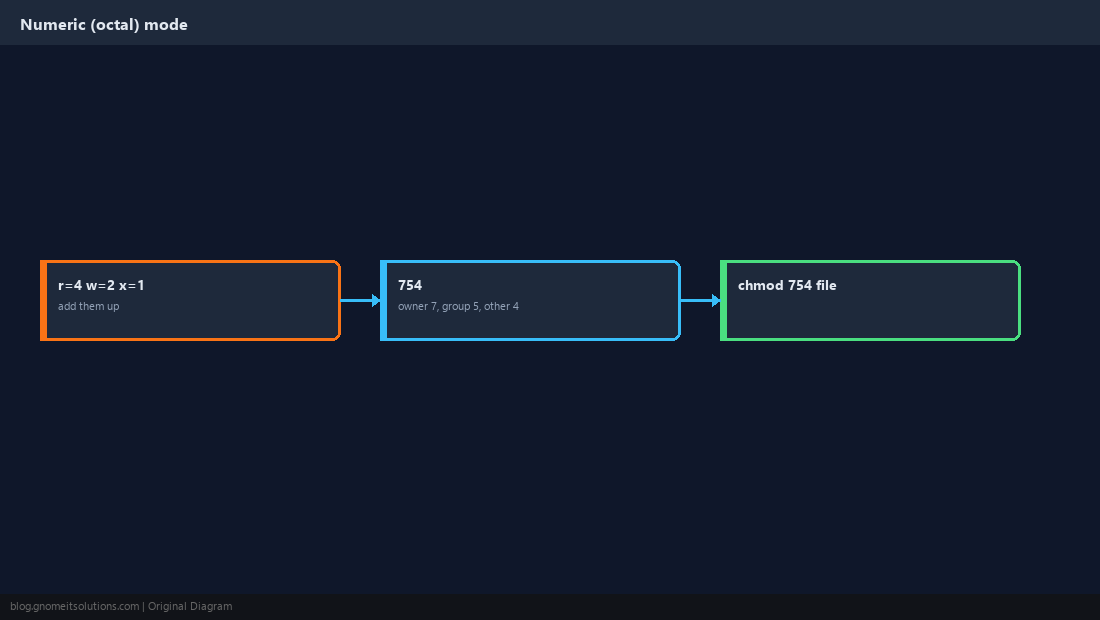
Symbolic Mode
Symbolic mode reads more like a sentence: who (u user, g group, o others, a all), an operator (+ add, - remove, = set exactly), then which permissions.
chmod u+x script.sh      # add execute for the owner
chmod g-w shared.txt     # remove write for the group
chmod o=r public.html    # set others to read-only, nothing else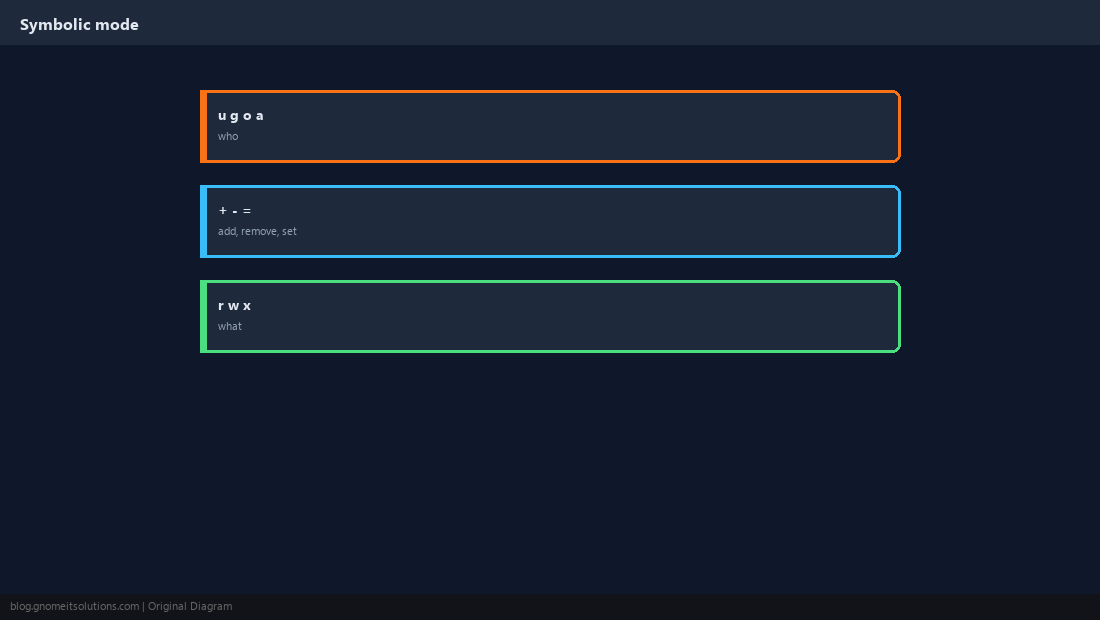
Changing Ownership with chown
Only root (or the current owner, in limited cases) can change who owns a file. Combine user and group in one command with a colon.
sudo chown alice file.txt
sudo chown alice:developers project/
sudo chown -R www-data:www-data /var/www/sitechown -R changes every file underneath, recursively. Double-check the path before running it against a large tree.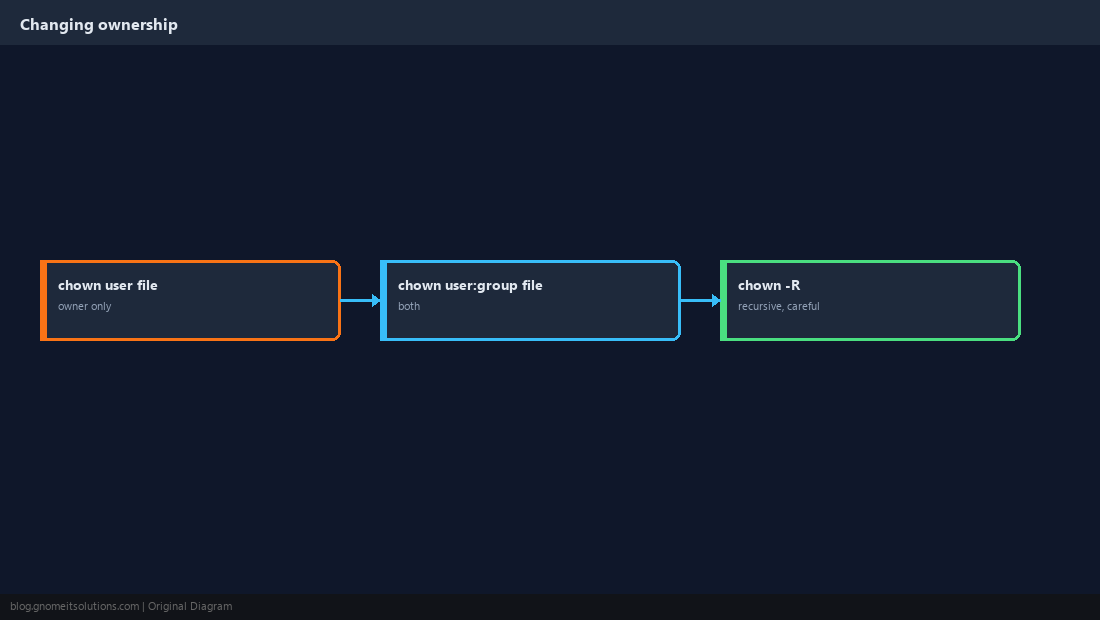
Directories Need Execute to Be Usable
This trips up a lot of people: read permission on a directory lets you list filenames, but execute permission is what lets you actually enter it and access files inside, even ones you can otherwise read.
chmod 755 /var/www/site # anyone can enter and list, only owner writes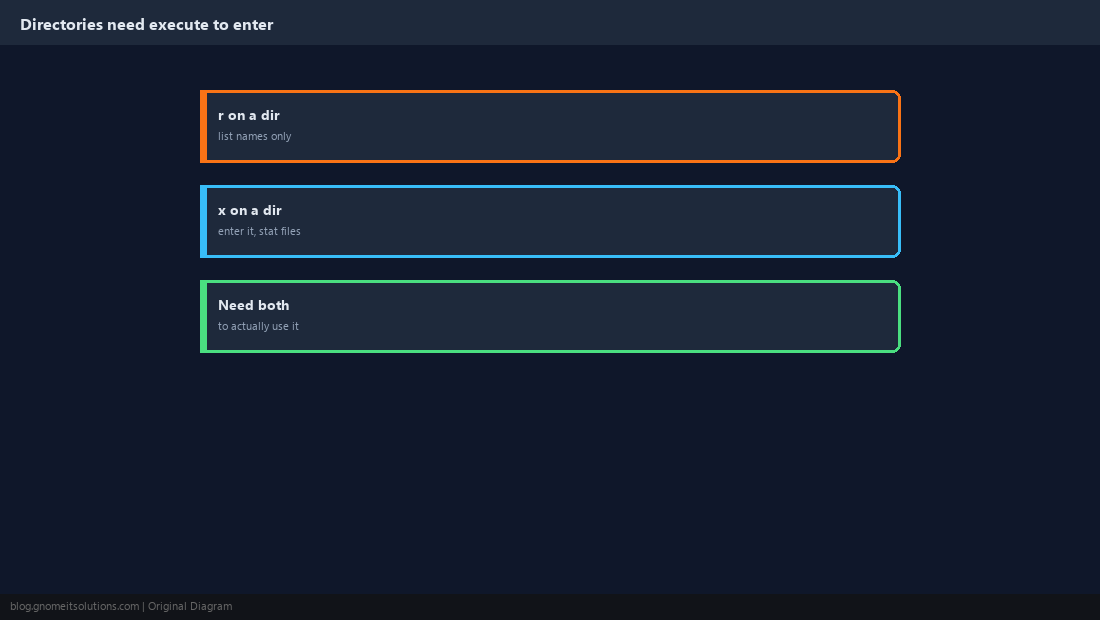
umask Sets the Default for New Files
New files do not start at the maximum. They start at a base (666 for files, 777 for directories) with the umask subtracted. A umask of 022 is a common default.
umask
umask 022    # new files: 644, new dirs: 755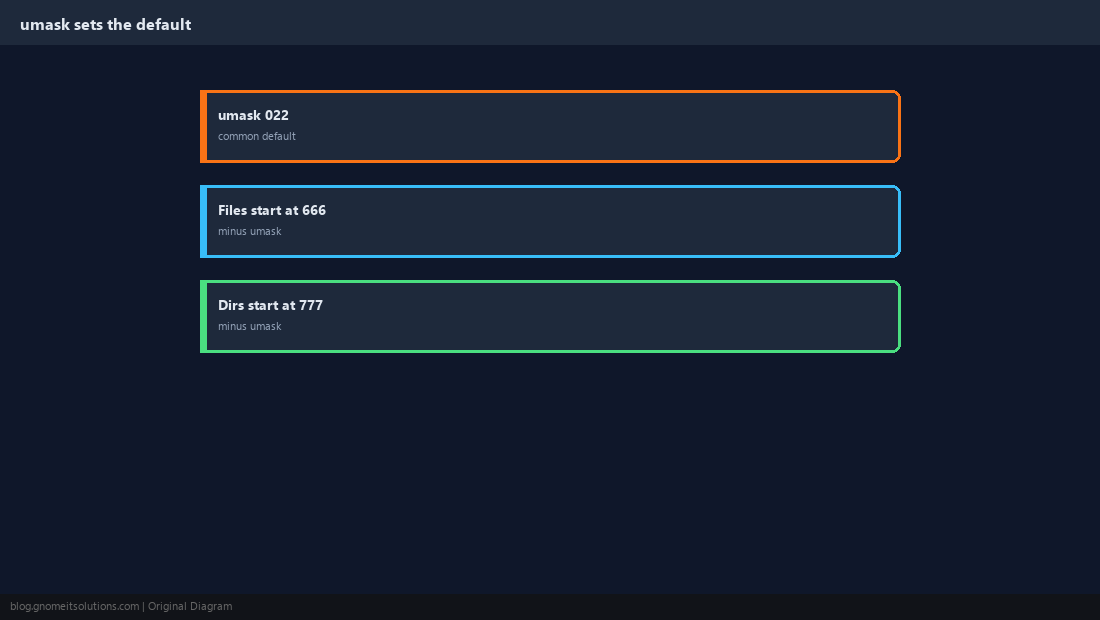
Special Bits: setuid, setgid, sticky
Three bits with a fourth leading digit change how execution and inheritance behave. They are powerful and, for setuid especially, worth using sparingly.
chmod 4755 /usr/bin/passwd   # setuid: runs as the file's owner (root)
chmod 2775 shared_dir/        # setgid: new files inherit the directory's group
chmod 1777 /tmp # sticky: only the owner can delete their own files/tmp is the classic sticky-bit example: everyone can create files there, but nobody can delete someone else’s file.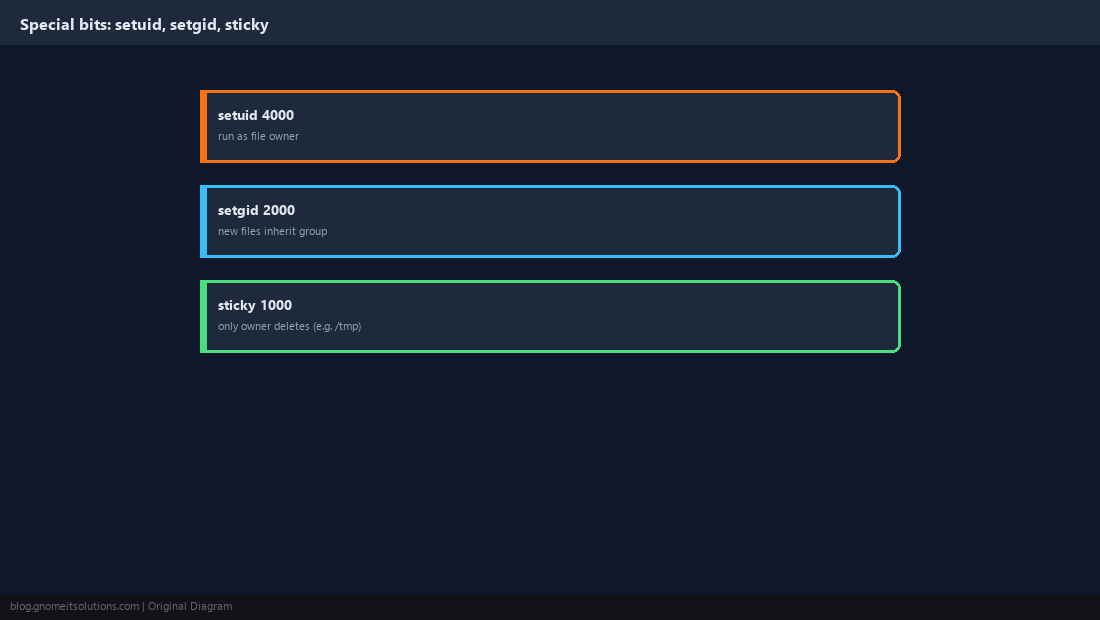
What does chmod 755 mean?
Owner gets read, write and execute (7); group and others get read and execute (5 each) but not write. It is the standard permission for scripts and directories that others need to run or enter but not modify.
What is the difference between chmod 644 and 755?
644 gives the owner read+write and everyone else read-only, with no execute for anyone — correct for a normal document. 755 adds execute for everyone, which is what a script or a directory needs.
Why can’t I access a file even though I have read permission?
You likely lack execute permission on one of the parent directories in the path. You need execute on every directory between the root and the file to traverse into it.
What does umask 022 actually do?
It removes write permission for group and others from every newly created file and directory, so new files land at 644 and new directories at 755 by default.
What is the setuid bit used for?
It makes a program run with the permissions of the file’s owner rather than the user who launched it. /usr/bin/passwd uses it so ordinary users can update a password file they otherwise cannot write to.
Cheat Sheet
chmod 644file,chmod 755script or directory,chmod 600private keyschown user:group path; directories need execute to be entered, not just read
Related tutorials
Diagrams are original illustrations by Gnome IT Solutions. Tutorial text © Gnome IT Solutions.