Every person and every service on a Linux server should have its own account, with only the access it needs. useradd, usermod
and userdel are the three commands that manage that lifecycle, and each has one flag that causes most of the real-world mistakes.
This guide creates users properly, explains primary versus supplementary groups, grants admin rights safely, and covers disabling and removing
accounts without leaving orphaned files or cron jobs behind. For fine-grained admin rights, continue with
configuring sudoers safely.
Quick answer: sudo useradd -m -s /bin/bash alice, sudo passwd alice, and sudo usermod -aG sudo alice — never forget the -a.
Where Account Information Lives
Linux keeps accounts in three plain-text databases: the passwd database (usernames, UIDs, home directories, shells), the shadow database (password hashes, readable only by root), and the group database. getent reads them the same way the system does, including accounts from LDAP or other sources.
getent passwd alice
getent group sudo
id alice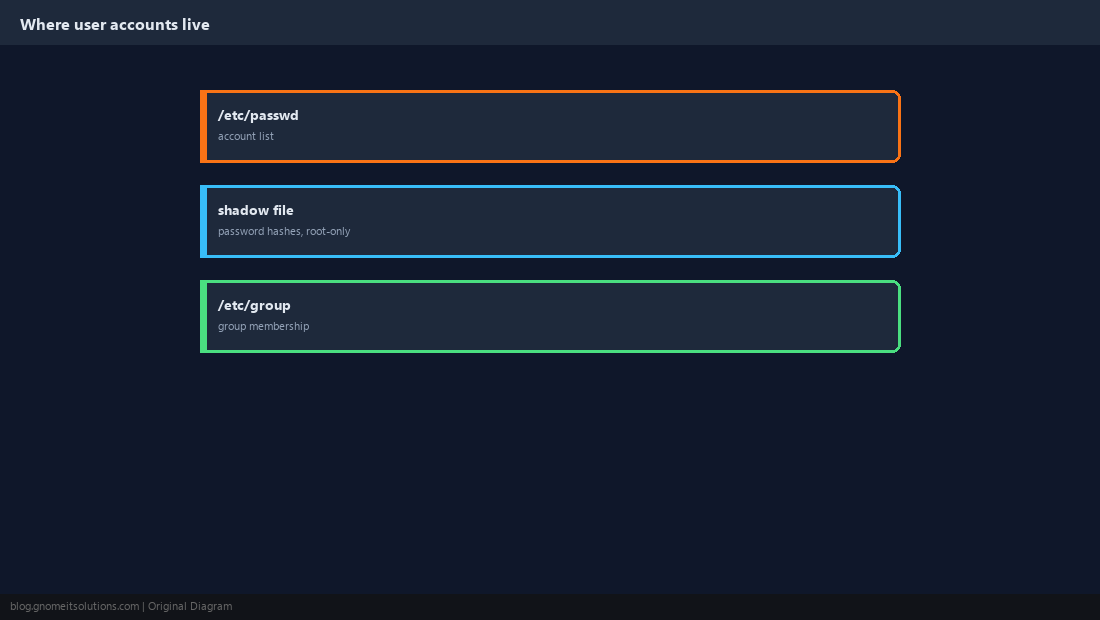
Create a User Properly
useradd on its own creates an account with no home directory on some distributions and a minimal shell on others. Pass -m for a home directory and -s for a real shell. On Debian and Ubuntu, adduser is an interactive wrapper that does this for you.
sudo useradd -m -s /bin/bash -c "Alice Smith" alice
sudo passwd alicesudo useradd -r -s /usr/sbin/nologin appsvc: a system UID and no interactive shell.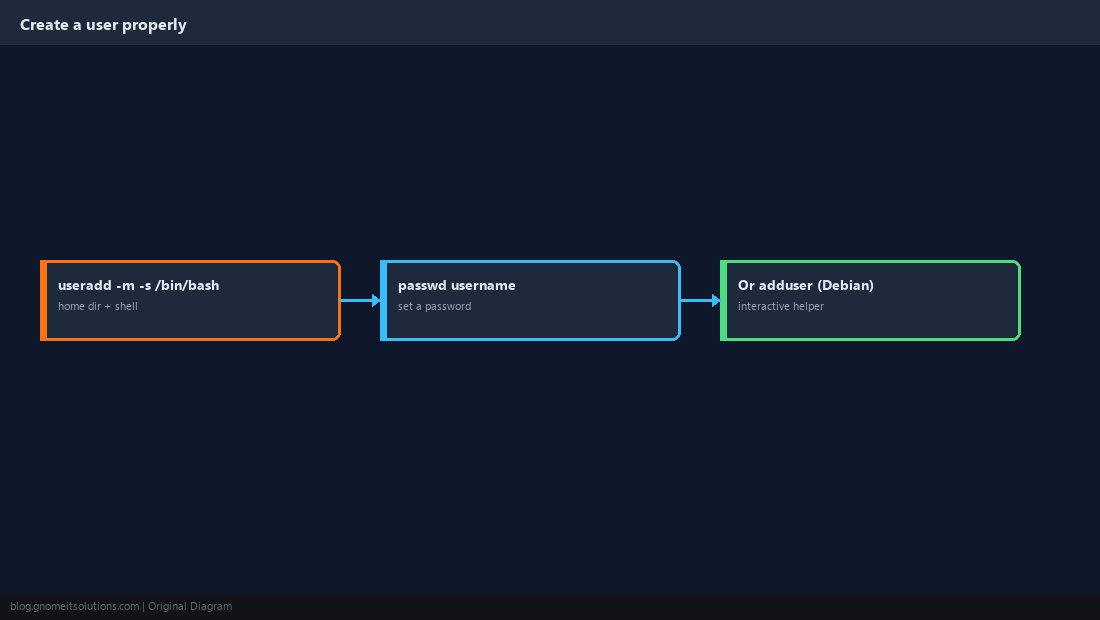
Primary vs Supplementary Groups
Every user has one primary group, which owns the files they create, and any number of supplementary groups that grant extra access, such as sudo, docker or a shared project group.
id alice
sudo groupadd developers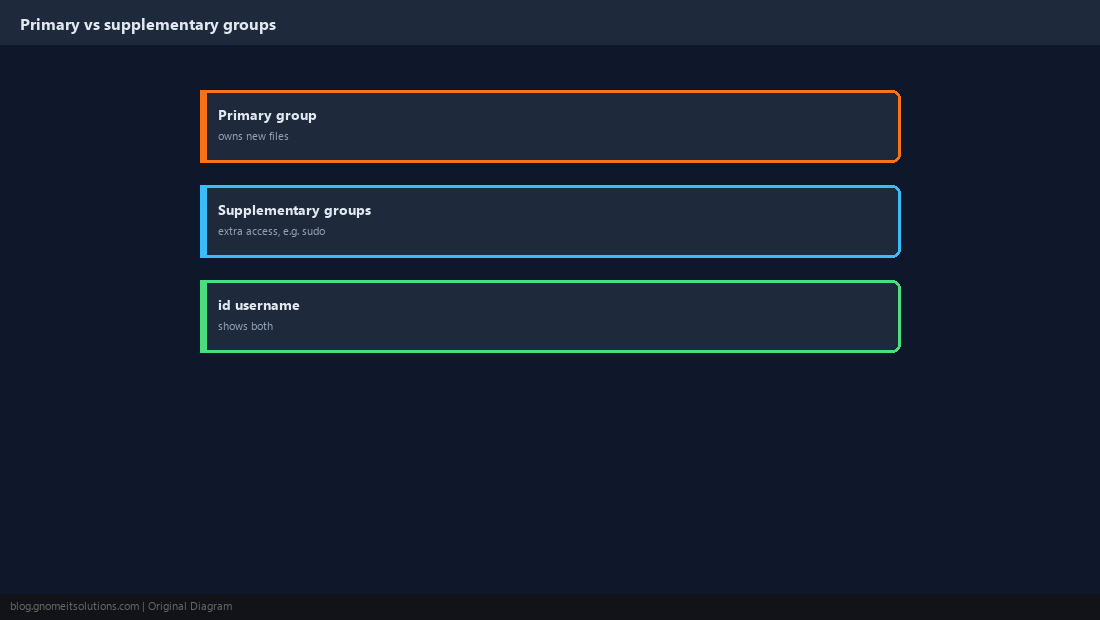
Add to a Group Without Removing the Others
This is the single most damaging user-management mistake. usermod -G replaces the user’s entire supplementary group list. usermod -aG appends. Forget the -a and you can silently strip an admin of sudo.
sudo usermod -aG developers alice
id alicesudo usermod -G developers alice (no -a) removes Alice from every other supplementary group, including sudo. Group changes take effect at the user’s next login.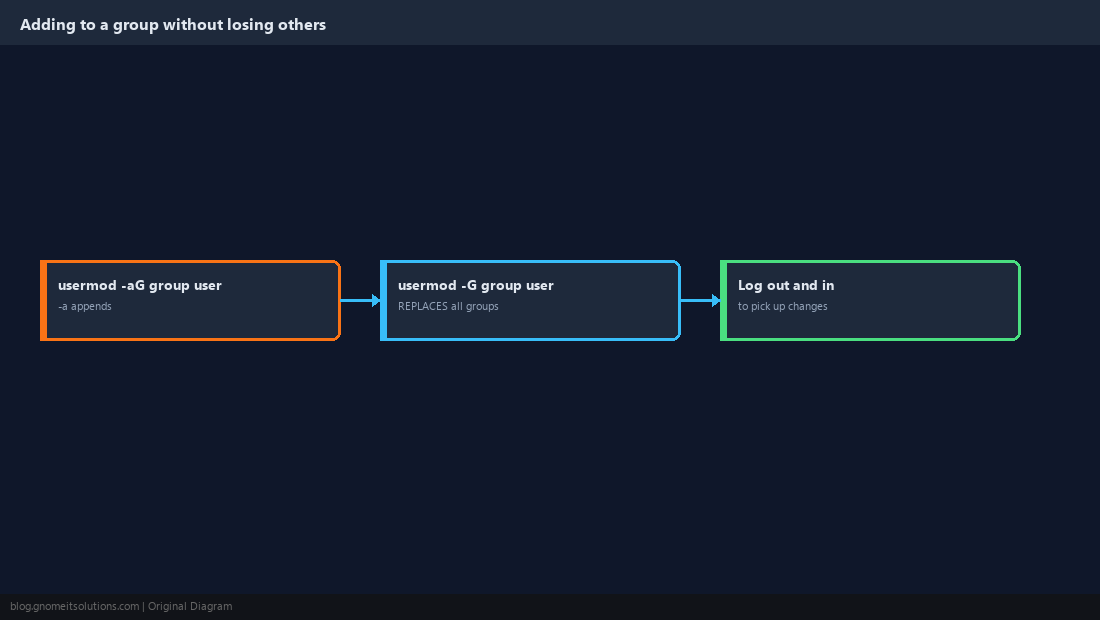
Grant Admin Rights
Debian and Ubuntu grant sudo to the sudo group; RHEL, AlmaLinux and Rocky use wheel. For anything narrower than full root, use a file in /etc/sudoers.d/ instead.
sudo usermod -aG sudo alice     # Debian / Ubuntu
sudo usermod -aG wheel alice # RHEL familysudo visudo -f /etc/sudoers.d/alice-nginx
# alice ALL=(root) /usr/bin/systemctl reload nginx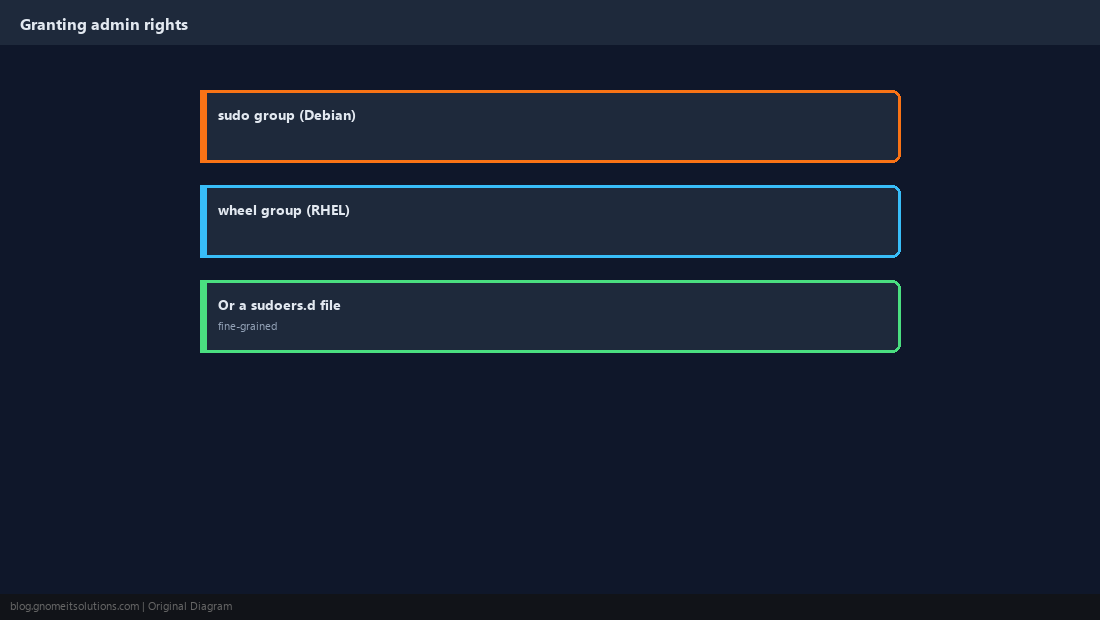
Disable an Account Without Deleting It
When someone leaves, lock the account first so nothing is lost while you check what they owned. Locking the password blocks password logins; expiring the account also blocks SSH key logins.
sudo usermod -L alice
sudo chage -E 0 alice
sudo chage -l aliceauthorized_keys, to fully cut access.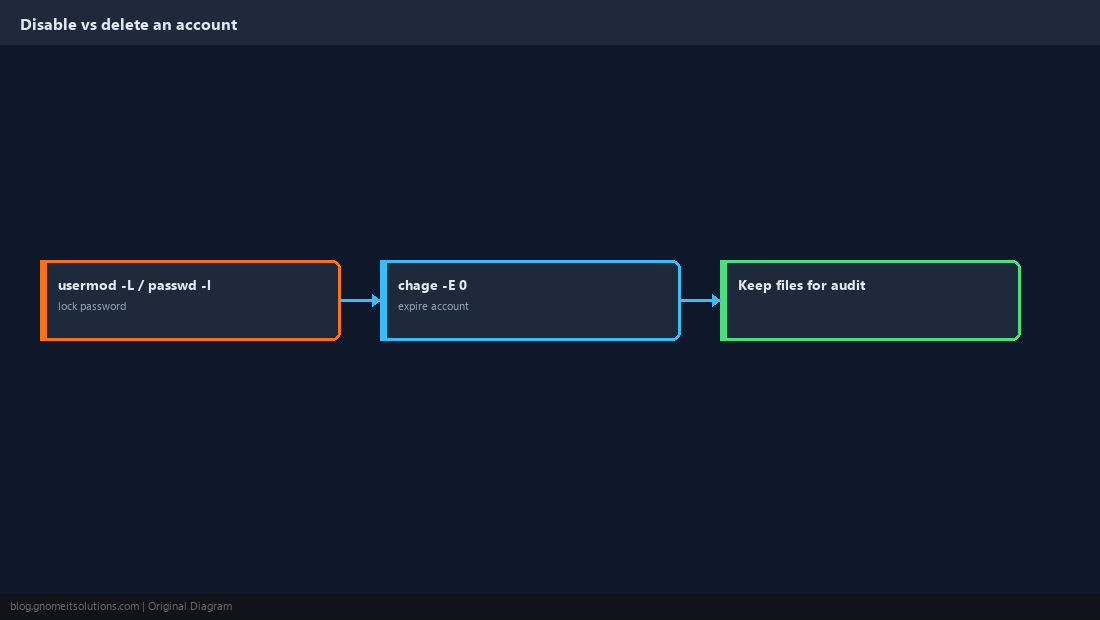
Remove a User Safely
Before deleting, find what they own outside their home directory and any scheduled jobs, so nothing breaks or becomes orphaned.
sudo find / -xdev -user alice 2>/dev/null | head
sudo crontab -l -u alice
ps -u alice
sudo userdel -r alice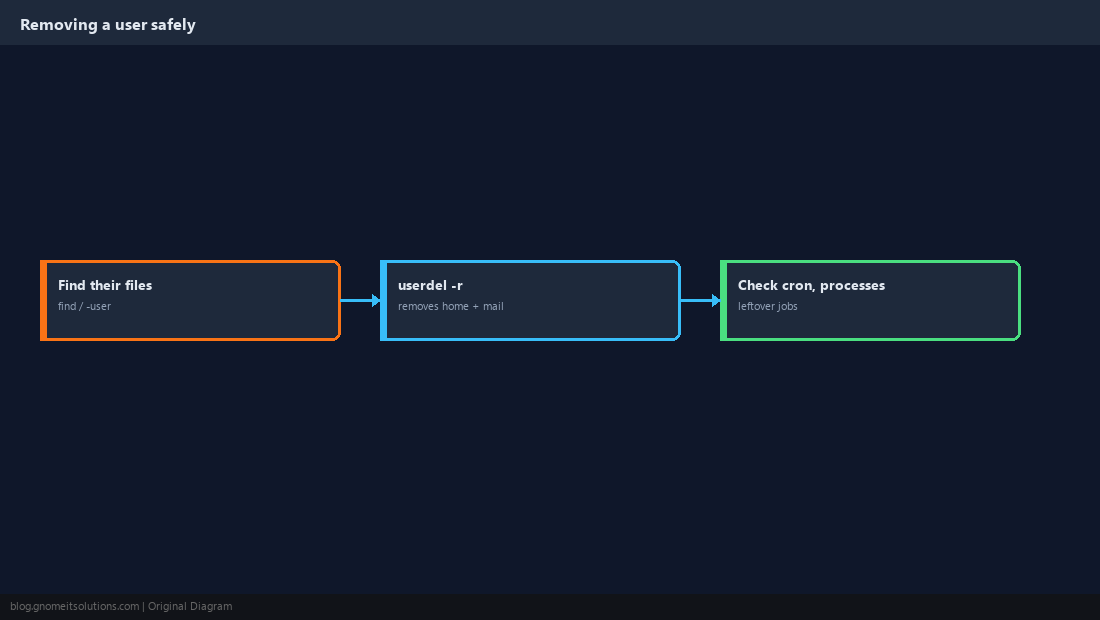
Audit Accounts Regularly
Check who can log in, that only root has UID 0, and when accounts were last used. Stale accounts are an easy way in.
getent passwd | awk -F: '$7 !~ /(nologin|false)$/ {print $1, $7}'
getent passwd | awk -F: '$3 == 0 {print $1}'
lastlog | grep -v 'Never logged in'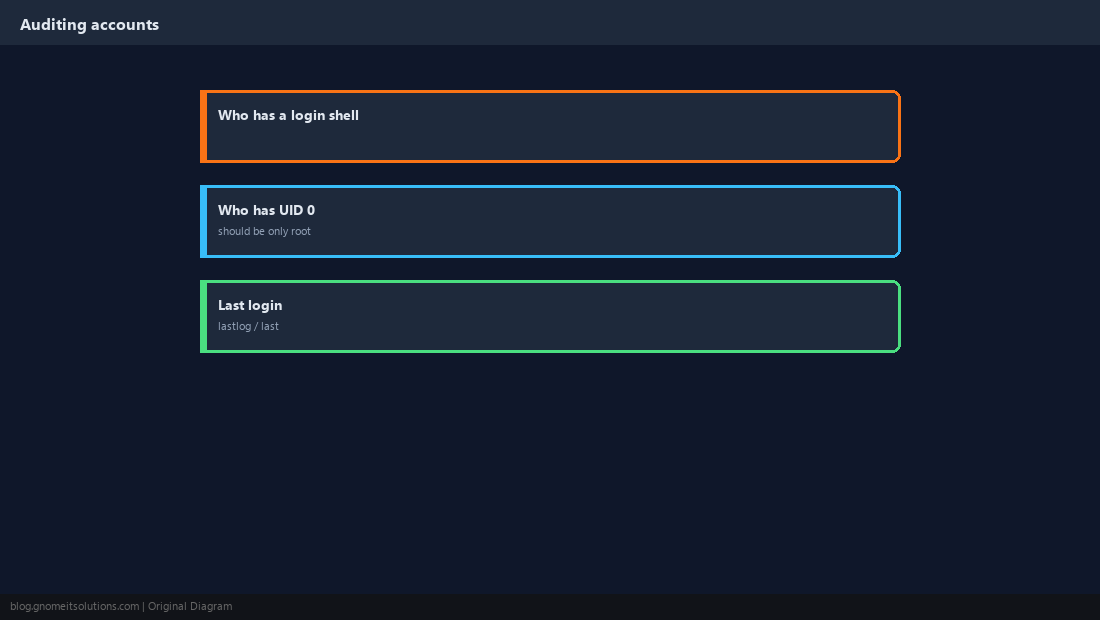
What is the difference between useradd and adduser?
useradd is the low-level command available on every distribution. adduser on Debian and Ubuntu is an interactive wrapper that creates the home directory, sets the shell and prompts for a password for you.
How do I add a user to a group in Linux?
Run sudo usermod -aG groupname username. The -a flag appends; without it, -G replaces all of the user’s existing supplementary groups.
Why doesn’t my new group membership work?
Group membership is read at login. The user must log out and back in, or start a new session with newgrp groupname.
How do I give a user sudo access?
Add them to the sudo group on Debian/Ubuntu or the wheel group on RHEL-family systems, or create a narrower rule in /etc/sudoers.d/ using visudo.
How do I delete a user and their home directory?
Run sudo userdel -r username. Check first for files they own elsewhere and for cron jobs or running processes.
Cheat Sheet
useradd -m -s /bin/bash;passwd;usermod -aG(never forget-a)- Lock with
usermod -L+chage -E 0; delete withuserdel -rafter checking
Related tutorials
Diagrams are original illustrations by Gnome IT Solutions. Tutorial text © Gnome IT Solutions.