
fuser on Linux answers “who has this file open?” or “what is bound to port 80?” in one line — common when umount says target is busy or nginx fails to bind.
Related: lsof,
ss,
kill & pkill.
Processes on a file
-v shows user and PID using the path.
bashfile
sudo fuser -v /var/log/syslog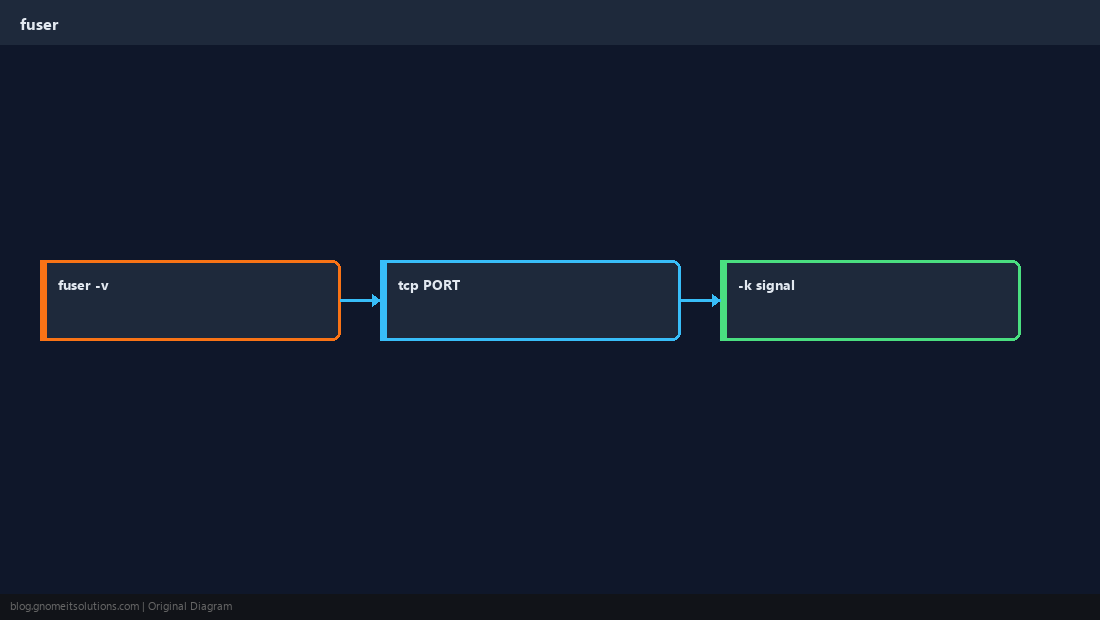
TCP and UDP ports
-n tcp PORT finds listeners — combine with -v for detail.
bashport
sudo fuser -v -n tcp 443Kill signaling
-k sends a signal (default SIGKILL) — prefer finding PIDs and kill for production.
bashcareful
sudo fuser -k 8080/tcp # use carefullyBusy mount points
When you cannot unmount, check what holds files under the path.
TipIf you only need socket ownership,
ss -tulpn is often faster than fuser for a quick listener check.Quick Reference
- File:
sudo fuser -v PATH - Port:
sudo fuser -v -n tcp PORT - Kill only after review
Related tutorials
Diagrams are original illustrations by Gnome IT Solutions. Tutorial text © Gnome IT Solutions.