ss is the modern replacement for netstat: it reads the same kernel socket tables but scales better on busy servers.
The questions it answers are always the same: what is listening, who is connected, and which process owns port 443?
Pair socket checks with UFW or your cloud security group when a port is open locally but unreachable from clients.
Why ss Instead of netstat
Both show sockets; ss is faster and is what current distros document. Filters are similar: -t TCP, -u UDP, -l listen, -n numeric ports.
ss -V # from iproute2 package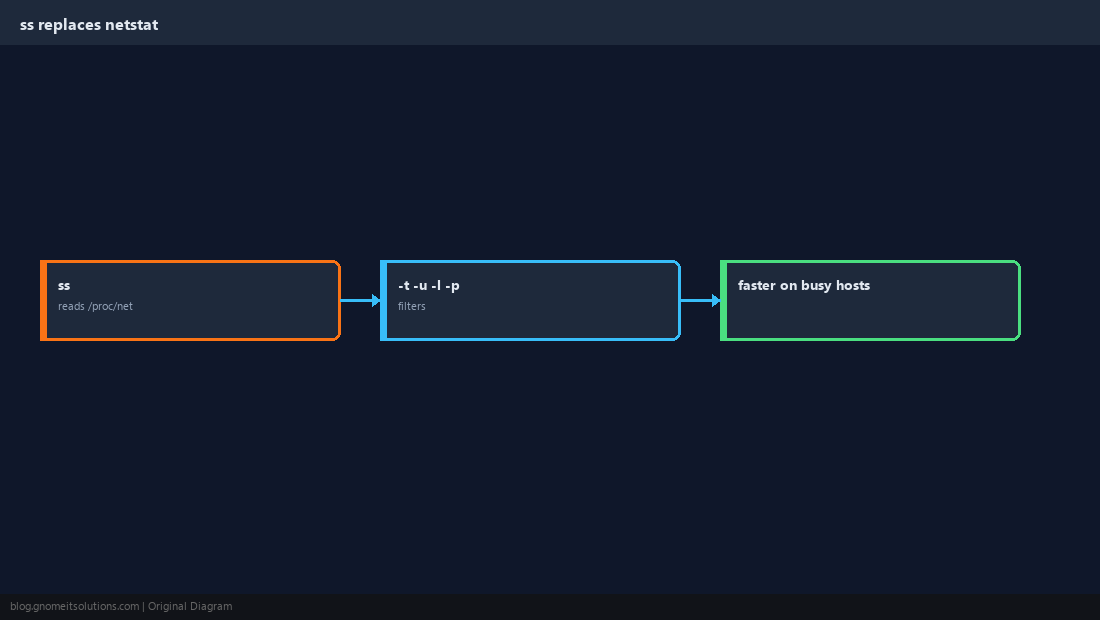
List Listening Ports
ss -tlnp is the daily driver for TCP. Watch for 0.0.0.0 (all IPv4 interfaces) versus 127.0.0.1 (local only).
sudo ss -tlnpsudo ss -ulnp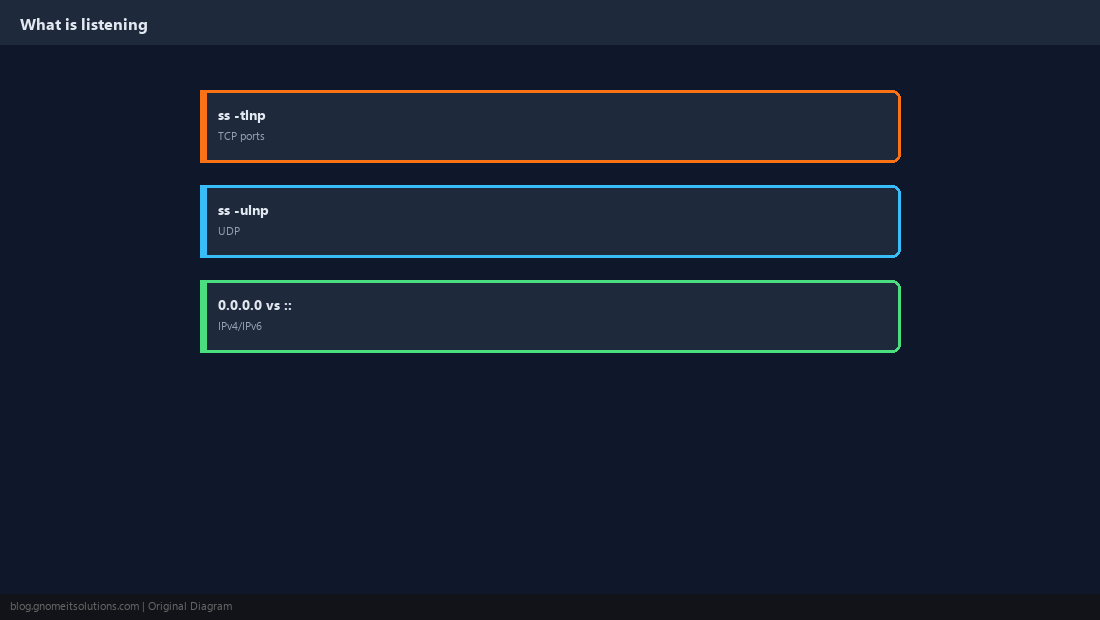
Established Connections
See who your server talks to, or who is connected in. Filter by state and destination port for HTTPS or SSH sessions.
ss -tn state established '( dport = :443 )'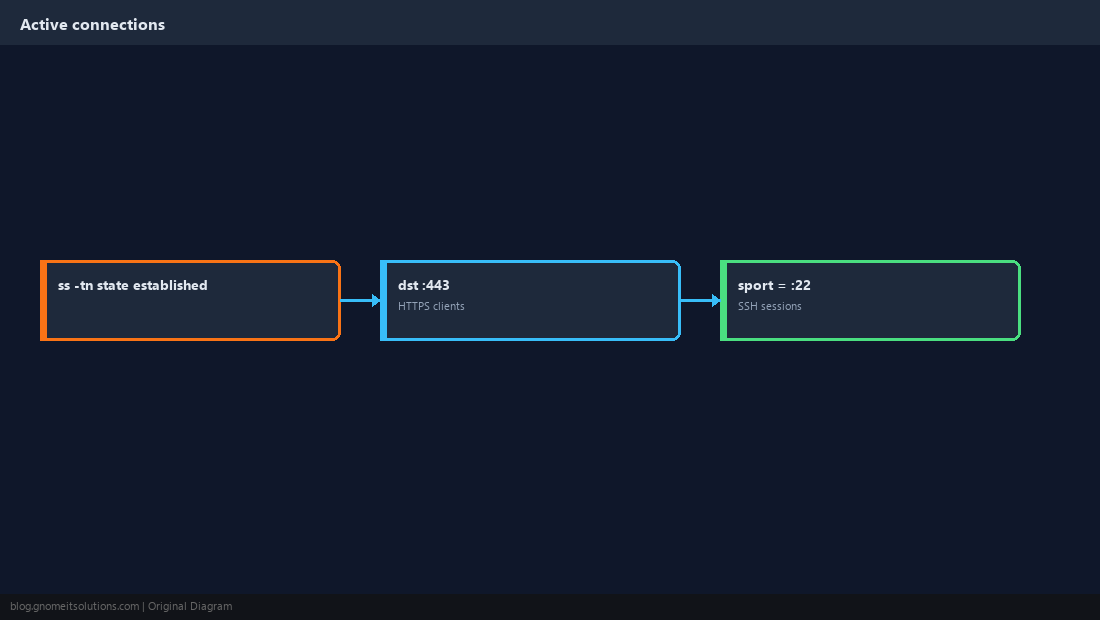
Map a Port to a Process
The -p flag needs root to show all PIDs. lsof -i :PORT is a useful alternative.
sudo ss -tlnp | grep ':8080'
sudo lsof -iTCP:8080 -sTCP:LISTEN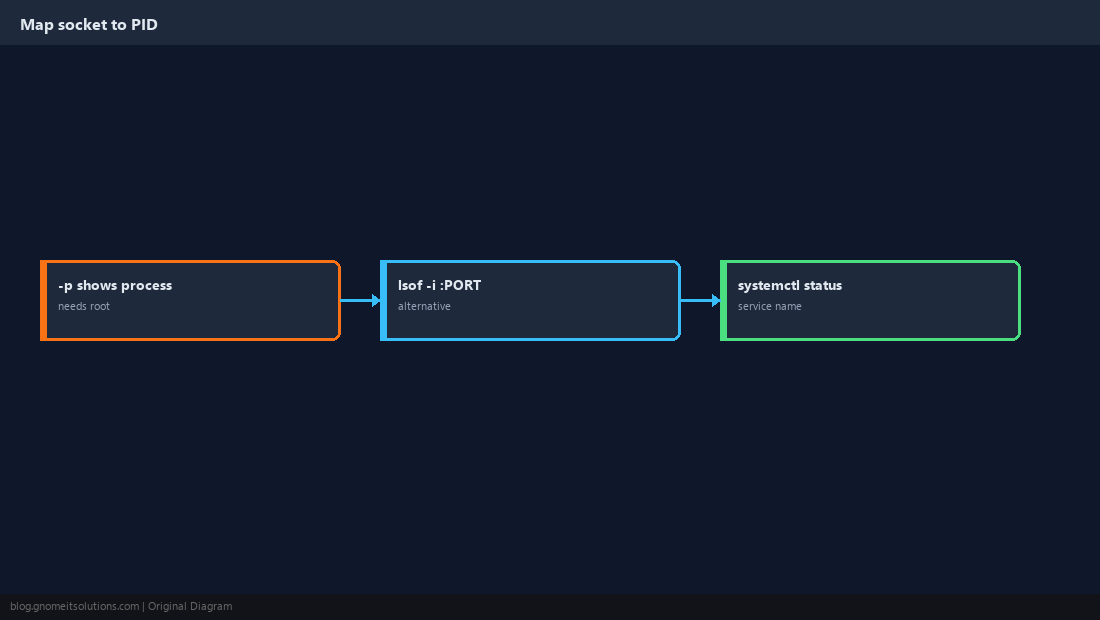
Listen Locally vs Reachable Remotely
A service bound to 127.0.0.1 is not wrong — it may sit behind Nginx. Confirm the path: listener, firewall, then client test.
curl -sI http://127.0.0.1/
curl -sI http://$(hostname -I | awk '{print $1}')/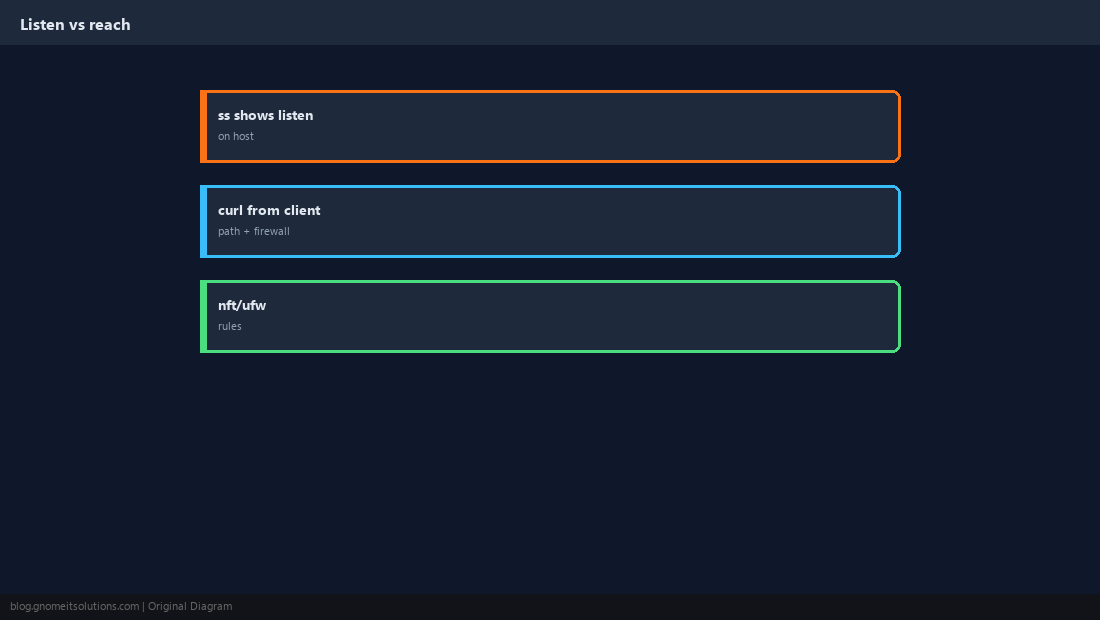
Fix Address Already in Use
Two processes cannot bind the same address and port. Find the holder with ss, stop or reconfigure the duplicate.
sudo ss -tlnp | grep ':80 '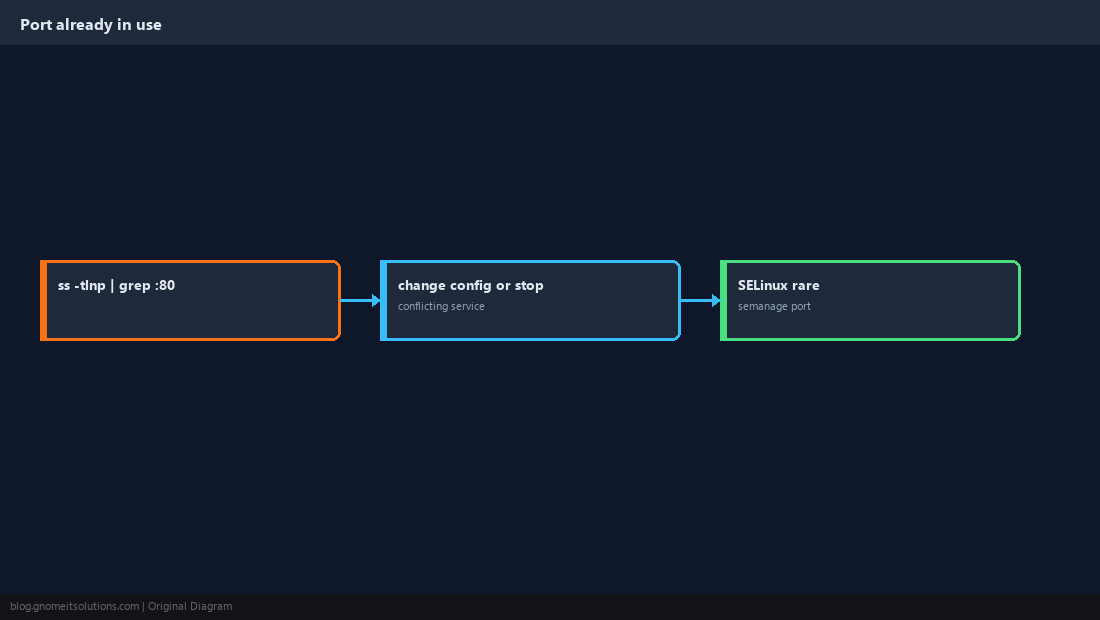
Quick Health Checks
From another host, nc -zv host port confirms reachability. On the server, curl to localhost validates the app layer.
nc -zv 127.0.0.1 22
curl -fsS http://127.0.0.1:8080/health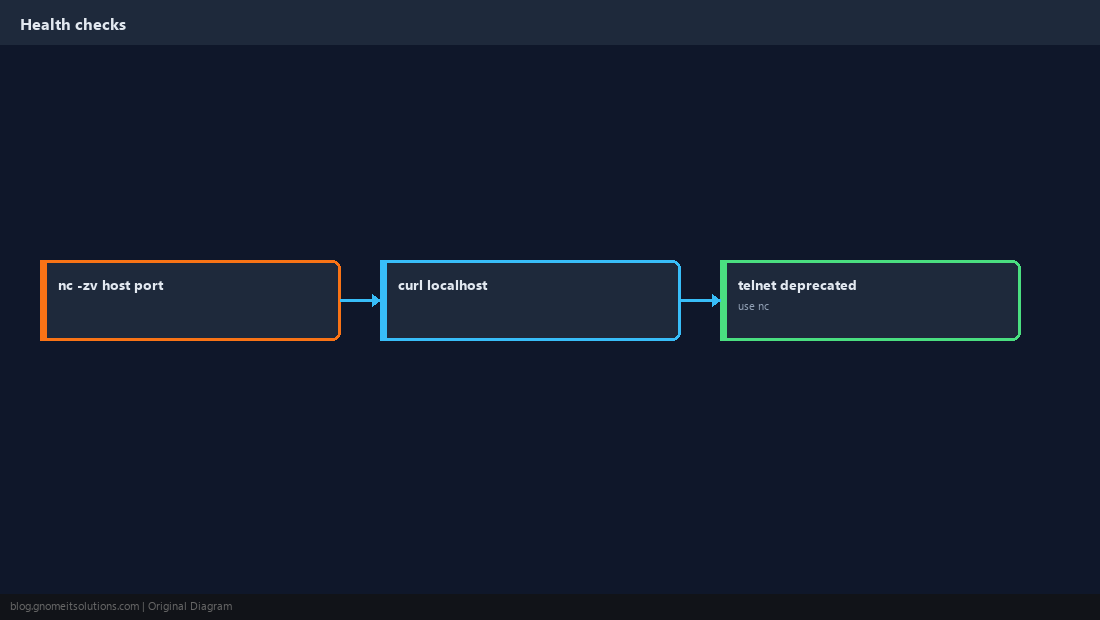
Quick Reference
sudo ss -tlnp— who listens on which TCP port127.0.0.1vs0.0.0.0matters for exposure- Port in use →
ss -tlnp | grep :PORT
Related tutorials
Diagrams are original illustrations by Gnome IT Solutions. Tutorial text © Gnome IT Solutions.