nc (netcat) is the quick port-check tool when you need yes/no on TCP connectivity — faster than configuring a scanner for one port. Searches spike during deploys (“is the load balancer reaching my app on 8080?”).
See: ss,
wait-for-port script,
UFW basics.
Test a remote port
Zero-I/O mode -z scans without sending data; -v is verbose.
bashexamples
nc -zv -w 3 203.0.113.10 443
nc -zv -w 3 127.0.0.1 3306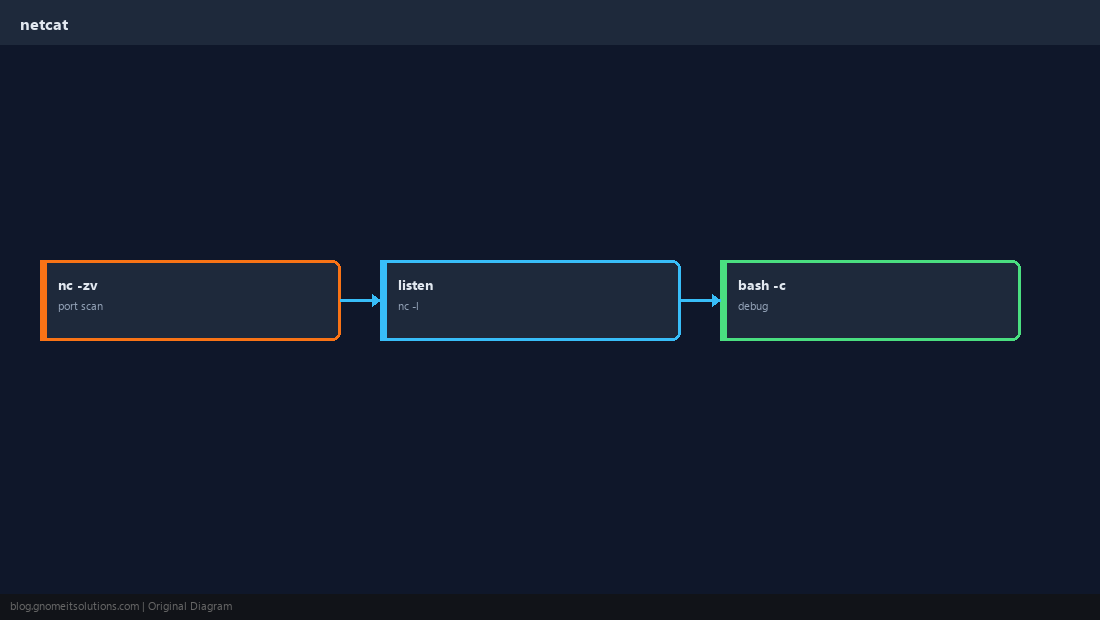
Listen locally
Useful to confirm a firewall rule reaches the host before the real app is ready.
bashlistener
nc -l -p 9999 -vSend minimal HTTP
Manual HTTP helps when curl fails mysteriously — you see raw TCP behavior.
bashHTTP
printf 'GET / HTTP/1.0\r\nHost: example.com\r\n\r\n' | nc -w 3 example.com 80 | headInterpret failures
Connection refused = reachable host, nothing listening; timeout = firewall or wrong IP/route.
TipOn RHEL you may need
nmap-ncat package — syntax is similar to traditional netcat.Quick Reference
- Scan:
nc -zv host PORT - Listen:
nc -l -p PORT - Refused vs timed out tells you a lot
Related tutorials
Diagrams are original illustrations by Gnome IT Solutions. Tutorial text © Gnome IT Solutions.