
stat on Linux shows the raw metadata ls -l abbreviates — exact sizes, three timestamps, and inode numbers for troubleshooting permissions and backup tools.
Related: chmod & chown,
test,
find.
Human-readable default
Full stat block for one file or directory.
bashview
stat /etc/ssh/sshd_config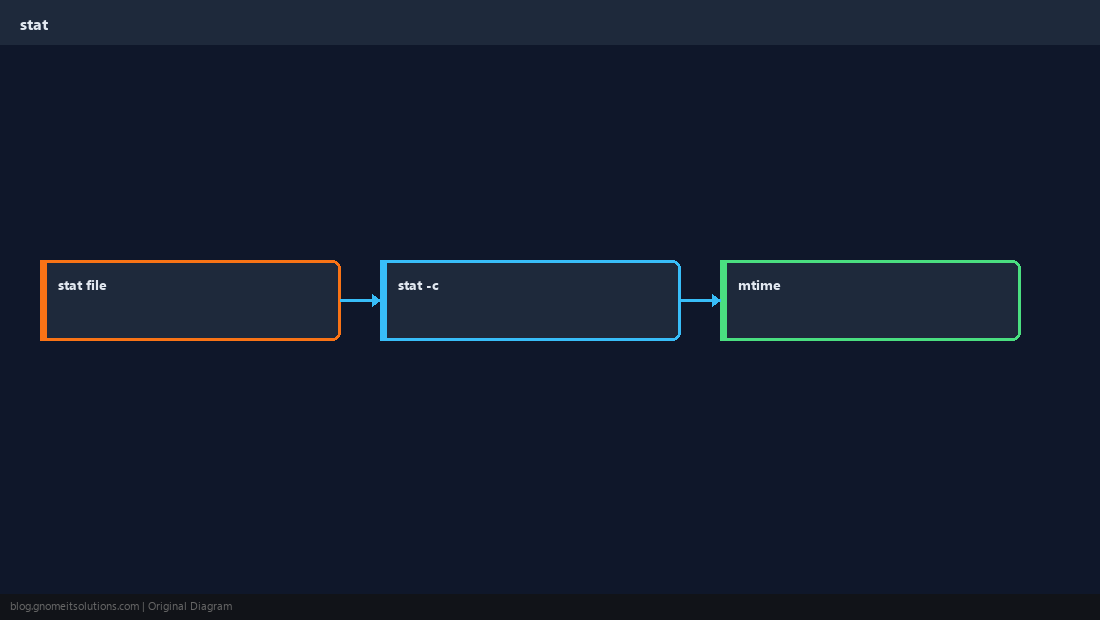
Format for scripts
-c with percent codes integrates into Bash without ls parsing.
bashformat
stat -c '%n %s bytes mode=%a' /var/log/syslogSymlinks
stat reports the symlink unless you use -L to follow.
bashlink
stat /usr/bin/python
stat -L /usr/bin/python 2>/dev/null || trueCompare with ls
When mtime looks wrong, check ctime for metadata changes and trust stat in automation.
TipUse
find . -mtime -1 -ls for recent changes; stat -c for exact epoch times in scripts.Quick Reference
- Inspect:
stat path - Script:
stat -c '%s %y' file - Follow link:
stat -L link
Related tutorials
Diagrams are original illustrations by Gnome IT Solutions. Tutorial text © Gnome IT Solutions.