
Graphical search is not an option on most servers. find walks the directory tree you specify and tests each file against rules you define
— name, type, how old it is, how large it is, and more.
Pair find with disk cleanup in our df/du/ncdu guide and archive old logs with
tar once you know what to remove.
What find Actually Does
Starting at a path, find visits entries depth-first (by default), evaluates predicates, and optionally runs actions on matches.
find /var --> test each entry --> match? --> print or -exec action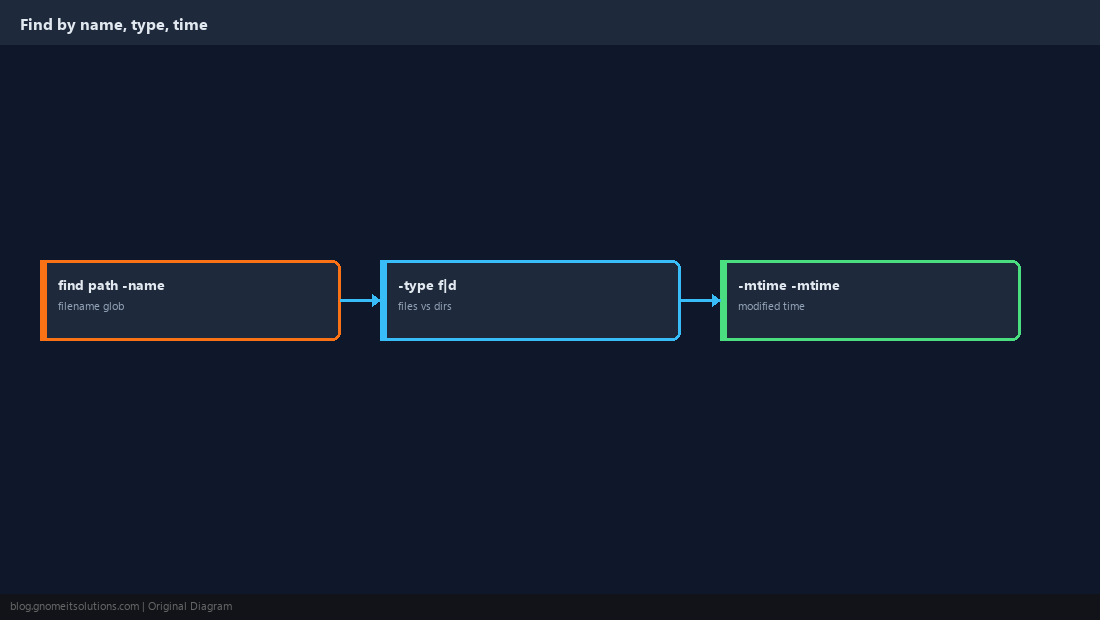
Find by Filename
Globs must be quoted so the shell does not expand them before find sees them. -iname is case-insensitive.
find /var/log -name '*.log'
find /home -iname 'readme*'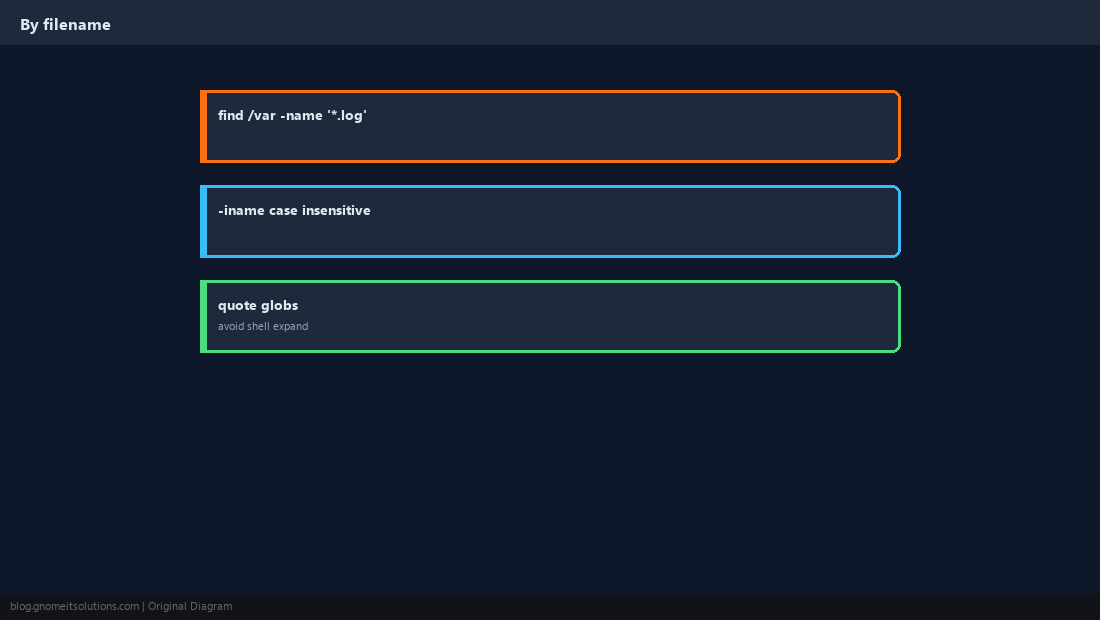
Files vs Directories
Use -type f or -type d to avoid surprises. -maxdepth stops find from diving deeper than you intend.
find /etc -maxdepth 2 -type f -name '*.conf'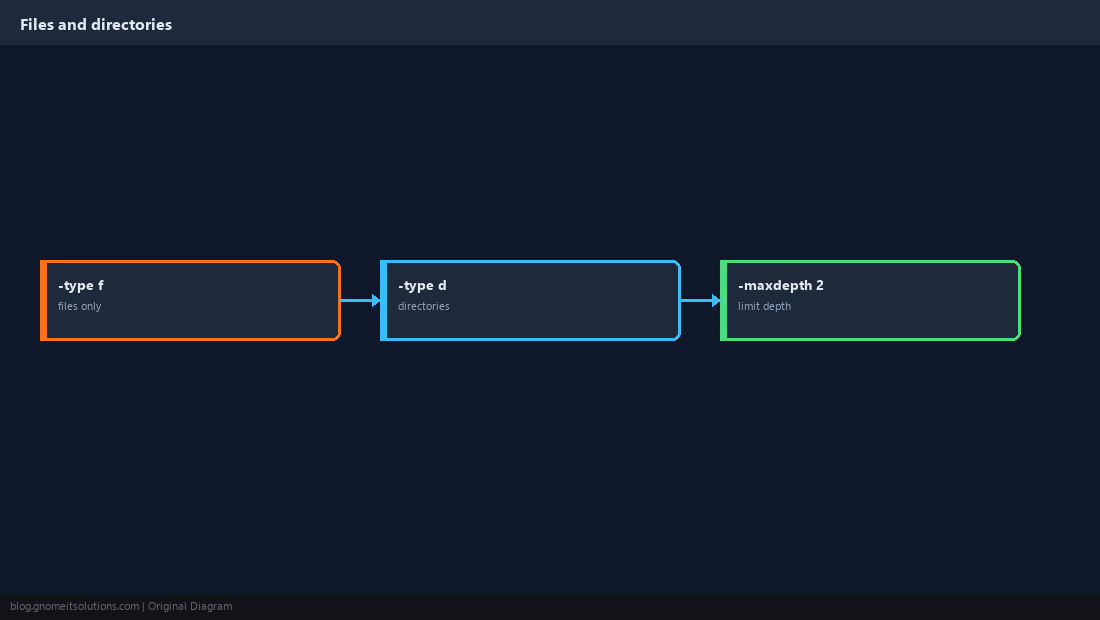
Find by Modification Time
-mtime is in 24-hour days. -mtime -7 means modified within the last week; +30 means older than 30 days.
find /var/log -type f -mtime +30 -name '*.log'
find /tmp -type f -mtime -1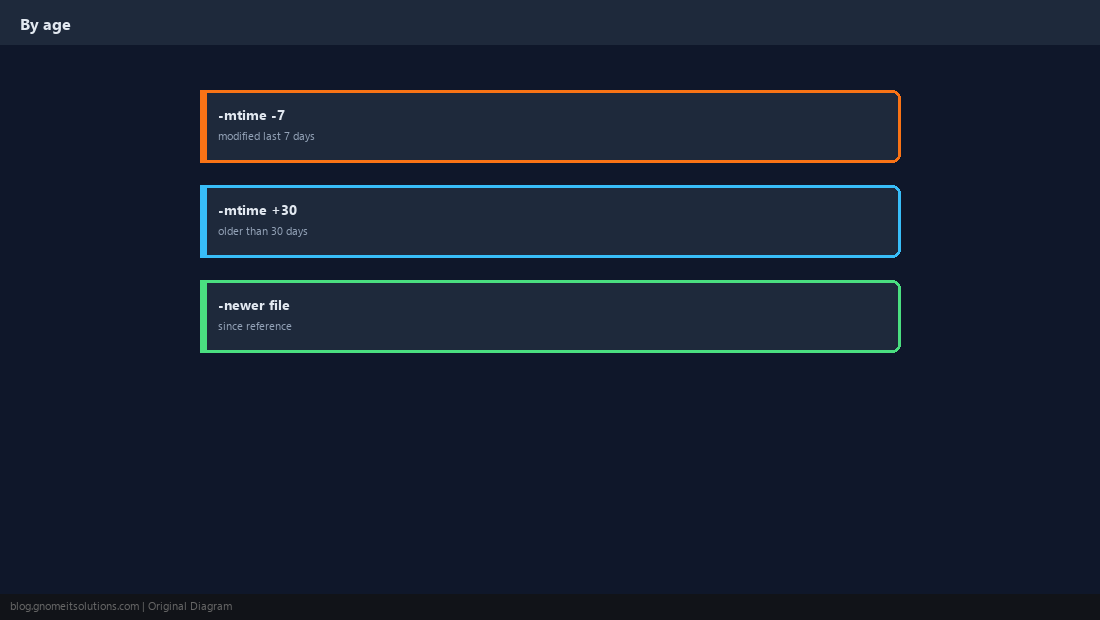
Find by Size
Hunt for huge files when a filesystem is full. Combine -size with -type f.
find / -xdev -type f -size +500M 2>/dev/null | head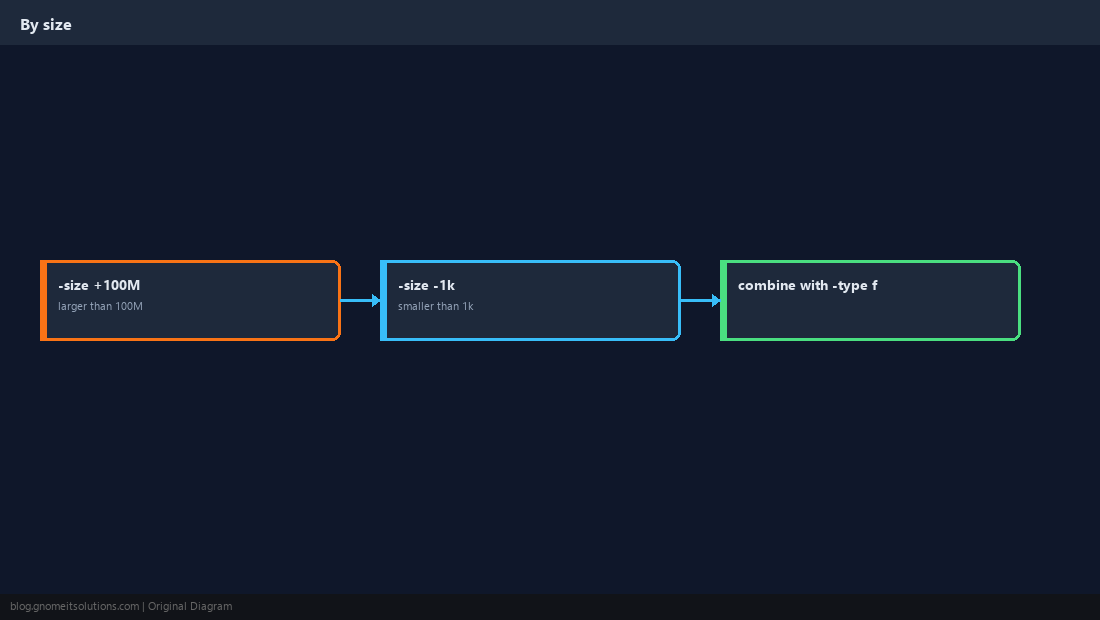
Run Commands on Matches (Carefully)
-delete only removes empty directories safely in bulk; for files, prefer explicit -exec rm after a dry run with -print first.
find /var/tmp -type f -name '*.tmp' -mtime +7 -print
# after review:
find /var/tmp -type f -name '*.tmp' -mtime +7 -delete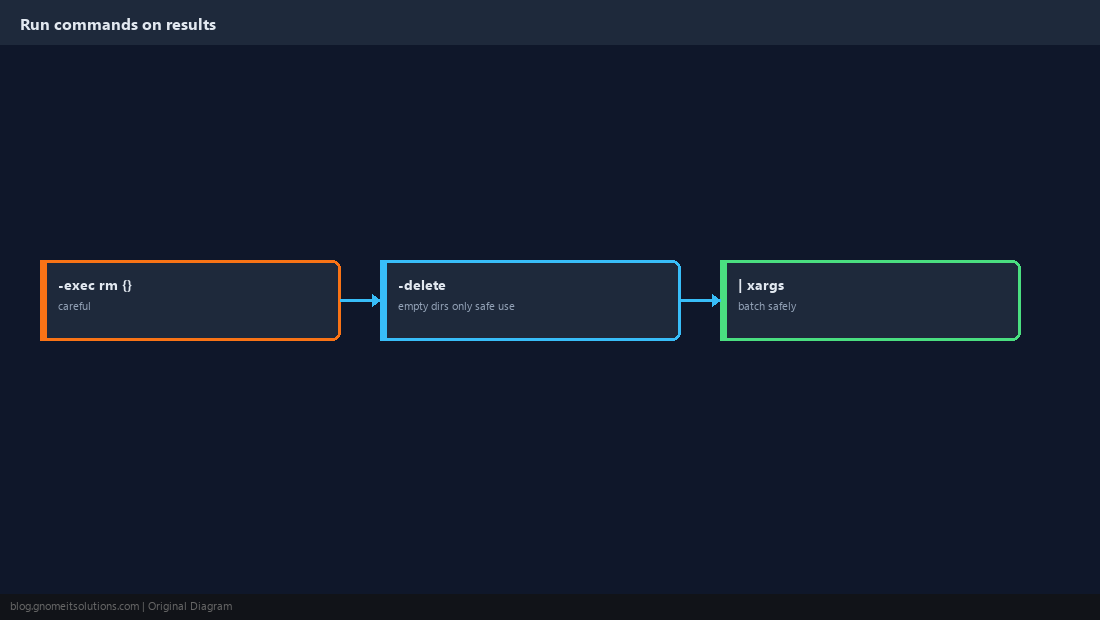
Skip Noisy Directories
Prune node_modules, .git, or backup mounts so find finishes in reasonable time.
find ~/project \( -path '*/.git' -prune \) -o -type f -name '*.py' -print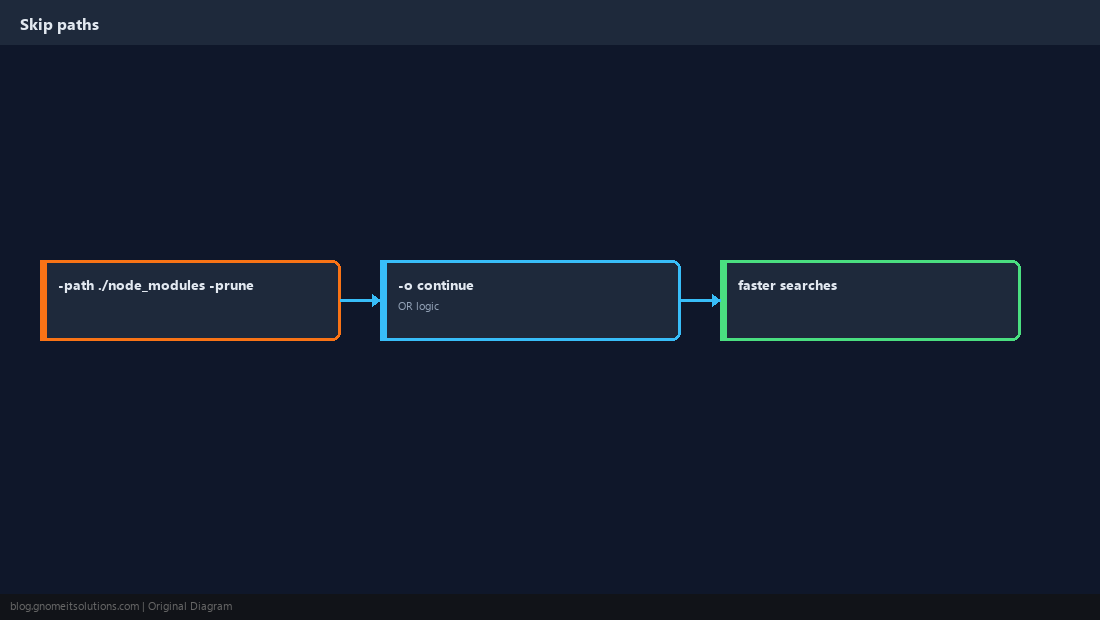
Quick Reference
- Quote globs:
find . -name '*.log' -mtime -7recent;+30older than 30 days-printbefore any-deleteorrm
Related tutorials
Diagrams are original illustrations by Gnome IT Solutions. Tutorial text © Gnome IT Solutions.