nftables on Linux: Basic Firewall Rules (SSH, HTTP/HTTPS) That Persist
Set up nftables on Linux: tables, chains, default drop, allow SSH and web ports, persist ruleset to /etc/nftables.conf,…
Read tutorial →Browse step-by-step tutorials in this topic.
Set up nftables on Linux: tables, chains, default drop, allow SSH and web ports, persist ruleset to /etc/nftables.conf,…
Read tutorial →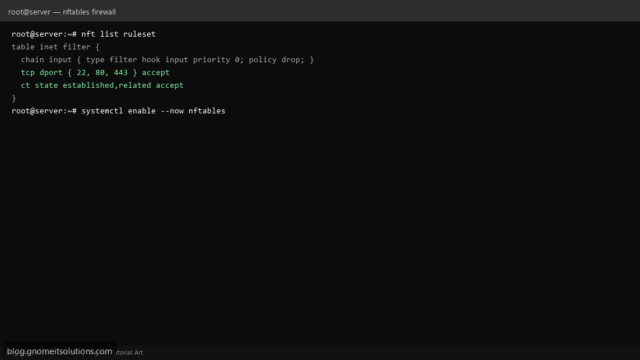
Configure nftables firewall on Rocky Linux, AlmaLinux, and Fedora. Allow SSH and web ports with a simple ruleset.
Read tutorial →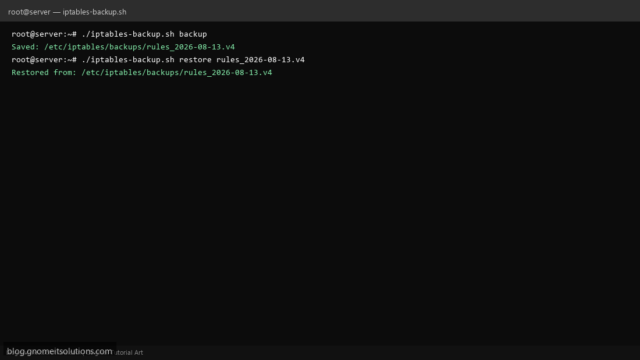
Backup and restore iptables firewall rules on Linux with a Bash script. Save rules before updates or reboots.
Read tutorial →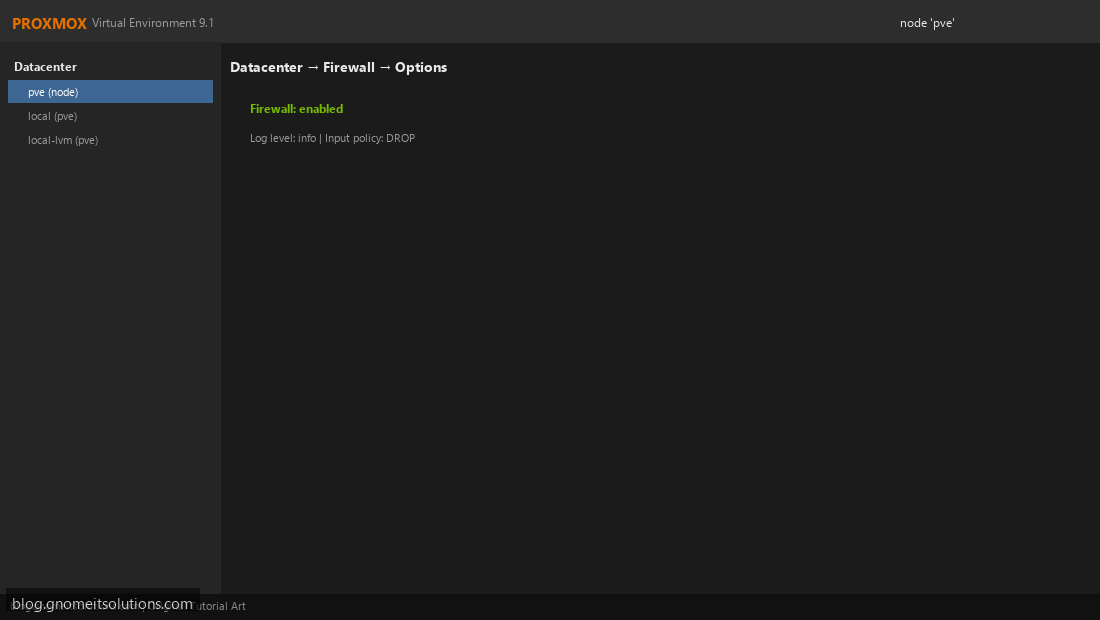
Configure Proxmox firewall rules for datacenter, node, and VM level. Secure your Proxmox host and virtual machines.
Read tutorial →