nftables is the modern netfilter frontend on most current distributions. iptables often talks to the same kernel rules through a compatibility layer,
but new rules are clearer when written directly in nft syntax.
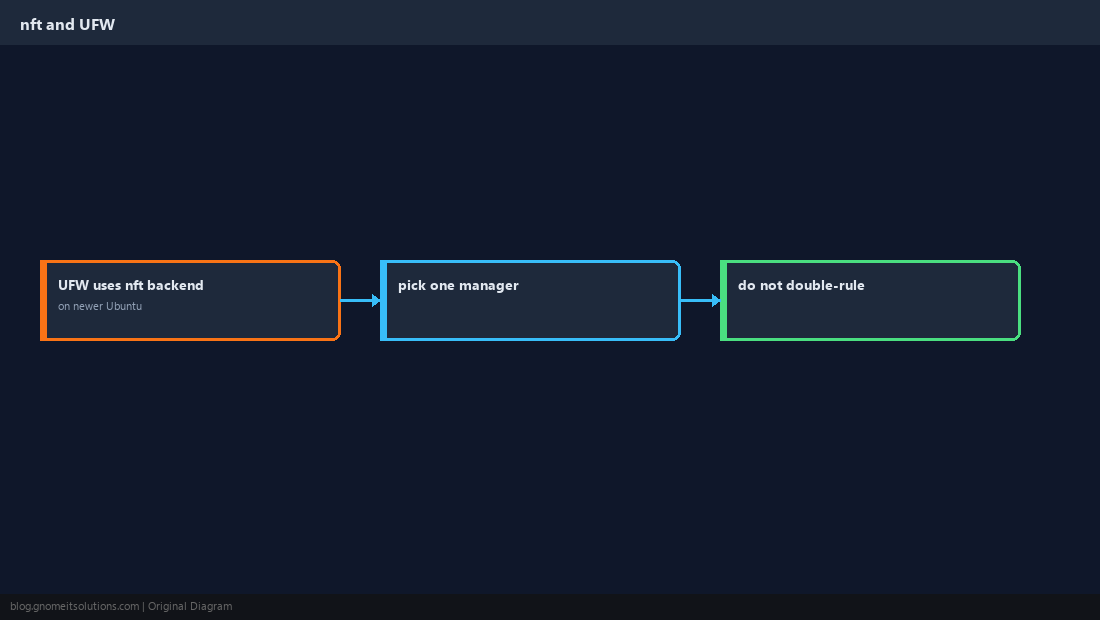
If you prefer a higher-level tool, start with UFW — on many releases it already programs nftables underneath.
Use raw nft when you need explicit, portable rules in Git.
nftables Building Blocks
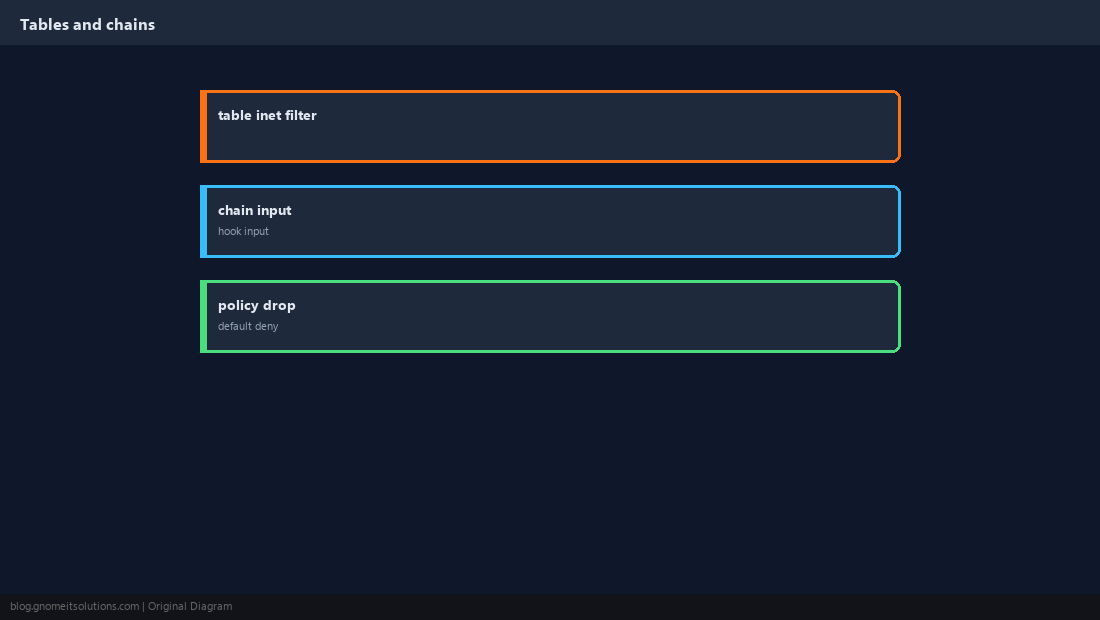
Rules live in tables (address families like inet), grouped into chains attached to hooks such as input.
sudo nft list ruleset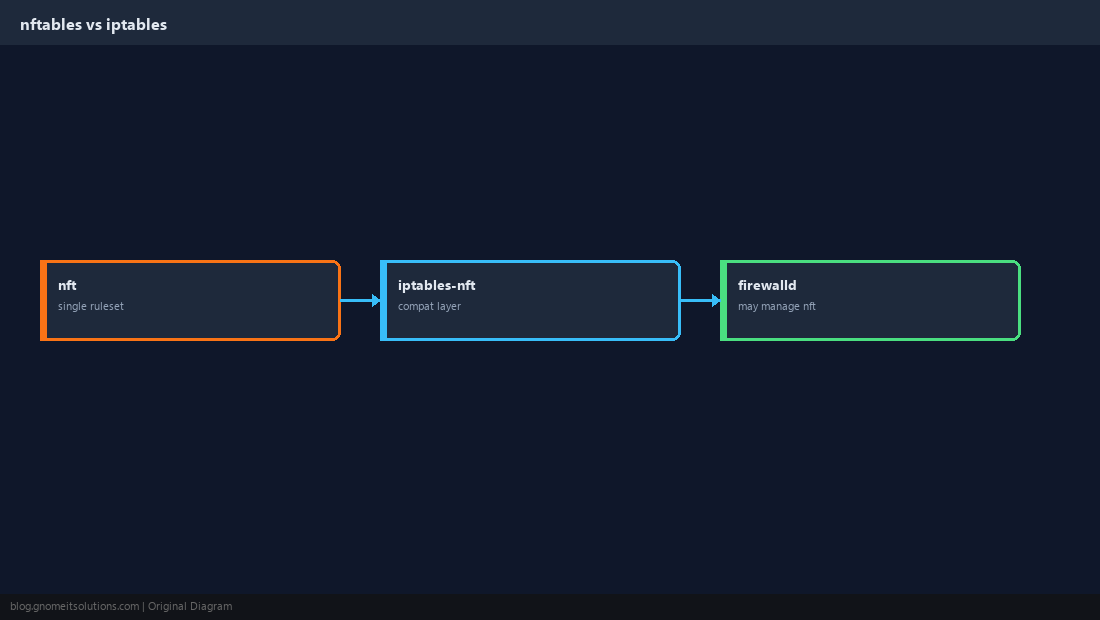
Create a Filter Table
A minimal host firewall uses an input chain with a default policy of drop after explicit allows.
table inet filter {
  chain input {
    type filter hook input priority 0; policy drop;
  }
}
Allow SSH and Web Traffic
Permit established flows first, then management and public services.
ct state established,related accept
iif lo accept
tcp dport 22 accept
tcp dport { 80, 443 } accept
icmp type echo-request accept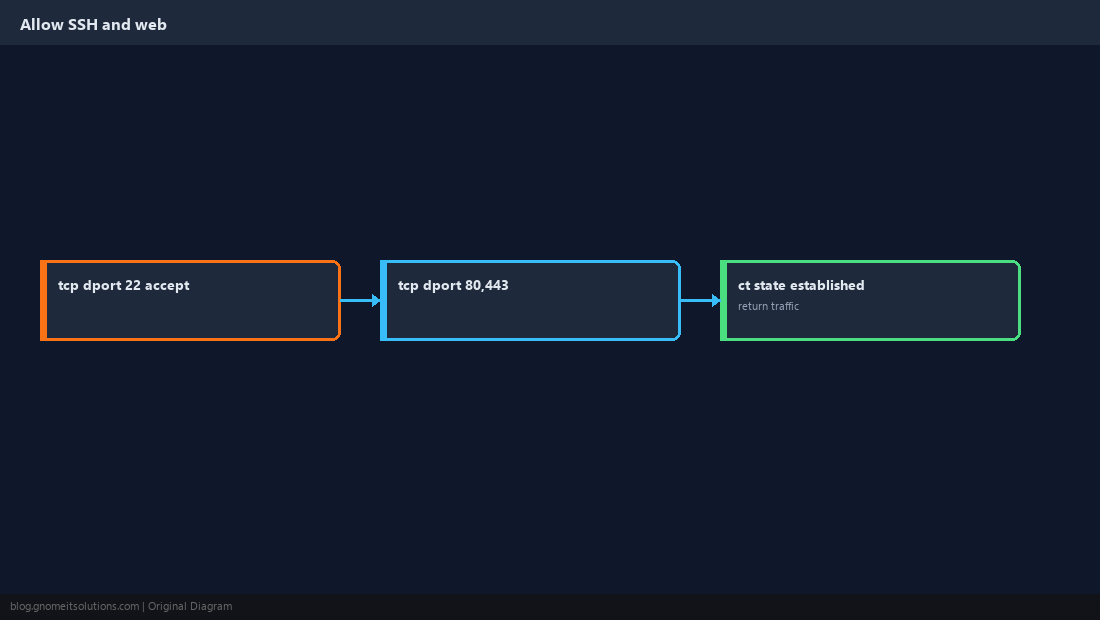
Persist and Enable
Save the live ruleset or maintain /etc/nftables.conf and enable the service.
sudo nft -f /etc/nftables.conf
sudo systemctl enable --now nftables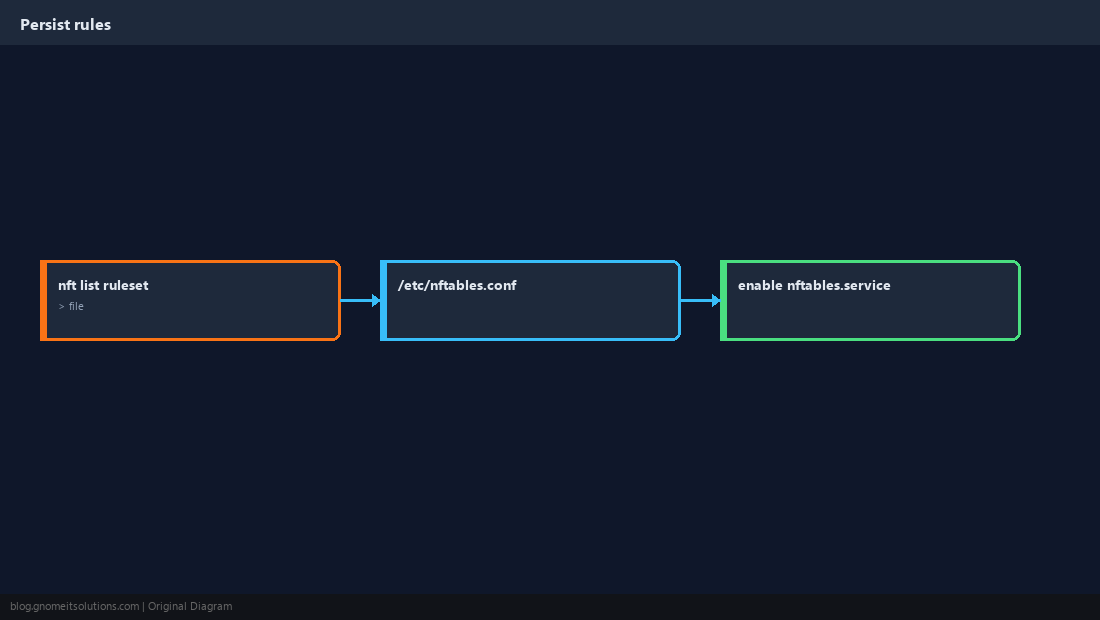
Avoid Lockouts
Keep an open SSH session while testing. Add allow rules before switching policy to drop.
iif lo accept) and established connections.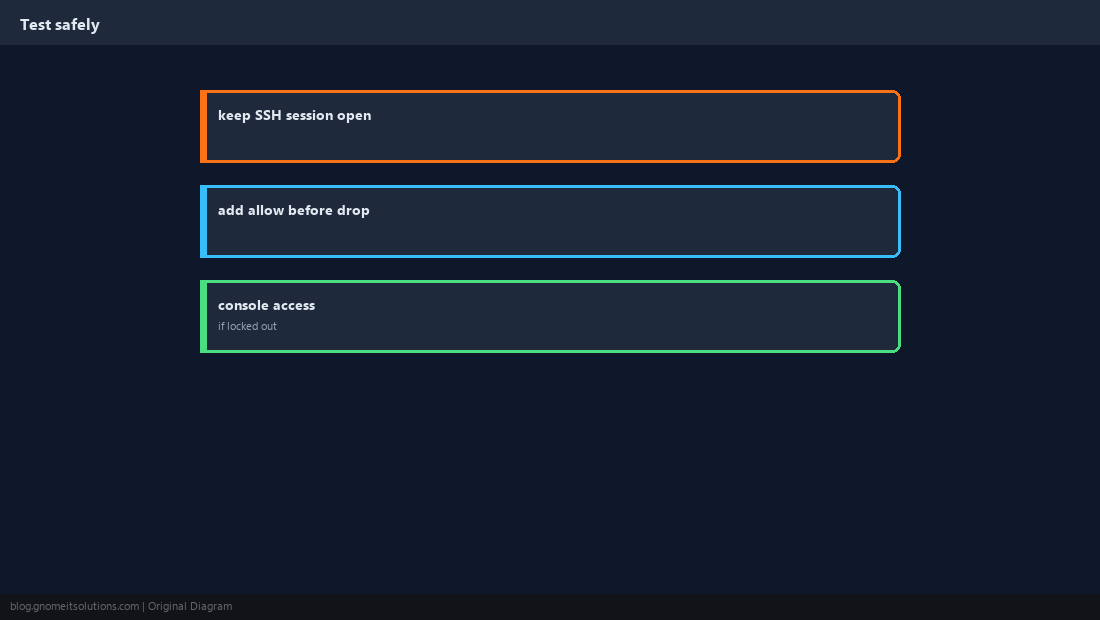
UFW, firewalld, and Docker
Only one manager should own the ruleset. Docker publishes ports with its own iptables/nft interactions.
Verify Listeners and Rules
Confirm services listen where you expect, then test from a client.
sudo nft list chain inet filter input
sudo ss -tlnp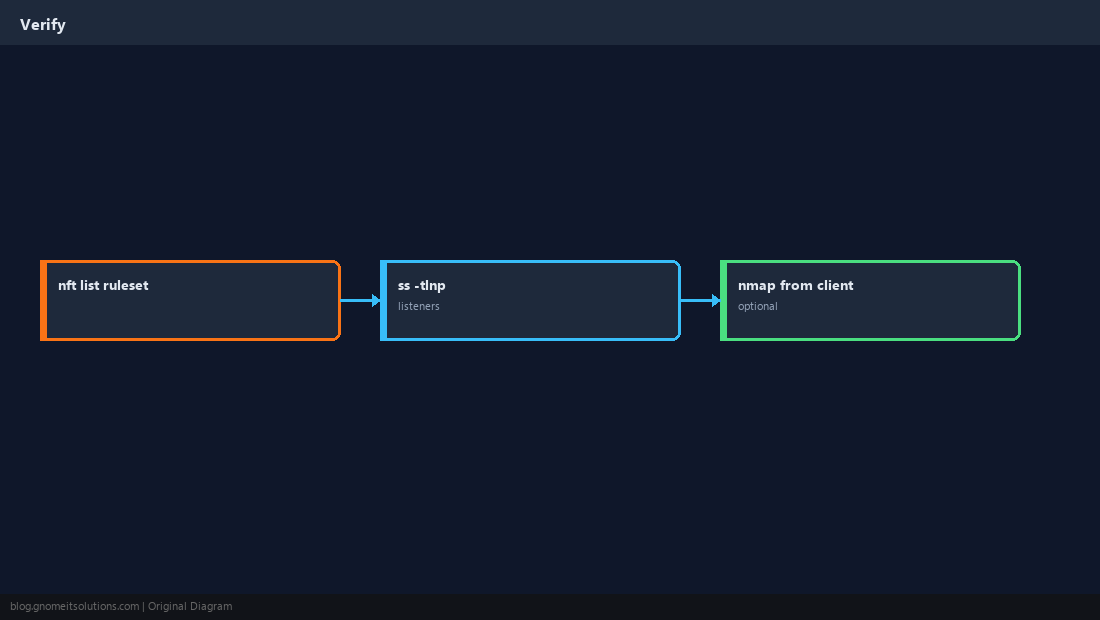
Quick Reference
- Policy
dropafter explicitacceptrules - Allow
established,relatedandlo - Test with a spare SSH session open
Related tutorials
Diagrams are original illustrations by Gnome IT Solutions. Tutorial text © Gnome IT Solutions.