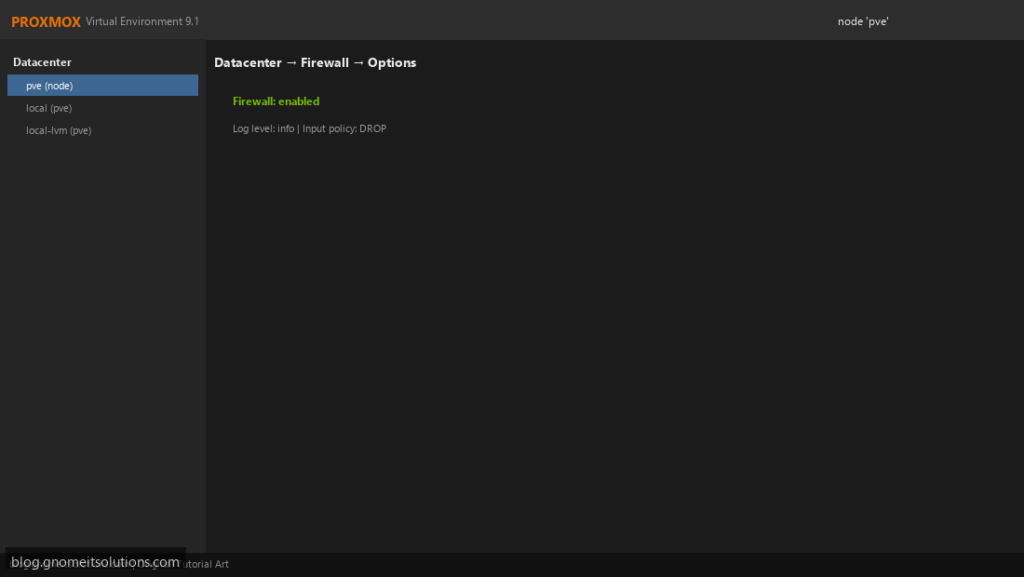
Proxmox VE ships a built-in firewall that works at three levels — the whole datacenter, each node, and each VM or container — managed from the web UI
and stored as plain text under /etc/pve/firewall/. Used well, it isolates guests from each other and keeps the management interface off the public internet.
It is also easy to lock yourself out of your own host. This guide enables it in the safe order, uses aliases, IP sets and security groups so rules stay readable,
and verifies from outside. Pair it with the host hardening checklist.
Quick answer: allow ports 8006 and 22 from your admin network first, then enable the firewall at Datacenter, then at node and guest level.
Understand the Three Levels
The datacenter setting is the master switch and holds cluster-wide rules, aliases, IP sets and security groups. Node rules protect the Proxmox host itself. VM/CT rules protect each guest, and only apply when the guest’s network device also has firewall=1.
  Datacenter  (master switch, cluster.fw, groups, ipsets)
    |-- Node    (host rules: host.fw)
    |-- VM/CT   (guest rules: <vmid>.fw, NIC firewall=1)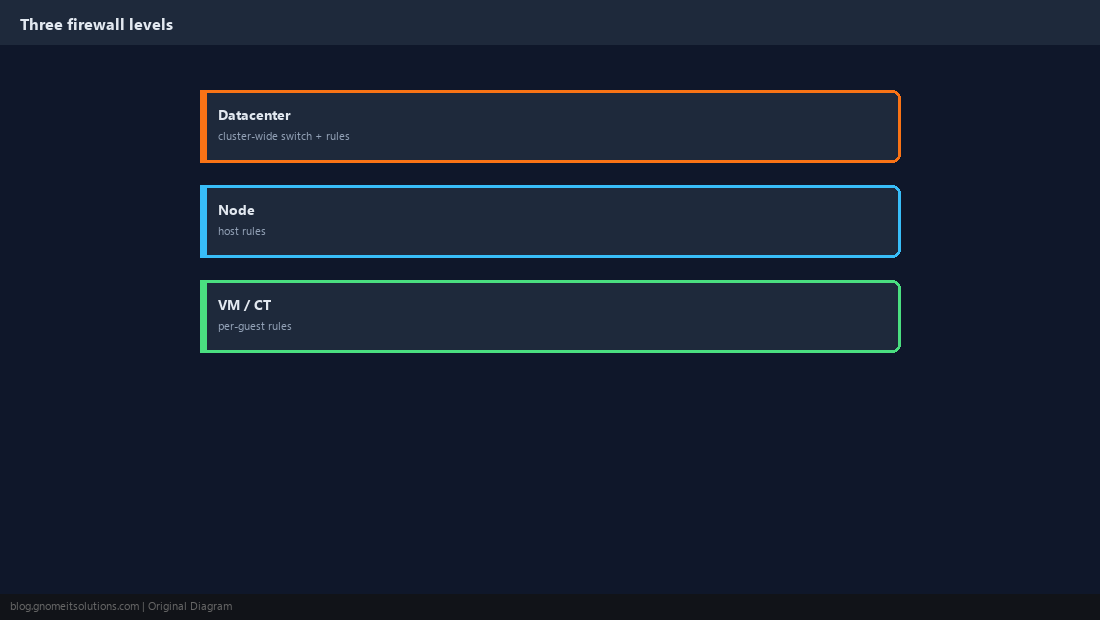
Avoid Locking Yourself Out
When the datacenter firewall is enabled with an input policy of DROP, anything not explicitly allowed is blocked, including the web UI on 8006 and SSH on 22. Proxmox allows management access from the cluster’s local network by default, but add an explicit rule for your admin network before enabling, and keep console access (IPMI, iLO or physical) available.
pve-firewall stop, then fix the rules.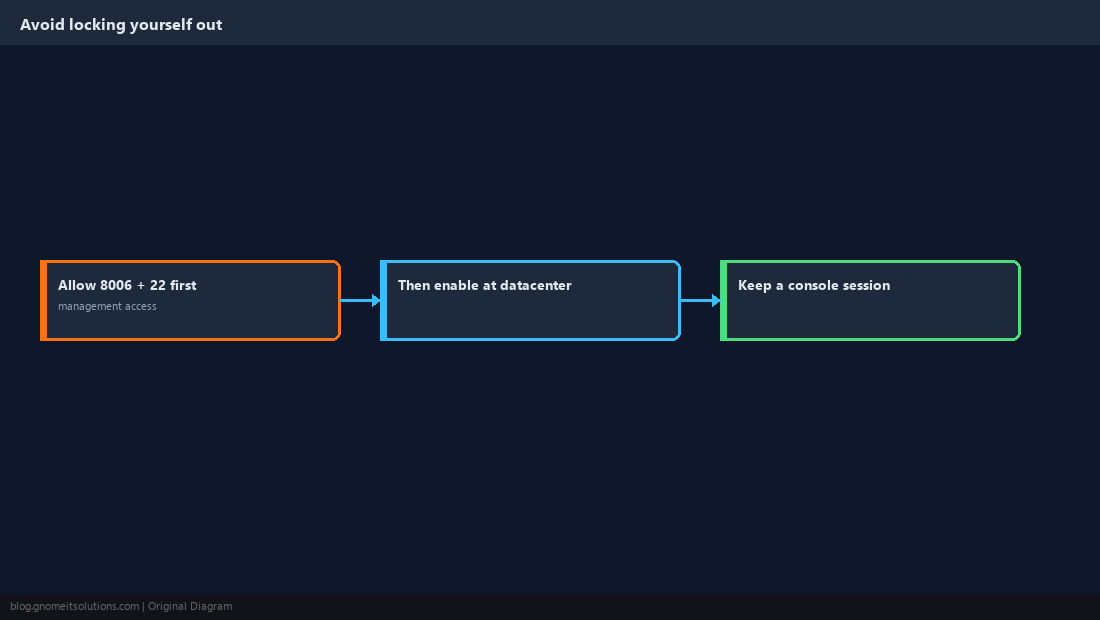
Create an IP Set for Management Access
Under Datacenter → Firewall → IPSet, the special set named management is used for management access. Add your admin subnet there, then add explicit rules.
[OPTIONS]
enable: 1
policy_in: DROP
policy_out: ACCEPT

[IPSET management]
192.168.10.0/24

[RULES]
IN ACCEPT -source +management -p tcp -dport 8006
IN SSH(ACCEPT) -source +management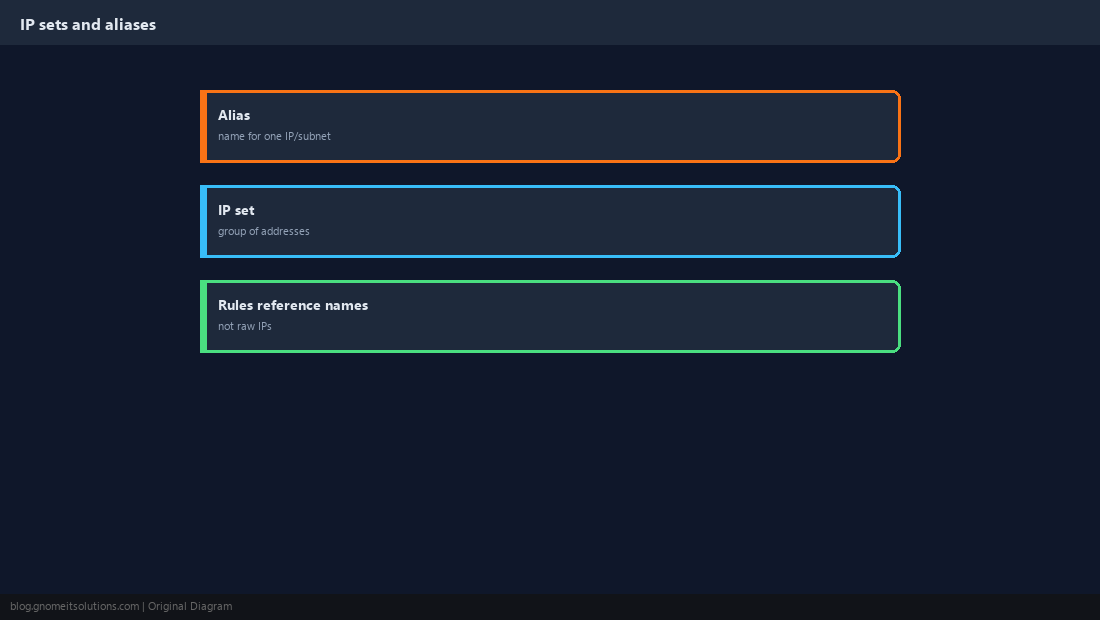
Enable in the Right Order
Turn the firewall on at the datacenter first, then confirm the web UI still loads. Enable node firewalls next. Finally, enable each guest’s firewall and tick Firewall on its network device.
qm set 101 --net0 virtio,bridge=vmbr0,firewall=1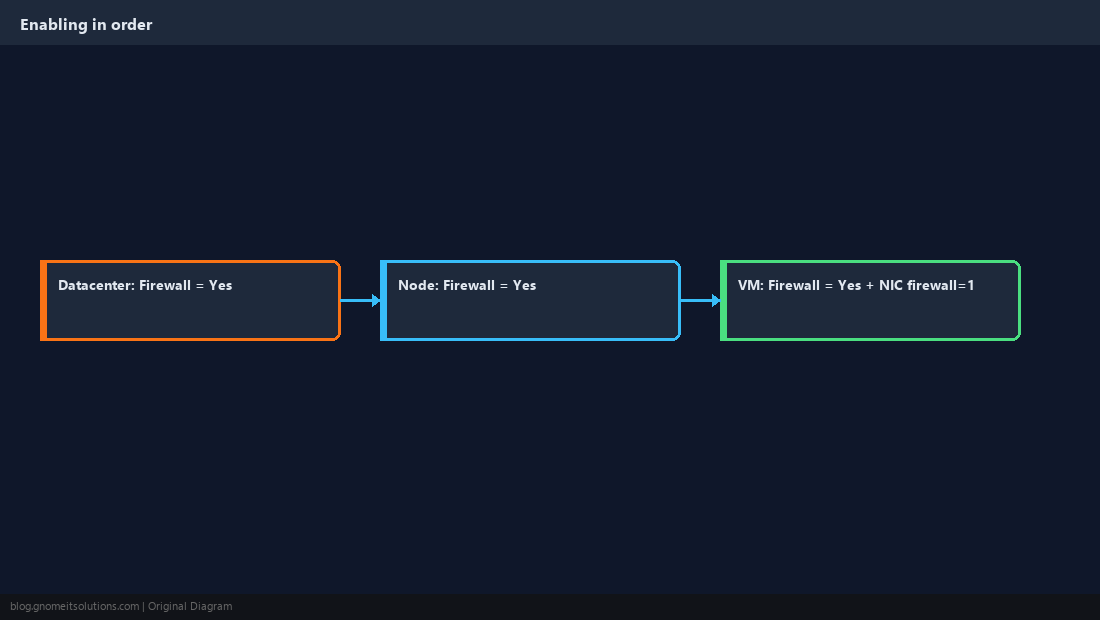
Use Security Groups for Repeated Rules
A security group is a named set of rules you define once and attach to many guests. Change the group and every guest using it updates.
[group webserver]
IN HTTP(ACCEPT)
IN HTTPS(ACCEPT)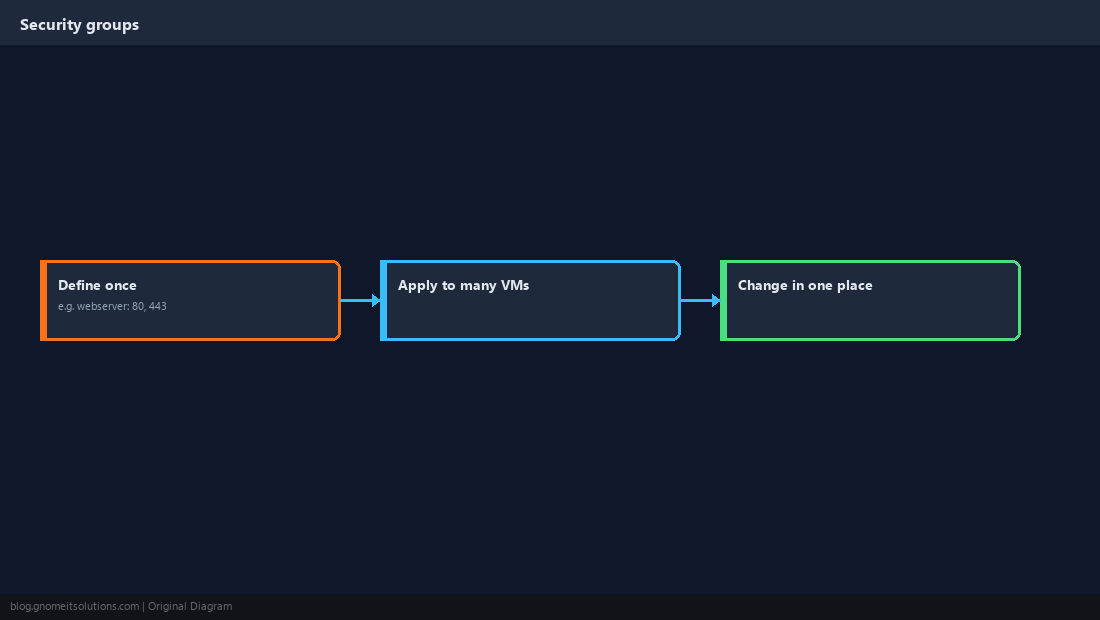
Write Per-Guest Rules
Give each guest a default-deny input policy and allow only what it serves. Reference security groups and IP sets by name.
[OPTIONS]
enable: 1
policy_in: DROP

[RULES]
GROUP webserver
IN SSH(ACCEPT) -source +management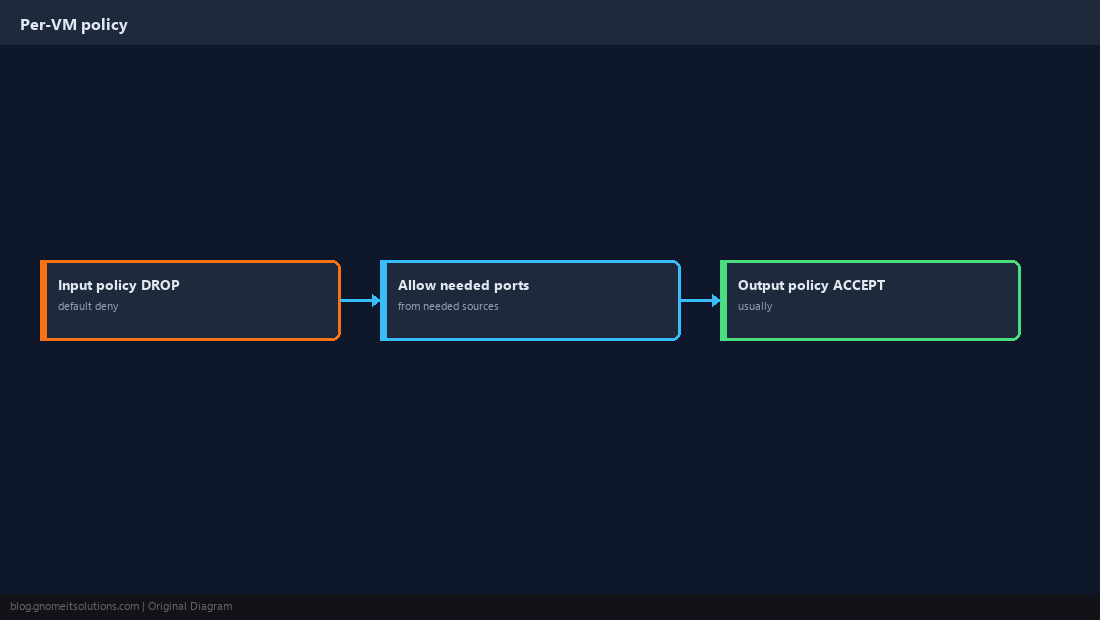
Know the Files and CLI
All rules are plain text under /etc/pve/firewall/ (node rules live in /etc/pve/nodes/<node>/host.fw) and replicate across the cluster automatically. pve-firewall compile shows exactly what would be applied.
pve-firewall status
pve-firewall compile | less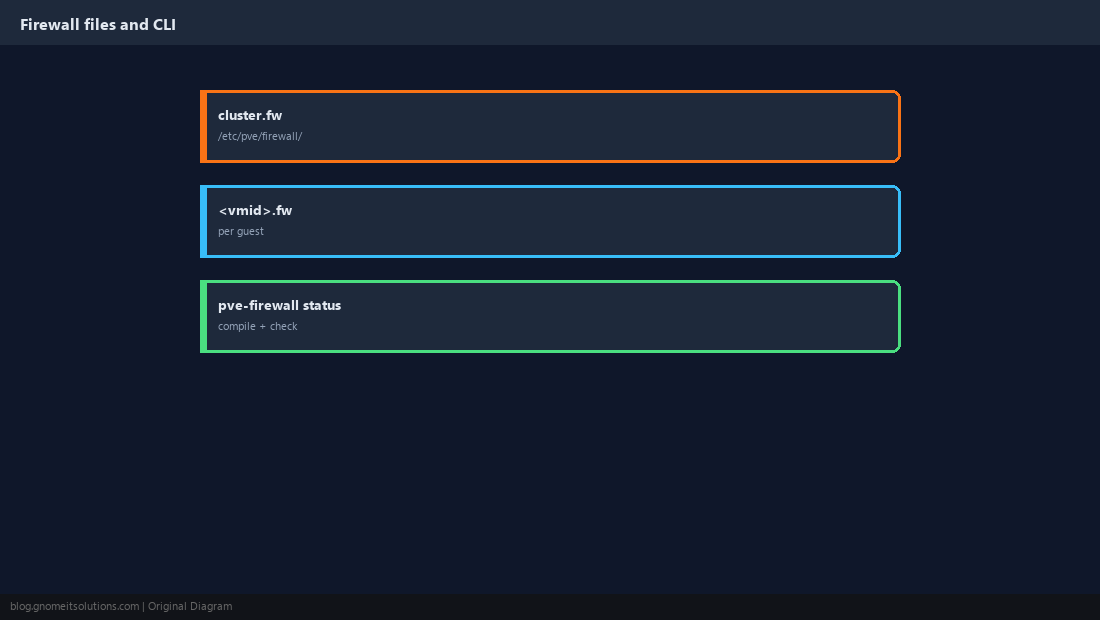
Verify From Outside
Test from a machine outside the allowed networks that blocked ports are actually closed, and from inside that allowed ones still work. Enable logging on a guest’s firewall options to see what is being dropped.
nmap -Pn -p 22,80,443,8006 192.168.10.20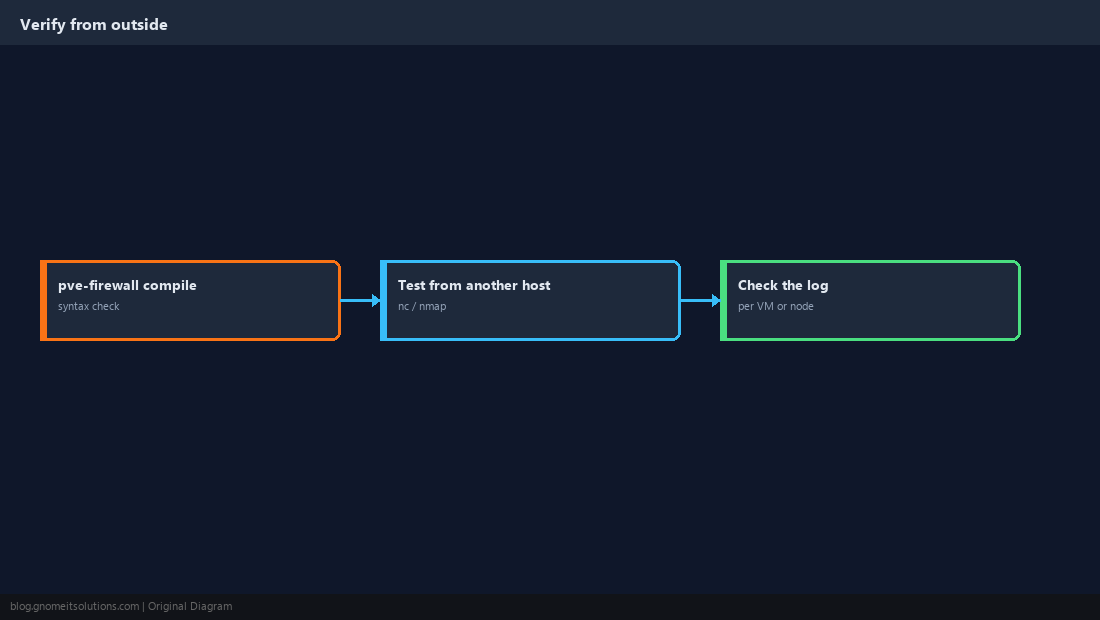
How do I enable the Proxmox firewall without locking myself out?
Add an explicit rule allowing ports 8006 and 22 from your admin network (the management IP set) before enabling the firewall at the datacenter level, and keep console access available.
Why are my VM firewall rules not working?
Guest rules need three things: the datacenter firewall enabled, the VM’s own firewall enabled, and the firewall checkbox ticked on the VM’s network device (firewall=1).
Where are Proxmox firewall rules stored?
In plain text under /etc/pve/firewall/: cluster.fw for datacenter rules,
What is a Proxmox security group?
A named set of firewall rules defined once at datacenter level and attached to many guests, so a change in one place applies to all of them.
How do I disable the Proxmox firewall from the console?
Run pve-firewall stop on the node, then fix the rules and start it again with pve-firewall start.
Cheat Sheet
- Allow 8006/22 from
+managementbefore enabling; datacenter → node → guest - Guest rules need
firewall=1on the NIC; use security groups for repeated rules
Related tutorials
Diagrams are original illustrations by Gnome IT Solutions. Tutorial text © Gnome IT Solutions.