
uname Command on Linux: Kernel Version, Architecture and Hostname
Use uname on Linux to print kernel release, machine hardware name, and OS: uname -r, uname -a, check…
Read tutorial →Browse step-by-step tutorials in this topic.
Use uname on Linux to print kernel release, machine hardware name, and OS: uname -r, uname -a, check…
Read tutorial →
Manage Linux routing with ip route: show default gateway, add static routes, ip addr for interfaces, replace legacy…
Read tutorial →
Use lsblk on Linux before partitioning: list block devices, SIZE and FSTYPE, tree view, UUID with lsblk -o,…
Read tutorial →
Use tee on Linux to duplicate stdout to a file and the screen: tee -a append, sudo tee…
Read tutorial →
Use the cut command on Linux to split lines by delimiter: cut -d, -f1,3 for CSV, cut -c…
Read tutorial →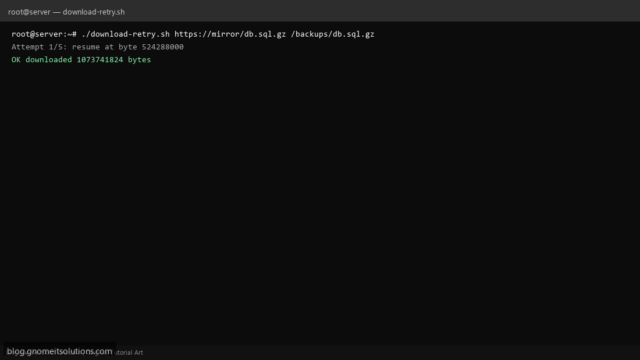
Download large files reliably with a Bash curl script: resume with -C -, retry loop, timeout, checksum optional,…
Read tutorial →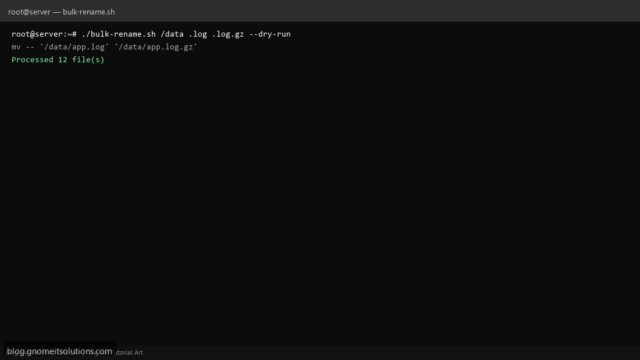
Rename hundreds of files in Linux with a Bash for loop: change extensions, prefix dates, dry-run preview, and…
Read tutorial →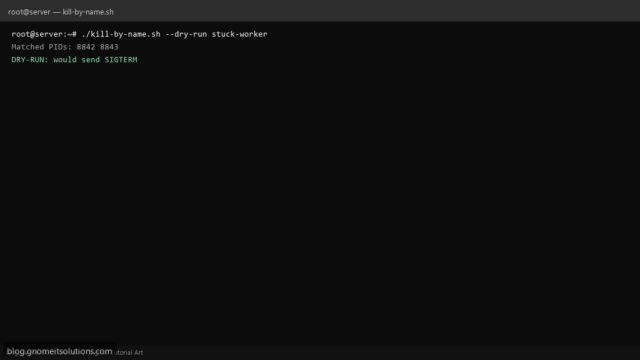
Stop stuck processes from Bash with pkill or killall: exact match, dry-run list PIDs, refuse system daemons, and…
Read tutorial →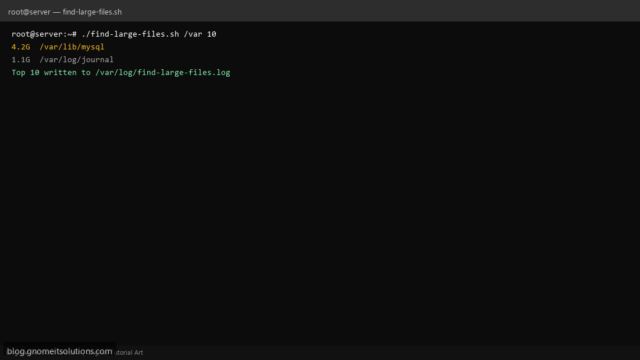
Locate the biggest files and folders on Linux with a Bash script using du and sort — threshold…
Read tutorial →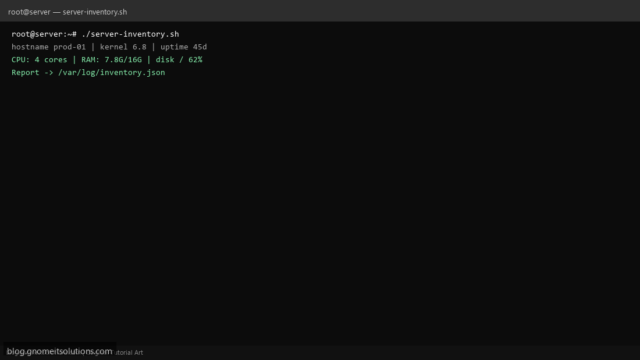
Collect Linux server inventory with Bash: hostname, kernel, CPU, memory, disk usage, IP addresses, and JSON report for…
Read tutorial →