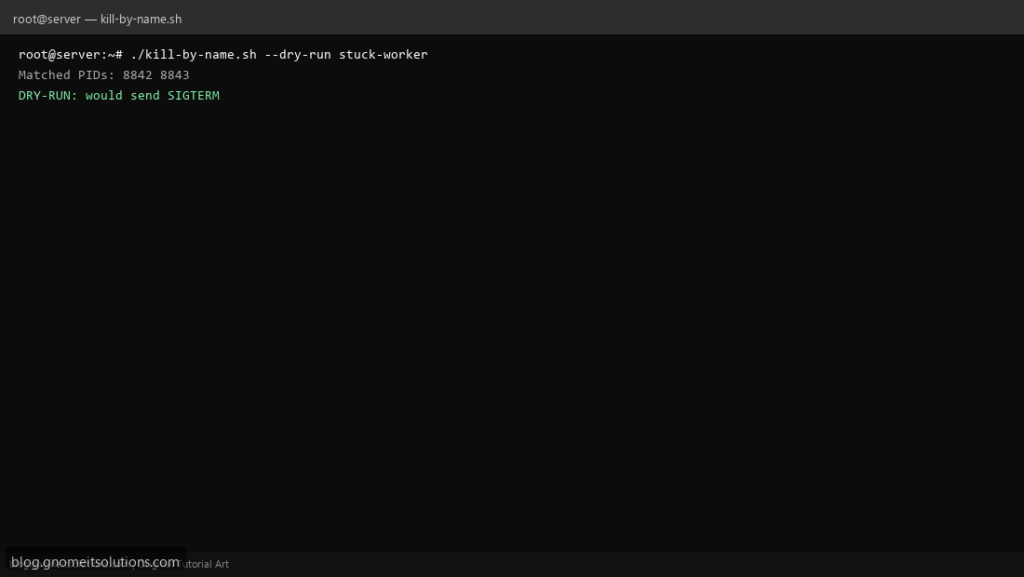
Everyone eventually needs a kill process by name shell script that is safer than typing killall -9 java on production — this lists PIDs first, blocks critical services, and supports a dry-run flag.
What this script does
- Takes process name as first argument
--dry-runprints matching PIDs without signaling- Refuses protected names (sshd, systemd, init)
- Uses
pkill -xwhen possible, then-fpattern - Logs actions to
/var/log/kill-by-name.log
Prerequisites
- procps pkill/pgrep
- Run as user allowed to signal target process
- Root only when killing other users’ processes
Step 1: Save the script
sudo nano /usr/local/bin/kill-by-name.sh
sudo chmod +x /usr/local/bin/kill-by-name.sh
Step 2: Full script (scroll to read)
kill-by-name.sh
#!/usr/bin/env bash
set -euo pipefail

DRY=0
NAME=""
LOG="/var/log/kill-by-name.log"

PROTECT=(sshd systemd init)

log(){ echo "[$(date '+%F %T')] $*" | tee -a "$LOG"; }

while [[ $# -gt 0 ]]; do
  case "$1" in
    --dry-run) DRY=1; shift ;;
    -*) echo "Unknown option $1"; exit 2 ;;
    *) NAME="$1"; shift; break ;;
  esac
done

NAME="${NAME:-${1:-}}"
[[ -n "$NAME" ]] || { echo "usage: kill-by-name.sh [--dry-run] PROCESS_NAME"; exit 2; }

for p in "${PROTECT[@]}"; do
  if [[ "$NAME" == "$p" ]]; then
    log "REFUSE protected process: $NAME"
    exit 3
  fi
done

pids=$(pgrep -x "$NAME" 2>/dev/null || pgrep -f "$NAME" 2>/dev/null || true)
if [[ -z "$pids" ]]; then
  log "No process matched: $NAME"
  exit 1
fi

log "Matched PIDs: $(echo "$pids" | tr '\n' ' ')"

if (( DRY )); then
  log "DRY-RUN: would send SIGTERM"
  exit 0
fi

pkill -x "$NAME" 2>/dev/null || pkill -f "$NAME"
log "Sent SIGTERM to $NAME"
exit 0
Scroll inside the box to read the full script.
Step 3: Configure settings
- Prefer pgrep monitor script before kill loops
- Use
systemctl stop unitfor managed services - Extend PROTECT list for your stack (e.g. dockerd)
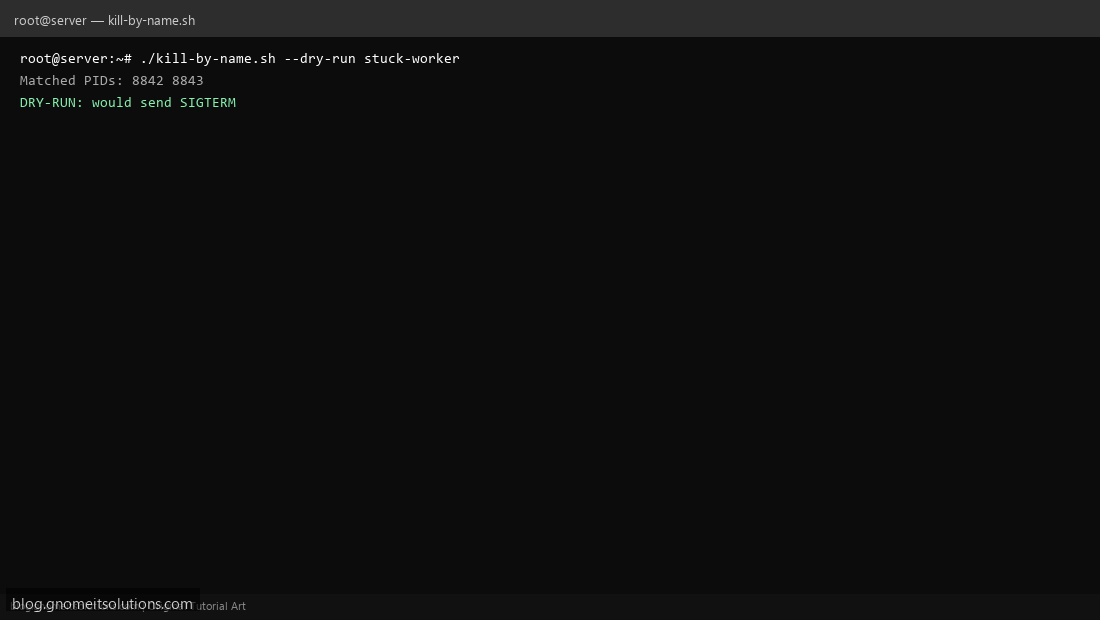
Step 4: Test manually
./kill-by-name.sh --dry-run bash./kill-by-name.sh --dry-run sshd # should refuseRelated tutorials
- Linux Backup Shell Script: Files & Database to Remote Server
- Cron Jobs in Linux: Schedule Tasks with crontab
- SSH Key Authentication on Linux Servers
Terminal screenshot is an original illustration created for Gnome IT Solutions (blog.gnomeitsolutions.com).