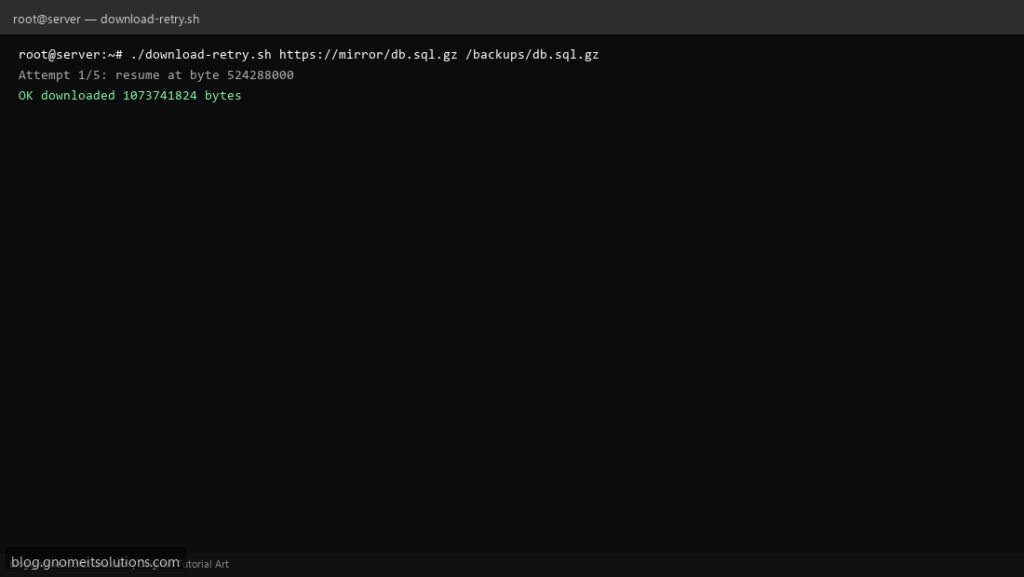
CI mirrors and ISO pulls break mid-stream — a curl download retry shell script with resume (-C -) and bounded retries is what people bookmark instead of retyping flags.
What this script does
- Downloads URL to output path (creates parent dirs)
- Retries up to N times with sleep between attempts
- Uses
curl -L -f -C -for redirect follow and resume - Configurable connect and max time
- Logs each attempt to stderr and optional log file
Prerequisites
- curl installed
- Disk space for output file
- Outbound HTTPS allowed
Step 1: Save the script
sudo nano /usr/local/bin/download-retry.sh
sudo chmod +x /usr/local/bin/download-retry.sh
Step 2: Full script (scroll to read)
download-retry.sh
#!/usr/bin/env bash
set -euo pipefail

URL="${1:?usage: download-retry.sh URL OUTPUT_PATH}"
OUT="${2:?usage: download-retry.sh URL OUTPUT_PATH}"
RETRIES="${RETRIES:-5}"
WAIT="${WAIT_SEC:-10}"
CONNECT_TIMEOUT="${CONNECT_TIMEOUT:-30}"
MAX_TIME="${MAX_TIME:-0}"
LOG="${LOG_FILE:-/var/log/download-retry.log}"

log(){ echo "[$(date '+%F %T')] $*" | tee -a "$LOG"; }

mkdir -p "$(dirname "$OUT")"

attempt=1
while (( attempt <= RETRIES )); do
  log "Attempt $attempt/$RETRIES: $URL -> $OUT"
  extra=()
  [[ "$MAX_TIME" != "0" ]] && extra+=("--max-time" "$MAX_TIME")
  if curl -L -f -C - --connect-timeout "$CONNECT_TIMEOUT" "${extra[@]}" -o "$OUT" "$URL"; then
    log "OK downloaded $(wc -c <"$OUT") bytes"
    exit 0
  fi
  log "FAIL curl exit $?"
  (( attempt++ ))
  sleep "$WAIT"
done

log "Giving up after $RETRIES attempts"
exit 1
Scroll inside the box to read the full script.
Step 3: Configure settings
- Verify with
sha256sumafter download for critical artifacts - Compare API health check for small payloads
- Use credentials via netrc, not hard-coded passwords
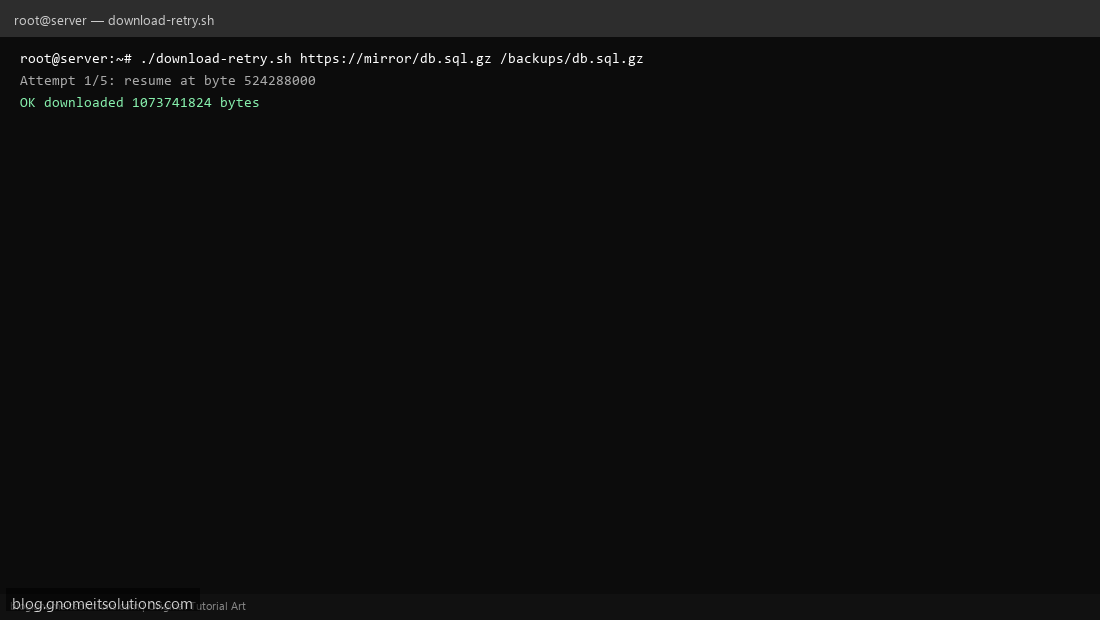
Step 4: Test manually
./download-retry.sh https://example.com/index.html /tmp/example.htmlRETRIES=5 ./download-retry.sh https://releases.ubuntu.com/22.04/ubuntu-22.04.5-desktop-amd64.iso.iso /tmp/test.isoSchedule with cron
sudo crontab -eAdd:
30 4 * * * /usr/local/bin/download-retry.sh https://example.com/db-dump.sql.gz /backups/incoming/db.sql.gz >> /var/log/download-retry.log 2>&1Related tutorials
- Linux Backup Shell Script: Files & Database to Remote Server
- Cron Jobs in Linux: Schedule Tasks with crontab
- SSH Key Authentication on Linux Servers
Terminal screenshot is an original illustration created for Gnome IT Solutions (blog.gnomeitsolutions.com).