
Proxmox LXC Security: Unprivileged Containers, ID Mapping and Limits
Harden Proxmox LXC containers: unprivileged mode, UID mapping, safe bind mounts, feature restrictions, firewall and resource limits.
Read tutorial →Browse step-by-step tutorials in this topic.
Harden Proxmox LXC containers: unprivileged mode, UID mapping, safe bind mounts, feature restrictions, firewall and resource limits.
Read tutorial →
Build a K3s Kubernetes cluster on Proxmox LXC containers: create CTs, enable nesting, install K3s server and agents,…
Read tutorial →
Docker vs LXC on Proxmox VE: native containers vs Docker in VM or nested CT. Compare overhead, isolation,…
Read tutorial →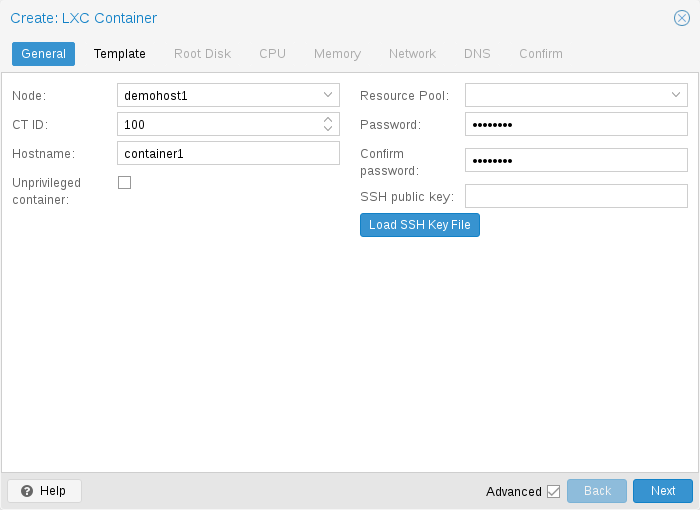
Learn how to create an LXC container in Proxmox VE. Step-by-step guide covering templates, network, storage, and first…
Read tutorial →