
You already have our K3s on Proxmox LXC walkthrough — this article answers the follow-up search: k3s proxmox in a **VM** or **LXC**?
Also see NUMA tuning for worker sizing.
LXC — lighter footprint
Lower RAM overhead; nesting enables most k3s homelab flows on one node.
TipEnable nesting and correct features on the CT template before installing k3s.
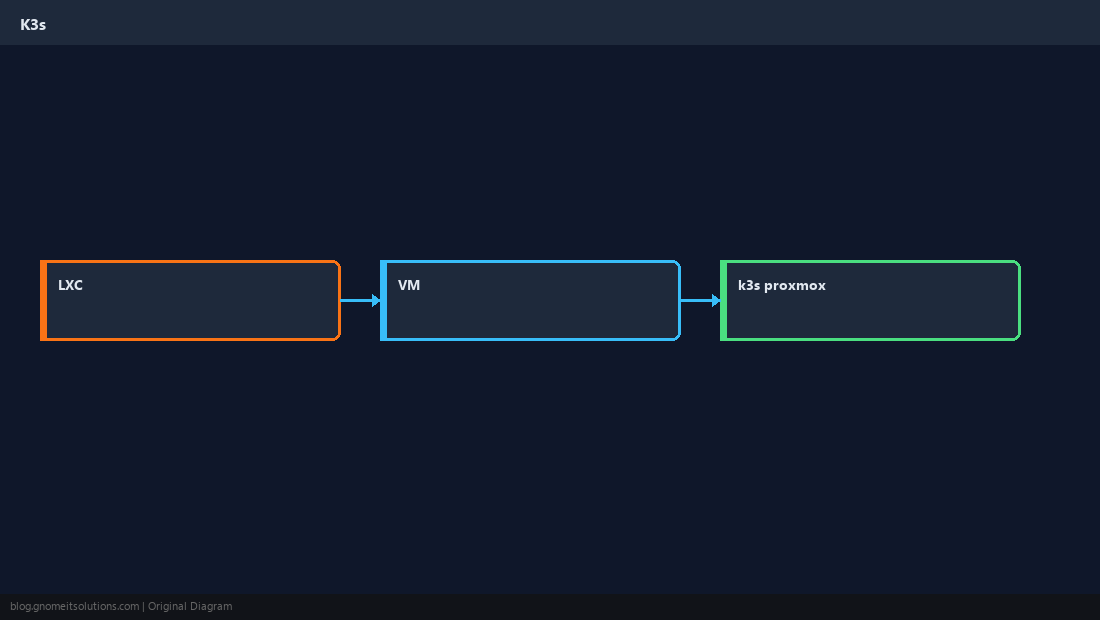
VM — stronger isolation
Full kernel boundary; easier if you need custom kernel modules or stricter multi-tenant separation.
bashidea
# VM: virtio-scsi disk, enable guest agent, match CPU type to hostNetworking
LXC often shares the host bridge; VMs may use VLAN tags per vNIC — plan Service LB and ingress accordingly.
bashcheck
kubectl get nodes -o wide
ip -br aBackups and upgrades
VM snapshots are simpler for DR; LXC snapshots are fast but test restore yearly.
bashk3s
k3s kubectl get node
# snapshot CT/VM before k3s version bumpQuick Reference
- Homelab density → LXC
- Isolation / custom kernel → VM
- Full steps: K3s on Proxmox LXC
Related tutorials
Diagrams are original illustrations by Gnome IT Solutions. Tutorial text © Gnome IT Solutions.