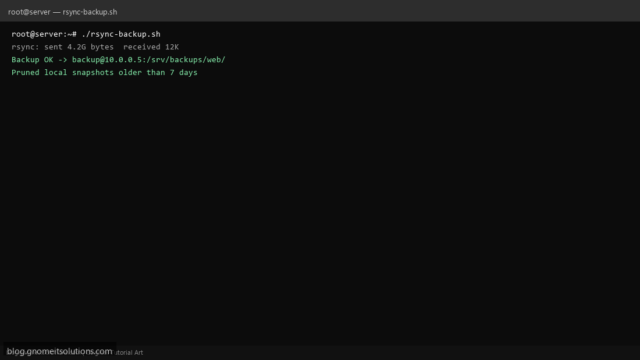
rsync Backup Shell Script for Linux (SSH, Retention and Cron)
Automate rsync backups on Linux with a Bash script: SSH key auth, --delete mirror option, log each run,…
Read tutorial →Browse step-by-step tutorials in this topic.
Automate rsync backups on Linux with a Bash script: SSH key auth, --delete mirror option, log each run,…
Read tutorial →
Back up WordPress on Linux: mysqldump wp tables, rsync wp-content, gzip archives, cron/systemd automation, off-site copy, restore order,…
Read tutorial →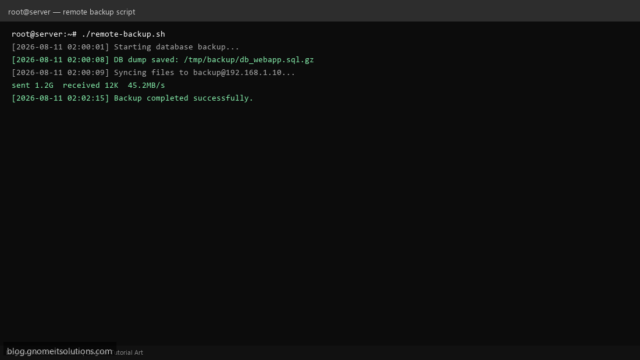
Bash script to backup website files and MySQL database from one Linux server to a remote server using…
Read tutorial →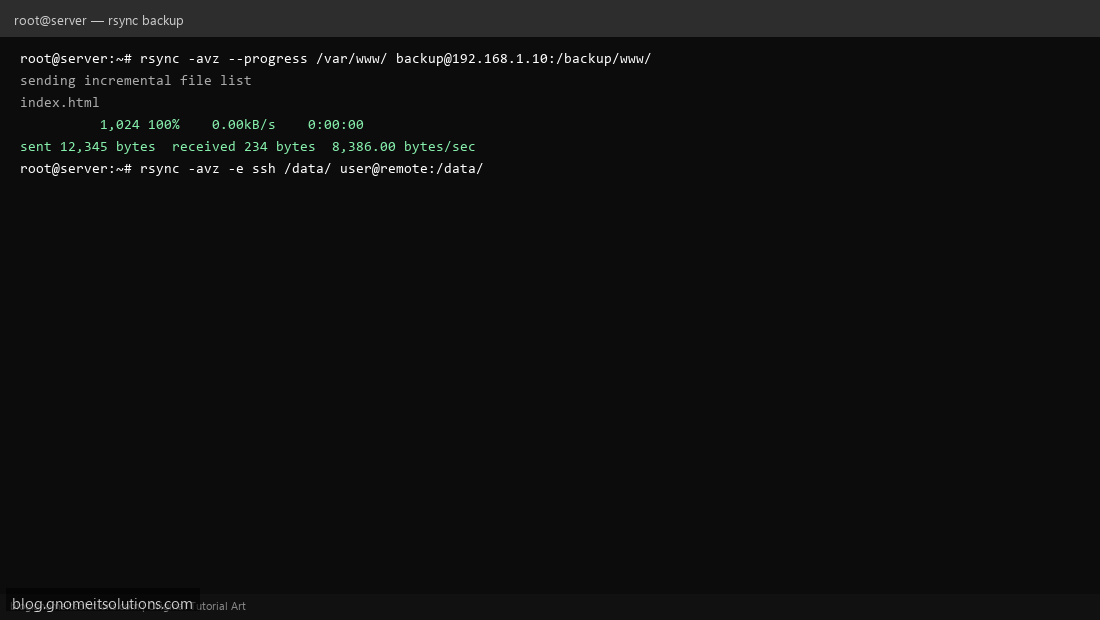
Use rsync to backup files and sync directories between Linux servers. Local and remote backup examples.
Read tutorial →