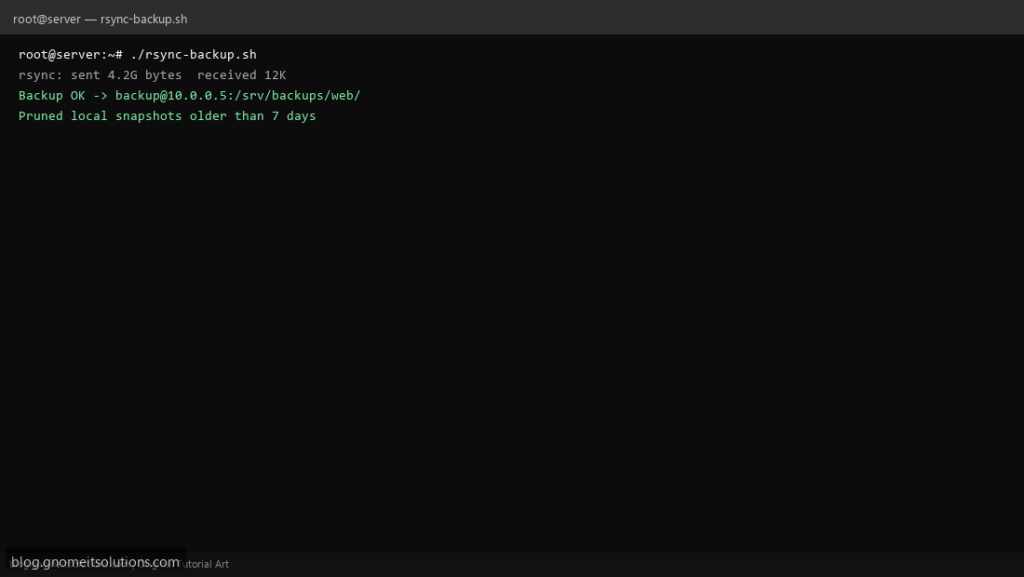
rsync backup shell scripts are among the most searched Linux automation snippets — one command to mirror a directory to another server or NAS. This template adds logging, retention, and guardrails so a typo does not sync the wrong way.
What this script does
- Syncs a source directory to a remote path over SSH
- Uses
rsync -aarchive mode with optional--delete - Writes a dated log under
/var/log - Prunes local snapshot folders older than N days
- Exits non-zero when rsync fails (monitoring-friendly)
Prerequisites
- rsync and openssh-client installed
- SSH key login to backup user (no password prompt in cron)
- Destination path exists on remote host
Step 1: Save the script
sudo nano /usr/local/bin/rsync-backup.sh
sudo chmod +x /usr/local/bin/rsync-backup.sh
Step 2: Full script (scroll to read)
rsync-backup.sh
#!/usr/bin/env bash
set -euo pipefail

SRC="/var/www/"
REMOTE="[email protected]:/srv/backups/web/"
SNAPSHOT_ROOT="/var/backups/rsync-snapshots"
RETENTION_DAYS=7
LOG="/var/log/rsync-backup.log"
RSYNC_OPTS=(-avh --numeric-owner)

log(){ echo "[$(date '+%F %T')] $*" | tee -a "$LOG"; }

[[ -d "$SRC" ]] || { log "SRC missing: $SRC"; exit 1; }

log "START rsync $SRC -> $REMOTE"
if ! rsync "${RSYNC_OPTS[@]}" --delete "$SRC" "$REMOTE" >>"$LOG" 2>&1; then
  log "FAIL rsync exit=$?"
  exit 1
fi

STAMP=$(date +%F_%H%M)
mkdir -p "$SNAPSHOT_ROOT"
LOCAL_SNAP="$SNAPSHOT_ROOT/web_$STAMP"
mkdir -p "$LOCAL_SNAP"
rsync -a "$SRC" "$LOCAL_SNAP/" >>"$LOG" 2>&1 || true
find "$SNAPSHOT_ROOT" -mindepth 1 -maxdepth 1 -type d -mtime +"$RETENTION_DAYS" -exec rm -rf {} + 2>/dev/null || true

log "DONE rsync backup OK"
Scroll inside the box to read the full script.
Step 3: Configure settings
- Set
SRC,DEST, andSSH_USER@HOST:path - Tutorial: rsync backups on Linux
- For DB data pair with MySQL backup script
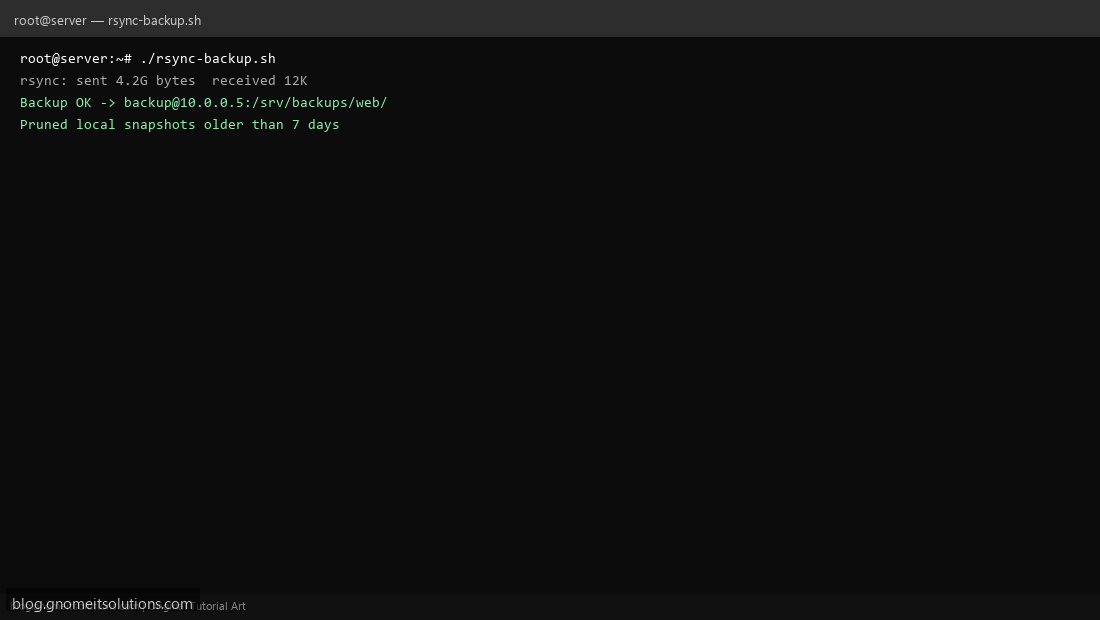
Step 4: Test manually
sudo /usr/local/bin/rsync-backup.shtail -20 /var/log/rsync-backup.logSchedule with cron
sudo crontab -eAdd:
0 2 * * * /usr/local/bin/rsync-backup.sh >> /var/log/rsync-backup.log 2>&1Related tutorials
- Linux Backup Shell Script: Files & Database to Remote Server
- Cron Jobs in Linux: Schedule Tasks with crontab
- SSH Key Authentication on Linux Servers
Terminal screenshot is an original illustration created for Gnome IT Solutions (blog.gnomeitsolutions.com).