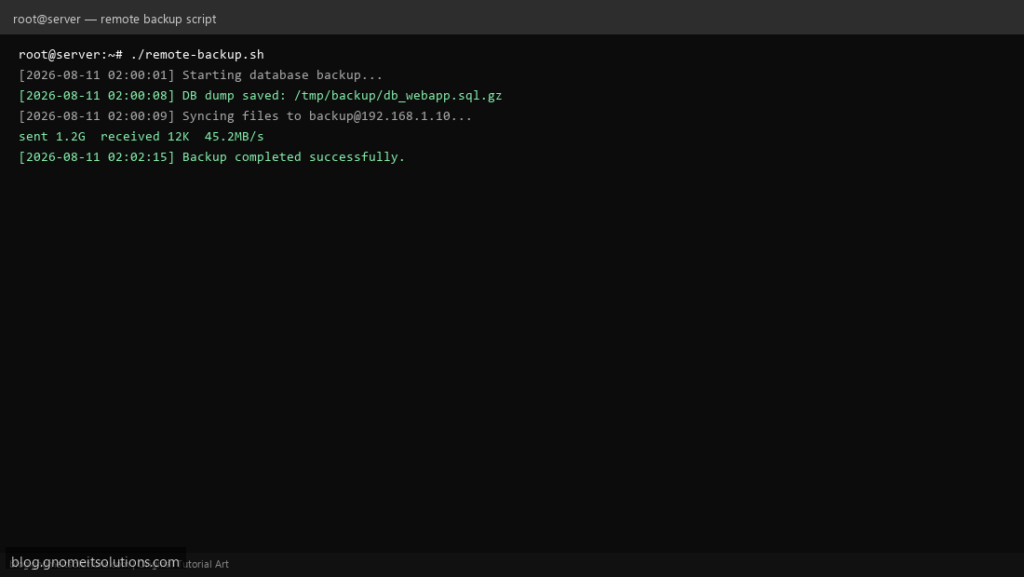
This guide shows a production-ready Linux backup shell script that copies website files and a MySQL/MariaDB database from one server to a remote backup server using rsync over SSH.
What this script backs up
- Files — directories such as
/var/www/htmland/etc/nginx - Database — compressed
mysqldump(.sql.gz) - Remote copy — synced to
backup@remote-serverwith dated folders - Retention — automatically deletes old remote backups
Prerequisites
- Two Linux servers (source + remote backup server)
- SSH key authentication configured (
ssh-copy-id backup@remote-ip) rsync,openssh-client,mysqldumpinstalled on source server- MySQL/MariaDB credentials (or
~/.my.cnf)
Step 1: Create the backup script on source server
Save the script as /usr/local/bin/remote-backup.sh and make it executable:
sudo nano /usr/local/bin/remote-backup.sh
sudo chmod +x /usr/local/bin/remote-backup.sh
Step 2: Full backup script (scroll to read)
Copy the complete script below. The box is scrollable so the page stays clean.
remote-backup.sh
#!/usr/bin/env bash
#===============================================================================
# remote-backup.sh
# Backup website files + MySQL/MariaDB database to a remote Linux server
# Tested on: AlmaLinux 9, Ubuntu 22.04, Debian 12
# Usage: ./remote-backup.sh
# Cron:  0 2 * * * /usr/local/bin/remote-backup.sh >> /var/log/remote-backup.log 2>&1
#===============================================================================

set -euo pipefail

# ---------- CONFIGURATION (edit these) ----------
REMOTE_USER="backup"
REMOTE_HOST="192.168.1.10"
REMOTE_PATH="/backups/production-server"
SSH_KEY="/root/.ssh/id_ed25519"

# Local paths to back up (space-separated for multiple dirs)
BACKUP_DIRS=("/var/www/html" "/etc/nginx")

# Database (leave DB_NAME empty to skip DB backup)
DB_NAME="webapp"
DB_USER="root"
DB_PASS=""                    # or use ~/.my.cnf for credentials
DB_HOST="127.0.0.1"

LOCAL_STAGING="/tmp/backup-staging"
RETENTION_DAYS=14             # delete remote backups older than N days
DATE=$(date +%F_%H-%M-%S)
HOSTNAME_SHORT=$(hostname -s)
LOG_PREFIX="[$(date '+%F %T')]"
# ------------------------------------------------

log()  { echo "${LOG_PREFIX} $*"; }
fail() { log "ERROR: $*"; exit 1; }

require_cmd() {
  command -v "$1" >/dev/null 2>&1 || fail "Required command not found: $1"
}

require_cmd rsync
require_cmd ssh
require_cmd gzip

SSH_OPTS=(-i "${SSH_KEY}" -o BatchMode=yes -o StrictHostKeyChecking=accept-new)
RSYNC_SSH="ssh ${SSH_OPTS[*]}"

cleanup() {
  rm -rf "${LOCAL_STAGING}"
}
trap cleanup EXIT

log "Starting backup job for ${HOSTNAME_SHORT}"

# Prepare local staging directory
mkdir -p "${LOCAL_STAGING}/files" "${LOCAL_STAGING}/database"

# ---------- DATABASE BACKUP ----------
if [[ -n "${DB_NAME}" ]]; then
  require_cmd mysqldump
  DB_FILE="${LOCAL_STAGING}/database/${DB_NAME}_${DATE}.sql.gz"
  log "Dumping database: ${DB_NAME}"

  if [[ -n "${DB_PASS}" ]]; then
    mysqldump -h "${DB_HOST}" -u "${DB_USER}" -p"${DB_PASS}" \
      --single-transaction --routines --triggers "${DB_NAME}" | gzip -9 > "${DB_FILE}"
  else
    mysqldump -h "${DB_HOST}" -u "${DB_USER}" \
      --single-transaction --routines --triggers "${DB_NAME}" | gzip -9 > "${DB_FILE}"
  fi

  log "Database dump saved: ${DB_FILE}"
else
  log "Skipping database backup (DB_NAME not set)"
fi

# ---------- FILE BACKUP (local copy before rsync) ----------
for SRC in "${BACKUP_DIRS[@]}"; do
  [[ -d "${SRC}" ]] || fail "Backup directory not found: ${SRC}"
  BASENAME=$(basename "${SRC}")
  log "Archiving files: ${SRC}"
  rsync -a "${SRC}/" "${LOCAL_STAGING}/files/${BASENAME}/"
done

# ---------- UPLOAD TO REMOTE SERVER ----------
REMOTE_TARGET="${REMOTE_USER}@${REMOTE_HOST}:${REMOTE_PATH}/${HOSTNAME_SHORT}/${DATE}/"
log "Uploading to remote: ${REMOTE_TARGET}"

ssh "${SSH_OPTS[@]}" "${REMOTE_USER}@${REMOTE_HOST}" "mkdir -p '${REMOTE_PATH}/${HOSTNAME_SHORT}/${DATE}'"

rsync -avz --delete -e "${RSYNC_SSH}" \
  "${LOCAL_STAGING}/" "${REMOTE_TARGET}"

log "Remote sync completed"

# ---------- RETENTION (remote cleanup) ----------
if [[ "${RETENTION_DAYS}" -gt 0 ]]; then
  log "Removing remote backups older than ${RETENTION_DAYS} days"
  ssh "${SSH_OPTS[@]}" "${REMOTE_USER}@${REMOTE_HOST}" \
    "find '${REMOTE_PATH}/${HOSTNAME_SHORT}' -mindepth 1 -maxdepth 1 -type d -mtime +${RETENTION_DAYS} -exec rm -rf {} +"
fi

log "Backup completed successfully"
exit 0
Scroll inside the box to read the full script.
Step 3: Configure variables
Edit the configuration section at the top of the script:
REMOTE_HOST— IP or hostname of backup serverBACKUP_DIRS— folders to includeDB_NAME,DB_USER,DB_PASS— database settingsRETENTION_DAYS— how long to keep old backups on remote server
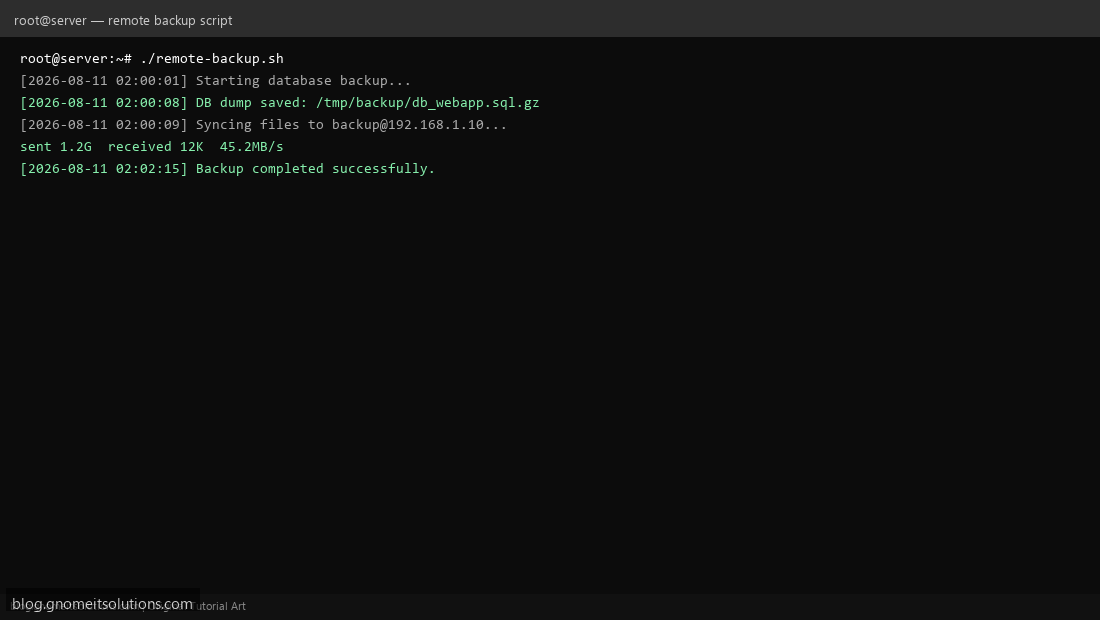
Step 4: Test the backup manually
sudo /usr/local/bin/remote-backup.shVerify files on the remote server:
ssh [email protected] "ls -lah /backups/production-server/$(hostname -s)/"Step 5: Schedule with cron (daily at 2 AM)
sudo crontab -eAdd this line:
0 2 * * * /usr/local/bin/remote-backup.sh >> /var/log/remote-backup.log 2>&1Security tips
- Use a dedicated
backupuser on the remote server (not root) - Restrict SSH key to rsync-only if possible
- Store DB passwords in
/root/.my.cnfwithchmod 600 - Encrypt backups at rest for sensitive data
Related tutorials
- How to Use rsync for Backups on Linux Servers
- Cron Jobs in Linux: Schedule Tasks with crontab
- SSH Key Authentication on Linux Servers
Terminal screenshot is an original illustration created for Gnome IT Solutions (blog.gnomeitsolutions.com).