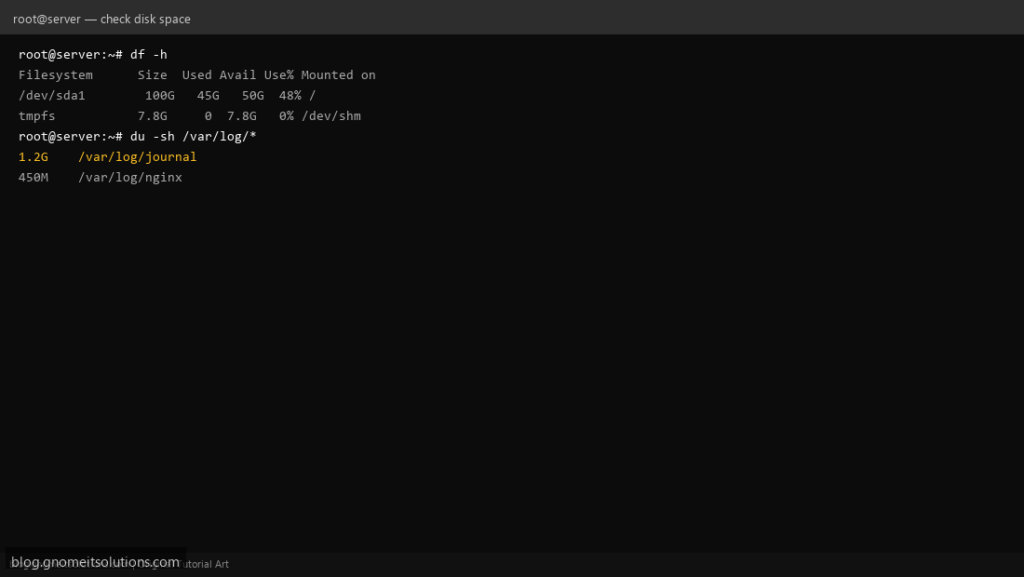
“Disk is full” always has an answer, but df, du and ncdu answer different questions. df tells you how full
each mounted filesystem is. du tells you how much space a directory tree actually uses. ncdu makes finding the actual offender fast by
letting you drill down interactively instead of guessing which du command to run next.
This guide also covers the confusing case where df says a disk is nearly full but adding up visible files with du comes nowhere close —
almost always a deleted file a running process is still holding open.
Quick answer: df -h for the overview, then du -h --max-depth=1 /path | sort -rh to find what’s actually big.
Three Tools, Three Different Questions
Reach for the right one instead of guessing: df for “which filesystem is full,” du for “what inside this directory is big,” ncdu for “let me explore and find out.”
  df   -->  space per mounted filesystem
  du   -->  space per directory/file
  ncdu -->  interactive drill-down built on the same idea as du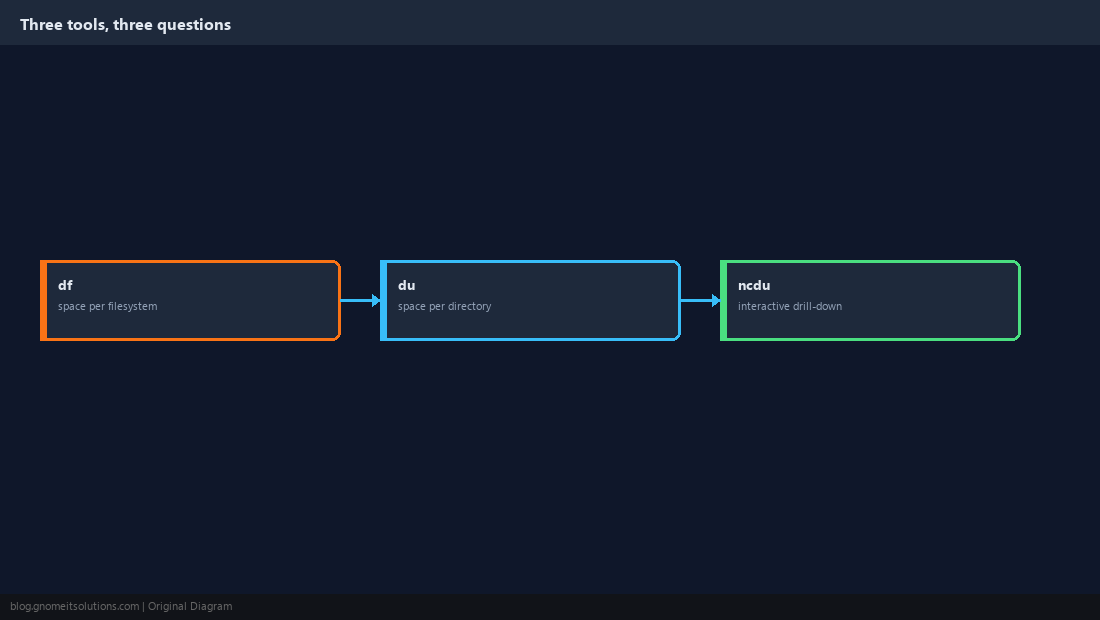
df: The Filesystem-Level View
Start here to see which mount point is actually the problem before drilling into any specific directory.
df -h
df -i    # inode usage -- a separate limit from raw space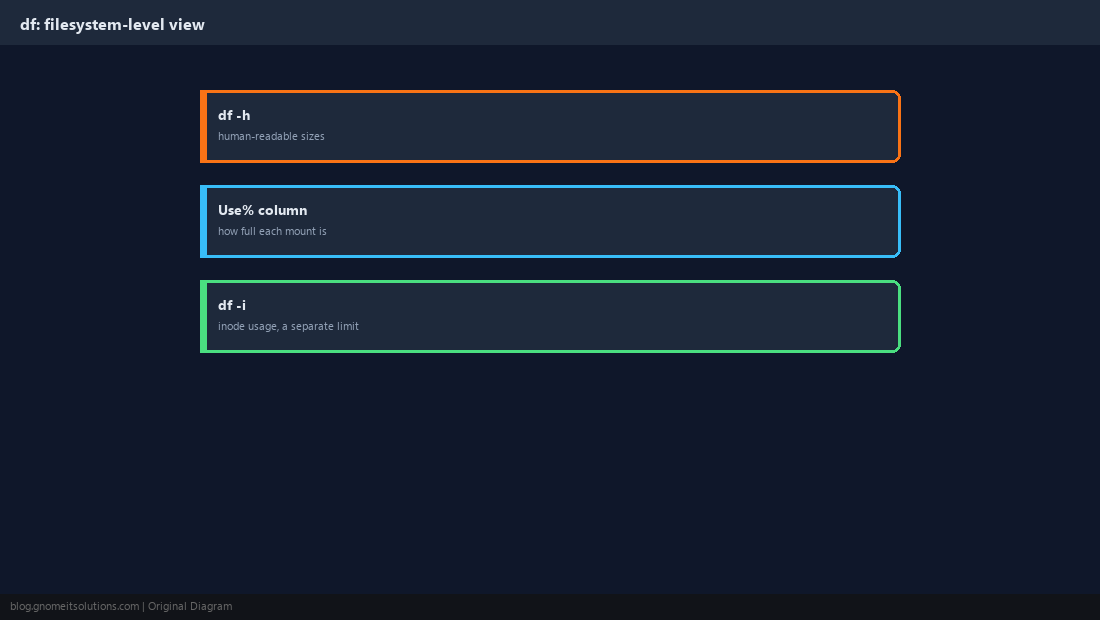
du: The Directory-Level View
Once you know which filesystem is full, du shows how much a specific directory (and everything under it) actually uses.
du -sh /var/log
du -h --max-depth=1 /var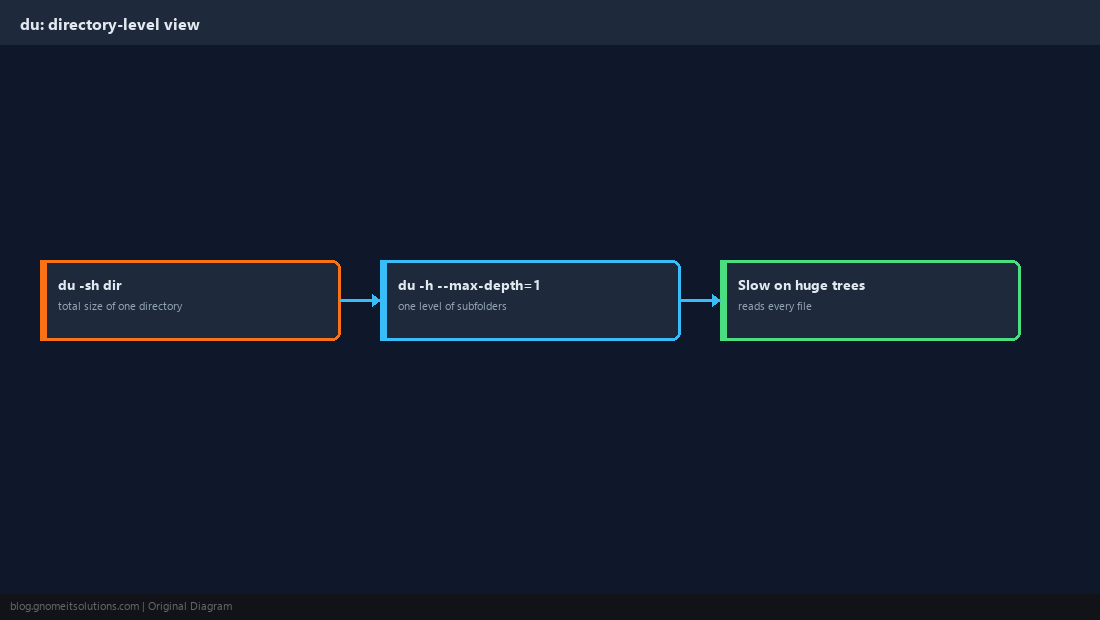
Find the Biggest Offenders Fast
Sort the output to see the largest directories first, then repeat inside whichever one turns out to be the culprit.
du -h --max-depth=1 /var | sort -rh | head -20
# then go one level deeper inside the biggest one
du -h --max-depth=1 /var/lib | sort -rh | head -20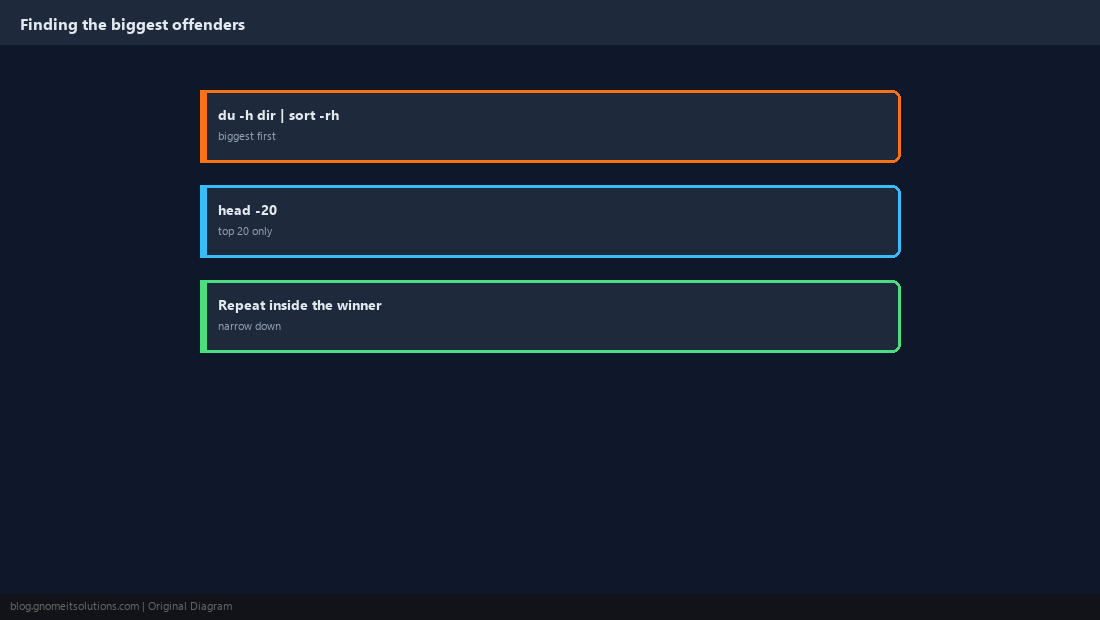
ncdu: Interactive and Much Faster to Explore
ncdu scans once and lets you navigate the results with arrow keys, which is far quicker than running du repeatedly by hand at every level.
sudo apt install -y ncdu    # or: sudo dnf install -y ncdu
ncdu /vard deletes the selected item — use that last one carefully.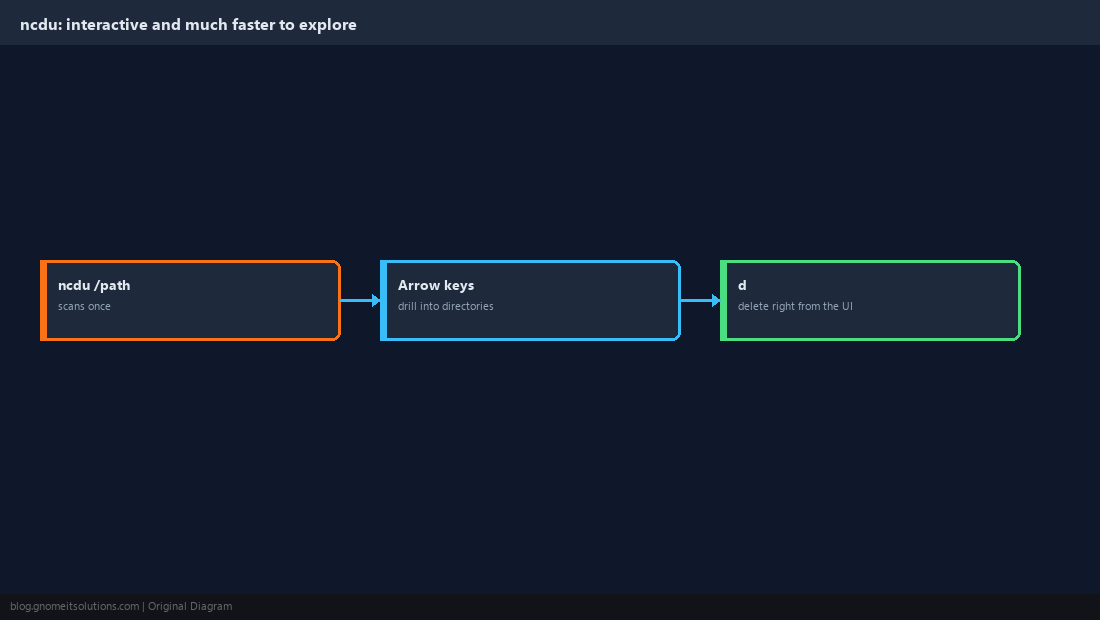
When df and du Disagree
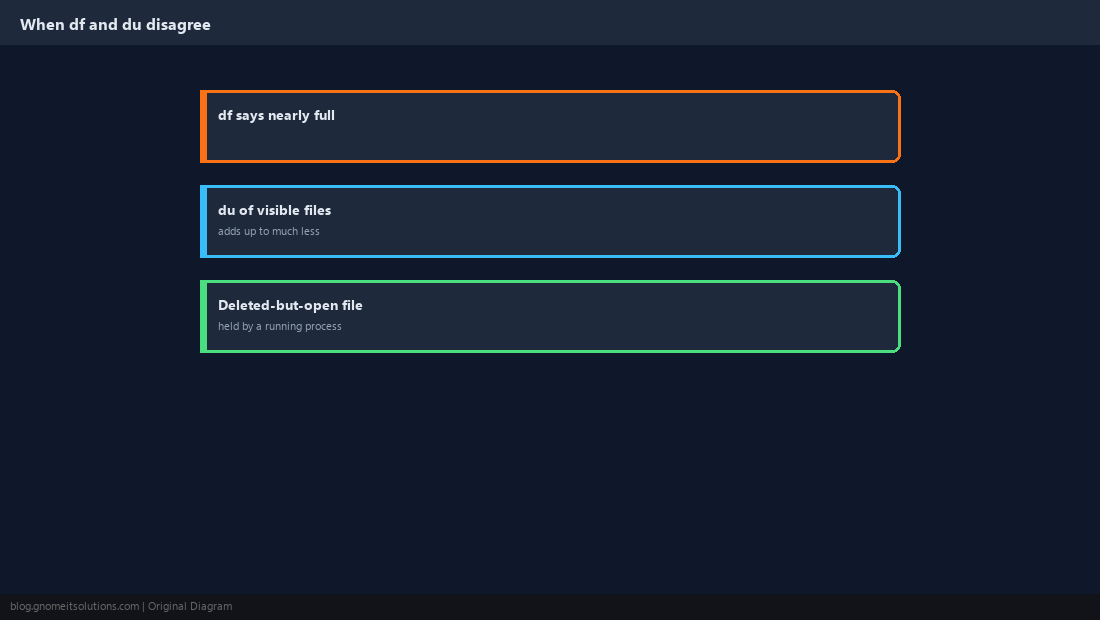
If df reports a filesystem nearly full but summing up every visible file with du comes nowhere close, the usual cause is a file that was deleted while a running process still has it open. The space is not freed until that process closes it.
Find the Deleted-but-Open File
lsof lists open file handles, including ones pointing at files that no longer have a name in the filesystem.
sudo lsof +L1 2>/dev/null | grep -i deletedsudo systemctl restart the-offending-service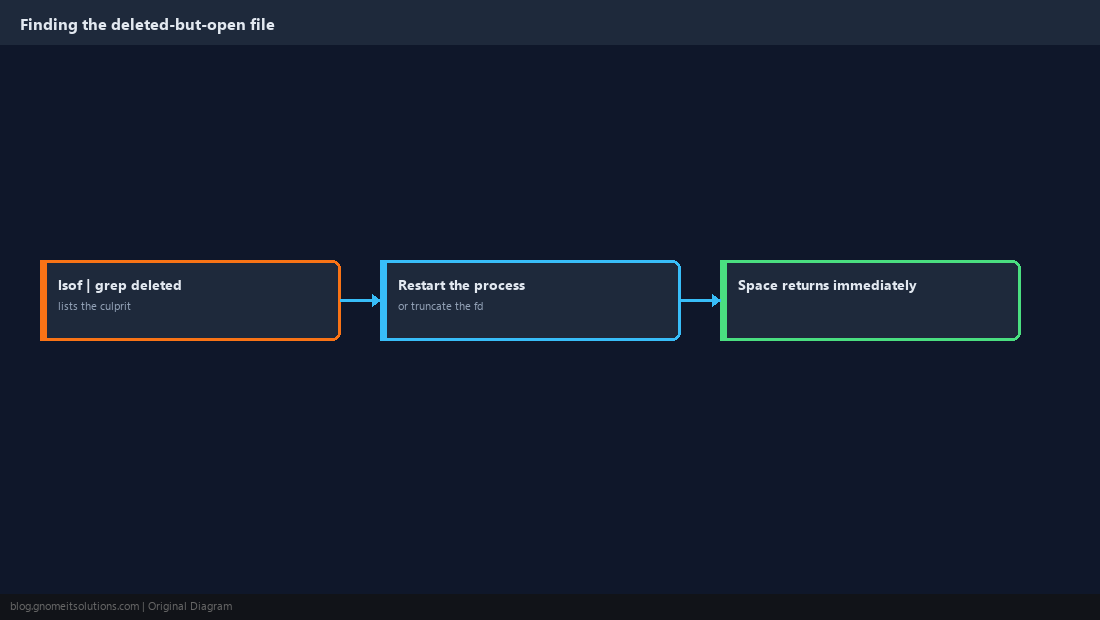
Alert Before the Disk Actually Fills
Finding out a disk is full because a service just crashed is the expensive way to learn about it. Check proactively and alert at a threshold with room to react.
USAGE=$(df -h / | awk 'NR==2 {print $5}' | tr -d '%')
if [ "$USAGE" -ge 85 ]; then
    echo "Disk usage at ${USAGE}% on $(hostname)" | mail -s "Disk space warning" [email protected]
fi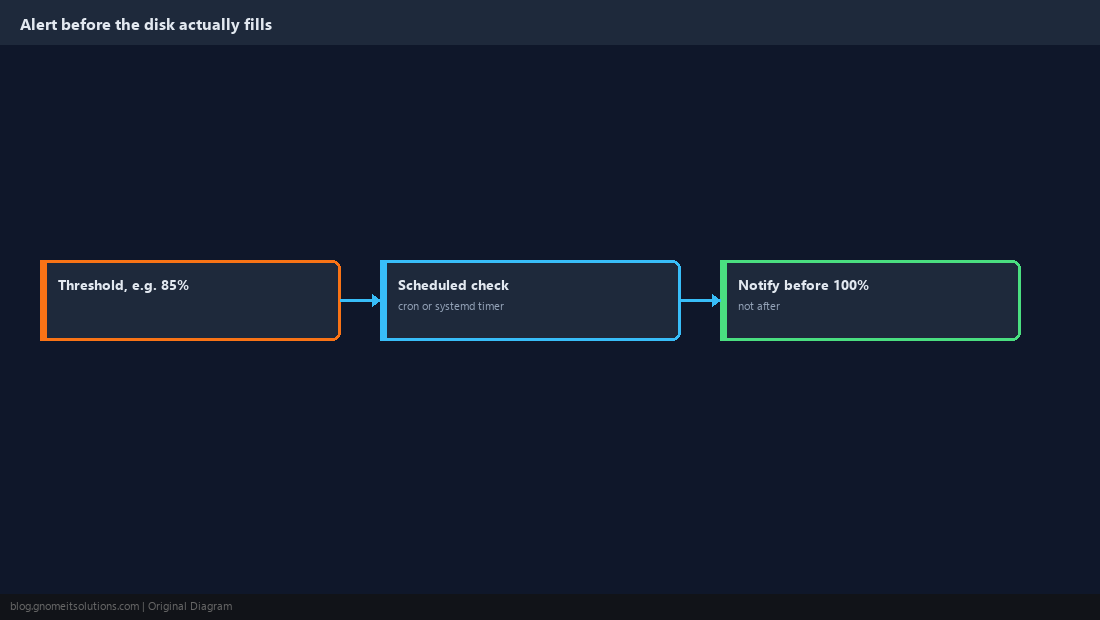
What is the difference between df and du?
df reports space at the filesystem/mount level — how full a whole disk or partition is. du reports space used by a specific directory or file, which is what you need to find what’s actually taking up room.
Why does df show a disk full but du doesn’t add up to that much?
The usual cause is a deleted file that a running process still has open. The kernel does not free that space until the process closes the file handle, even though the file has no visible name anymore.
How do I find the largest directories on Linux?
Run du -h –max-depth=1 /path | sort -rh to list subdirectories by size, largest first, then repeat inside whichever one is biggest to narrow further. ncdu does the same thing interactively.
What does df -i show?
Inode usage, which is a separate limit from raw disk space. A filesystem can run out of inodes (and refuse to create new files) while still showing free space in df -h.
Is ncdu safe to use on a production server?
Yes, scanning is read-only. Be careful with its delete key (d) though, since it will actually remove the selected file or directory.
Cheat Sheet
df -hfor filesystem overview;df -ifor inode limitsdu -h --max-depth=1 path | sort -rhto find big directories fast- df/du mismatch → check
lsof +L1 | grep deleted
Related tutorials
- Disk Partitioning with fdisk, parted, gdisk
- Extend an LVM Logical Volume
- Linux Disk Monitor and Cleanup Script
Diagrams are original illustrations by Gnome IT Solutions. Tutorial text © Gnome IT Solutions.