
Crontab every 5 minutes is a top search because monitoring scripts, queue workers, and cache warmers often need a short interval. The pattern is */5 * * * * in the minute field of a user crontab.
Foundation: cron & crontab basics,
cron wrapper with flock,
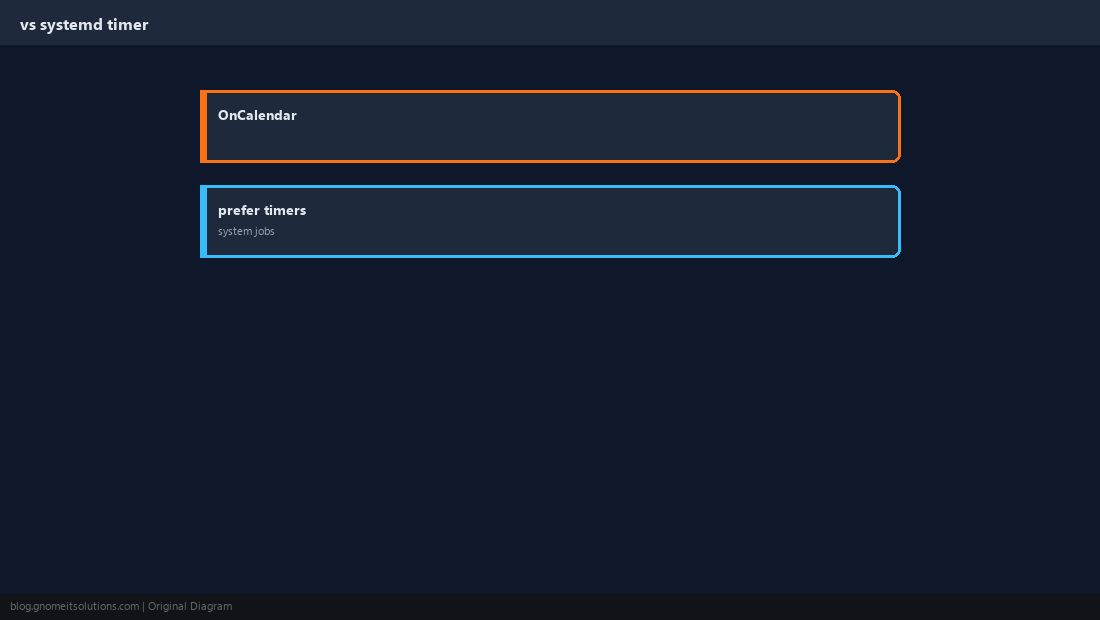
systemd timers.
Five Cron Fields
minute hour day-of-month month day-of-week — all five required.
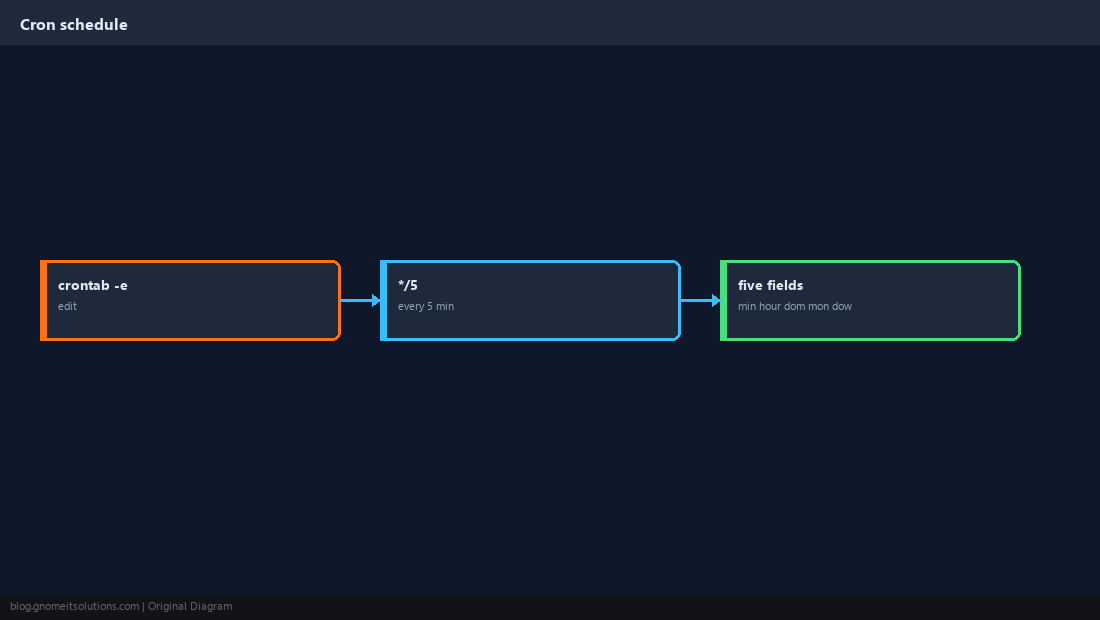
The */5 Minute Field
Means “every 5 minutes” — not every 5 hours.
*/5 * * * * /usr/local/bin/check-api.sh >> /var/log/check-api.log 2>&1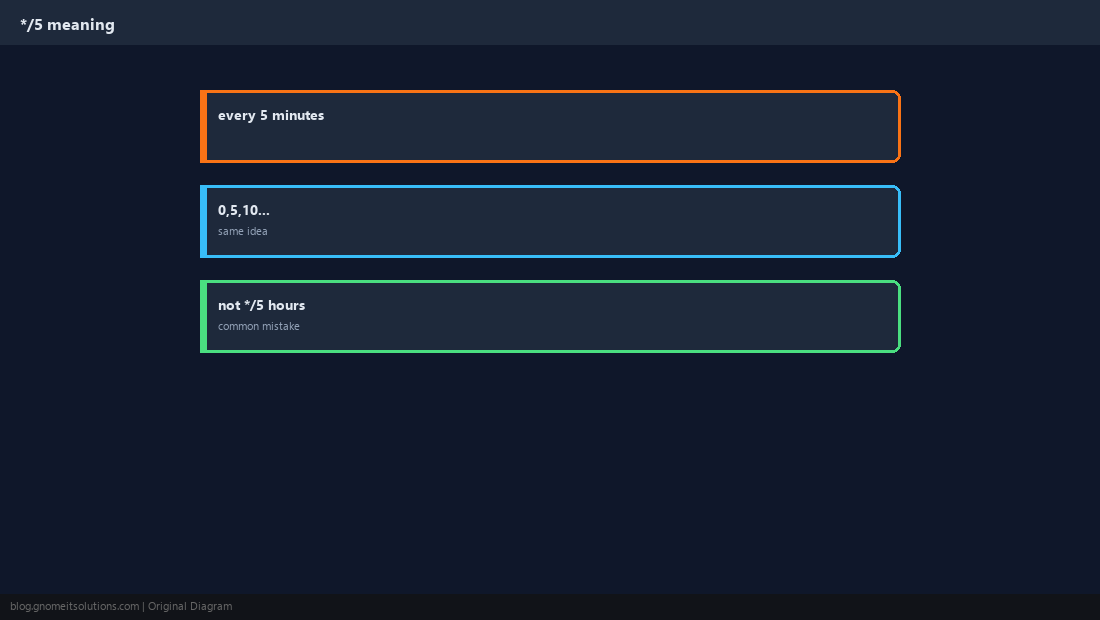
Edit Your User crontab
Use crontab -e; do not edit spool files by hand unless you know the format.
crontab -l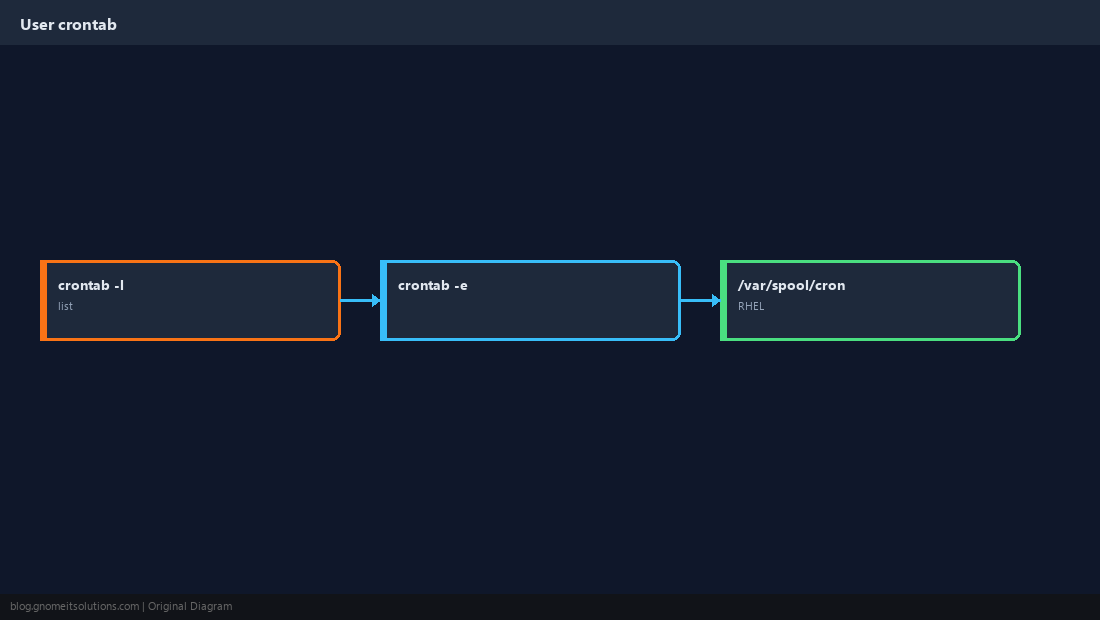
PATH and Full Paths
Cron runs with a minimal environment — scripts fail mysteriously without full paths.
/usr/local/bin/script.sh and call that from cron.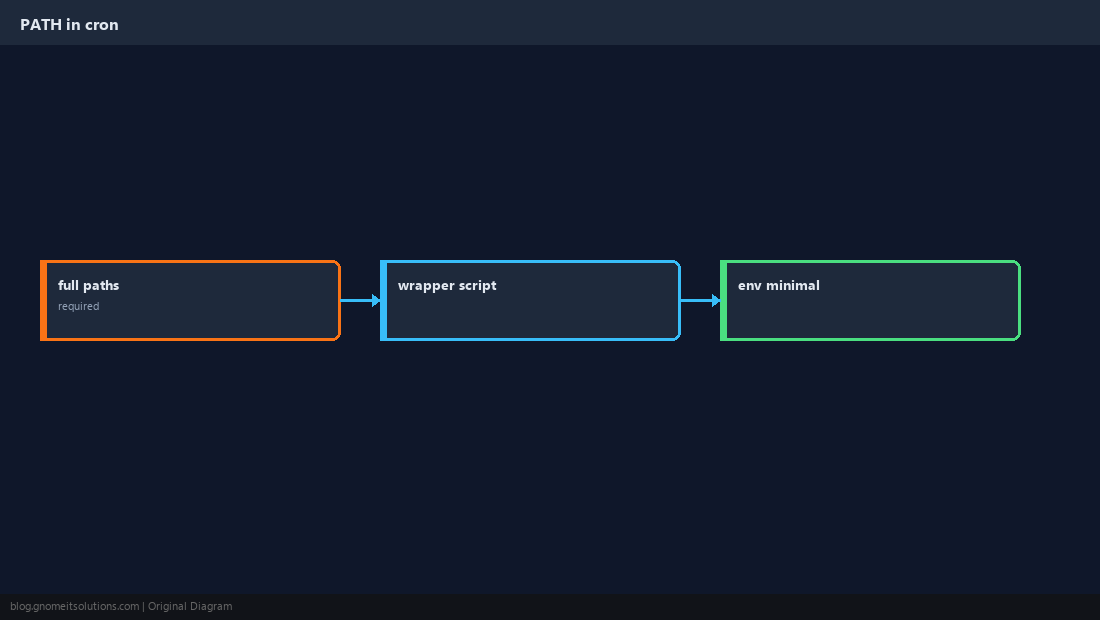
Capture Output
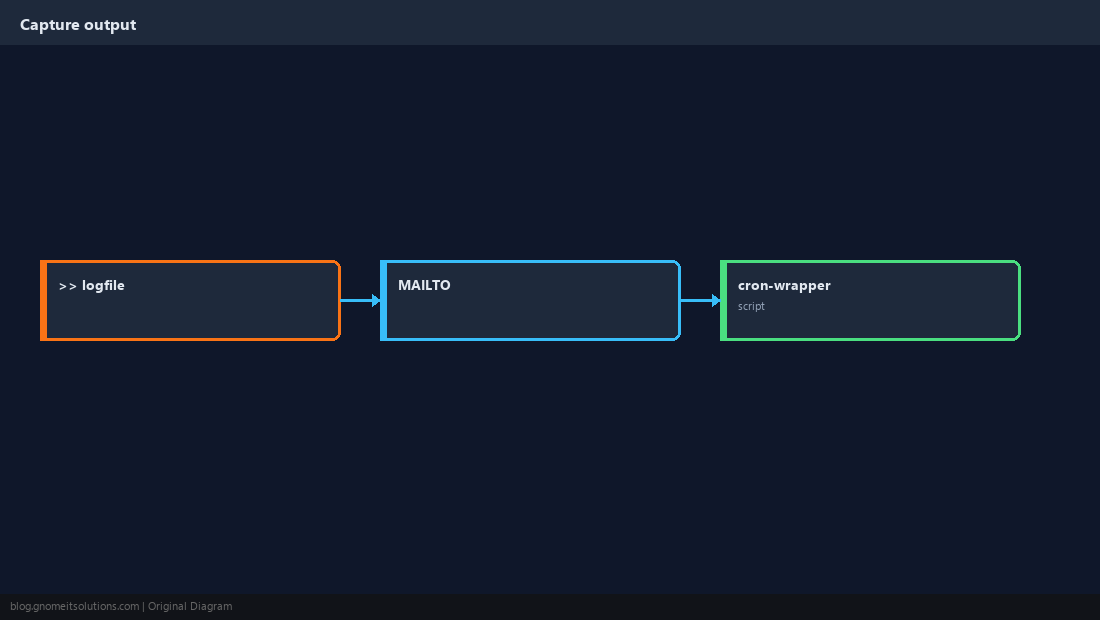
Redirect stdout/stderr or use your wrapper script — otherwise errors vanish.
Verify It Ran
Wait five minutes; grep CRON in syslog or check your log file mtime.
sudo grep CRON /var/log/syslog | tail -5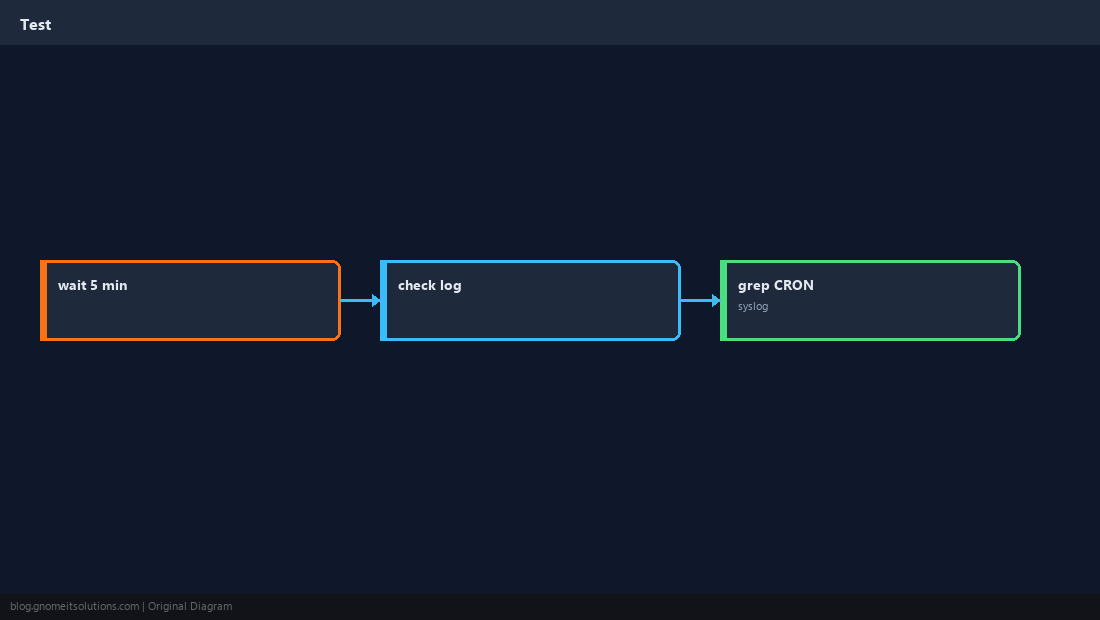
Quick Reference
- Every 5 min:
*/5 * * * * /full/path/to/script - Use full paths — cron has minimal
PATH - Log with
>> /var/log/job.log 2>&1
Related tutorials
Diagrams are original illustrations by Gnome IT Solutions. Tutorial text © Gnome IT Solutions.