nano on Linux is searched by everyone who SSHs into a server for the first time — it is installed by default on many images and shows shortcuts at the bottom (^ means Ctrl). You are not expected to master vim on day one.
After editing services: safe nginx reload,
harden SSH,
shell scripting.
Why nano
Simple full-screen editor in the terminal — ideal for quick config tweaks.
Open and Create Files
If the file does not exist, nano creates it on save.
nano ~/notes.txt
sudo nano /etc/ssh/sshd_config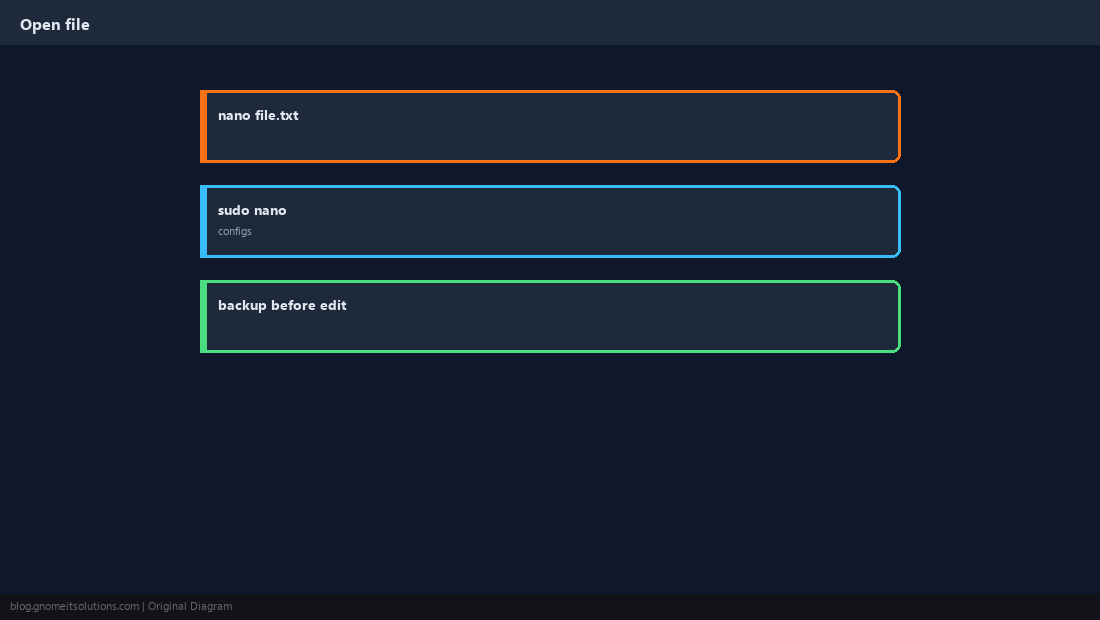
Essential Shortcuts
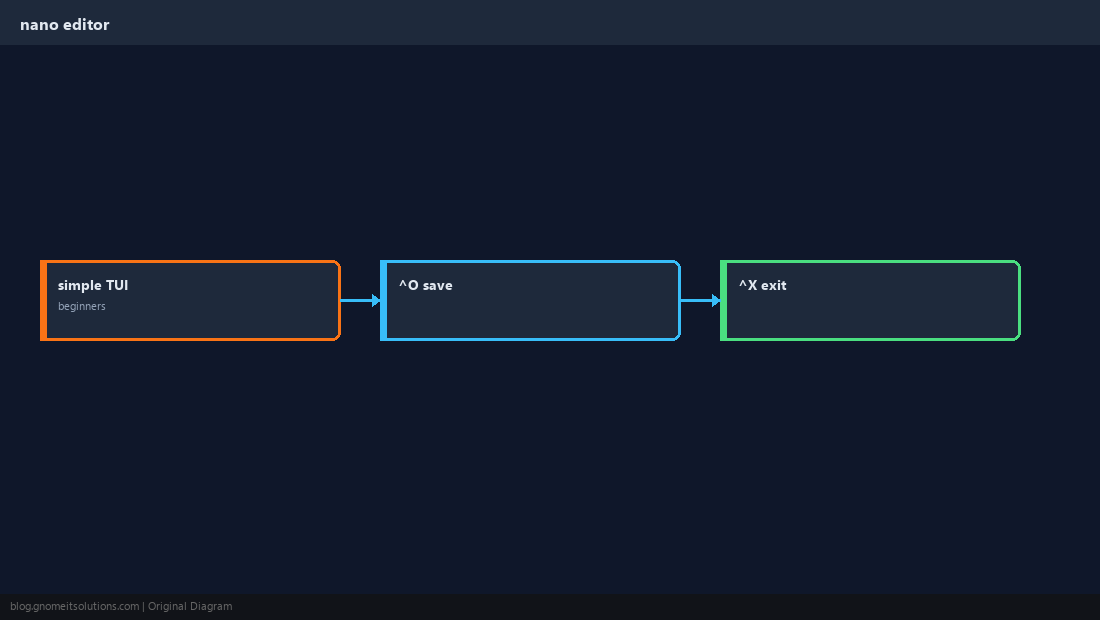
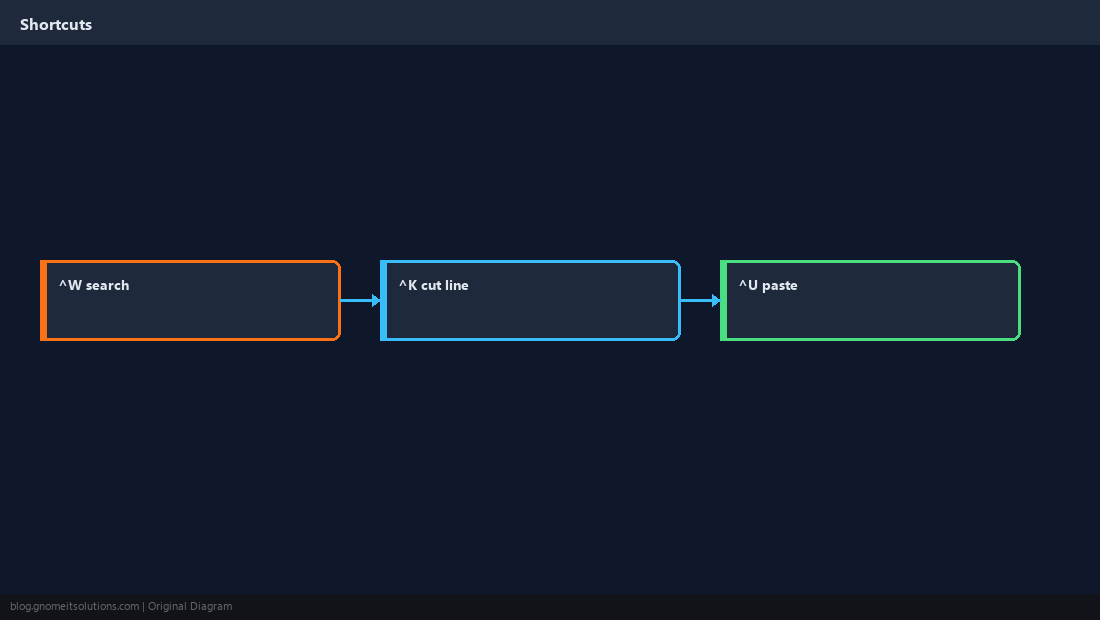
Save ^O, exit ^X, search ^W, cut ^K, uncut ^U.
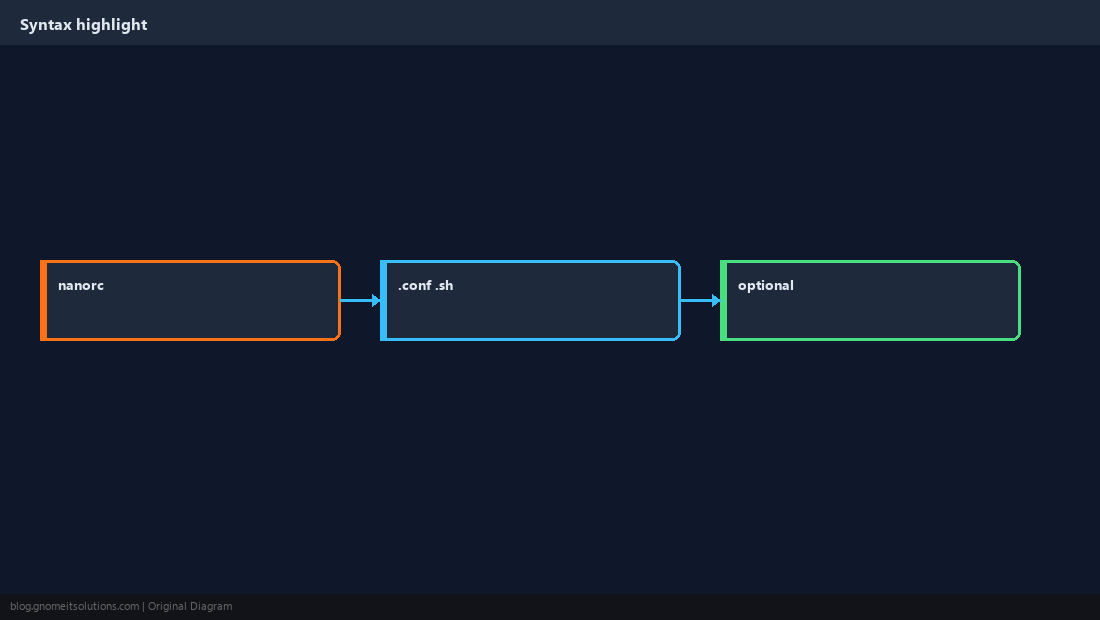
Optional Syntax Highlighting
nanorc can colorize common config types.
Edit Service Configs Safely
Copy aside, edit, test daemon config, then reload.
sudo cp /etc/nginx/sites-available/default /etc/nginx/sites-available/default.bak
sudo nano /etc/nginx/sites-available/default
sudo nginx -t && sudo systemctl reload nginx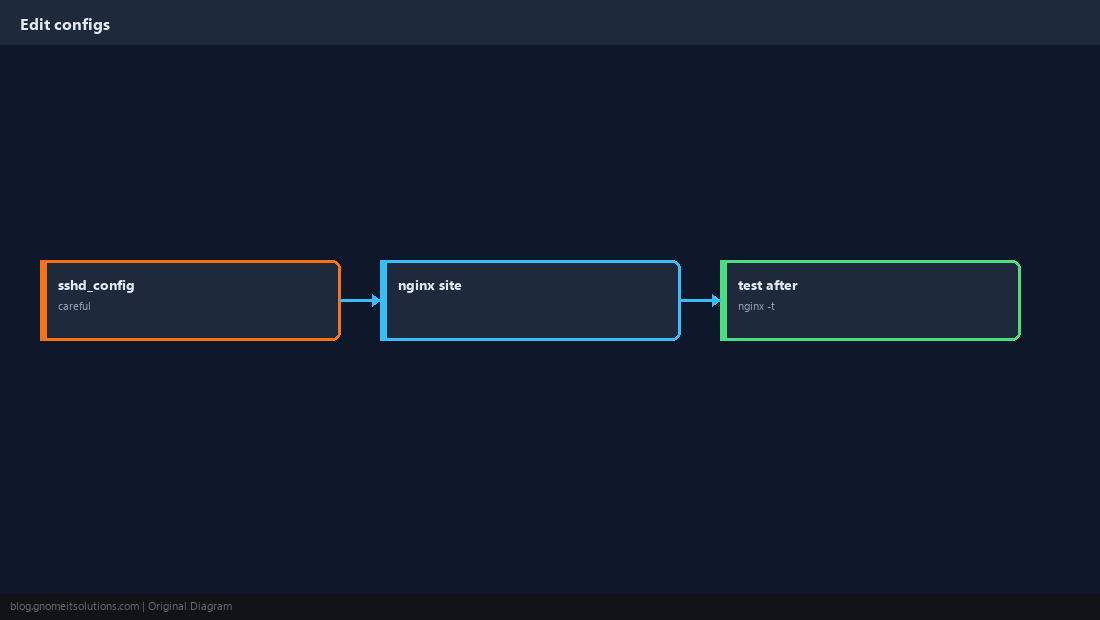
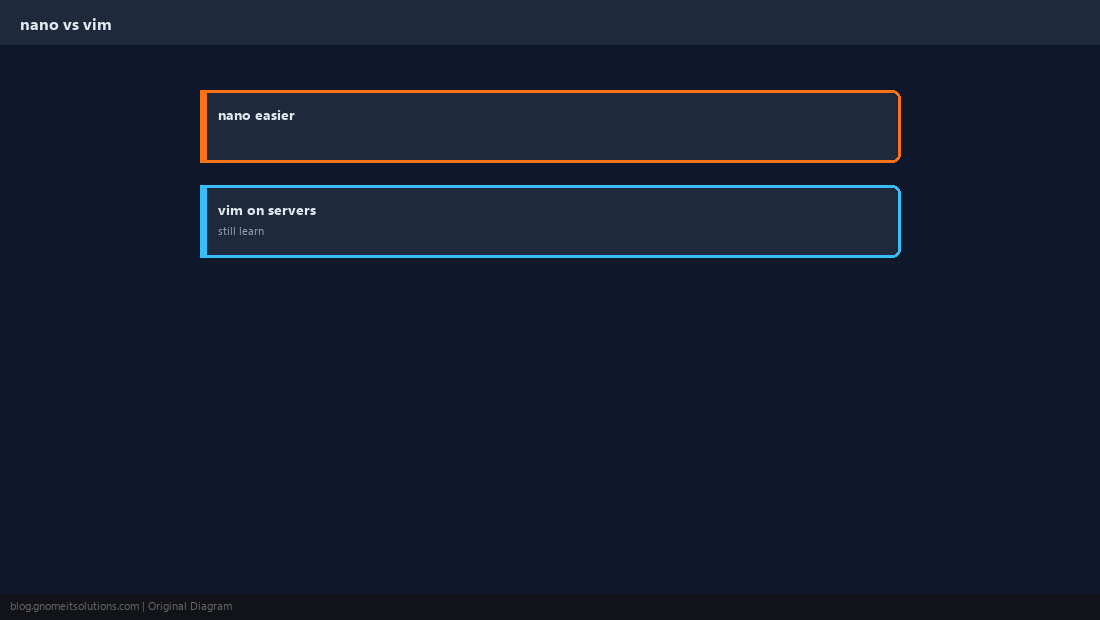
nano vs vim
vim is everywhere and faster for power users — nano is fine for occasional edits.
Verify Saved Content
cat the file or diff against your backup.
grep -n 'Listen' /etc/ssh/sshd_config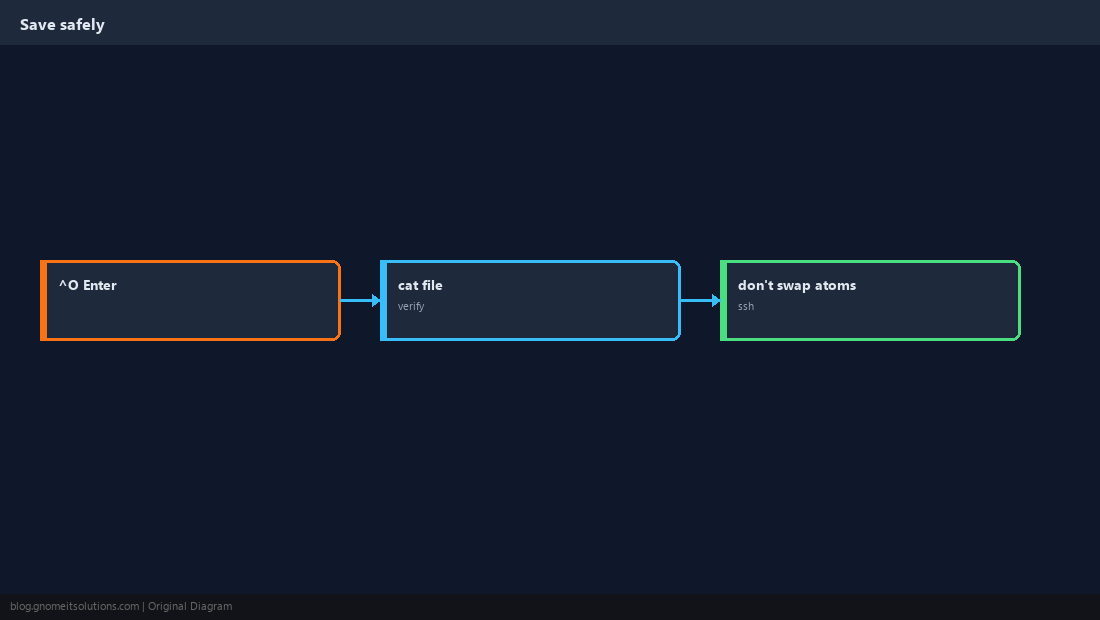
Quick Reference
- Save: Ctrl+O, Enter — Exit: Ctrl+X
- Configs: backup, edit,
nginx -t/ restart service - Search in file: Ctrl+W
Related tutorials
Diagrams are original illustrations by Gnome IT Solutions. Tutorial text © Gnome IT Solutions.