
cPanel and Plesk are the two names most people mean when they say “paid hosting control panel.” Both are developed under the
WebPros umbrella, both are licensed per server (monthly or yearly), and both can run a full small-hosting business — but they are not interchangeable.
cPanel is still the default mental model for Linux shared hosting and WHM resellers, especially in markets where end users expect the classic cPanel icon layout.
Plesk is often chosen when you need Windows and Linux on one panel, heavy WordPress operations, or a subscription-centric view for agencies.
Important: List prices change (including January 2026 adjustments). Treat the figures below as order-of-magnitude planning numbers and confirm current rates on
cpanel.net/pricing and
plesk.com/pricing before you budget a fleet.
Already committed to one stack? See our install walkthroughs:
cPanel/WHM on AlmaLinux 9 and
Plesk on Linux.
Same Parent Company, Different Products
WebPros owns cPanel, Plesk, and related brands (for example WHMCS for billing). A license for cPanel does not include Plesk; you buy one product per server. Hosts often bundle the license into VPS plans so you pay one monthly fee instead of shopping licenses yourself.
  [your VPS/dedicated server] --> cPanel OR Plesk license --> end users manage sites via panel UI
  WHM (cPanel only) --> reseller creates many cPanel accounts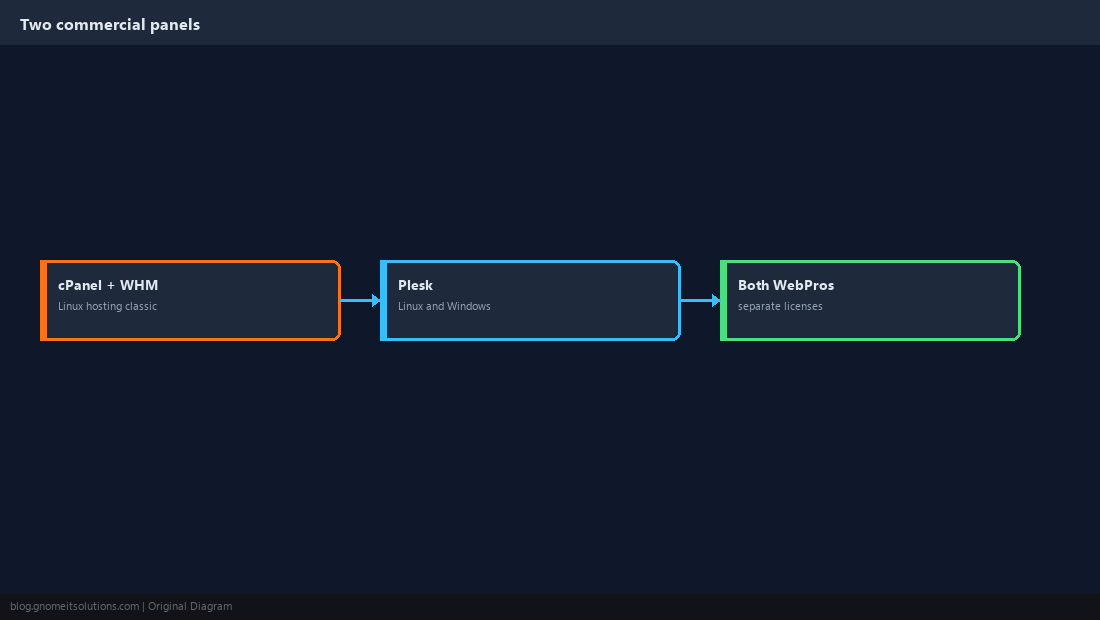
Pricing: How Licensing Works in 2026
Both products bill per server. cPanel tiers are largely about how many accounts you host (Solo, Admin, Pro, Premier, plus per-account fees on large Premier installs). Plesk tiers are editions (Web Admin, Web Pro, Web Host) with domain limits on lower editions and optional VPS vs dedicated price bands.
cPanel (examples from host/reseller bulletins after Jan 2026 increases):
  Solo (1 account)     ~ mid-$40s / month
  Admin (up to 5)      ~ low-$50s / month
  Pro (up to 30)       ~ mid-$70s / month
  Premier (100+)       ~ high-$90s / month + small per-account fee above bundle

Plesk (retail ballpark; VPS and dedicated can differ):
  Web Admin (~10 sites)   ~ $15–25 / month
  Web Pro (~30 sites)     ~ $25–45 / month
  Web Host (unlimited*) ~ $50–90 / month on VPS; dedicated often higher

*Unlimited domains still need server RAM/CPU — license unlimited ≠ capacity unlimited.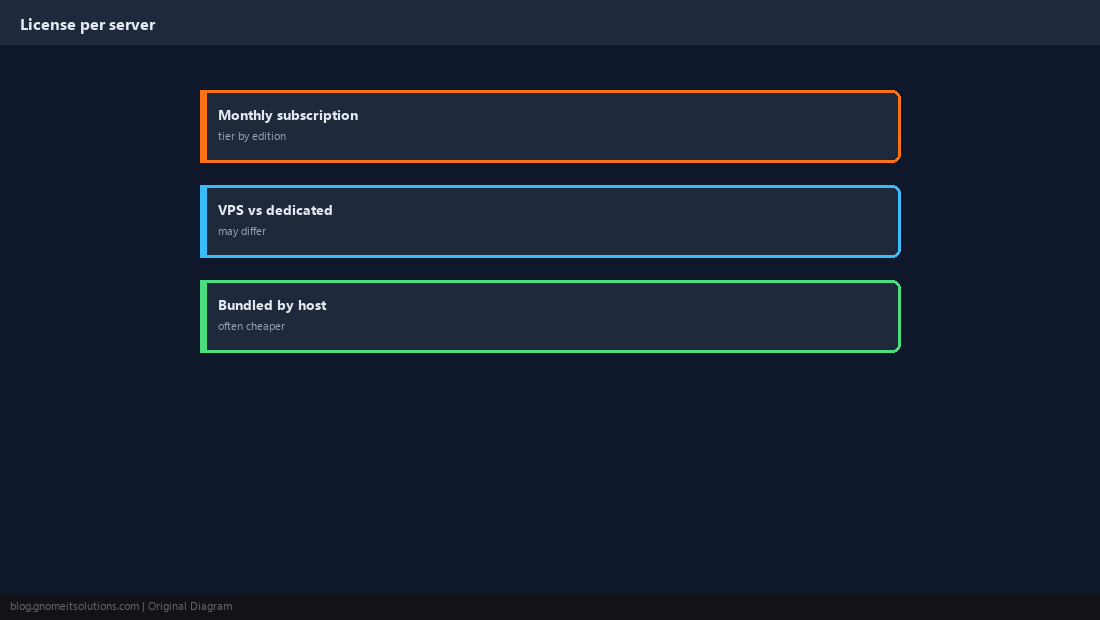
When cPanel (and WHM) Is the Better Fit
Choose cPanel when you are building or migrating a Linux-centric hosting business where customers already know cPanel, your staff knows WHM, and your stack is classic LAMP/LEMP with optional CloudLinux.
• WHM resellers selling many small cPanel accounts
• Migrating from another cPanel host (Transfer tool ecosystem)
• Markets where clients demand “cPanel included”
• Teams comfortable with EasyApache / MultiPHP tuning on AlmaLinux/RHEL family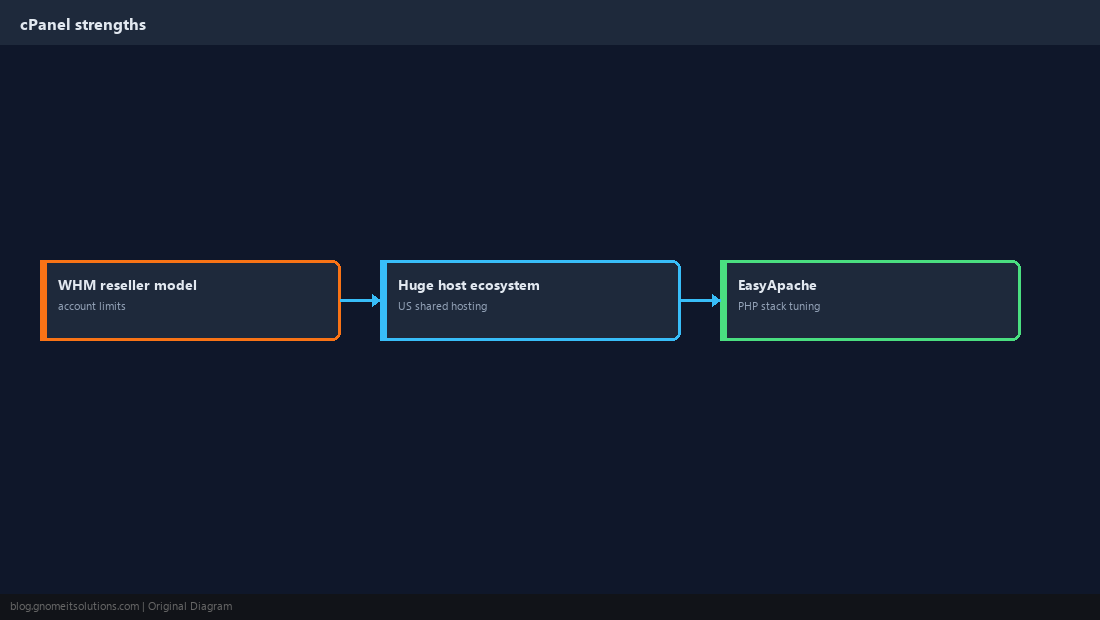
When Plesk Is the Better Fit
Plesk shines for mixed OS shops (Windows Server with IIS plus Linux), developers who want Git and Docker extensions, and teams that manage many WordPress sites through WP Toolkit.
• Hosting ASP.NET / MSSQL alongside PHP sites
• Agencies billing per subscription with one dashboard
• Bulk WordPress update, clone, and security hardening (WP Toolkit)
• Extension-driven workflows (Docker, Laravel toolkit, monitoring connectors)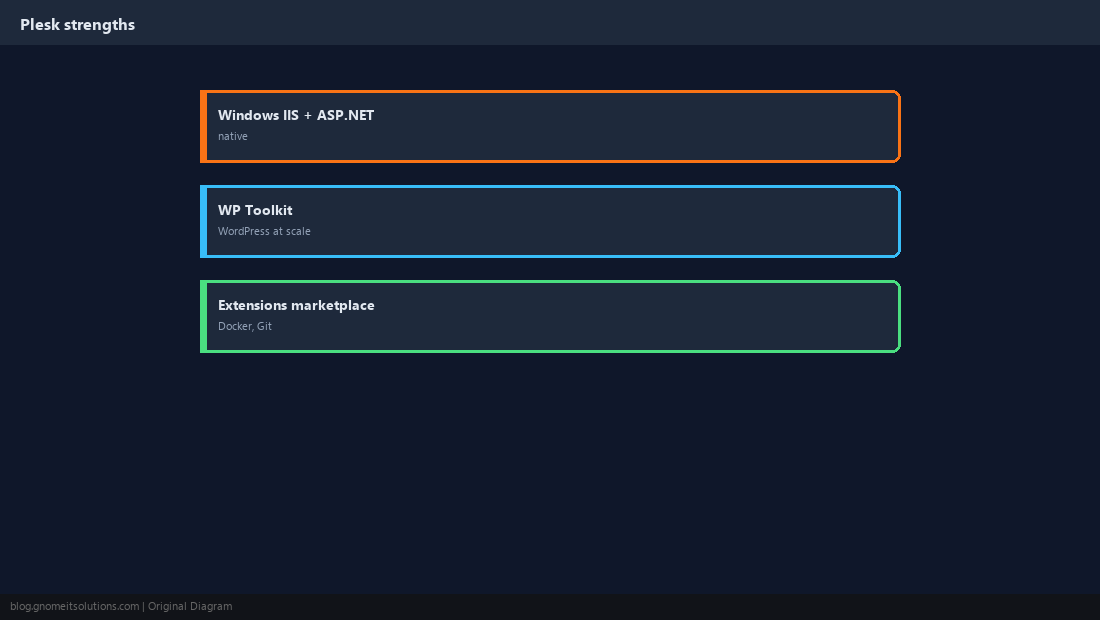
User Interface and Day-to-Day Admin
cPanel splits WHM (server and reseller admin) from cPanel (site owner). That split is familiar to anyone who worked in traditional shared hosting. Plesk uses a more unified navigation model with Power User and Service Provider views depending on edition — some admins find it cleaner for multi-customer work.
cPanel: end users recognize Email, Files, MySQL icons instantly.
Plesk: stronger “subscription” abstraction (domain + mail + DB as one object).
Both: offer 2FA — turn it on for every admin account.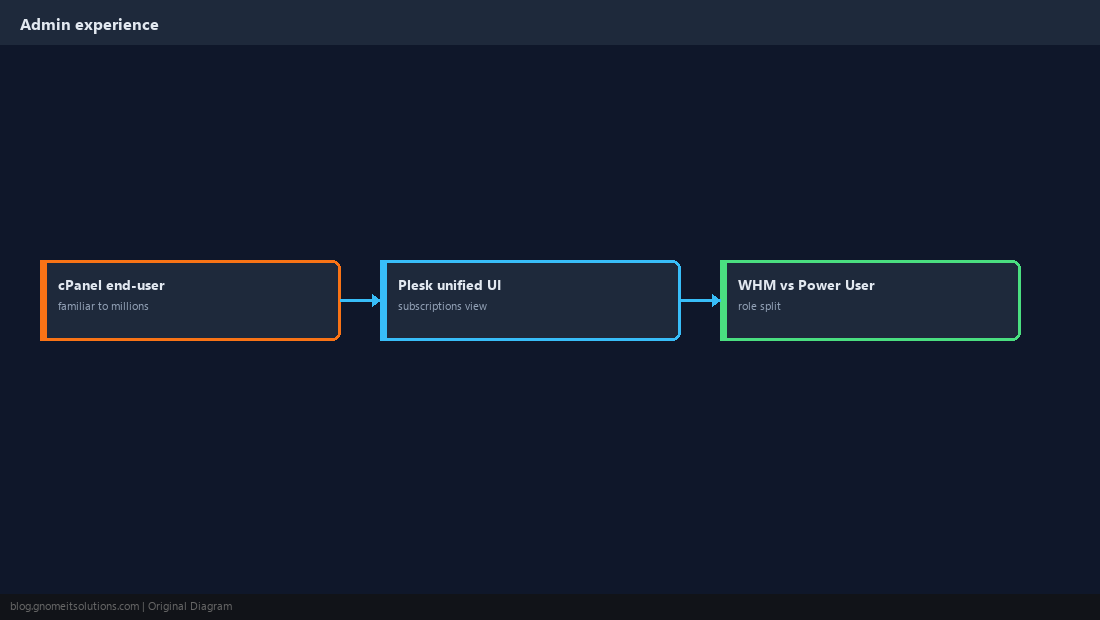
Stack, Performance and Resource Overhead
Both panels install and manage web server, mail, DNS, and database services. Neither is “lightweight”; budget at least 2 GB RAM for a tiny lab, and 4 GB+ for production with mail and multiple sites. cPanel on AlmaLinux/RHEL is tightly integrated with its own packaging. Plesk supports multiple Linux distros and Windows Server, which matters if your app needs IIS.
free -h
df -h
hostname -f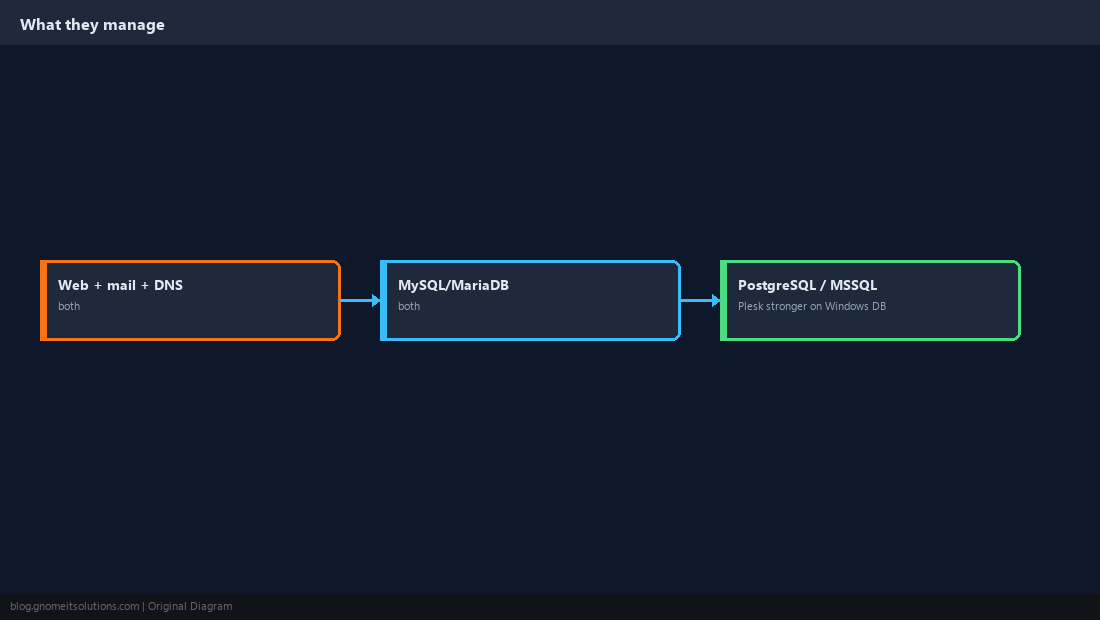
Security, Backups and Compliance
Both support firewall integration, ModSecurity-style WAF options (often via add-ons or extensions), and account isolation features when combined with CloudLinux or similar. Backups are commonly solved with third-party tools (JetBackup, Acronis, Plesk Backup extensions) rather than “set and forget” defaults.
• Force HTTPS for panel ports (2083/2087 for cPanel; 8443 for Plesk)
• Disable password authentication for SSH; use keys
• Off-site backups tested monthly (restore drill)
• Keep OS and panel updated — EOL OS may incur extra license fees from 2026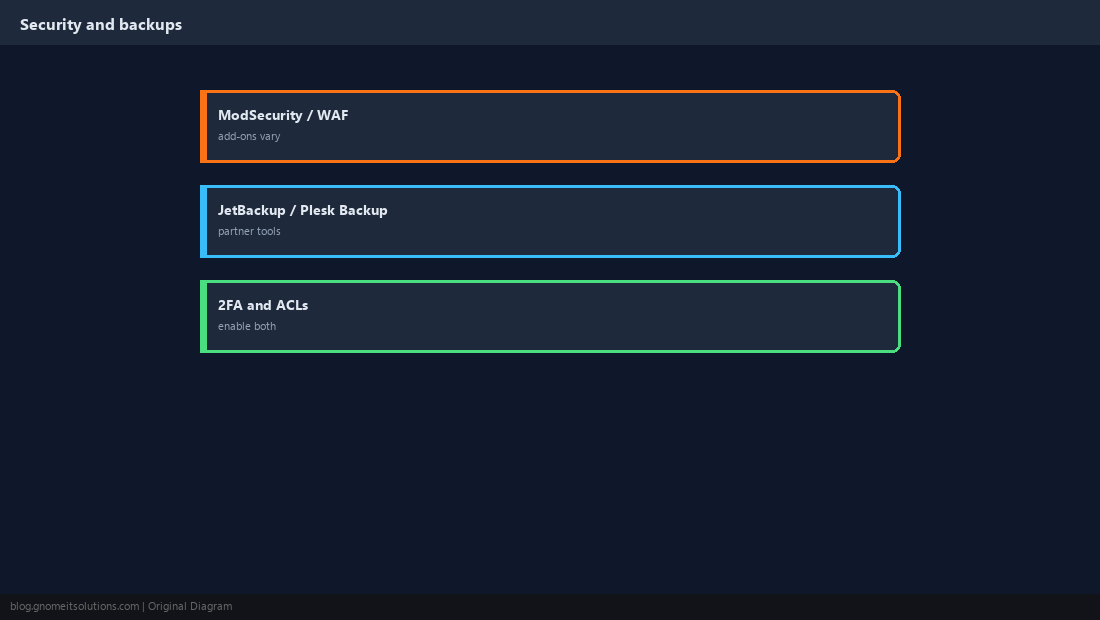
Quick Decision Guide
If price is the main constraint, compare bundled VPS plans first. If you outgrow panel license cost, open-source panels (CyberPanel, HestiaCP, CloudPanel) trade license fees for more DIY administration.
Pick cPanel if: Linux reseller hosting and your customers expect cPanel/WHM.
Pick Plesk if: Windows workloads, agency subscription model, or WP Toolkit at scale.
Pick neither if: you only host your own sites on one VPS — consider Hestia/CyberPanel or plain Docker + Traefik.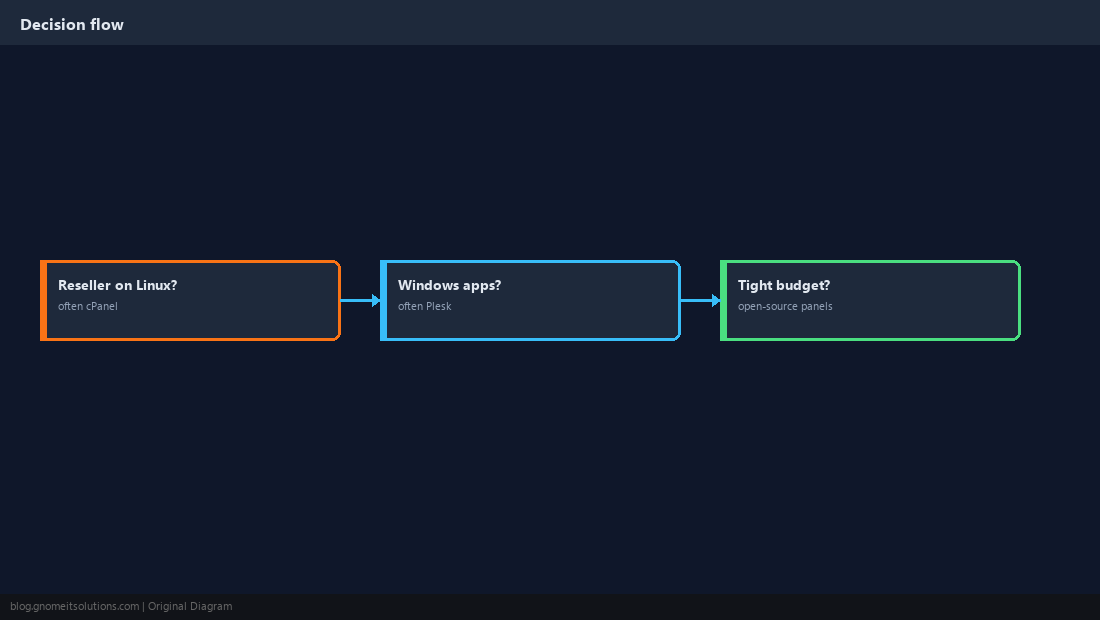
Quick Reference
Side-by-Side Summary
| Topic | cPanel (+ WHM) | Plesk |
|---|---|---|
| Primary sweet spot | Linux shared hosting & resellers | Linux + Windows, agencies, WordPress fleets |
| Typical license (2026 ballpark) | ~$40–$100+/mo direct retail by tier | ~$15–$90/mo by edition (VPS vs dedicated varies) |
| Reseller model | WHM account limits built-in | Service Provider / Web Host edition |
| Windows / IIS | Not applicable (Linux-focused) | Supported |
| WordPress tooling | Plugins / third-party | WP Toolkit (strong native story) |
| OS support | AlmaLinux/RHEL family (vendor list) | Multiple Linux + Windows Server |
| When to skip both | Single-site VPS, tight budget, or you want GitOps/Docker without a panel | |
- Confirm live pricing on vendor sites before quoting customers.
- License cost is only part of TCO — include RAM, backups, and support hours.
- For raw server skills, our Nginx and Docker Compose guides cover panel-less stacks.
Related tutorials
Diagrams are original illustrations by Gnome IT Solutions. Tutorial text © Gnome IT Solutions.