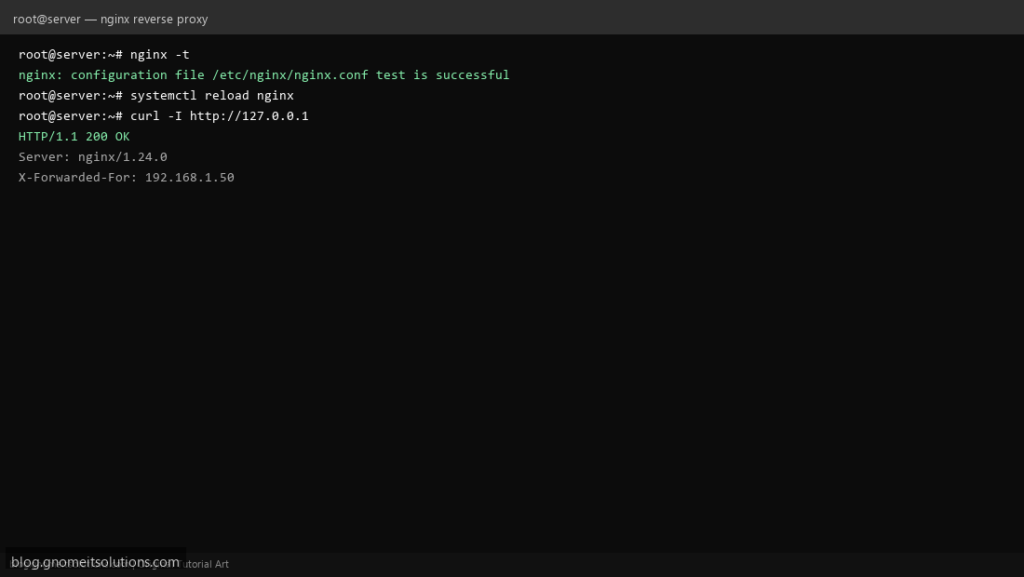
Use Nginx as a reverse proxy on Linux to expose internal apps (Node, Python, Docker) on port 443 with caching, rate limits, and TLS termination at the edge.
Step 1: Create a Server Block
Add a site under /etc/nginx/sites-available/ with proxy_pass http://127.0.0.1:3000; for your backend.
Step 2: Set Forwarded Headers
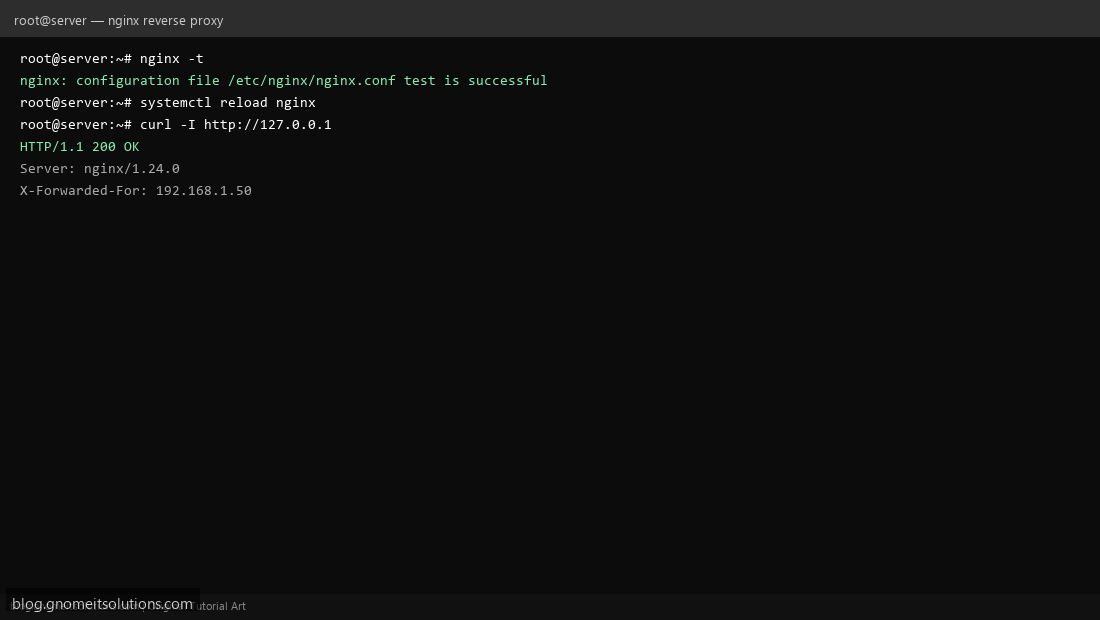
Pass client IP and scheme to the app with proxy_set_header Host, X-Real-IP, and X-Forwarded-For.
Step 3: Test and Reload Nginx
Always run nginx -t before systemctl reload nginx to avoid breaking live sites.
Example proxy block
server {
  listen 80;
  server_name app.example.com;
  location / {
    proxy_pass http://127.0.0.1:8080;
    proxy_set_header Host $host;
    proxy_set_header X-Real-IP $remote_addr;
    proxy_set_header X-Forwarded-For $proxy_add_x_forwarded_for;
  }
}
Related tutorials
Terminal screenshots are original illustrations created for Gnome IT Solutions (blog.gnomeitsolutions.com).