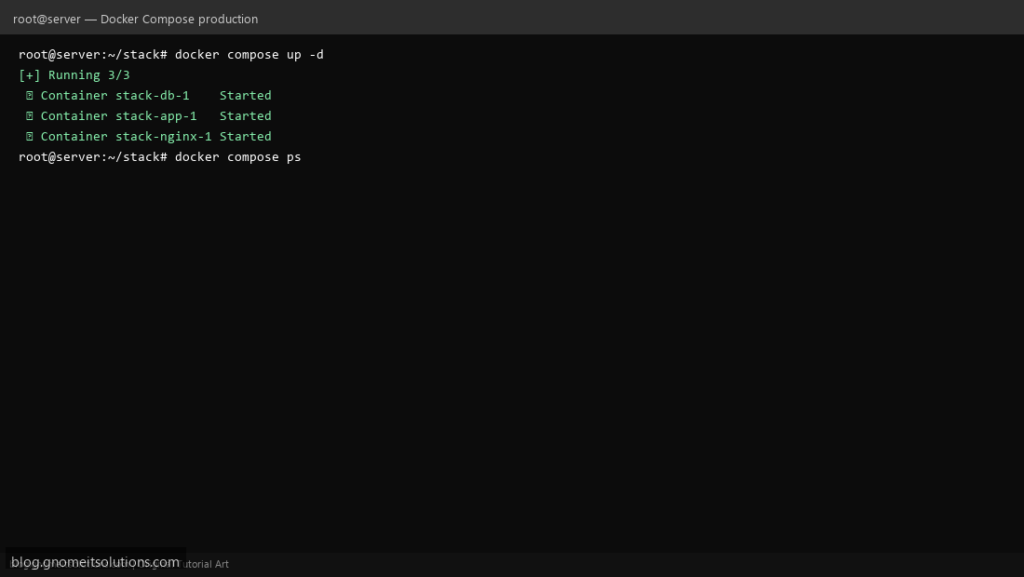
Go beyond hello-world with a production Docker Compose stack on Linux — Nginx reverse proxy, application container, PostgreSQL, named volumes, and health checks.
Step 1: Create docker-compose.yml
Define services: nginx, app, db with restart: unless-stopped, named volumes, and environment files.
Step 2: Configure Nginx Reverse Proxy
Mount custom nginx.conf that proxy_passes to the app container on the internal Docker network.
Step 3: Deploy and Verify
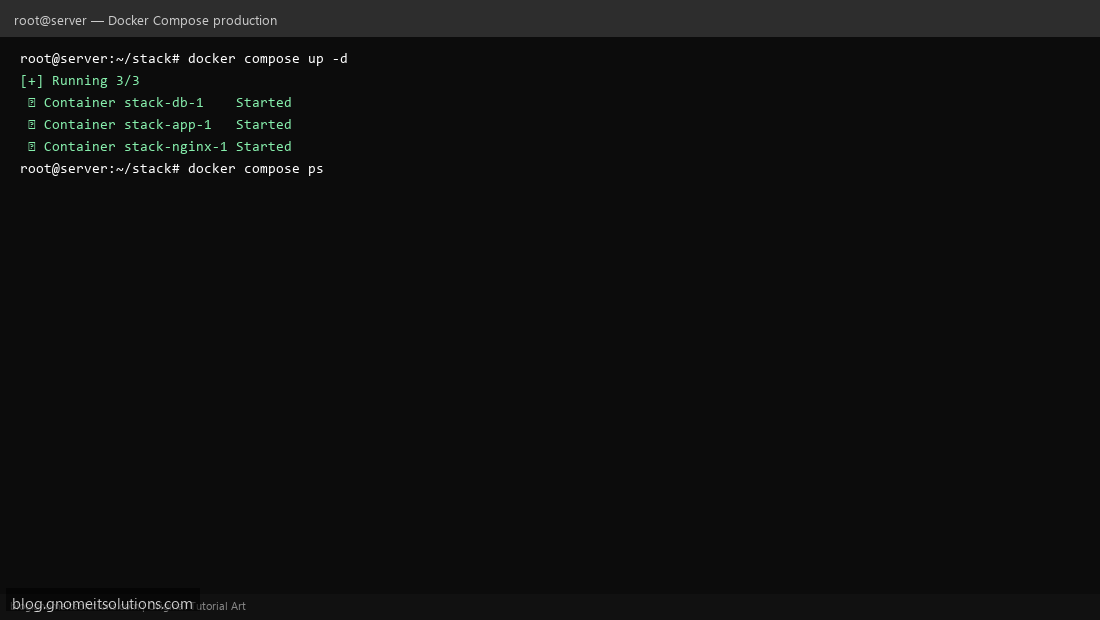
Run docker compose up -d, check docker compose ps, and test HTTP on port 80. Use docker container health check script from cron for monitoring.
Minimal compose example
services:
  db:
    image: postgres:16
    volumes: [pgdata:/var/lib/postgresql/data]
    environment:
      POSTGRES_PASSWORD: changeme
    restart: unless-stopped

  app:
    build: .
    depends_on: [db]
    restart: unless-stopped

  nginx:
    image: nginx:alpine
    ports: ["80:80"]
    volumes: [./nginx.conf:/etc/nginx/conf.d/default.conf:ro]
    depends_on: [app]
    restart: unless-stopped

volumes:
  pgdata:
Related tutorials
Terminal screenshots are original illustrations created for Gnome IT Solutions (blog.gnomeitsolutions.com).