The free command is searched constantly by admins who SSH into a slow box and need to know if RAM is the bottleneck. Modern kernels expose available — a better signal than the legacy free column alone.
Next steps: htop,
OOM troubleshooting,
add a swap file.
What free Shows
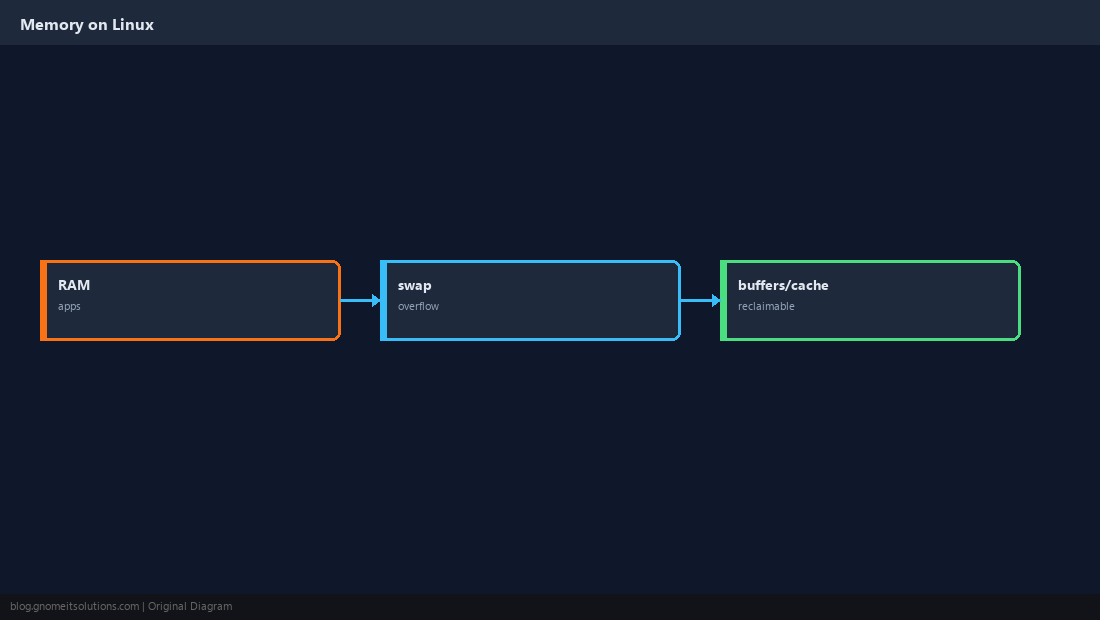
RAM usage split across apps, kernel caches, and swap spillover.
Run free -h
Human-readable megabytes/gigabytes — the default first check.
free -h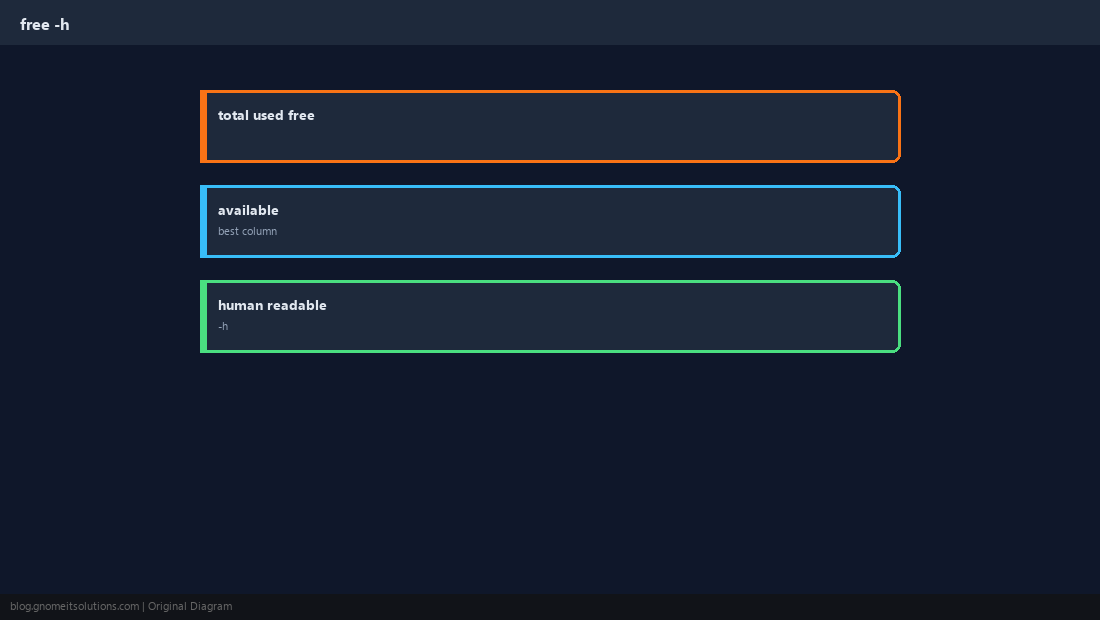
Focus on available
Linux can reclaim cache for applications; available estimates what is left for new allocations.
free -hw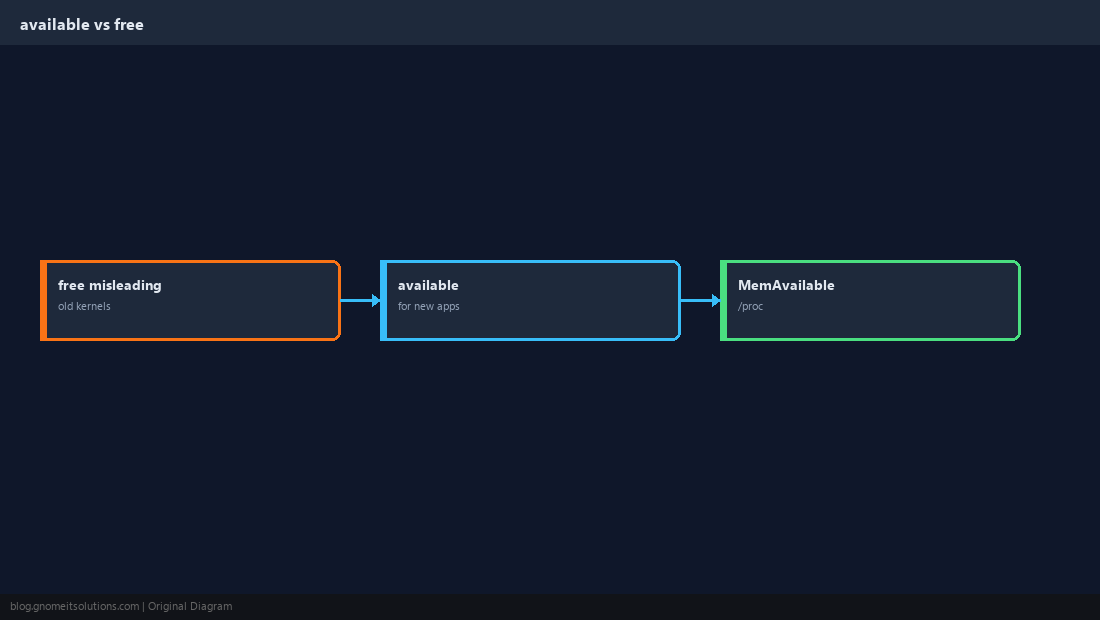
Swap Line
Non-zero swap used is not always bad — sustained swap in/out (si/so) means pressure.
swapon --show
vmstat 1 3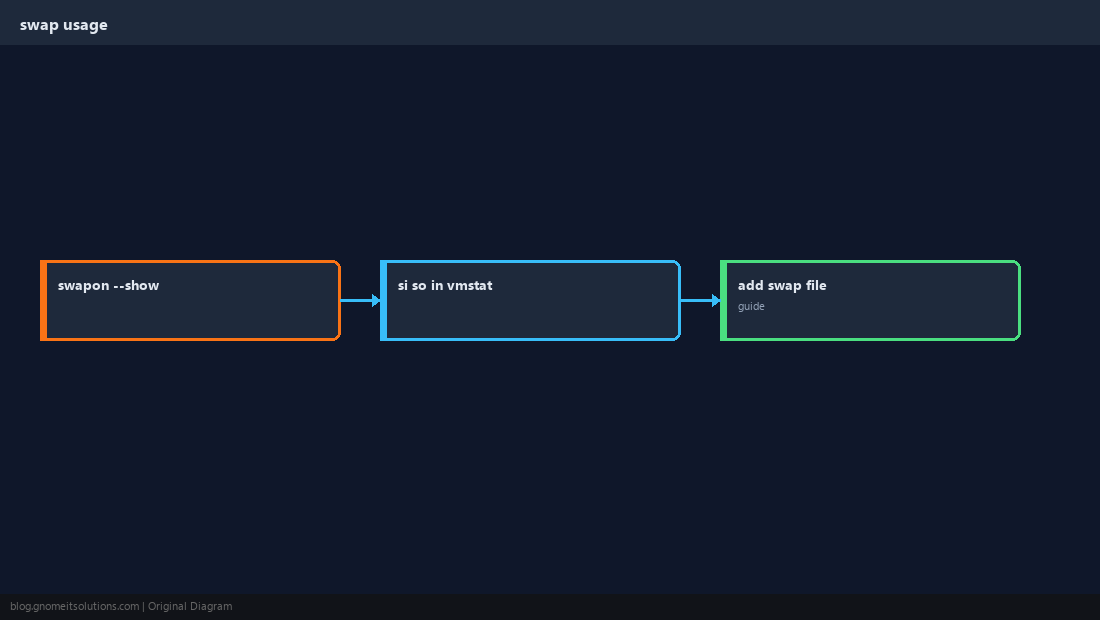
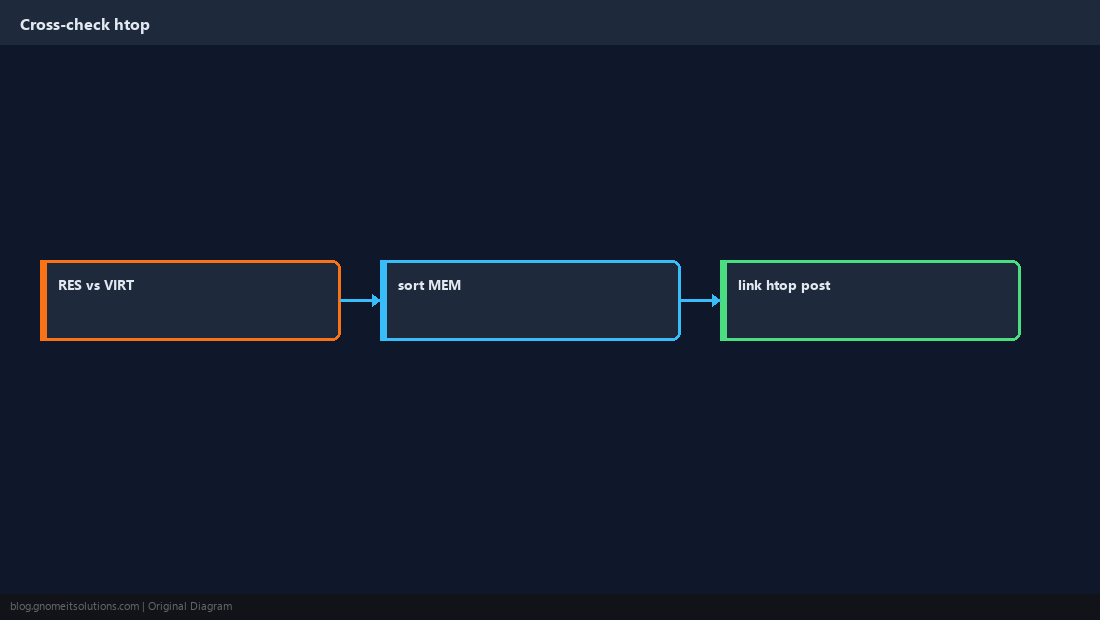
Confirm With htop
See which process holds RSS — free only shows the aggregate.
When Memory Is Critically Low
OOM killer, thrashing, database restarts — available near zero for long periods.
sudo dmesg -T | grep -i 'out of memory' | tail -5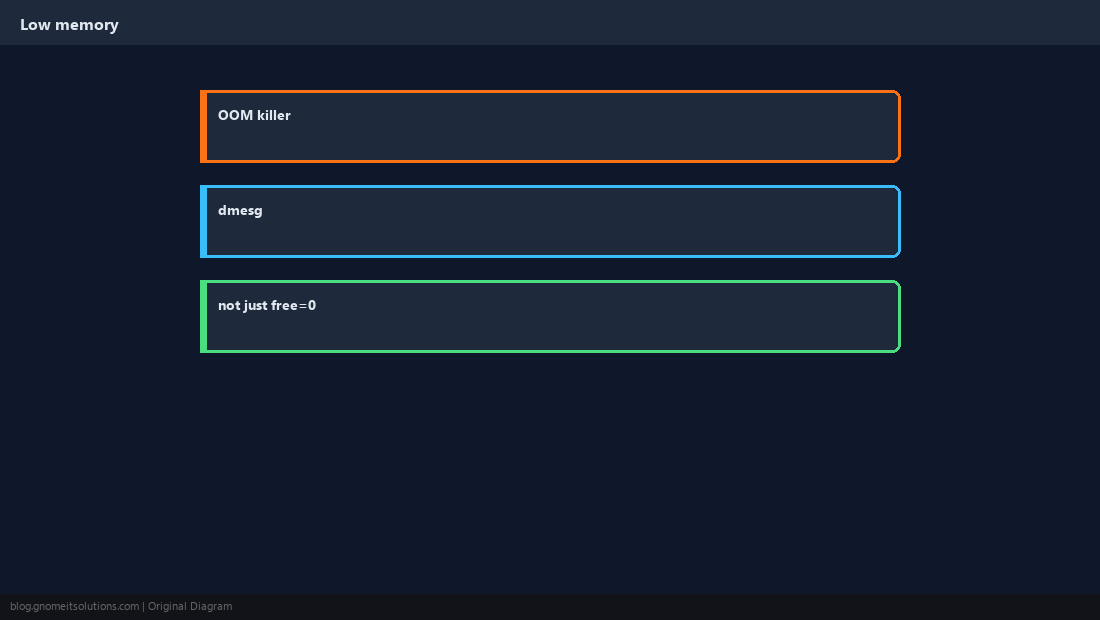
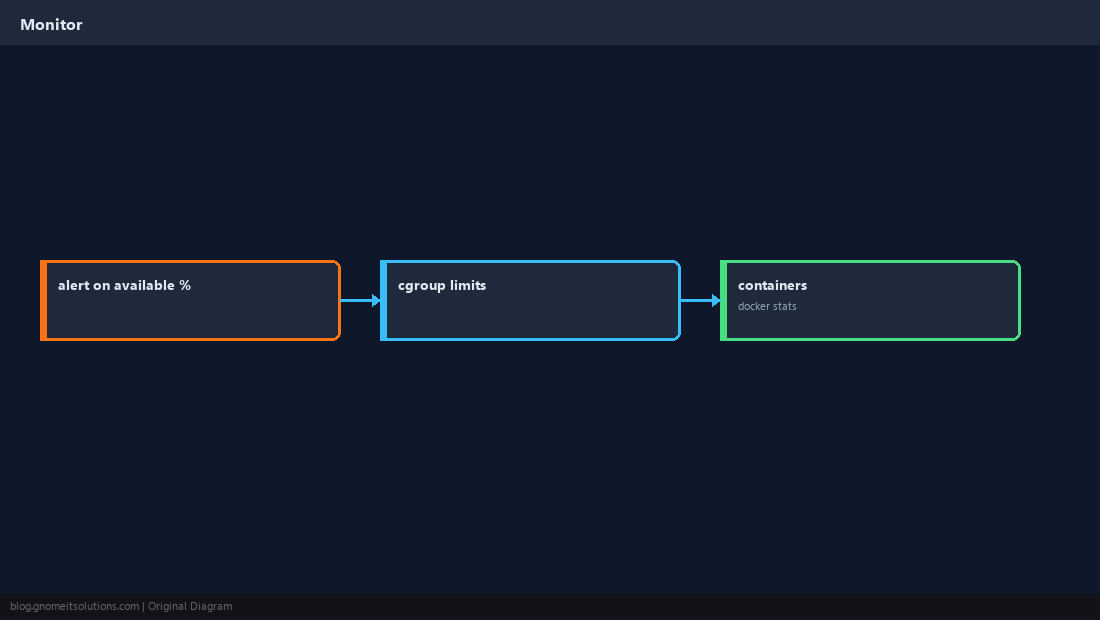
Monitor Trends
Alert on available percentage; containers have cgroup limits separate from host free.
Quick Reference
- Use
free -h— watch available - High swap I/O → investigate with htop/vmstat
- OOM → see OOM guide
Related tutorials
Diagrams are original illustrations by Gnome IT Solutions. Tutorial text © Gnome IT Solutions.