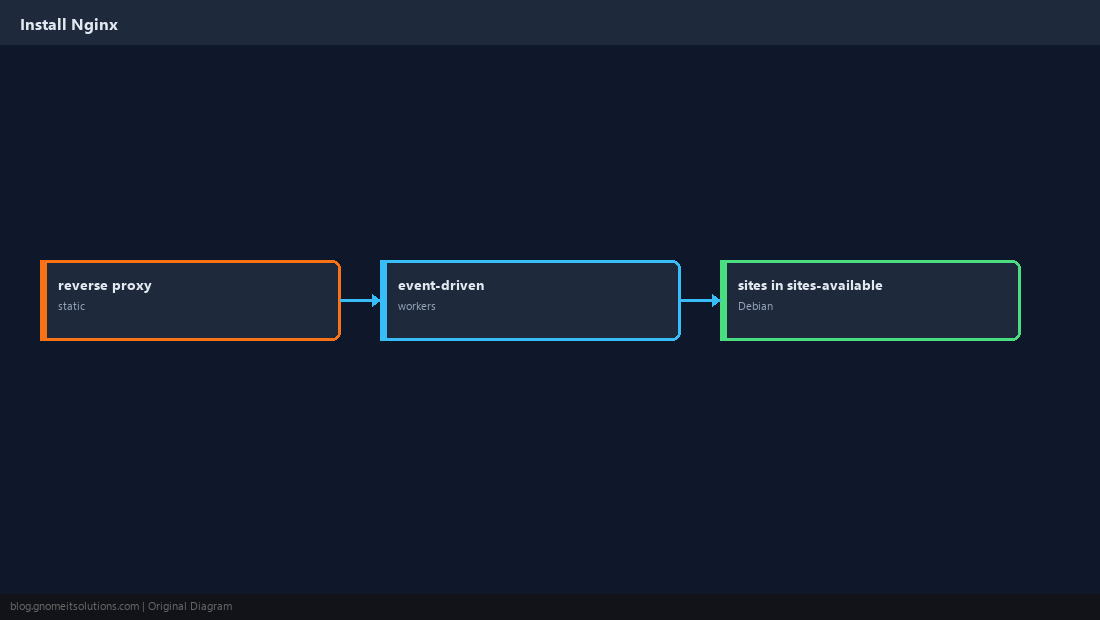
Install Nginx on Linux is the starting point for millions of LEMP stacks, Kubernetes ingress nodes, and static marketing sites. Nginx uses an event-driven worker model and keeps configuration in clear server blocks.
For TLS termination, upstream apps, and production tuning, continue with our
Nginx reverse proxy guide and
502 troubleshooting.
Why Nginx
Low memory footprint, strong static file performance, and a standard choice as a reverse proxy in front of Node, PHP-FPM, or Gunicorn.
Install the Package
Ubuntu uses nginx; AlmaLinux uses nginx from AppStream or EPEL depending on image.
sudo apt install -y nginx
sudo systemctl enable --now nginx
curl -sI http://127.0.0.1/ | head -3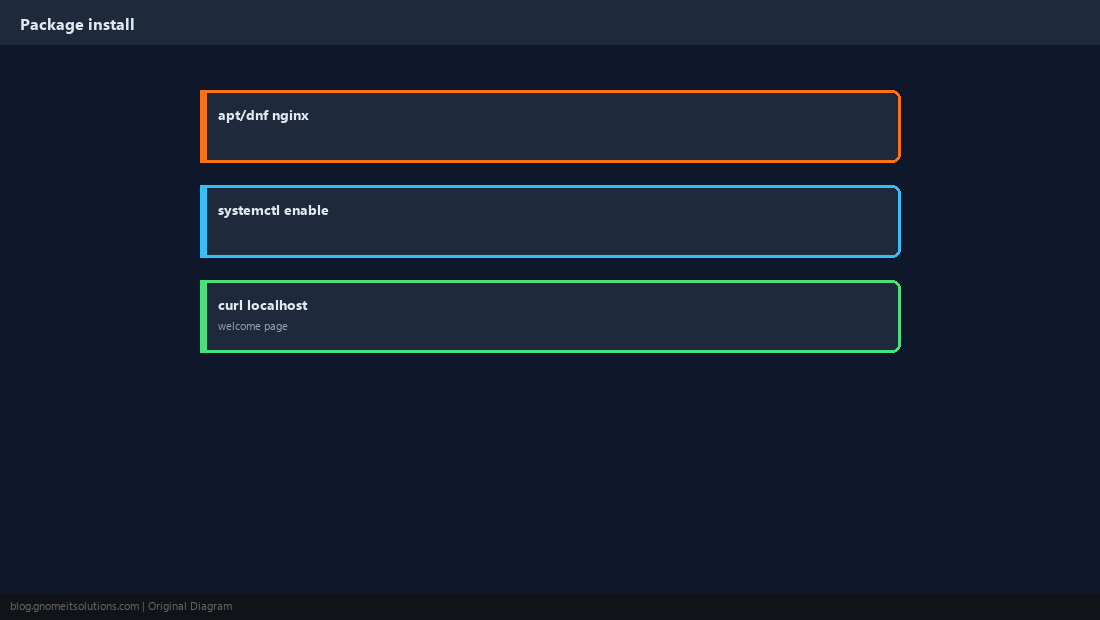
Configuration Layout
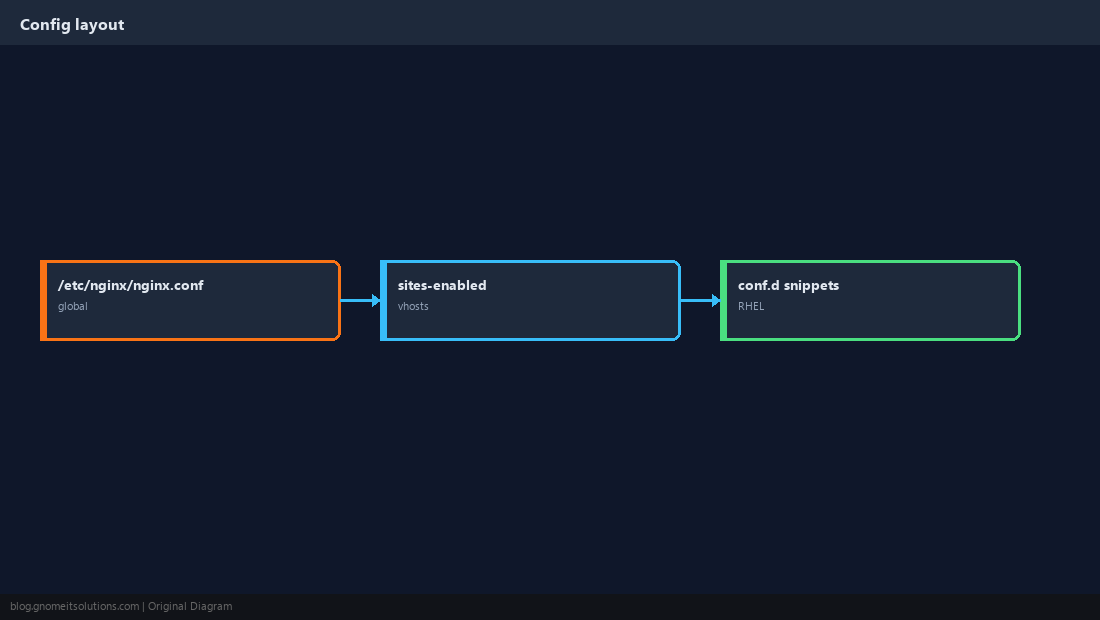
Global settings in nginx.conf; per-site files in sites-available (Debian) or conf.d/*.conf (RHEL).
Your First server Block
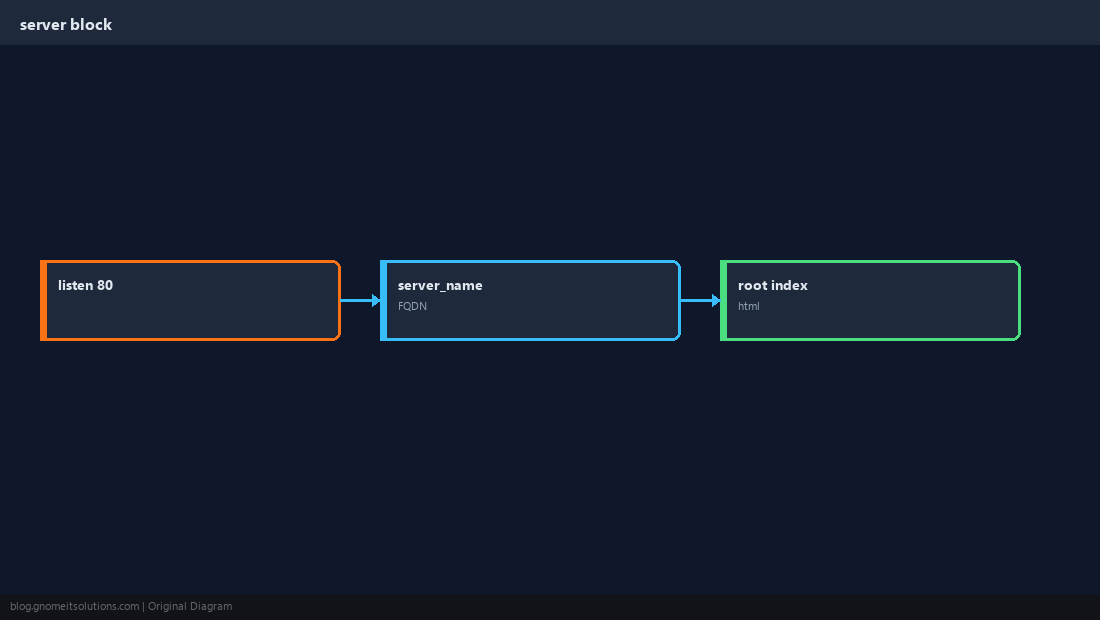
Define listen, server_name, root, and index for a hostname.
server {
    listen 80;
    server_name site.example;
    root /var/www/site.example/html;
    index index.html;
}
Test and Reload
Never skip nginx -t — a syntax error on reload can leave you fixing from console.
sudo nginx -t
sudo systemctl reload nginx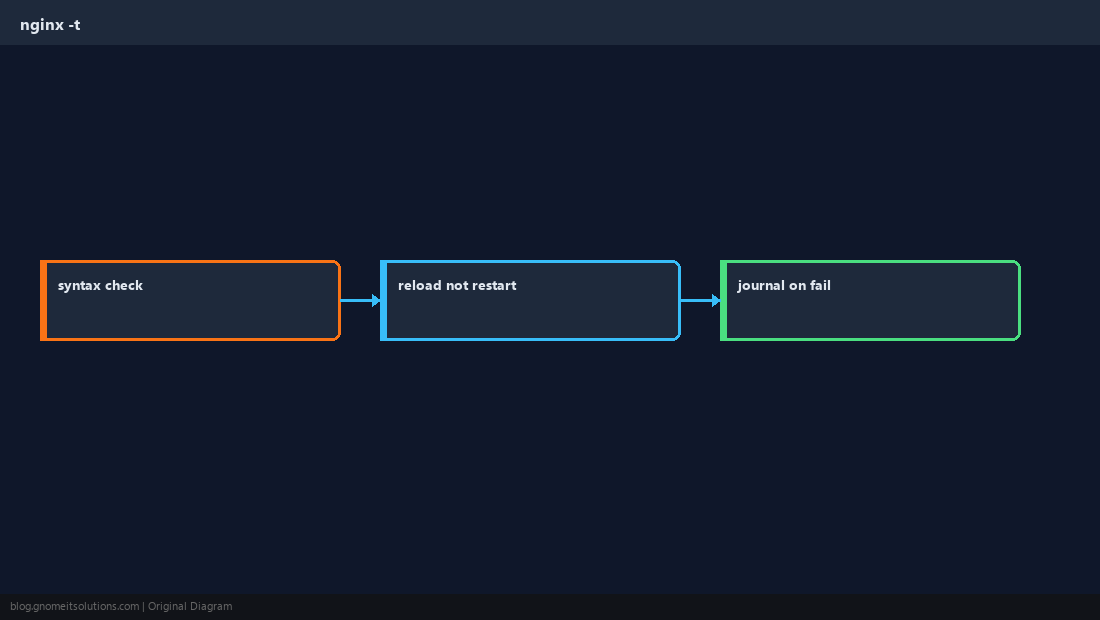
Serve a Static Site
Drop index.html in the root; optional gzip and cache headers for assets.
sudo mkdir -p /var/www/site.example/html
echo '<h1>Hello Nginx</h1>' | sudo tee /var/www/site.example/html/index.html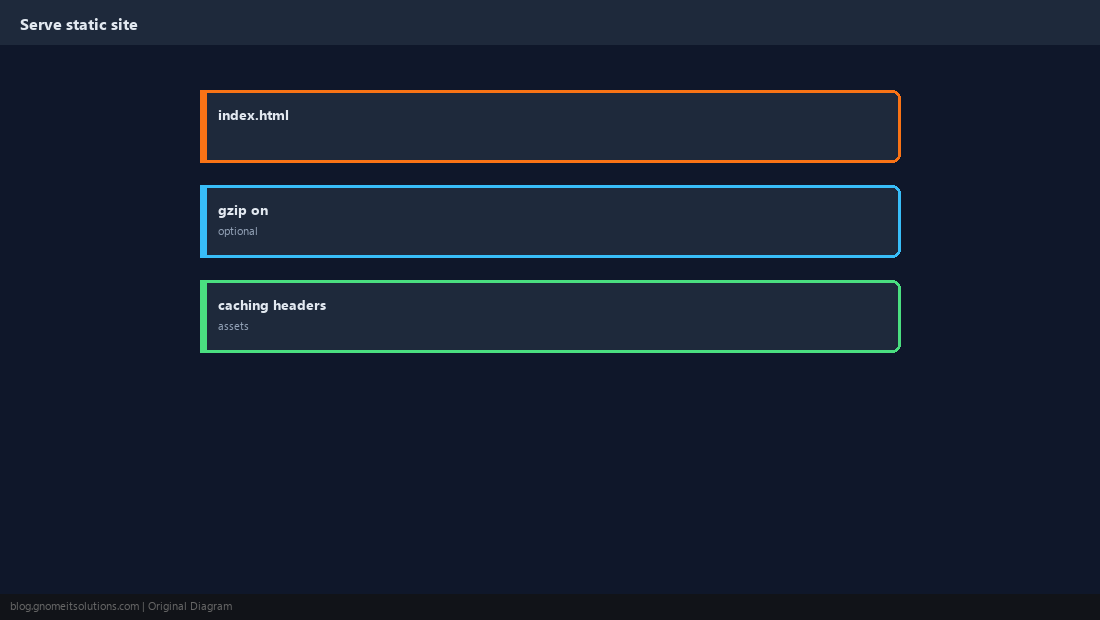
Intro to reverse proxy
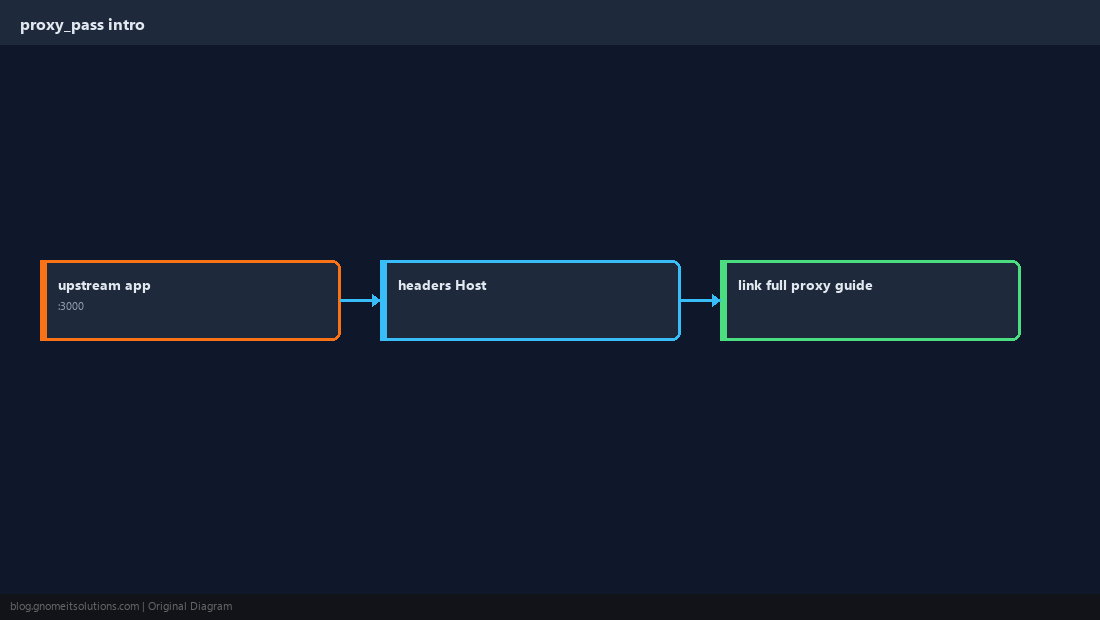
Pass traffic to an app on localhost — the pattern behind WordPress PHP-FPM and APIs.
location /app/ {
    proxy_pass http://127.0.0.1:3000/;
    proxy_set_header Host $host;
    proxy_set_header X-Real-IP $remote_addr;
}
Access and Error Logs
Default paths under /var/log/nginx/ — essential for debugging 4xx/5xx.
sudo tail -f /var/log/nginx/error.log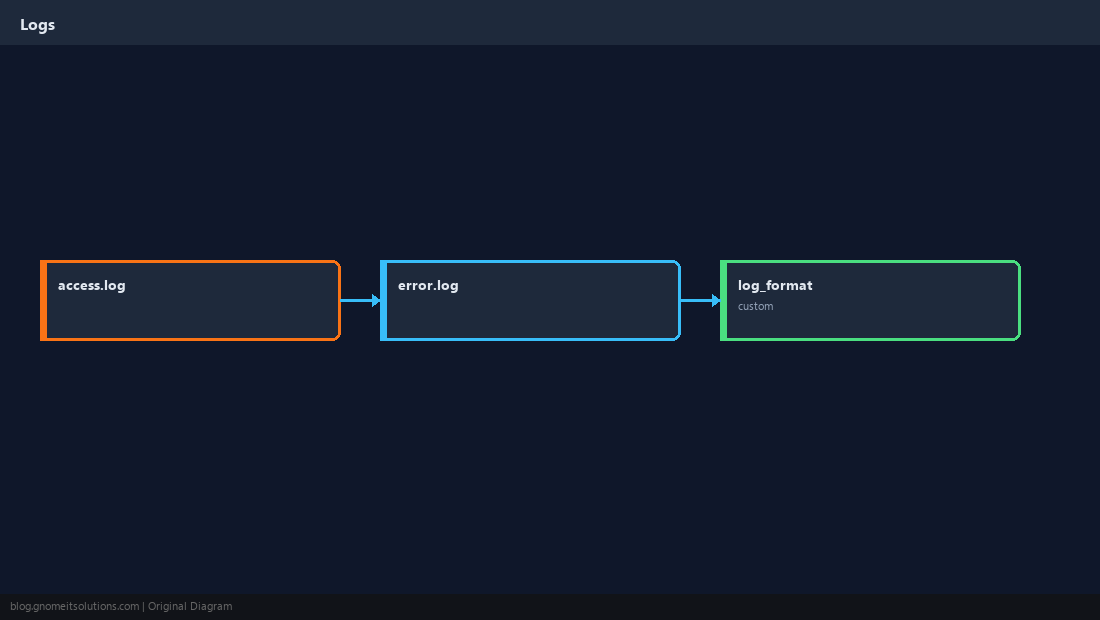
Firewall and Next Steps
Open 80/443, then add Certbot. Tune worker_connections only after you measure real traffic.
sudo ufw allow 'Nginx Full'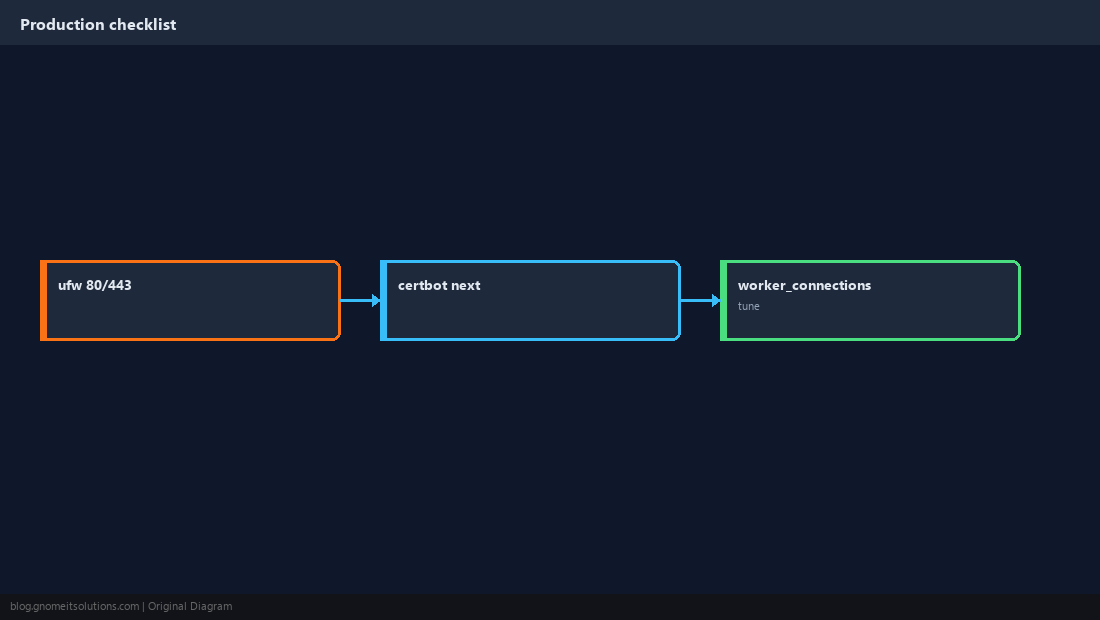
Quick Reference
nginx -tbefore everyreload- Debian: symlink from
sites-availabletosites-enabled - Production proxy/TLS: see our reverse proxy guide
Related tutorials
Diagrams are original illustrations by Gnome IT Solutions. Tutorial text © Gnome IT Solutions.