
Bash aliases shorten repetitive commands — colored grep, quick df -h, kubectl shortcuts. They belong in interactive config files, not in production scripts (use functions or full paths in scripts).
Foundation: shell scripting guide,
environment variables.
How Aliases Work
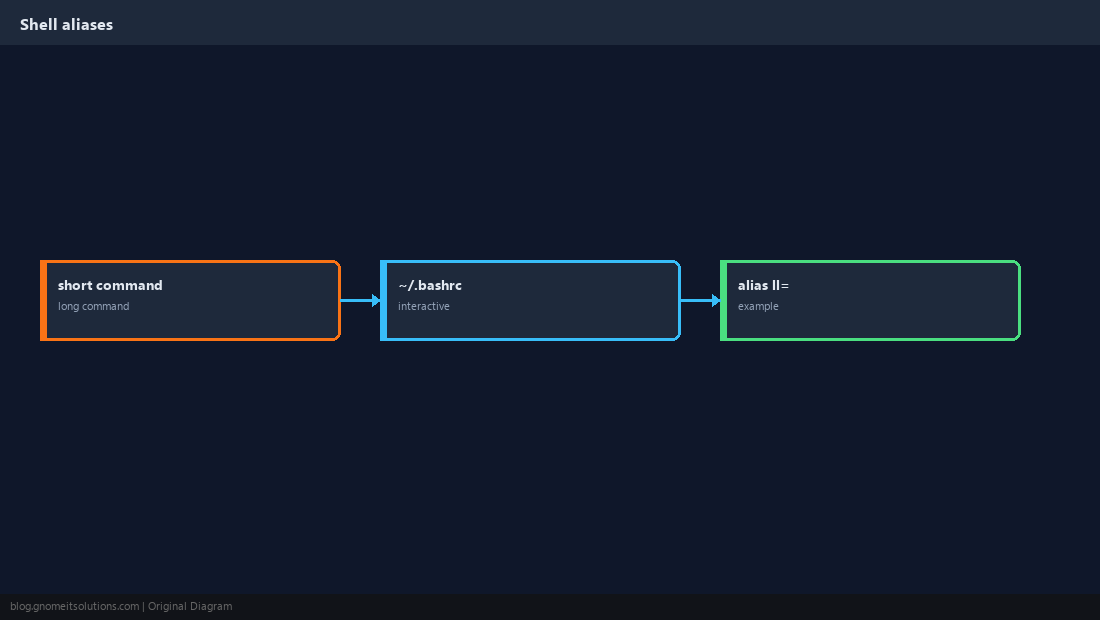
The shell expands an alias before executing the rest of the line.
Where to Put Them
~/.bashrc for interactive non-login shells (most terminal tabs). Login shells may read ~/.bash_profile first.
echo "alias ll='ls -lah --color=auto'" >> ~/.bashrc
source ~/.bashrc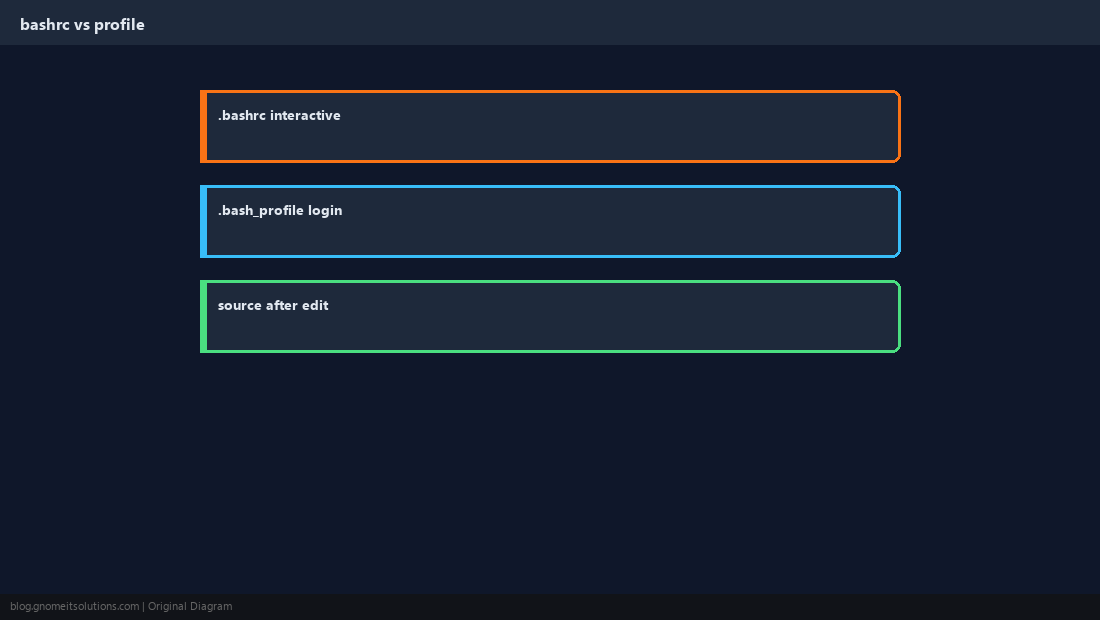
Avoid Risky Aliases
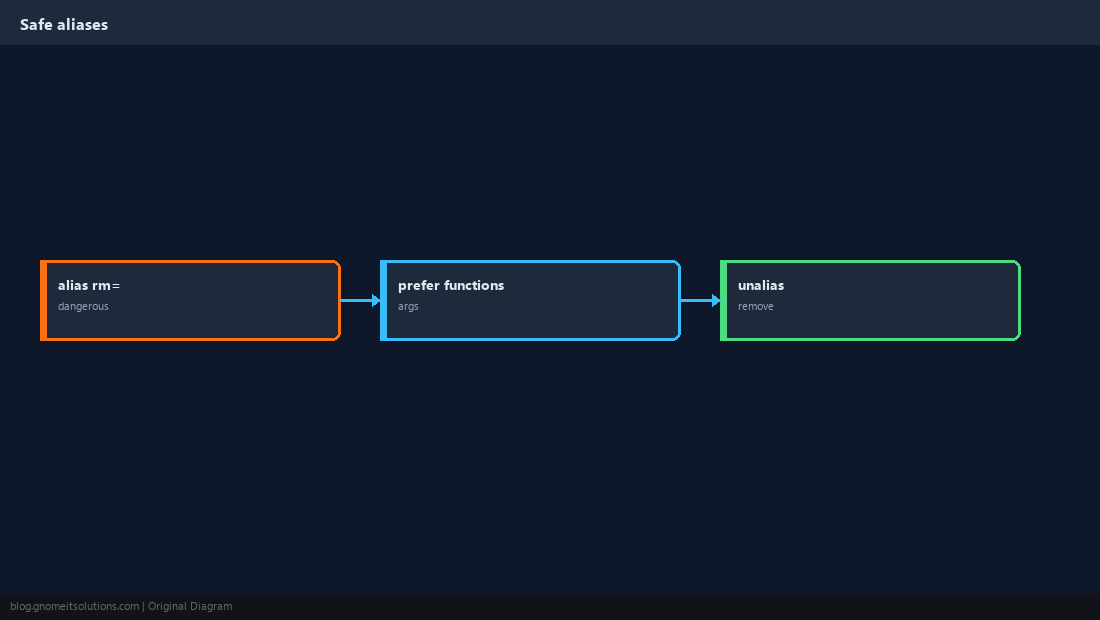
Aliasing rm -i is OK; aliasing rm -rf / patterns is not. Prefer functions when you need arguments.
Practical Examples
Productivity shortcuts operators actually keep for years.
alias grep='grep --color=auto'
alias ports='ss -tlnp'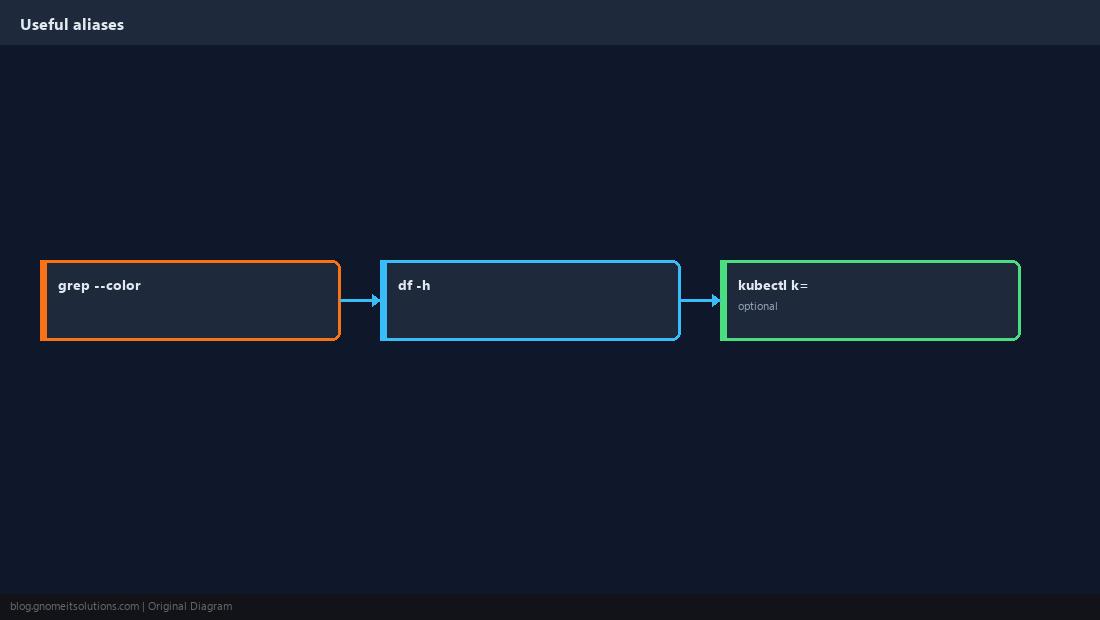
System-Wide Aliases
Drop a file in /etc/profile.d/ for all users on shared jump hosts.
echo "alias ll='ls -lah'" | sudo tee /etc/profile.d/aliases.sh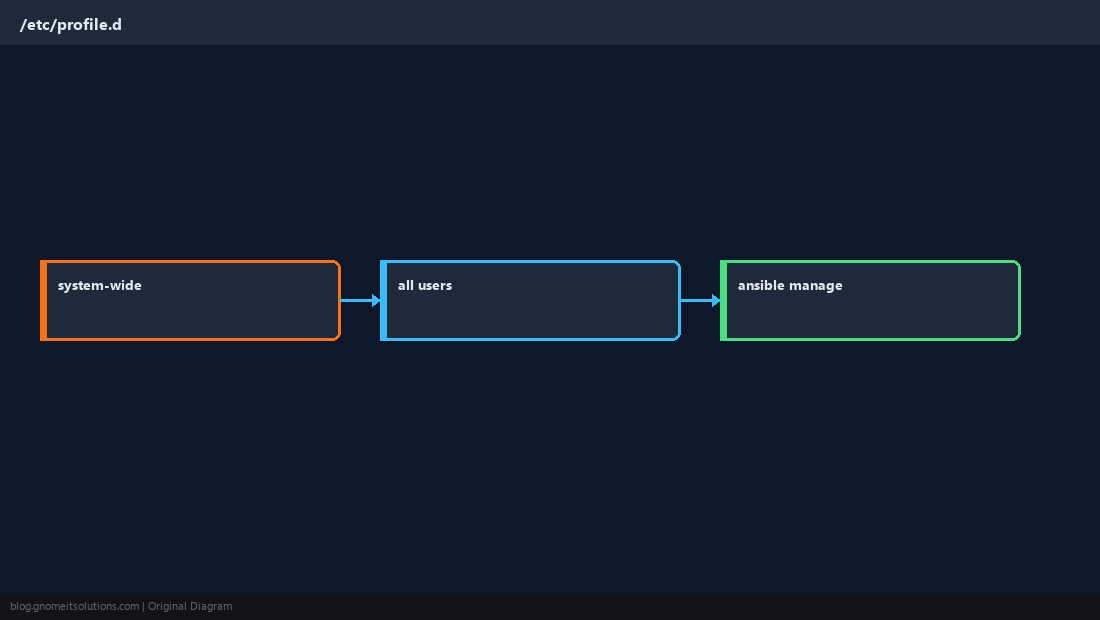
sudo and Non-Interactive Shells
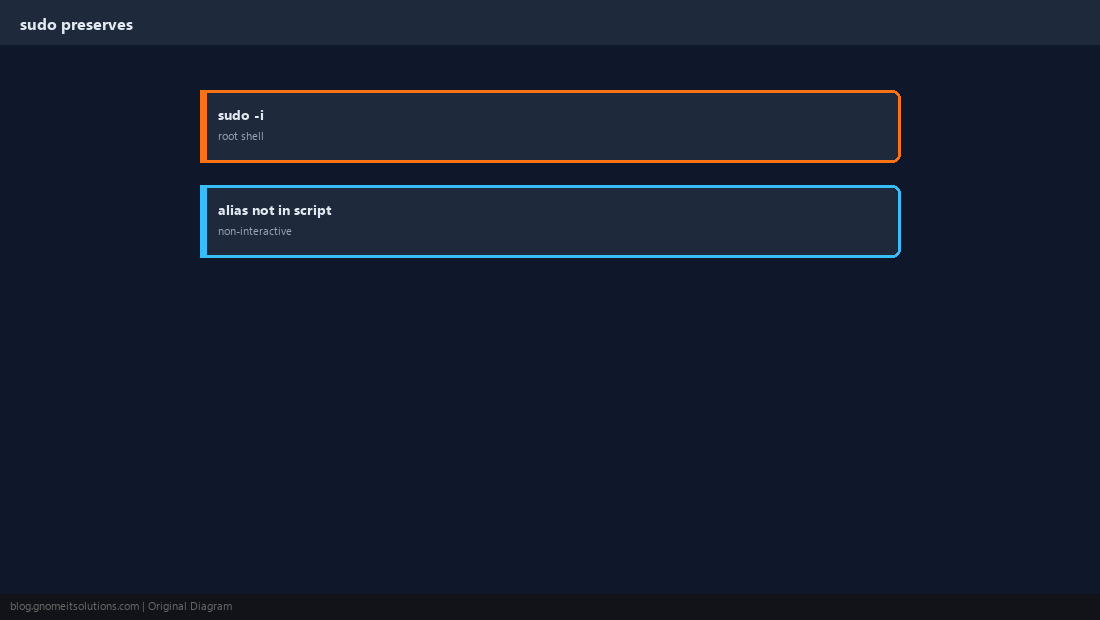
sudo cmd runs without your user aliases unless you use a login root shell.
List and Remove
type ll shows whether a name is alias, function, or binary.
type ll
alias | head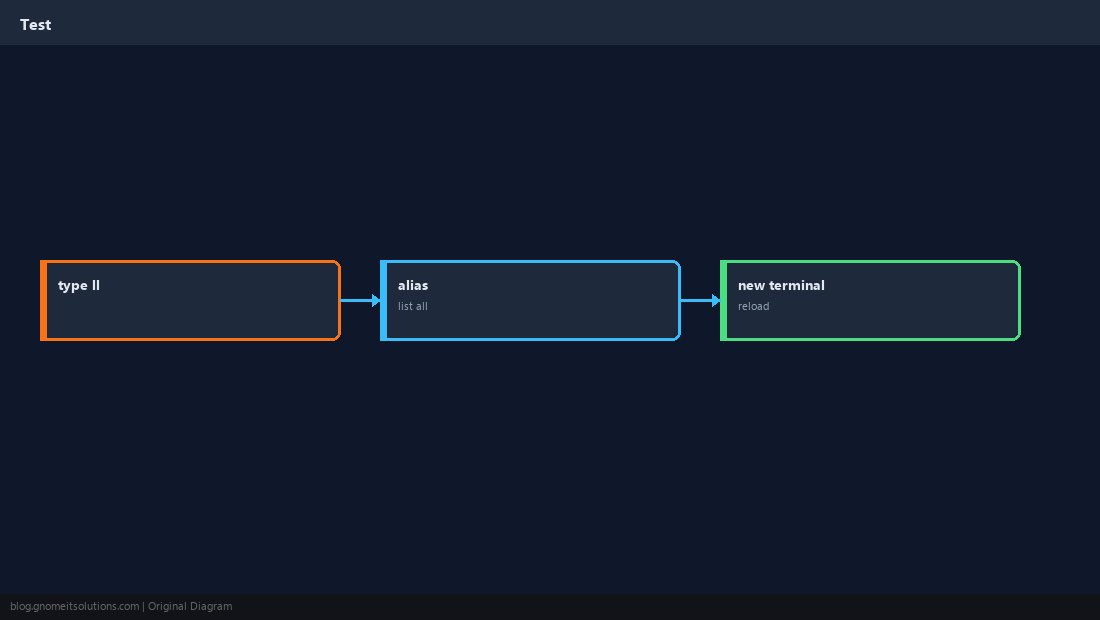
Quick Reference
- Edit
~/.bashrcthensource ~/.bashrc type cmdto see alias vs real binary- Cron/scripts: no aliases — use full paths
Related tutorials
Diagrams are original illustrations by Gnome IT Solutions. Tutorial text © Gnome IT Solutions.