tr on Linux reads from stdin only — it is the go-to for squeezing repeated spaces, stripping carriage returns from Windows files, and quick case changes in a pipeline.
Pair with: grep,
awk & sed,
cut.
Translate sets
Two equal-length sets map character-for-character.
bashlower
echo HELLO | tr 'A-Z' 'a-z'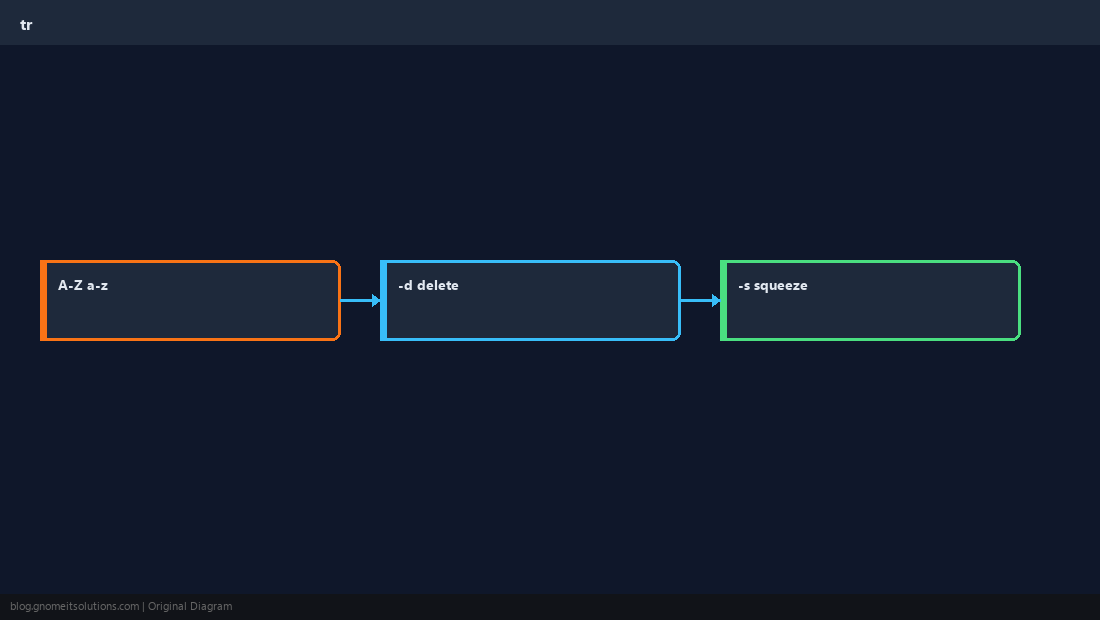
Delete characters
-d removes every listed character — common for control chars.
bashcrlf hint
tr -d '\r' < windows.txt > unix.txtSqueeze repeats
-s collapses runs of the same character to one.
bashspaces
echo 'a b' | tr -s ' 'Character classes
Use [:upper:], [:digit:], etc., for readability.
Warningtr does not understand multi-byte UTF-8 sequences like emoji — use
iconv or a language-aware tool for Unicode text.Quick Reference
- Map:
tr 'A-Z' 'a-z' - Delete:
tr -d '\r' - Squeeze:
tr -s ' '
Related tutorials
Diagrams are original illustrations by Gnome IT Solutions. Tutorial text © Gnome IT Solutions.